
Microsoft has officially begun rolling out Windows 11 version 25H2, the latest feature update for its flagship operating system. Designed to make Windows smarter, faster, and more accessible, this update brings a mix of AI-powered tools, security upgrades, gaming features, and user experience refinements – setting the stage for Microsoft’s growing Copilot+ ecosystem.
The headline addition to Windows 11 25H2 is deeper Copilot+ and agentic AI integration, allowing users to perform contextual actions, manage workflows, and access intelligent recommendations across the system.
In File Explorer, users can now right-click (or press Shift + F10) to trigger AI Actions such as:
- Bing Visual Search – identify products, landmarks, or faces directly from images.
- Blur Background – automatically focus on subjects in photos.
- Erase Objects – use Generative Erase to remove unwanted elements.
- Remove Background – one-click subject isolation in Paint.
For Microsoft 365 users, Copilot can now summarize documents, emails, and files stored in OneDrive or SharePoint – no need to open them manually. Business and enterprise users will also benefit from integrated People cards, providing instant collaboration insights within File Explorer.
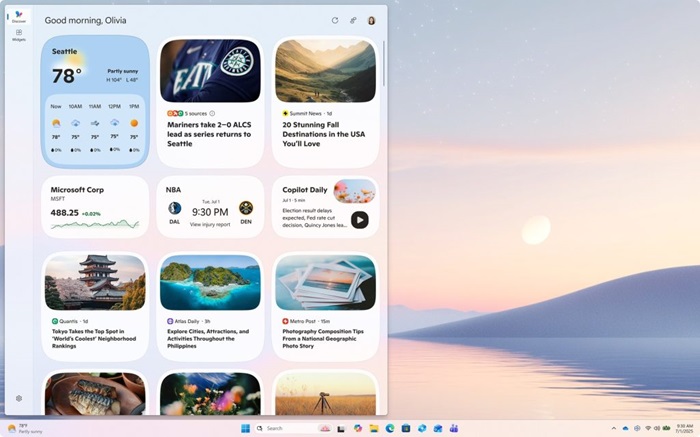
Widgets receive a major overhaul with multi-dashboard support and a redesigned Discover feed curated by Copilot, showcasing personalized stories, videos, and summaries.
Lock screen widgets are now customizable, letting users add or rearrange modules like Weather, Sports, and Watchlist for quick-glance updates.

Microsoft continues its accessibility-first approach by introducing a Braille viewer that allows users to view both Braille and text simultaneously – a major step forward for education and inclusion.
The Narrator in Microsoft Word now supports smoother navigation for lists, tables, and comments, while Voice Access gets natural language understanding – enabling mobility-impaired users to issue commands like, “Open Edge” or “Switch to Calendar.”
For gamers, Windows 11 25H2 debuts Gaming Copilot (Beta), integrated within the Game Bar, providing real-time assistance, performance suggestions, and voice-based commands.
The Xbox PC app has also been revamped with unified library access and a Network Quality Indicator to diagnose cloud gaming issues. Developers can look forward to advanced shader delivery, improving load times and reducing stuttering.
Security gets a serious boost in this release:
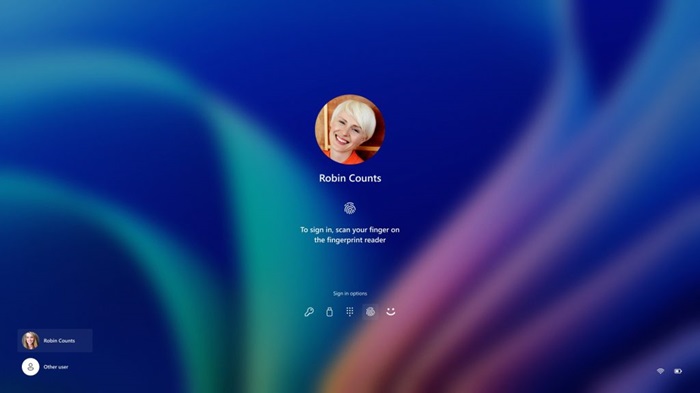
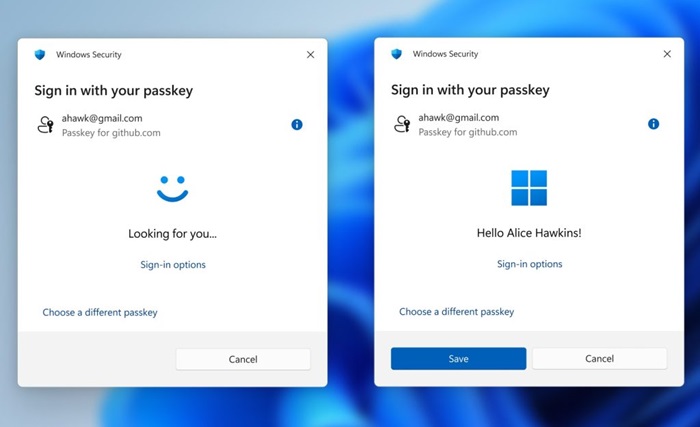
- Windows Hello now supports passkeys and automatically selects the safest login option.
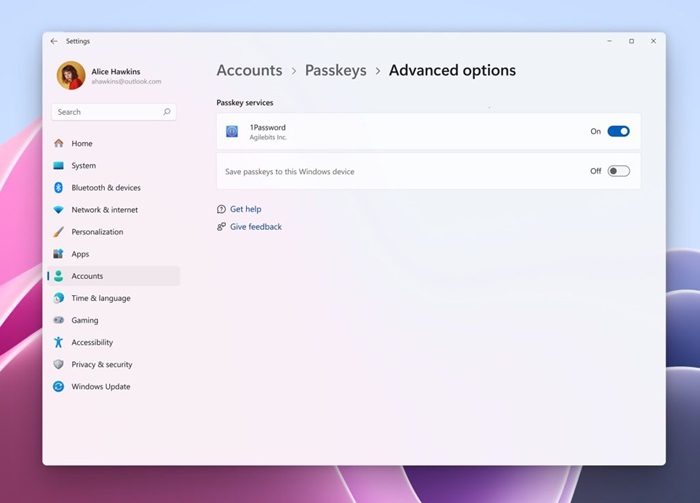
- Passkey Manager Integration allows tools like 1Password to use native Windows authentication.
- Edge Password Manager consolidates credentials for a safer, unified experience.
- Kernel Security has been partially rewritten in Rust, reducing memory vulnerabilities.
- Wi-Fi 7 support arrives, delivering faster, more stable connections across compatible devices.
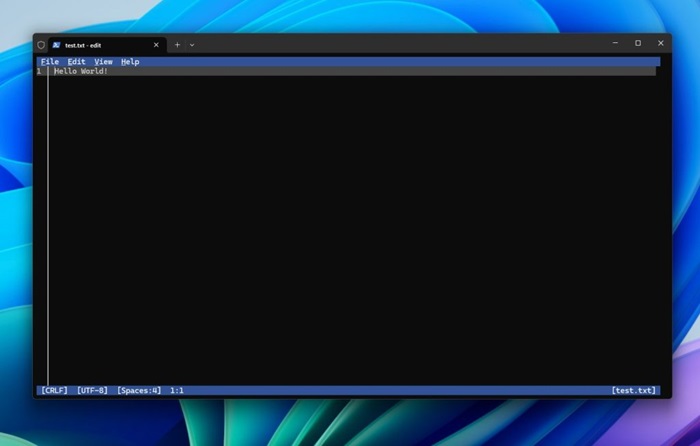
Developers will appreciate Git integration in File Explorer, a new Microsoft Edit command-line editor, and a redesigned Advanced Settings panel.
AI developers can now leverage Windows ML for model inference, while Task Manager introduces standardized metrics for better performance monitoring.
Windows 11 25H2 subtly polishes the interface with modernized dialogs, cleaner taskbar elements, and smoother animations.
Key refinements include:
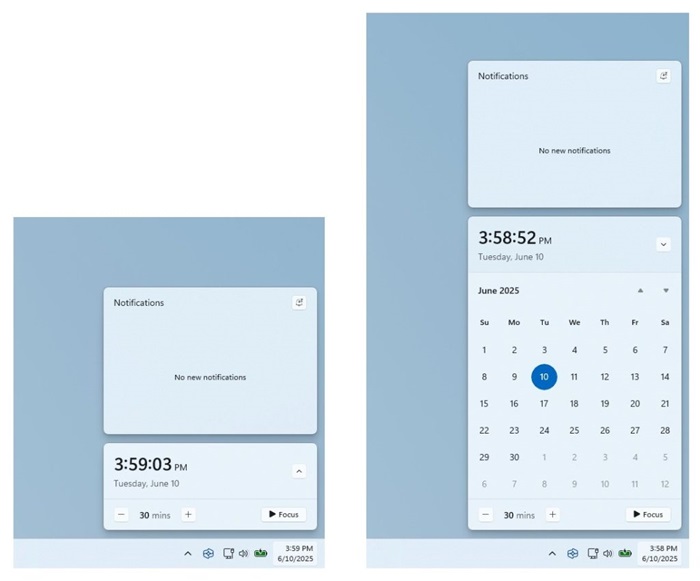
- Larger Clock with Seconds in the notification center and on secondary monitors.
- Dividers in File Explorer context menus for clearer navigation.
- Repositionable hardware indicators (brightness, volume, etc.) from Settings.
- New keyboard shortcuts for en dash (–) and em dash (—).
- Modernized pop-ups for updates, activations, and app crashes.
- Migrated time, language, and keyboard settings from Control Panel to Settings.
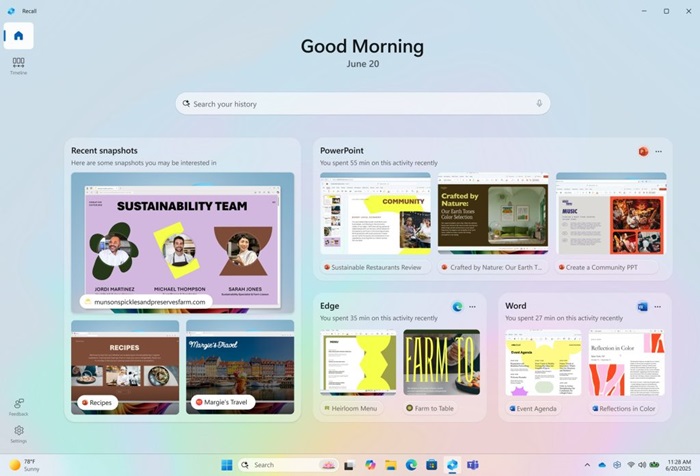
Windows 11 25H2 pushes Copilot+ even further with Recall (Preview) – a personalized homepage showing your recent activity snapshots and app usage.
A new Click to Do panel provides shortcuts to common AI tasks like summarizing text or editing photos, powered by the Phi Silica model.
Meanwhile, the Agent in Settings uses on-device Mu models to offer proactive suggestions and navigation links based on user context.
Several core apps have been enhanced:
- Paint adds a saveable .paint format and adjustable opacity for brushes.
- Snipping Tool gains Quick Markup for instant annotations.
- Notepad AI now summarizes or rewrites text without requiring a subscription (English only).
The Windows 11 25H2 update is now available through the Windows Update “seeker” experience for all eligible PCs. Users must install the October 2025 security patch to access the full range of new features and improvements.

