
Add MobiGyaan as a preferred source on GoogleASUS has expanded its premium Zenbook lineup with the new ASUS Zenbook DUO (UX8407AA), a Copilot+ PC designed to combine the portability of a conventional laptop with the flexibility of a dual-screen setup. Unlike a traditional notebook, the Zenbook DUO is built around a dual-display form factor, giving you additional screen space for multitasking, productivity, creative workflows, and other demanding use cases.
ASUS Zenbook DUO Review (UX8407AA)
₹278,990ⓘ
As an Amazon Associate, MobiGyaan earns from qualifying purchases.

The Zenbook DUO (UX8407) combines a 14-inch 3K ASUS Lumina OLED touchscreen display with a high-end hardware platform featuring the Intel Core Ultra 7 Processor 355, Intel Graphics, and an Intel NPU capable of delivering up to 49 TOPS of AI performance. The configuration also includes 32 GB LPDDR5X RAM and a 1 TB PCIe 4.0 SSD, providing a substantial hardware foundation for everyday productivity and AI-assisted workloads.
ASUS has also focused on the premium experience with features such as a 99 WHrs battery with 100W fast charging, Wi-Fi 7, dual Thunderbolt 4 ports, HDMI 2.1, a Full HD IR camera with Windows Hello support, Microsoft Pluton security, and MIL-STD 810H military-grade durability. The device comes with Windows 11 Home and Microsoft’s Copilot+ PC ecosystem, while ASUS also includes a stylus with wireless charging support for touch and pen-based interaction.
With its dual-screen design, high-resolution OLED display, powerful Intel Core Ultra platform, dedicated NPU, generous memory and storage, and extensive connectivity, the Zenbook DUO (UX8407) is aimed at those looking for more workspace and versatility without moving to a much larger laptop. We put the Zenbook DUO through its design, display, software, performance, AI capabilities, gaming, and battery experience to see how well this dual-screen Copilot+ PC performs in real-world use. Here’s our ASUS Zenbook DUO review (UX8407AA).
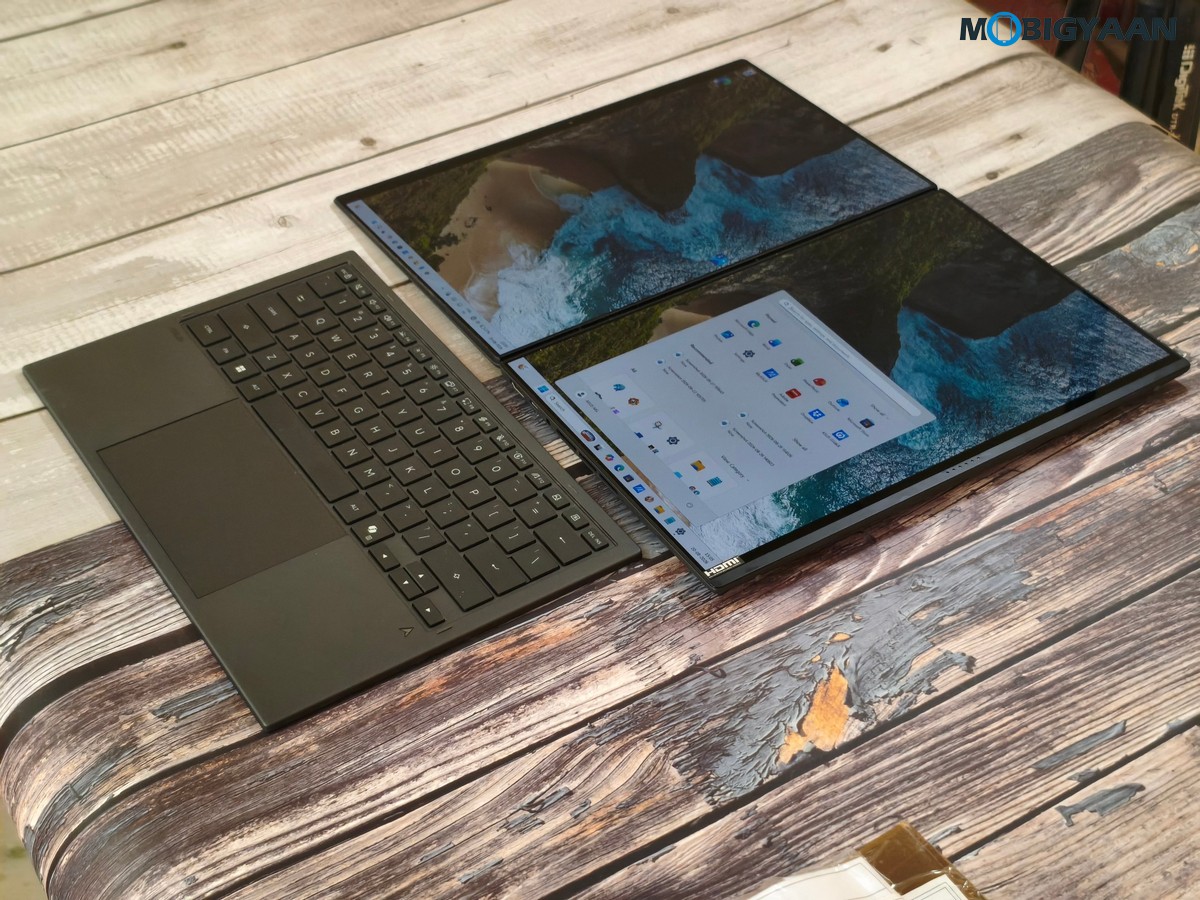
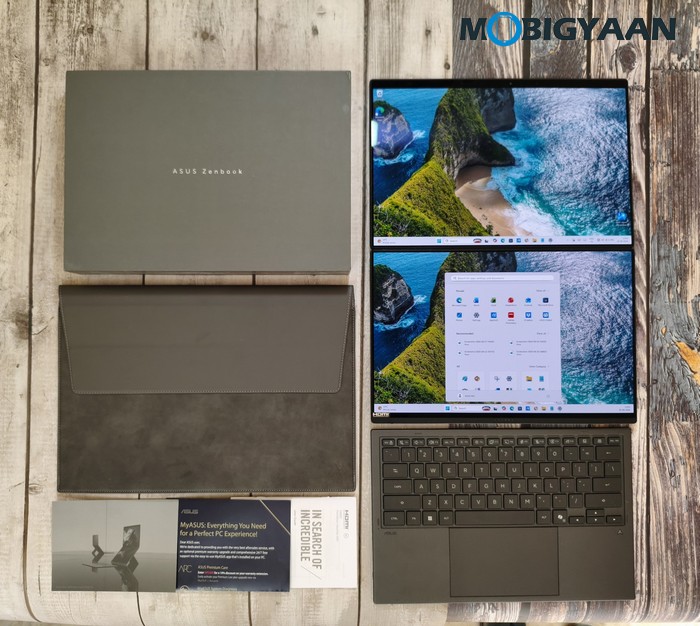
ASUS Zenbook DUO (UX8407AA): In-Box Contents
Inside the box, ASUS includes the essentials along with accessories designed to complement the dual-screen and touch-focused experience:
- ASUS Zenbook DUO (UX8407AA) Laptop
- Stylus with wireless charger
- Protective Sleeve
- User Guide & Documentation
- Warranty Information
Pre-Installed Software & Bundled Benefits
- Microsoft Windows 11 Home
- Microsoft Office Home 2024 (Lifetime License)
- Microsoft 365 Basic with 100 GB Cloud Storage (1 Year)
- MyASUS
- 3-Month Google AI Pro Subscription
- 1-Month Adobe Creative Cloud All Apps Membership
- 3-Month Goodnotes Essential Subscription
ASUS Zenbook DUO (UX8407AA) Specifications & Features
- Model: UX8407AA
- Display & Design: 14-inch 3K (2,880 x 1,800 pixels) OLED touchscreen display, 16:10 aspect ratio, 0.2 ms response time, 500 nits brightness, up to 1,100 nits HDR peak brightness, 100% DCI-P3 color gamut, 1,000,000:1 contrast ratio, VESA CERTIFIED DisplayHDR True Black 1000, 1.07 billion colors, PANTONE Validated, anti-reflection (AR) display, 70% less harmful blue light, ASUS Pen 3.0 (SA205H) stylus support, 93% screen-to-body ratio, Moher Gray color, US MIL-STD 810H military-grade standard
- Software: Microsoft Windows 11 Home, Copilot+ PC, Microsoft Office Home 2024 for lifetime, Microsoft 365 Basic with 100 GB Cloud Storage (1 Year), MyASUS, Google AI Pro (3-Month Subscription), Adobe Creative Cloud All Apps (1-Month Membership), Goodnotes Essential (3-Month Subscription)
- CPU: Intel Core Ultra 7 Processor 355 (8 cores, 8 threads, 12 MB Cache), clocked at 2.3 GHz with boost up to 4.7 GHz, Intel NPU delivering up to 49 TOPS AI performance
- GPU: Intel Graphics
- NPU: Intel NPU with up to 49 TOPS AI performance
- Memory: 32 GB LPDDR5X RAM (on-board)
- Storage: 1 TB M.2 NVMe PCIe 4.0 SSD, 1 x M.2 2280 PCIe 4.0 x4 slot, 100 GB Microsoft Cloud Storage (1 Year)
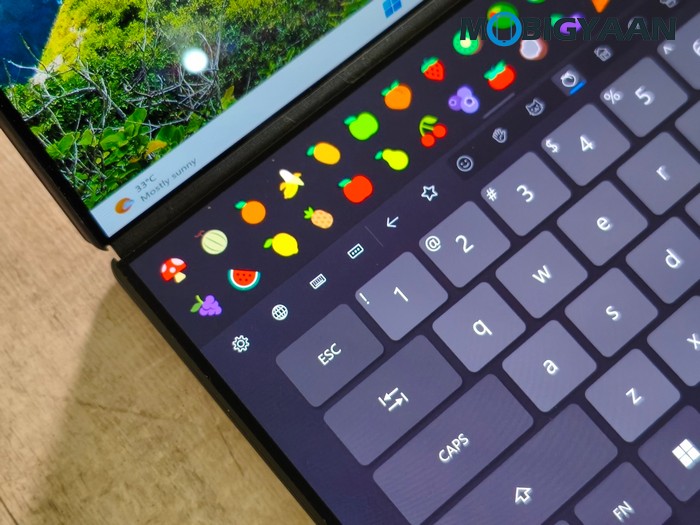
- Keyboard & Touchpad: Backlit Chiclet Soft Keyboard with 1.7 mm key travel, dedicated Copilot key, Precision touchpad
- Stylus: ASUS Pen 3.0 (SA205H) with wireless charger, support for Microsoft Pen Protocol (MPP) 2.6 technology, 160 mm length x 8.9 mm diameter, 15.9 grams weight
- Audio: Built-in speaker, Smart Amp Technology, built-in array microphone, Cortana support
- Connectivity: Wi-Fi 7 (802.11be, Tri-band) 2 x 2 + Bluetooth 5.4 Wireless Card, 2 x Thunderbolt 4 with Display and Power Delivery support (data speed up to 40 Gbps), 1 x USB 3.2 Gen 2 Type-A (data speed up to 10 Gbps), 1 x HDMI 2.1 FRL, 1 x 3.5 mm Combo Audio Jack
- Camera: Full HD IR camera with Windows Hello support
- Features: MyASUS, AI Noise Canceling, Live Update, TaskFirst, WiFi SmartConnect, Function Key Lock, Tru2Life, Fan Profile, Battery Health Charging, System Diagnosis
- Security: Trusted Platform Module (Firmware TPM), Microsoft Pluton security processor, IR webcam with Windows Hello support
- Battery: 99 WHrs, 4S1P, 4-cell Li-ion battery
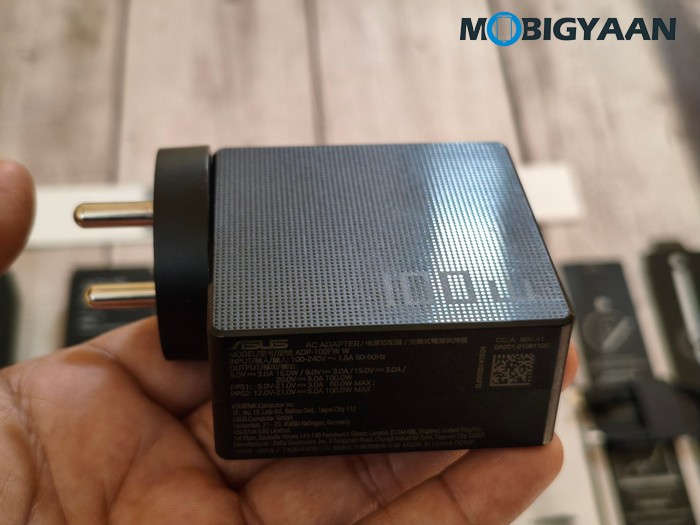
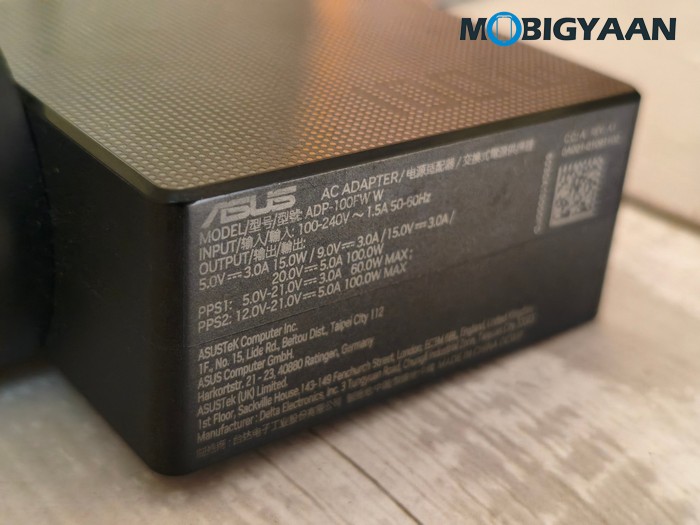
- Power Adapter: 100W USB Type-C AC Adapter, 20V/5A DC output, 100 – 240V AC, 50/60 Hz universal input
- Durability: US MIL-STD 810H military-grade standard
- Ecolabels & Compliances: RoHS, Energy Star
- Colors: Moher Gray
- Dimensions: 31.01 cm x 20.86 cm x 1.96 ~ 2.34 cm
- Weight: 1.65 kg (3.64 lbs)
- Included in the Box: Stylus with wireless charger (ASUS Pen SA205H-MPP2.6 support), Protective Sleeve
Design, Display, & Build Quality
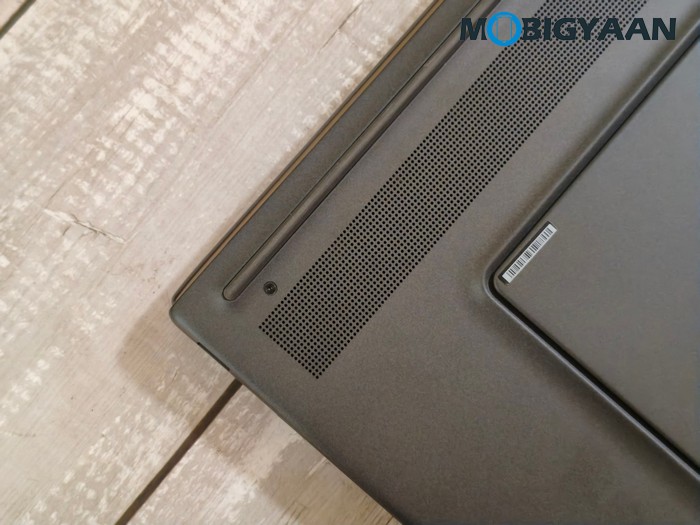
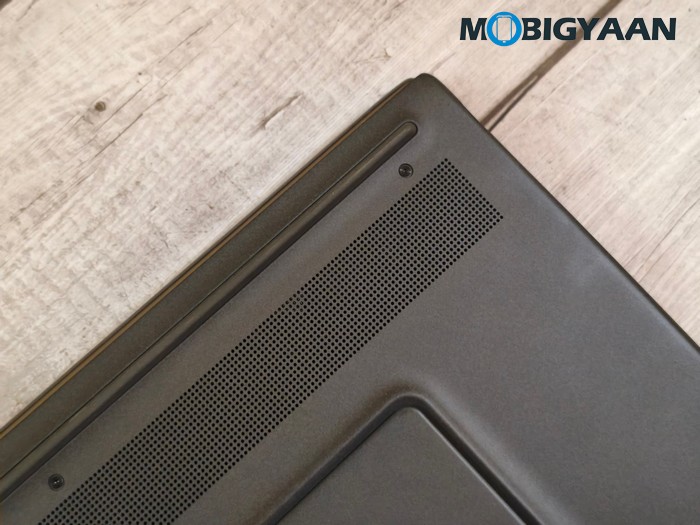
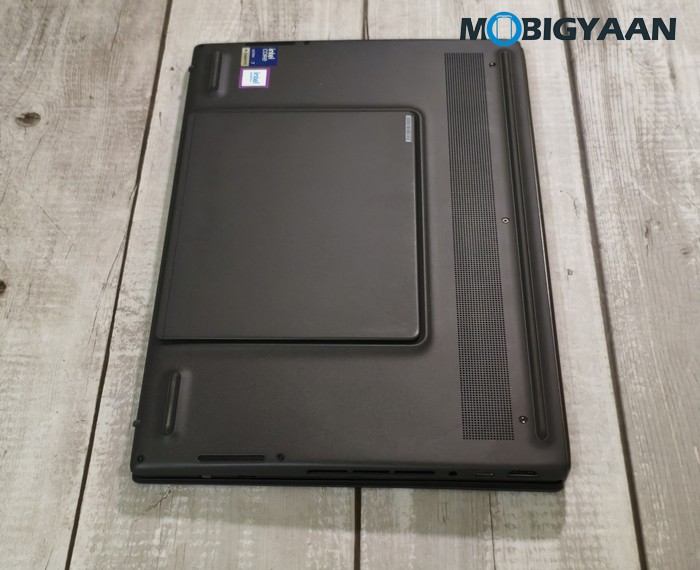
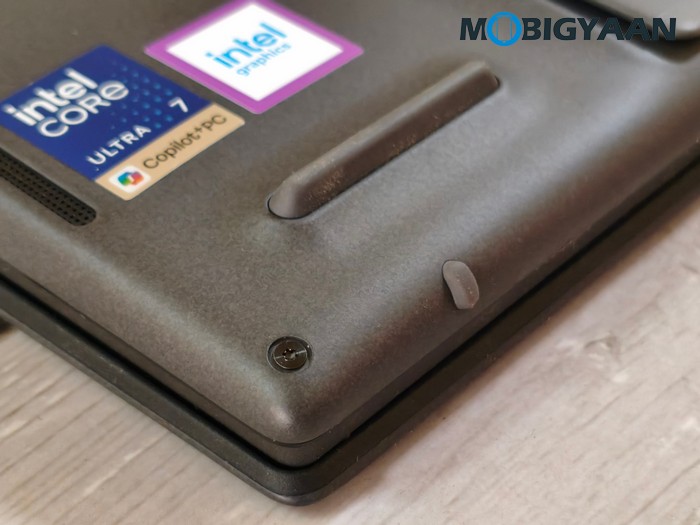
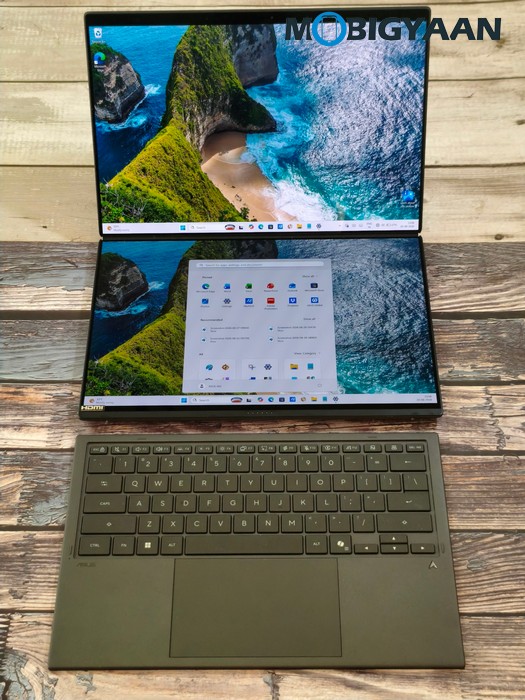
Moving to its design, the ASUS Zenbook DUO takes a different approach from a conventional ultrabook by combining its laptop form factor with a dual-screen setup. The additional display area is designed to provide greater flexibility for multitasking, productivity, creative work, and touch-based interaction, while retaining the portability of a 14-inch-class notebook. The notebook is also surprisingly slim considering two separate screens, a larger battery cell, powerful underlying hardware, and a keyboard on top.
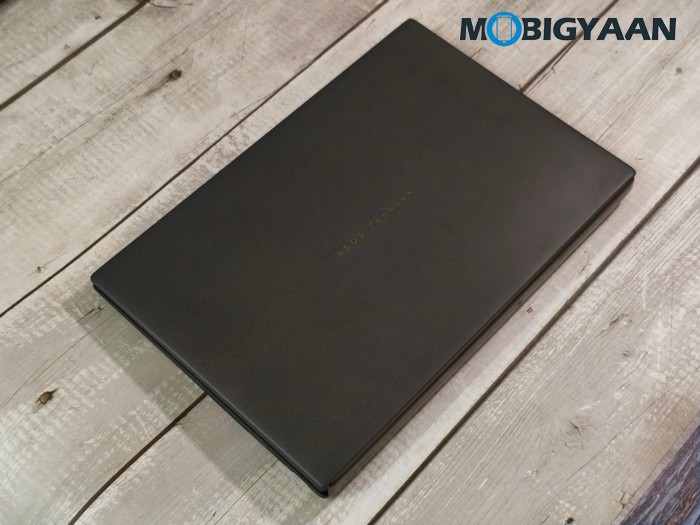
The Zenbook DUO is finished in Moher Gray and measures 31.01 cm x 20.86 cm, with its thickness ranging from 1.96 cm to 2.34 cm. At 1.65 kg, it is understandably heavier than a conventional single-screen 14-inch laptop, but the weight remains reasonable considering the additional display hardware and dual-screen design.
ASUS also gives the Zenbook DUO a US MIL-STD 810H military-grade standard rating, providing additional durability for everyday use. The overall design is focused on balancing the flexibility of a dual-display workstation with the practicality expected from a premium portable laptop.
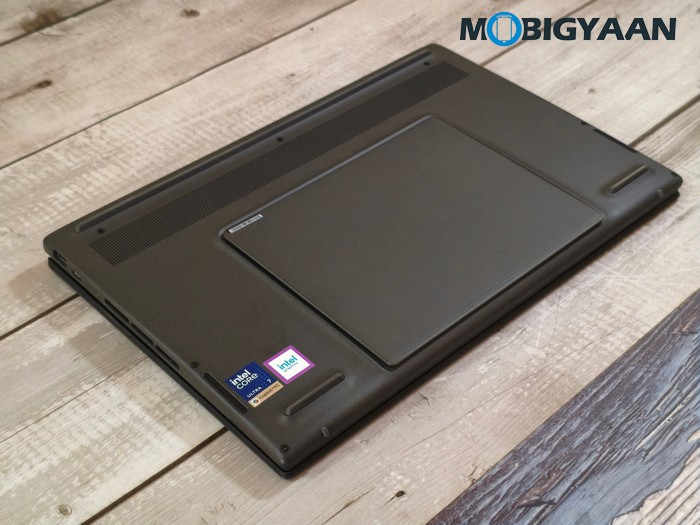
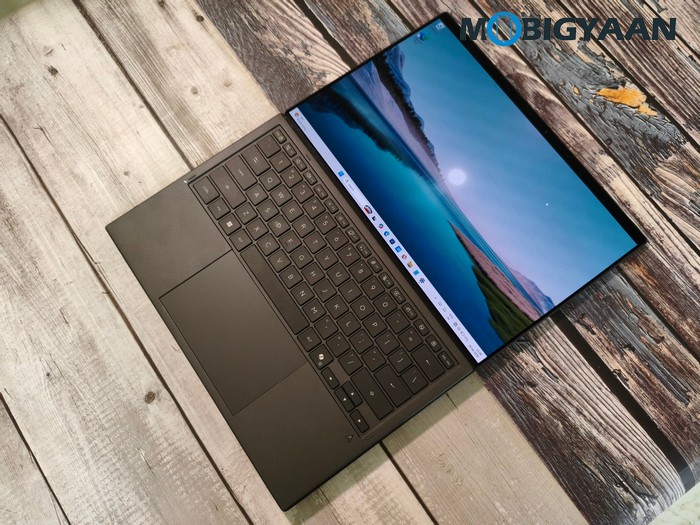
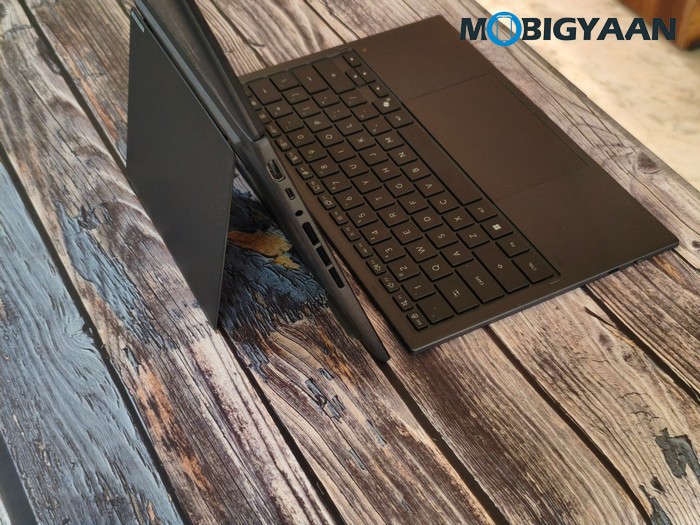
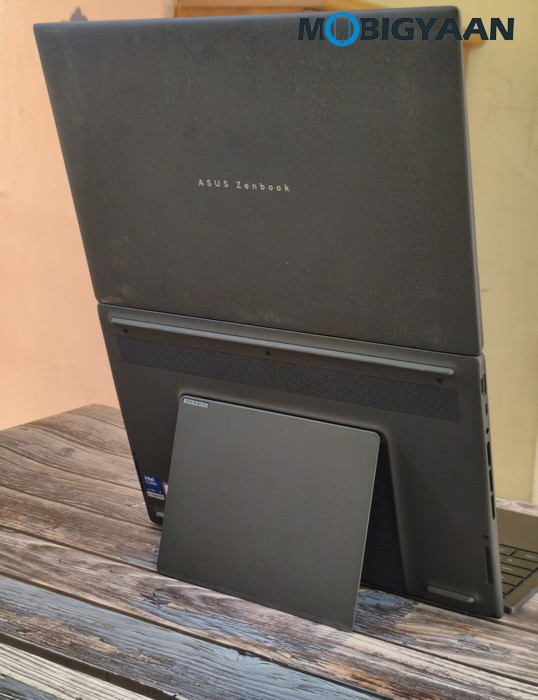
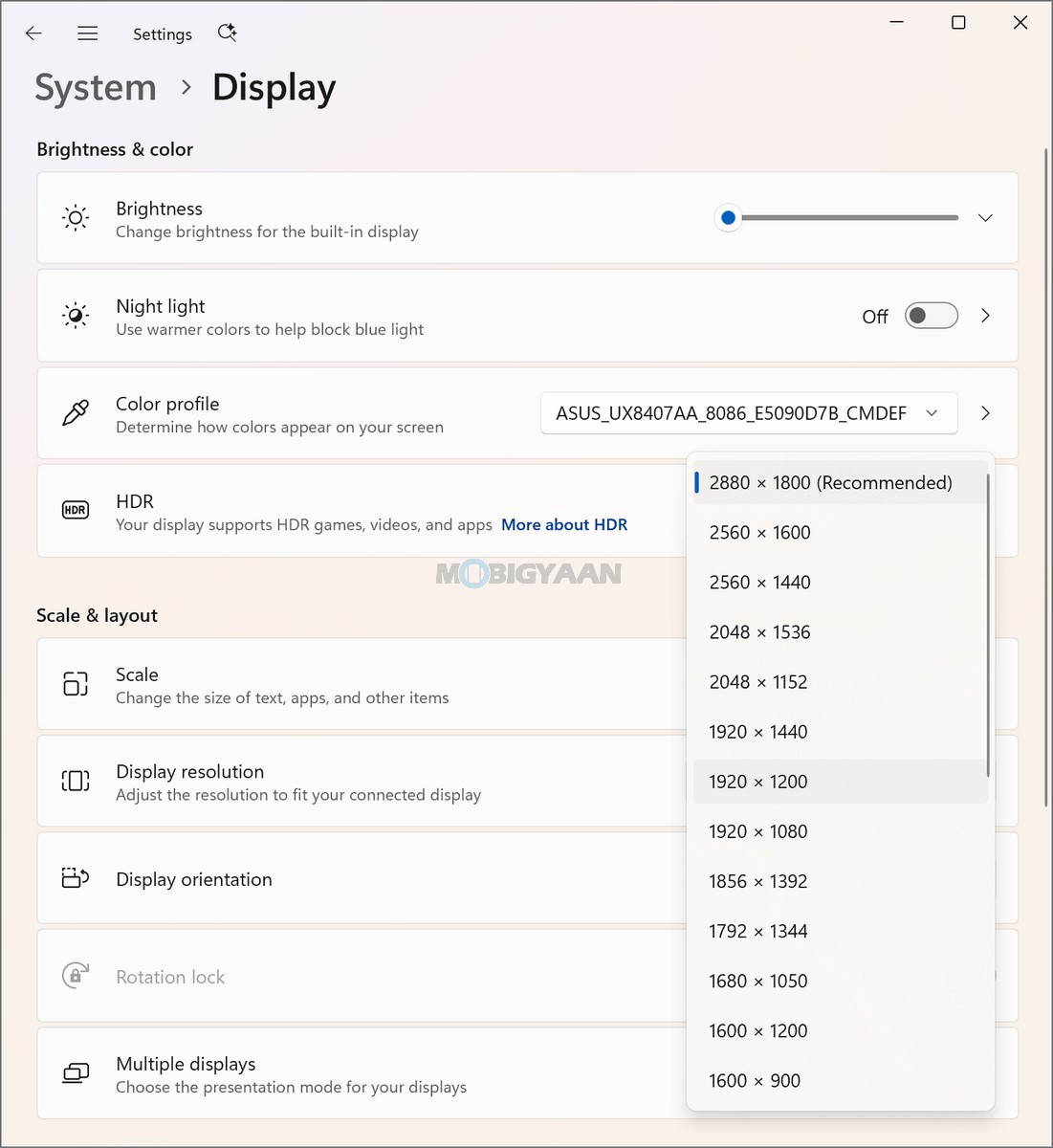
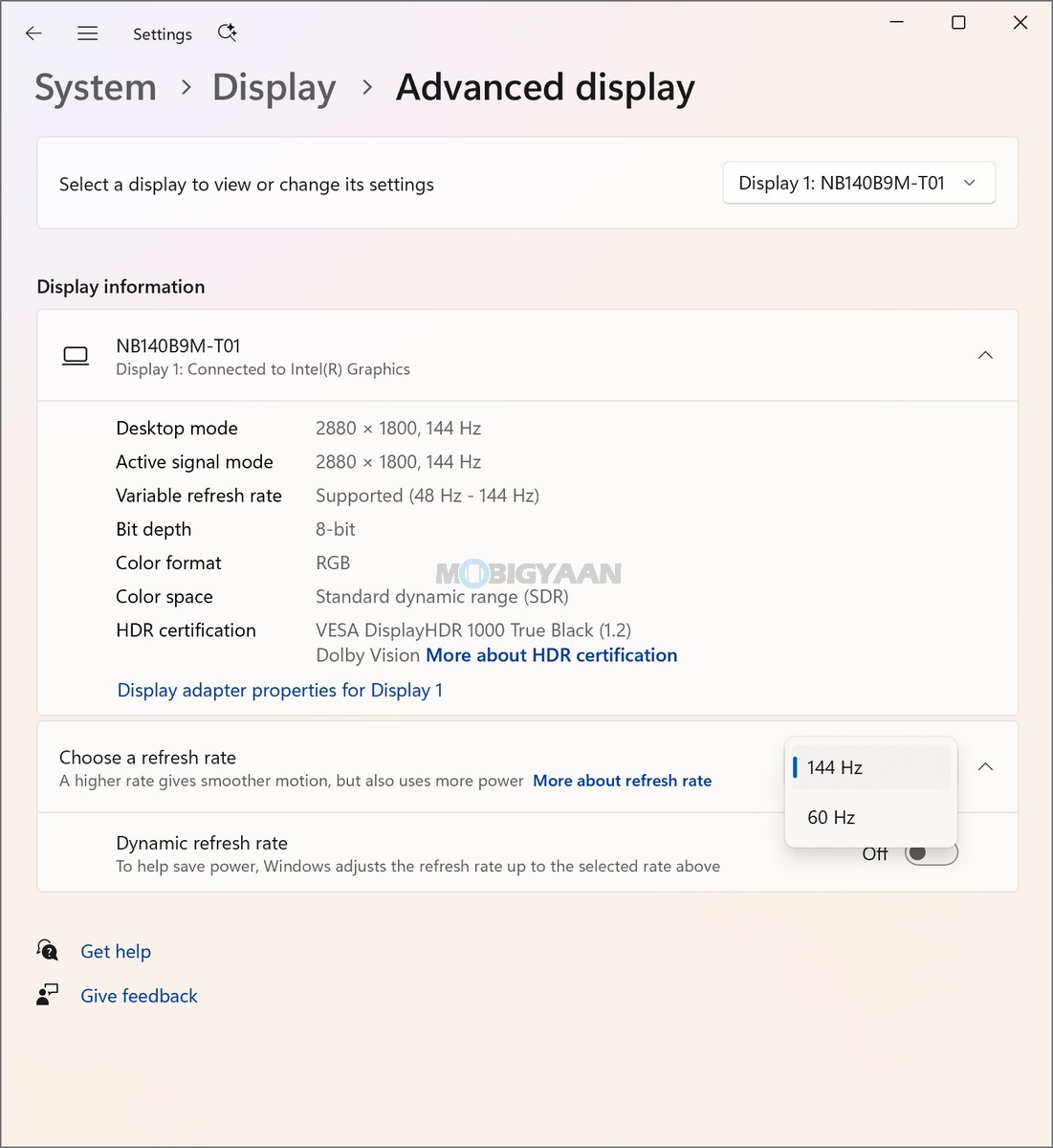
The centrepiece of the Zenbook DUO is its 14-inch 3K ASUS Lumina OLED touchscreen display, offering a resolution of 2,880 x 1,800 pixels and a productivity-friendly 16:10 aspect ratio. The OLED panel provides a stunning, sharp, and detailed viewing experience, while the touchscreen and included stylus add another layer of interaction for handwritten notes, drawing, navigation, and other touch-based tasks.
The display features a fast 0.2 ms response time, while brightness reaches 500 nits in standard use and up to 1,100 nits HDR peak brightness. The panel also offers a 1,000,000:1 contrast ratio, allowing OLED’s deep blacks to stand out particularly well when viewing movies, images, and other high-contrast content.
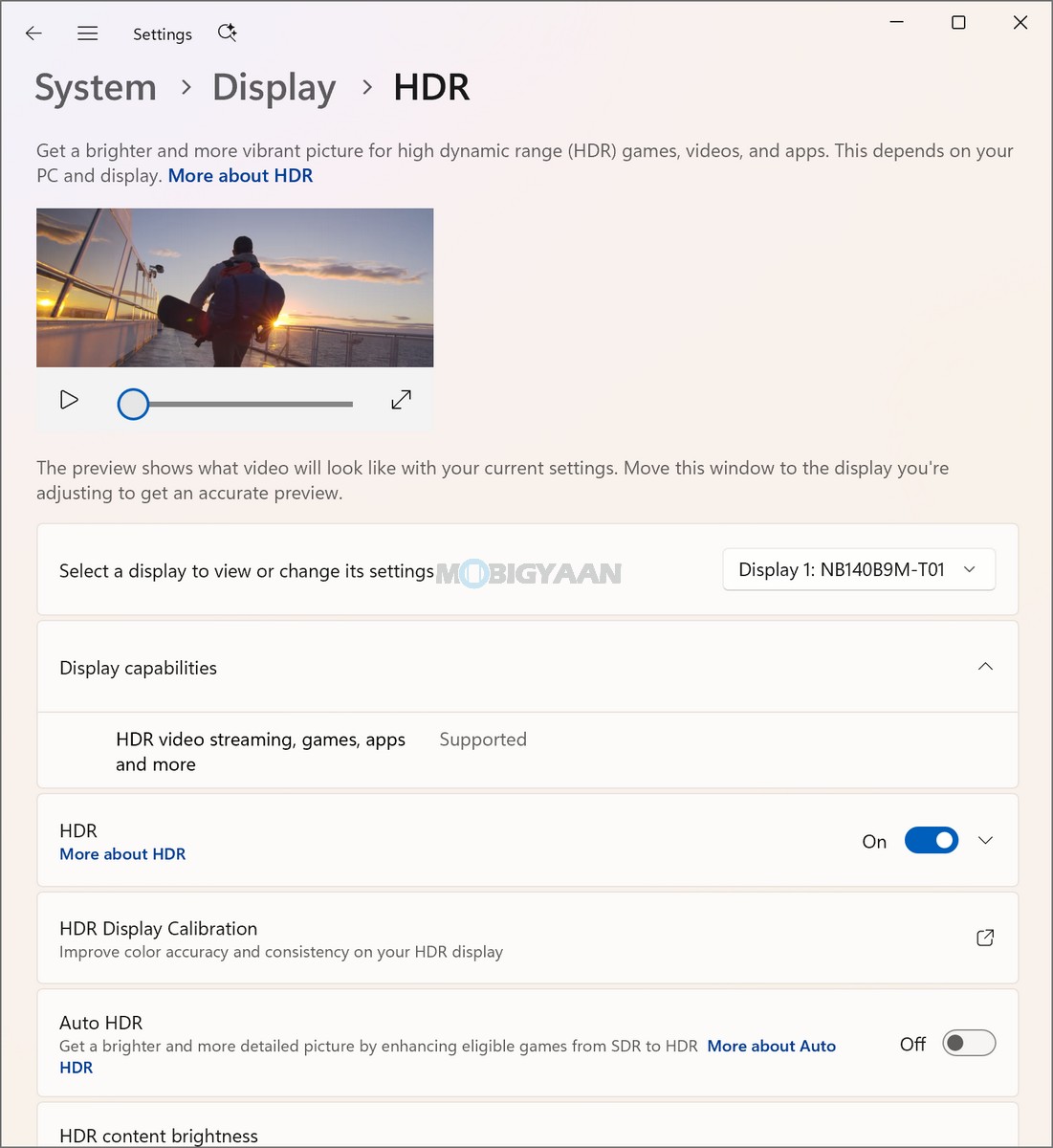
For color reproduction, the display covers 100% of the DCI-P3 color gamut, supports 1.07 billion colors, and is PANTONE Validated. It also carries VESA CERTIFIED DisplayHDR True Black 1000, making the panel well suited to HDR content and creative workloads where wide color coverage and accurate color reproduction are important.
ASUS has also incorporated an anti-reflection (AR) display treatment to help reduce distracting reflections during everyday use. The panel is designed to emit 70% less harmful blue light, which can be beneficial during longer viewing and working sessions.
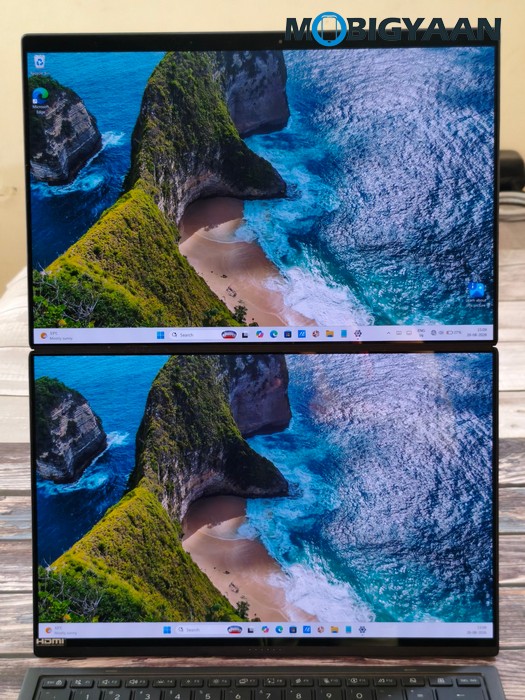
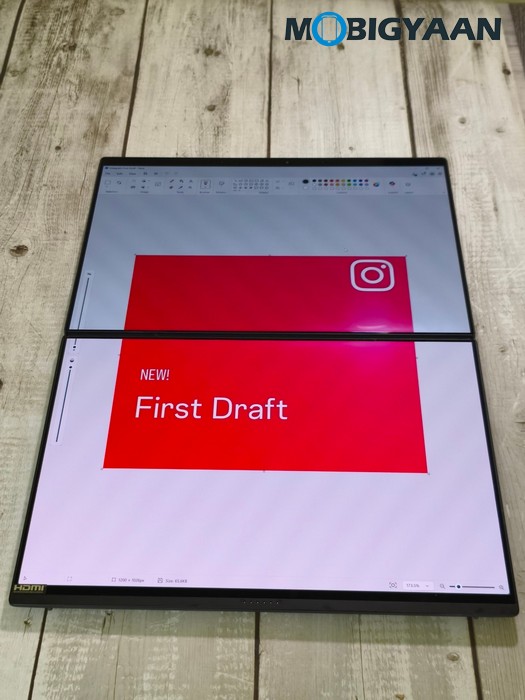
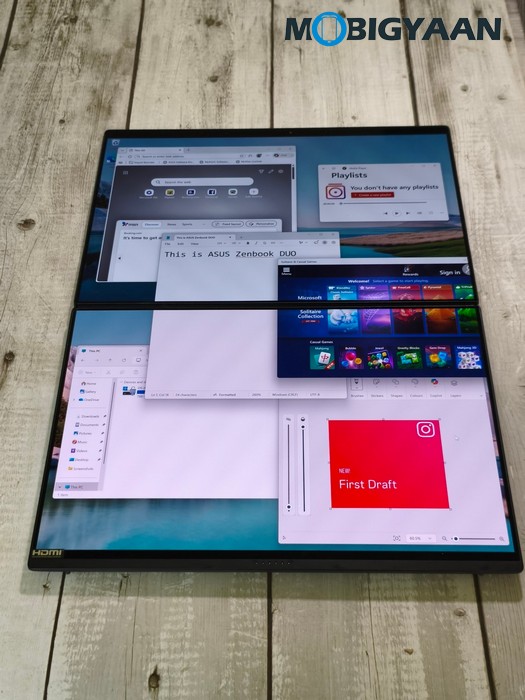
The dual-screen design is particularly useful when multitasking. Having additional display space allows you to keep more applications, documents, browser windows, or reference material visible simultaneously instead of constantly switching between windows. The touchscreen capability and stylus support further expand the ways you can interact with the system.
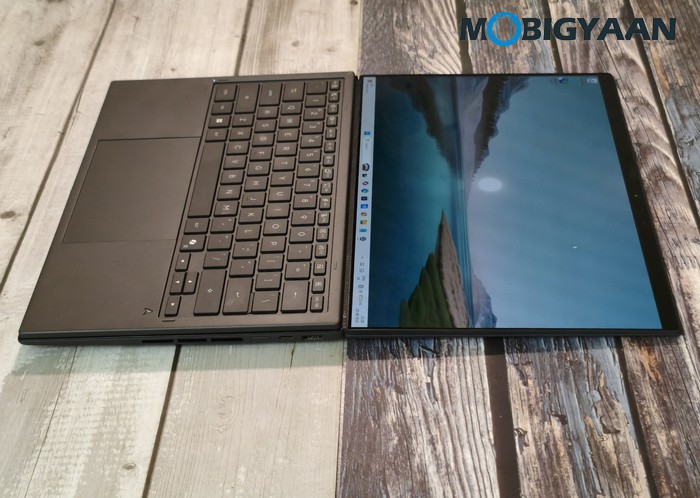
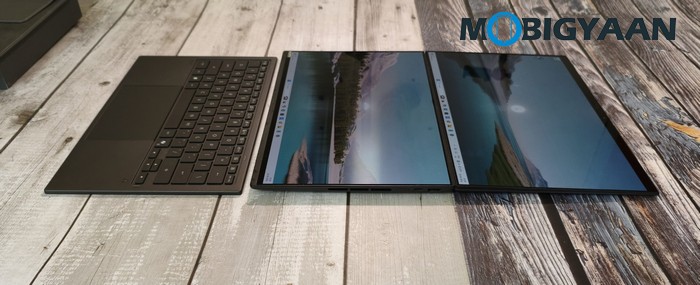
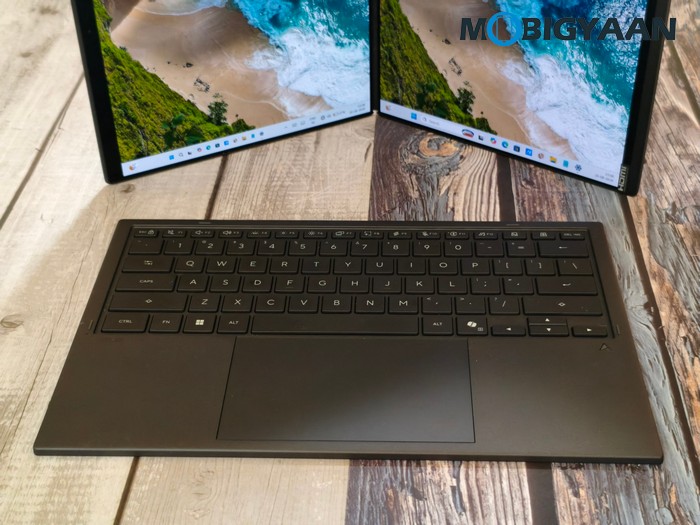
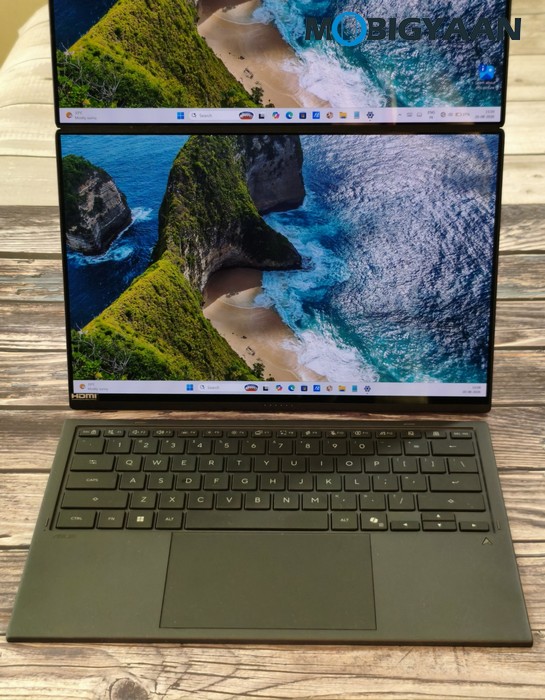
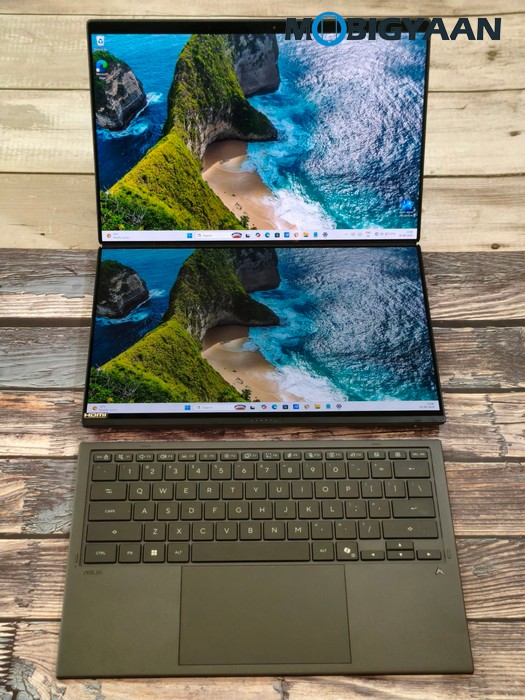
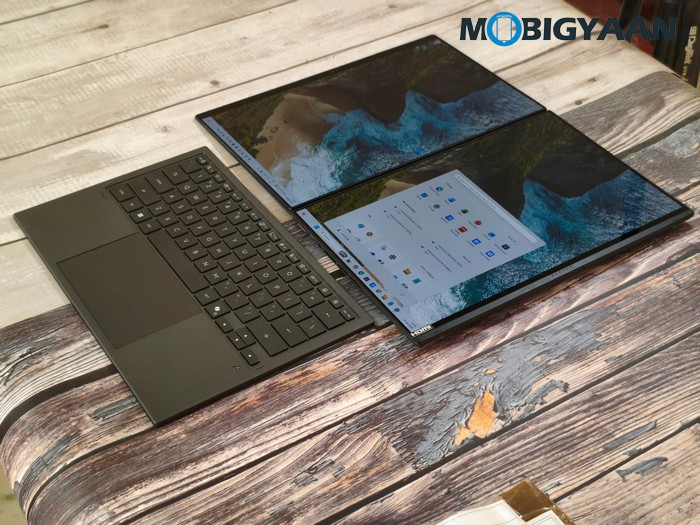
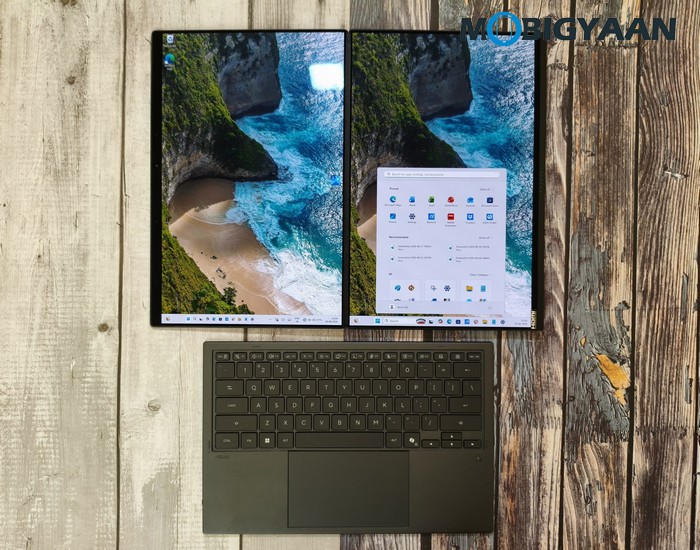
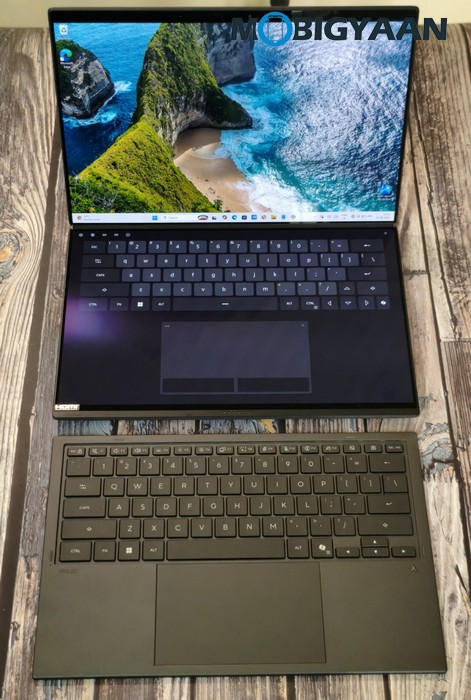
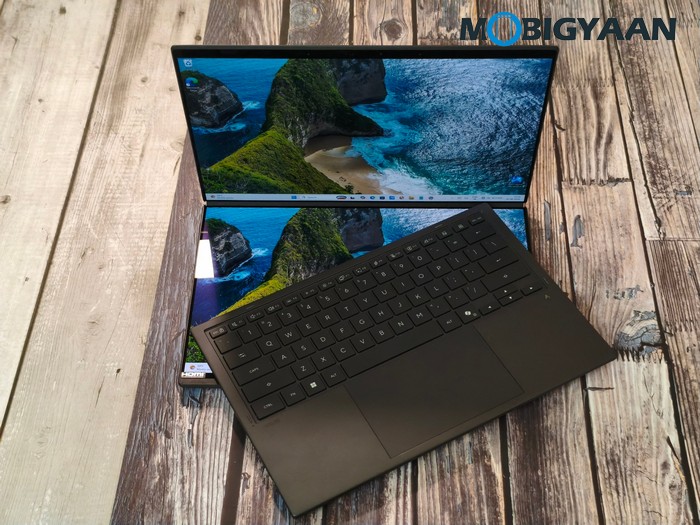
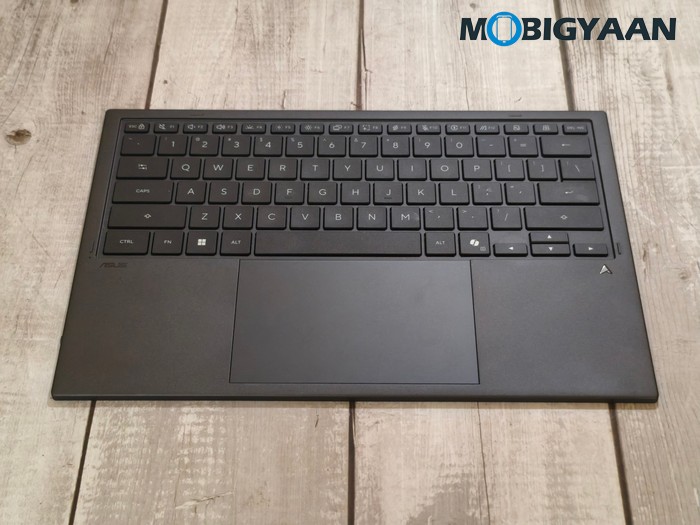
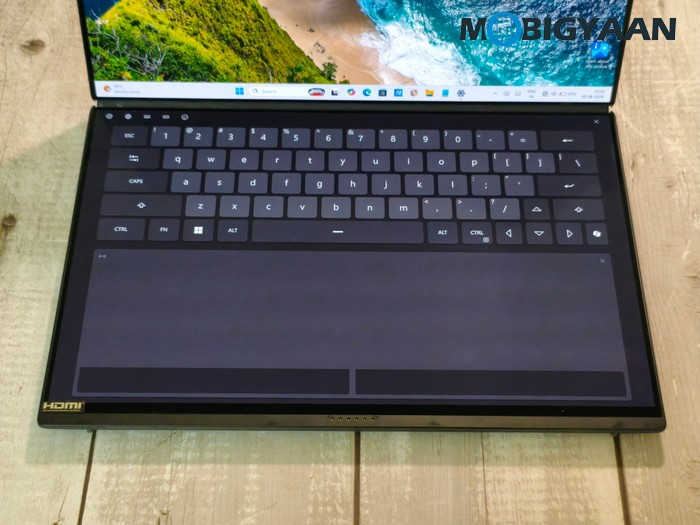
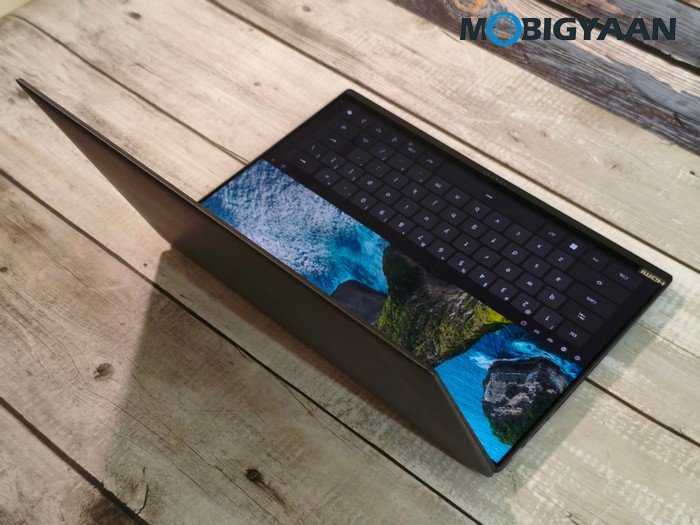
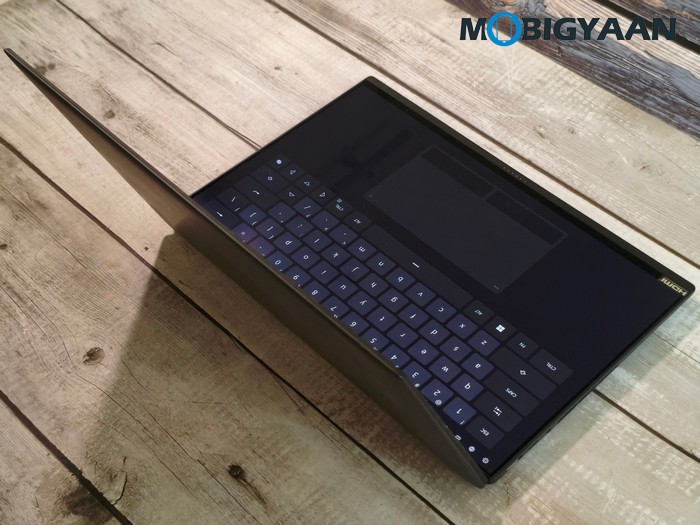
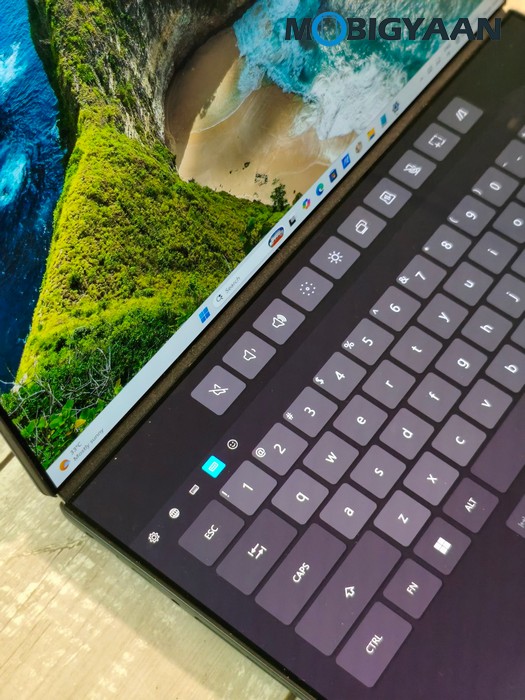
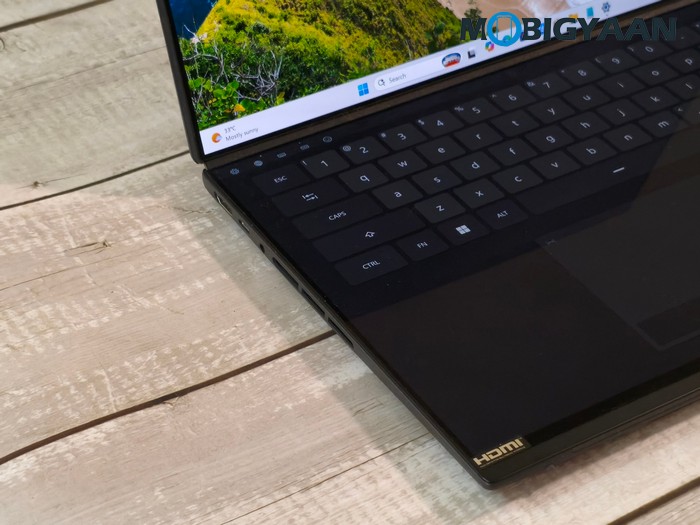
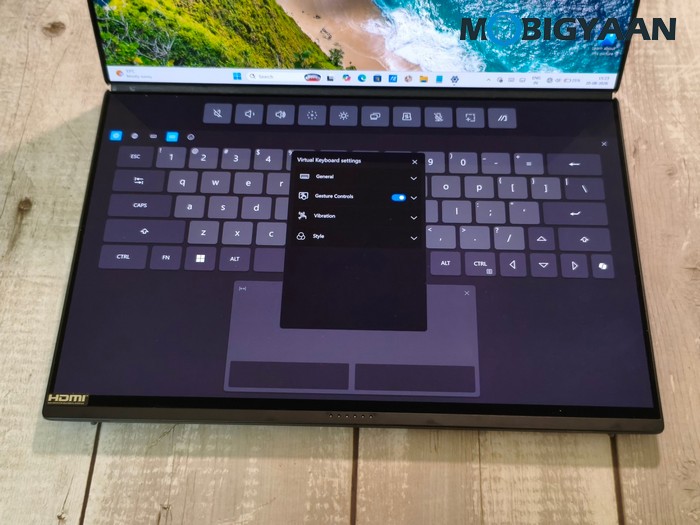
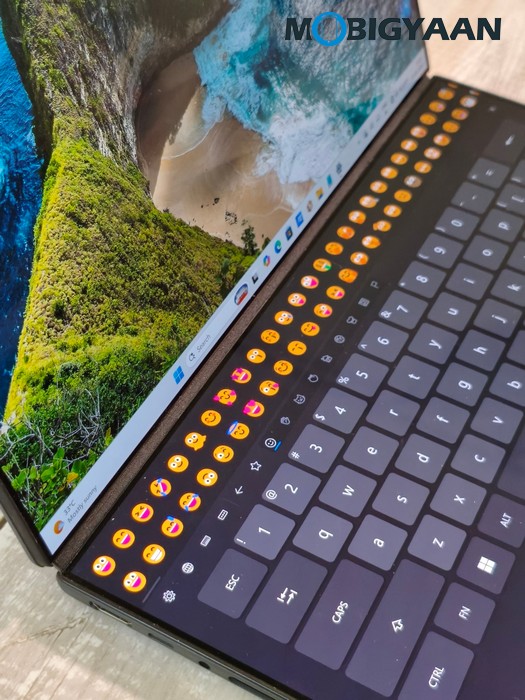
The keyboard is a backlit Chiclet Soft Keyboard with 1.7 mm key travel, providing a more conventional typing experience when the Zenbook DUO is being used as a traditional laptop. The keyboard is super slim and can be detached to uncover the second display and use it as a more PC-like setup. ASUS also includes a dedicated Copilot key, providing direct access to Microsoft’s Copilot experience.
Below the keyboard is a Precision touchpad, giving you a familiar pointing and navigation interface alongside the touchscreen. The combination of keyboard, touchpad, touchscreen, and stylus makes the Zenbook DUO considerably more versatile than a conventional notebook.
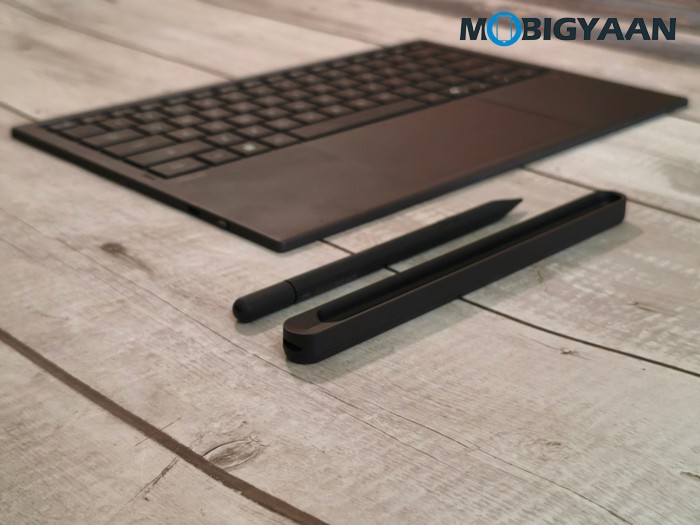
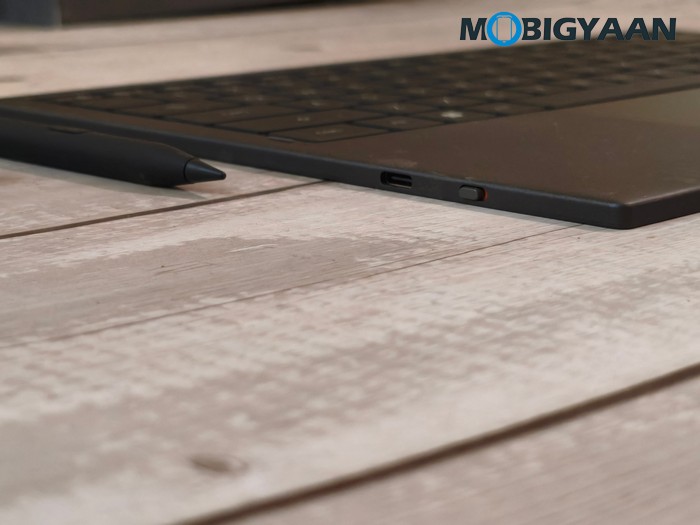
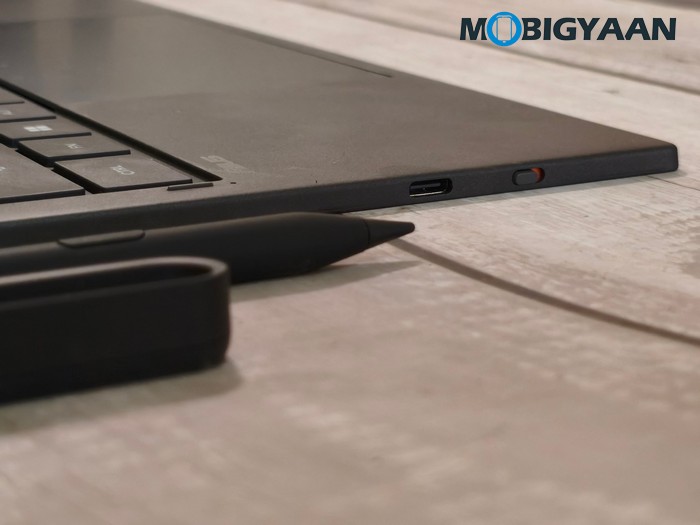
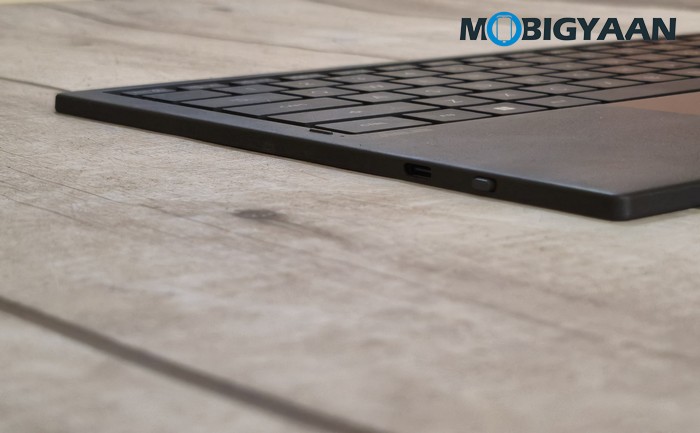
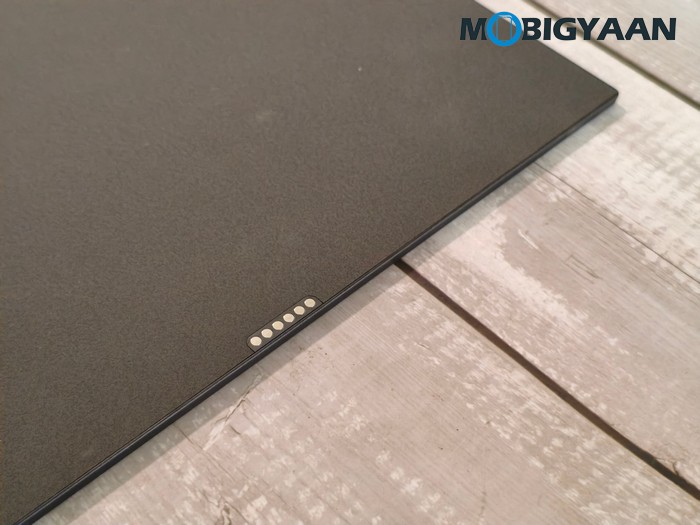
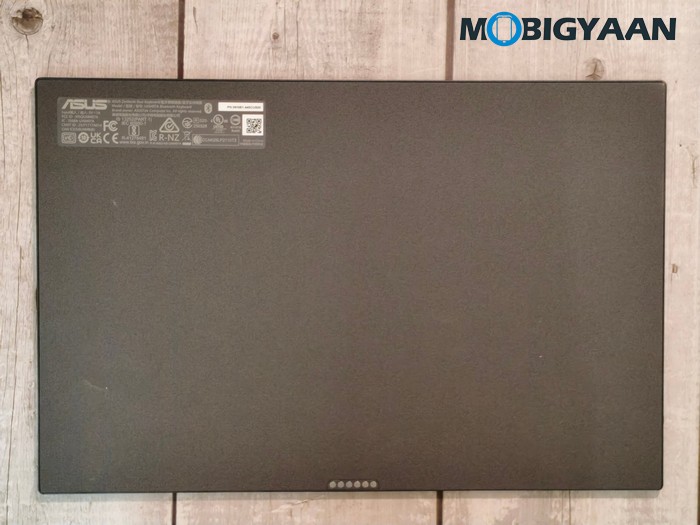
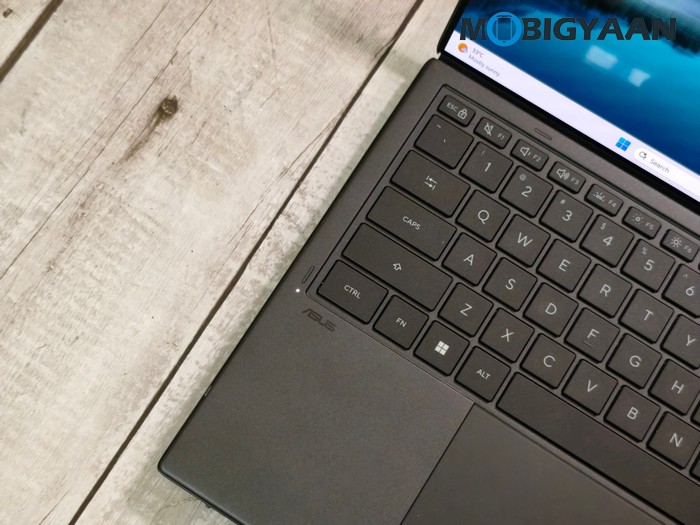
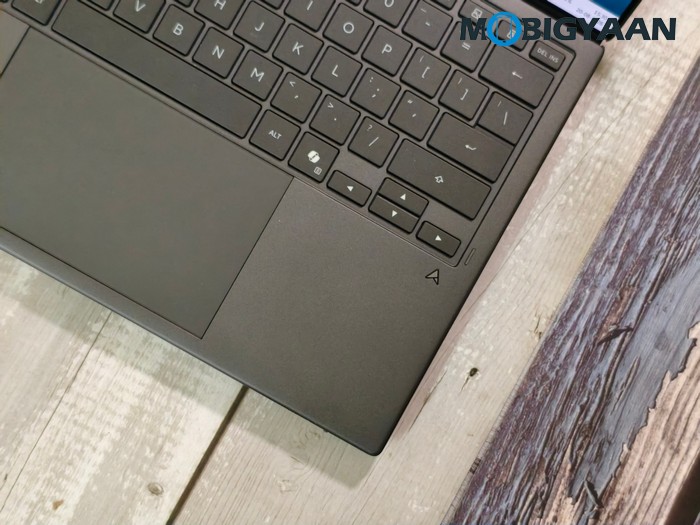
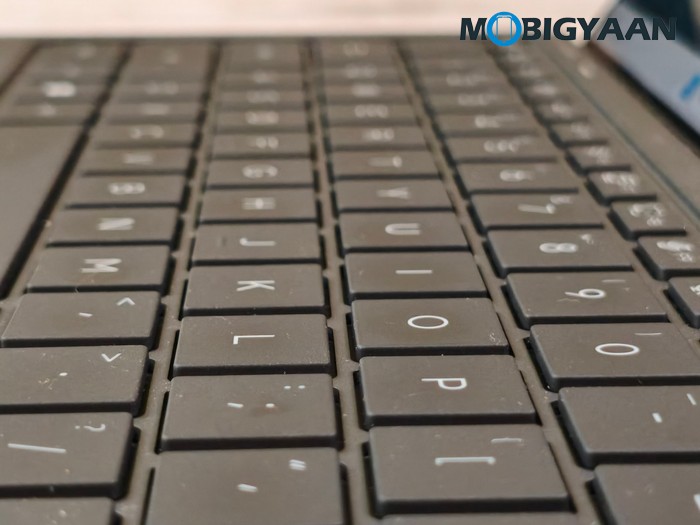
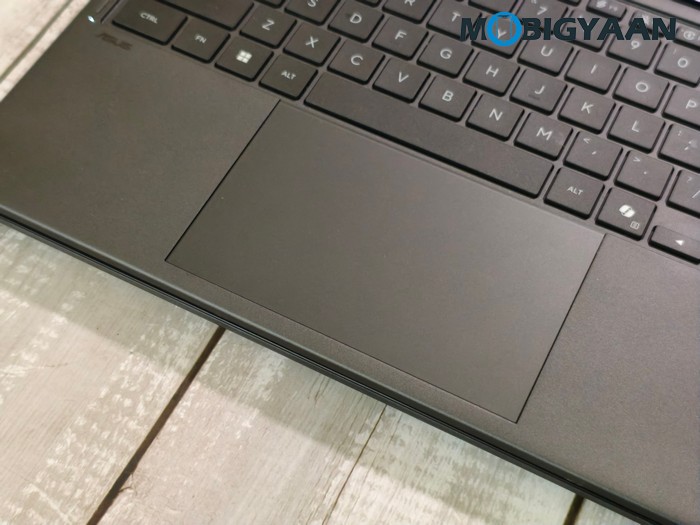
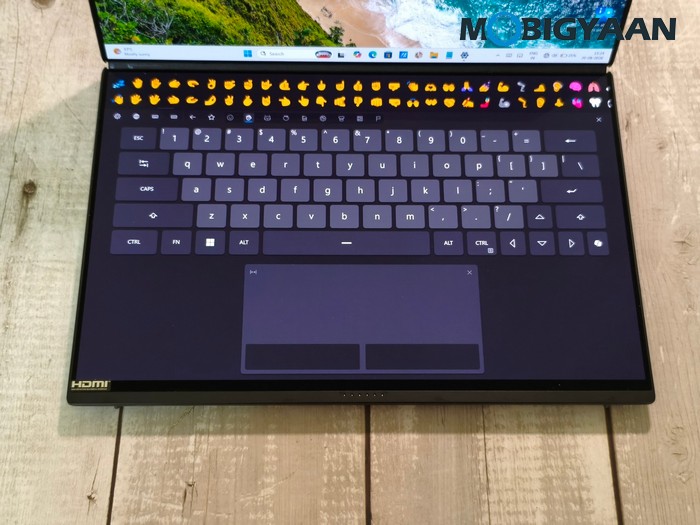
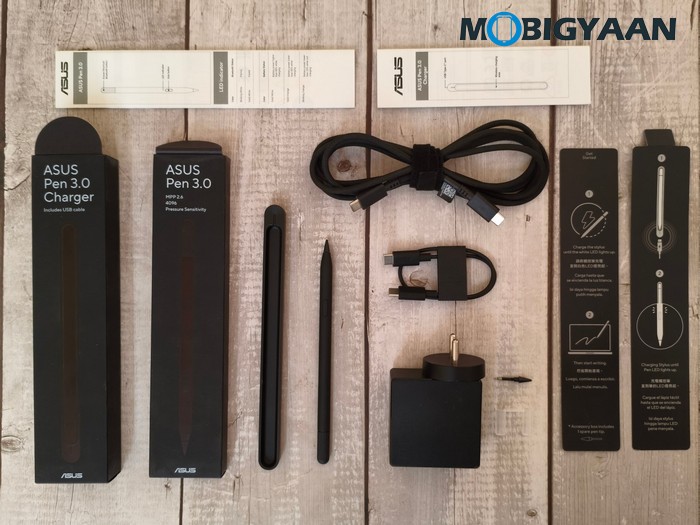
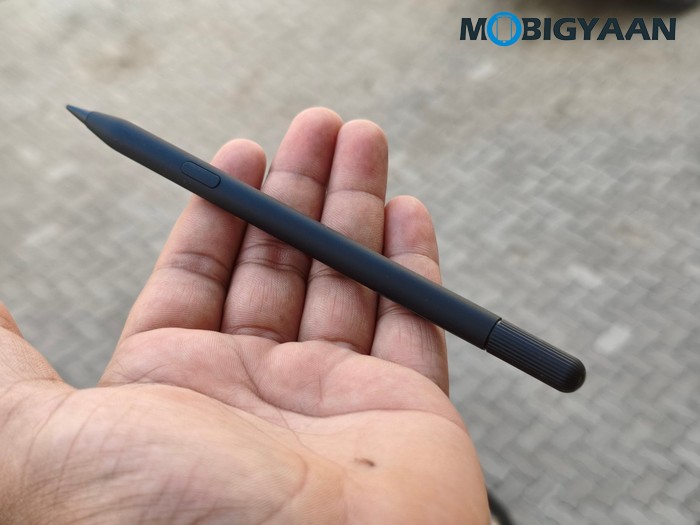
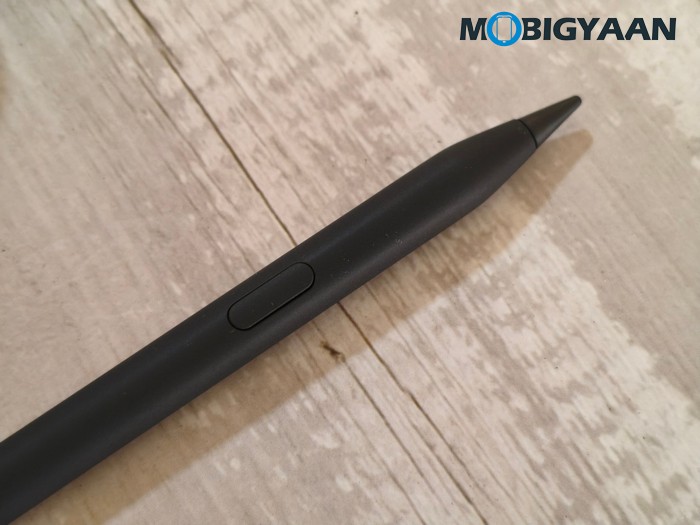
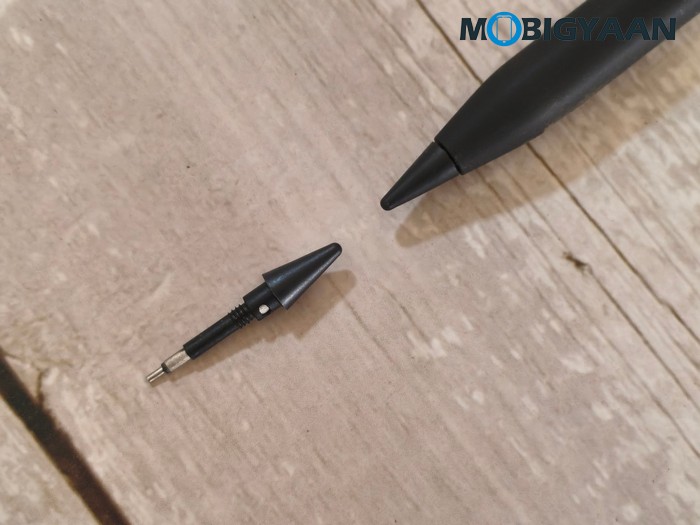
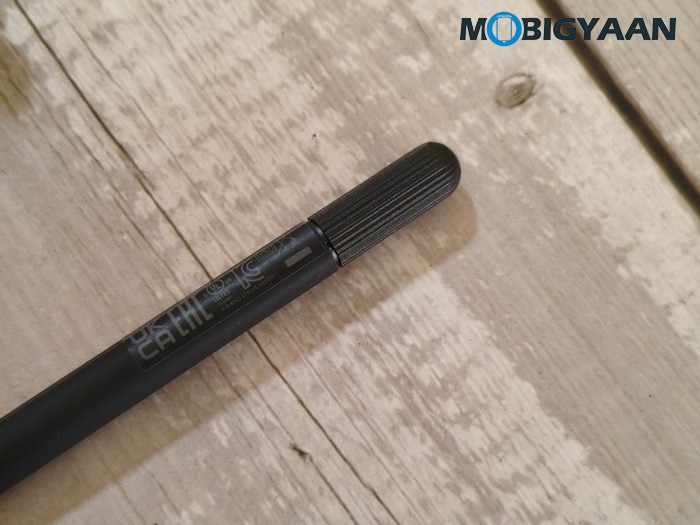
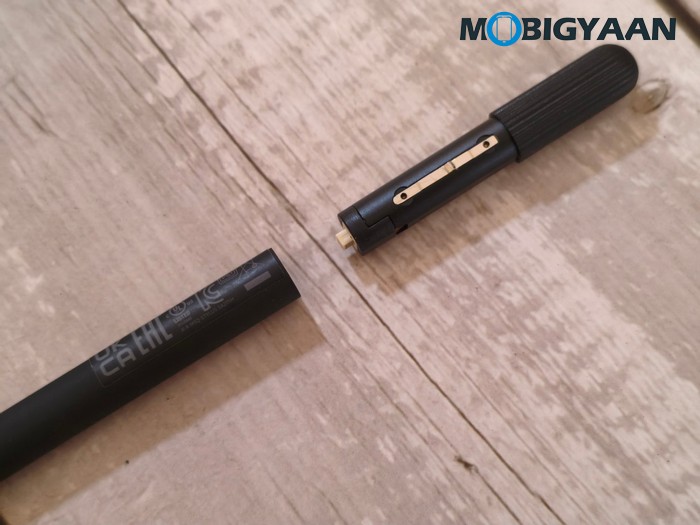
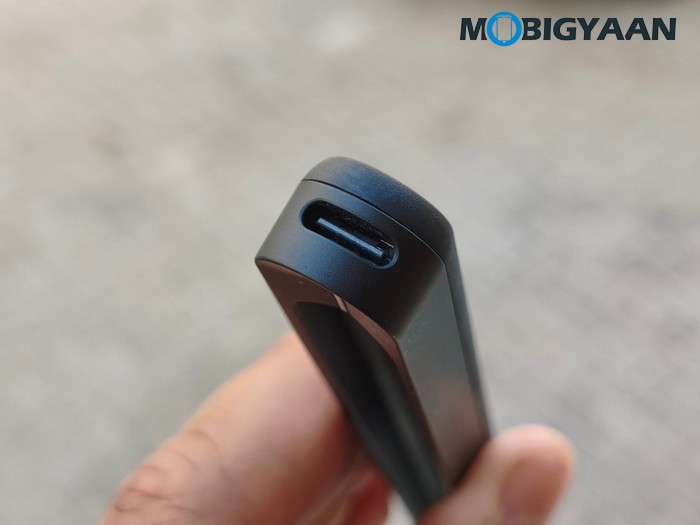
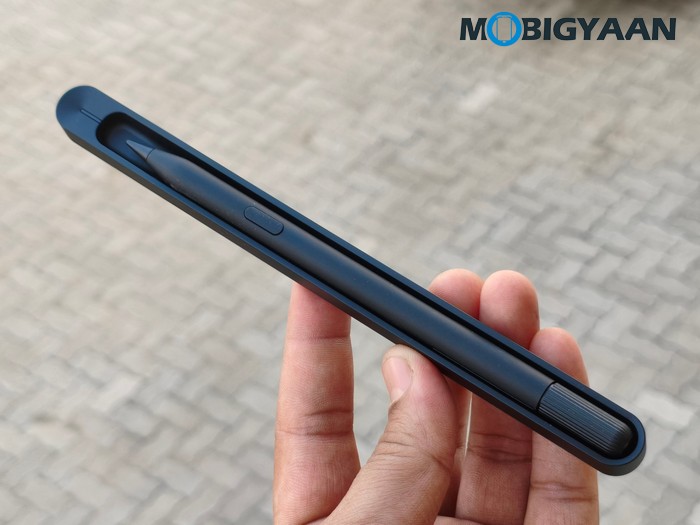
For the stylus, the ASUS Pen 3.0 (SA205H) is included in the box along with its wireless charger and uses Microsoft Pen Protocol (MPP) 2.6 technology. The pen measures 160 mm in length with an 8.9 mm diameter and weighs about 15.9 grams. It uses a plastic body, buttons, and cap, while the pen supports MPP 2.6 for interaction with compatible touch displays.
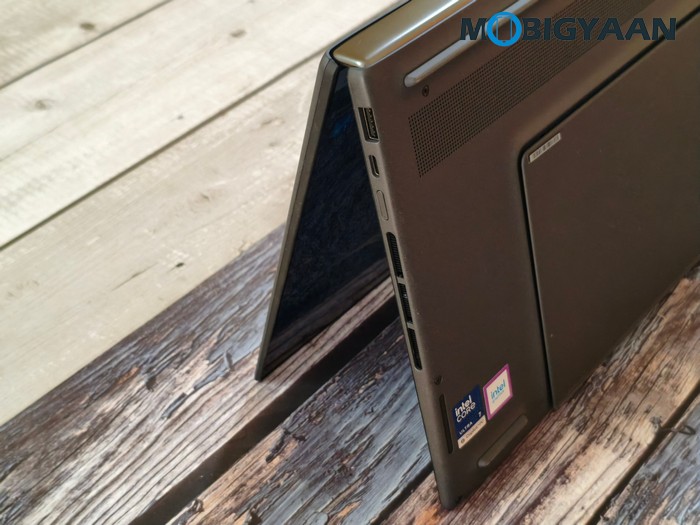
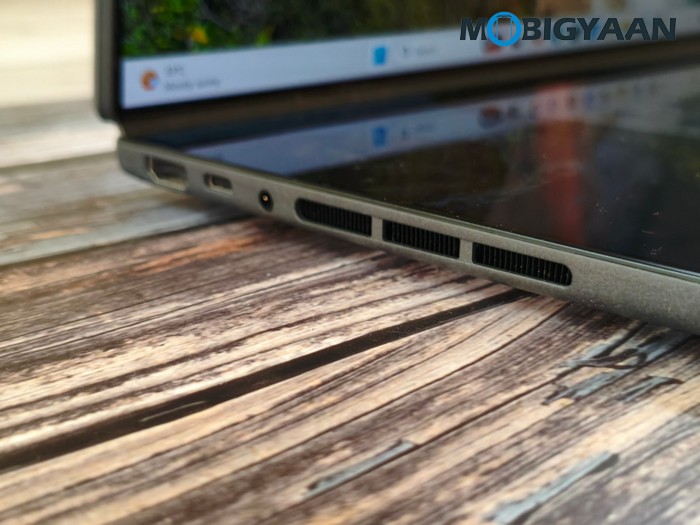
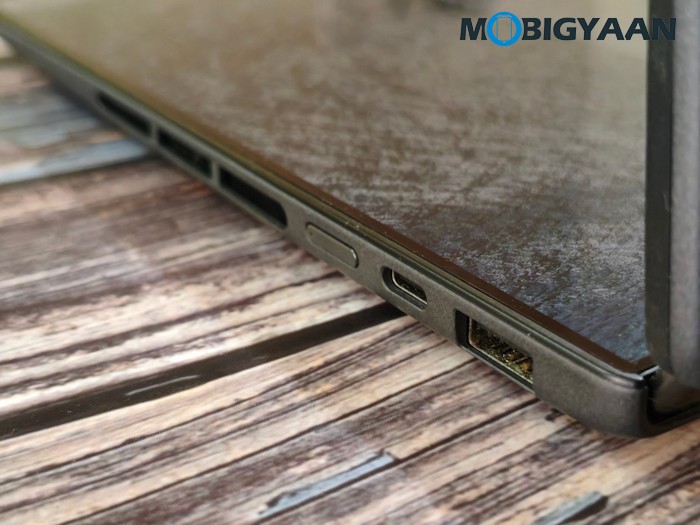
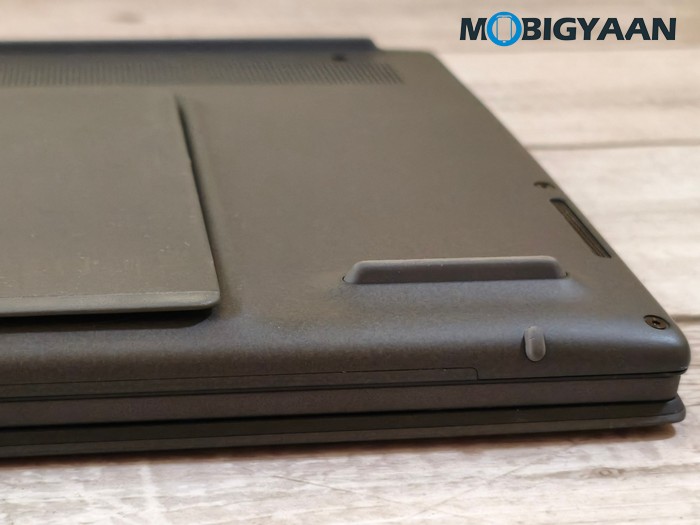
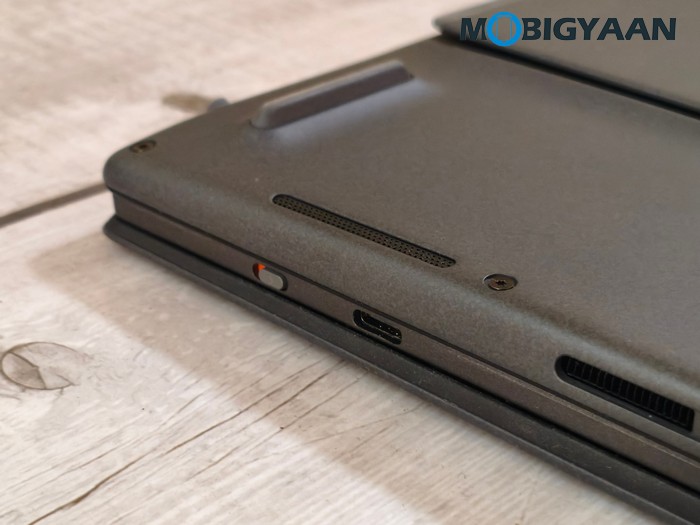
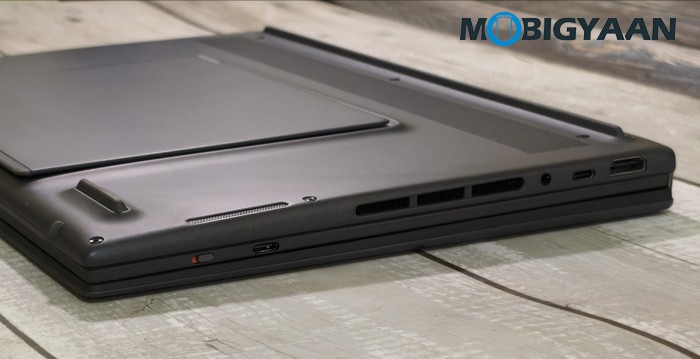
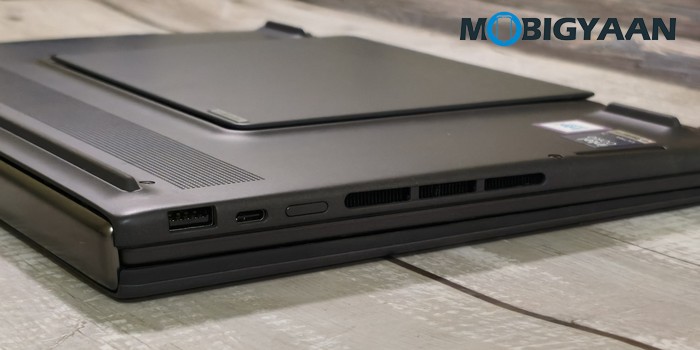
For connectivity, ASUS equips the Zenbook DUO with 2 x Thunderbolt 4 ports supporting display output and Power Delivery, with data transfer speeds of up to 40 Gbps. There is also a USB 3.2 Gen 2 Type-A port supporting speeds of up to 10 Gbps, an HDMI 2.1 FRL port, and a 3.5 mm Combo Audio Jack. Wireless connectivity includes Wi-Fi 7 (802.11be) with a tri-band 2 x 2 configuration and Bluetooth 5.4, providing the latest-generation wireless connectivity for networking and compatible peripherals.
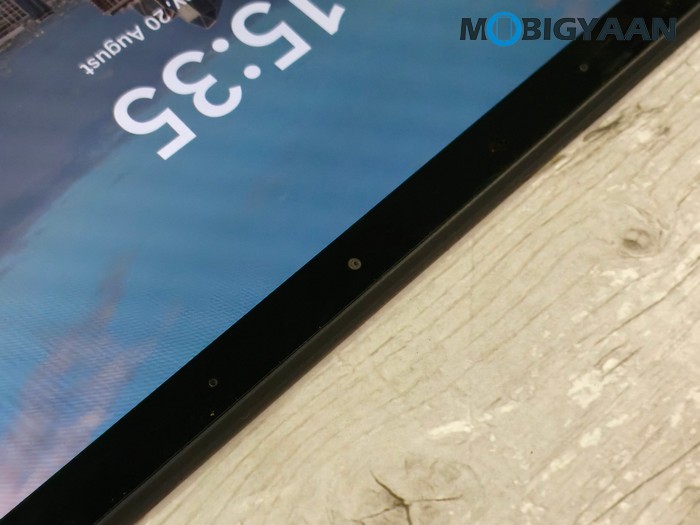
On the front, you get a Full HD IR camera with Windows Hello support, allowing convenient facial authentication. Security is further supported by the Trusted Platform Module (Firmware TPM) and Microsoft Pluton security processor, providing hardware-backed security features alongside Windows Hello.
Software, User Interface & Features
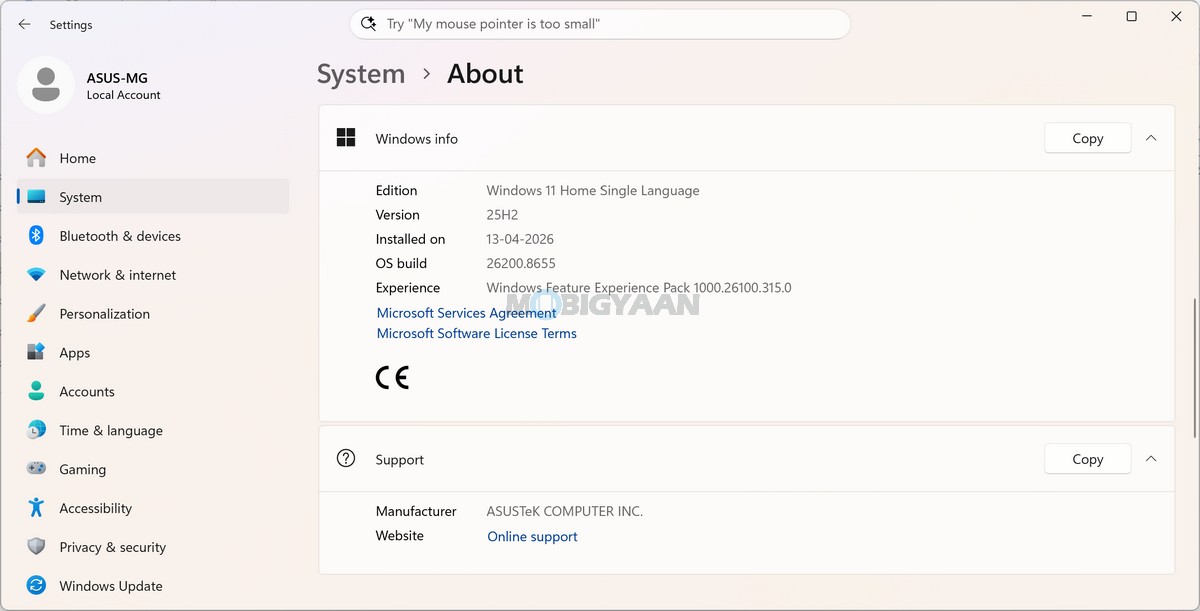
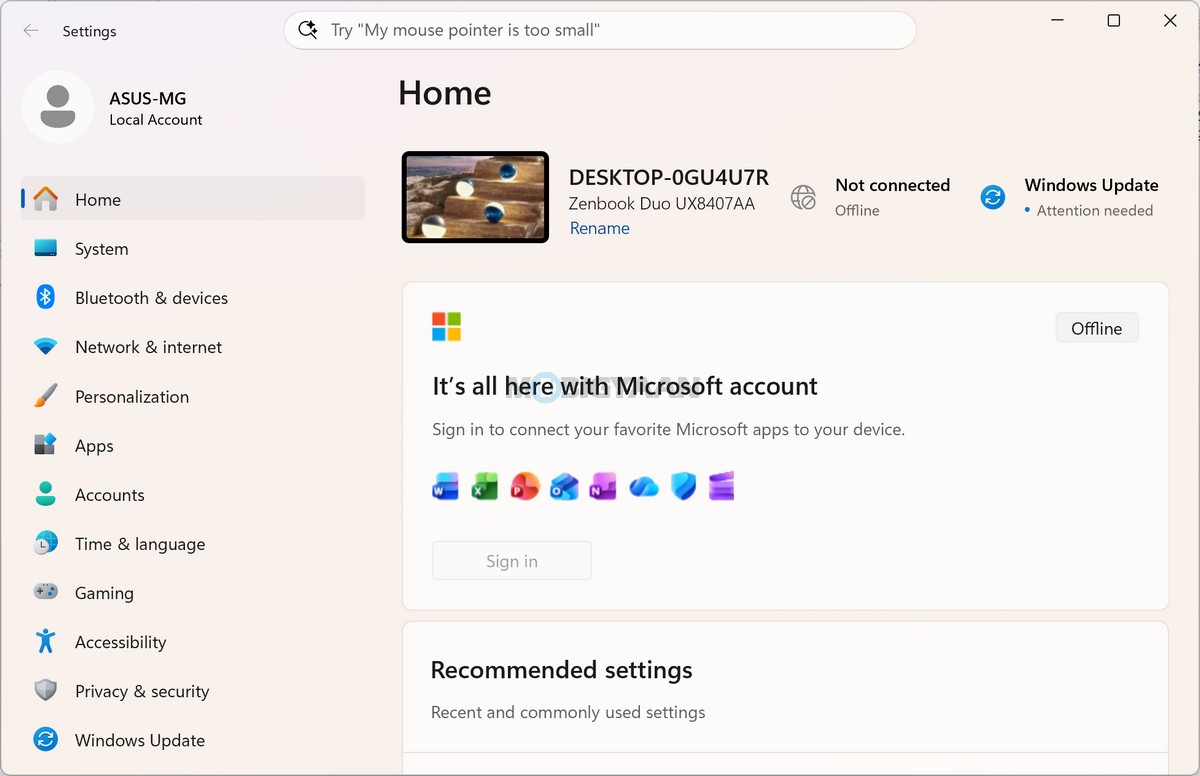
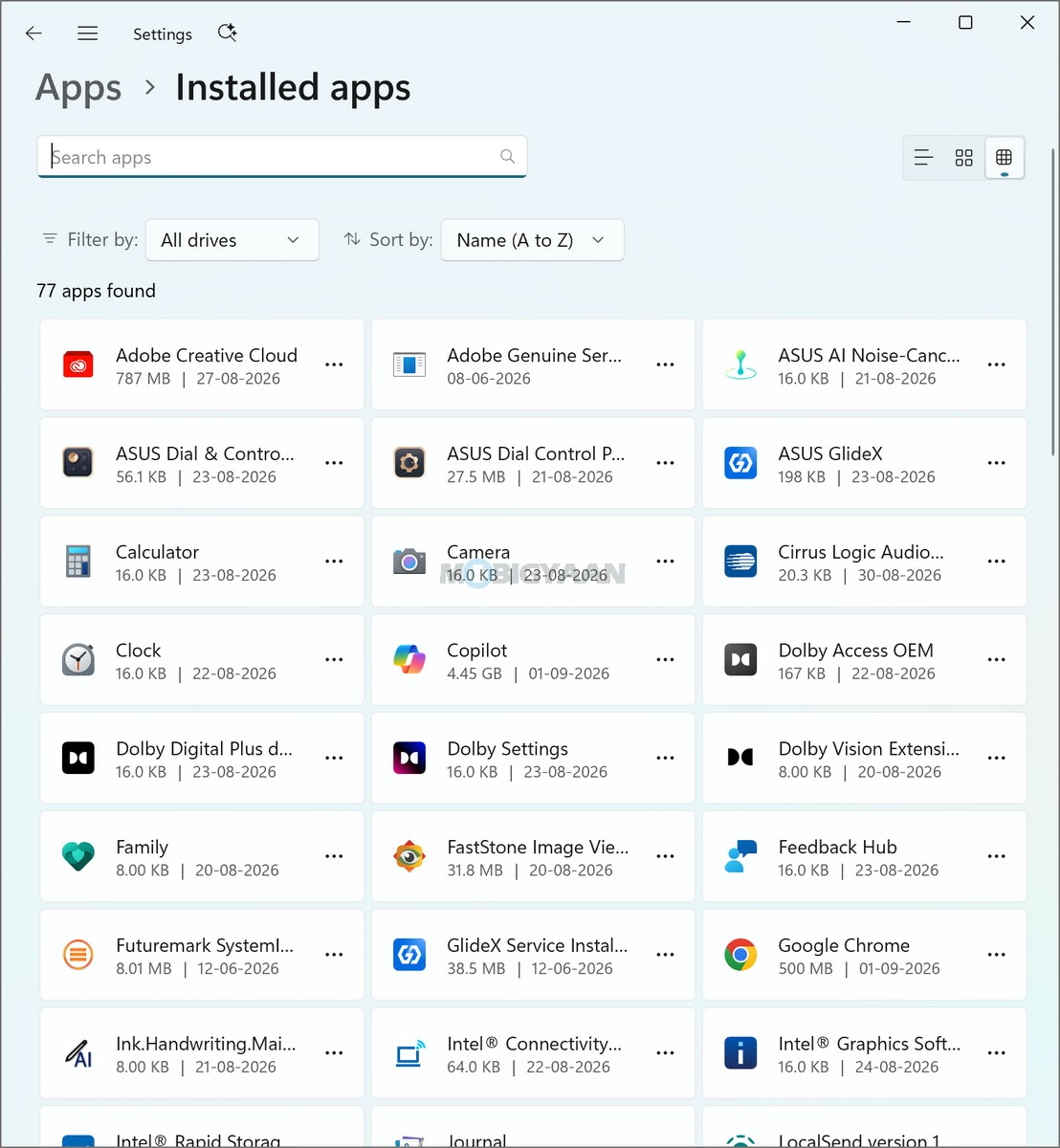
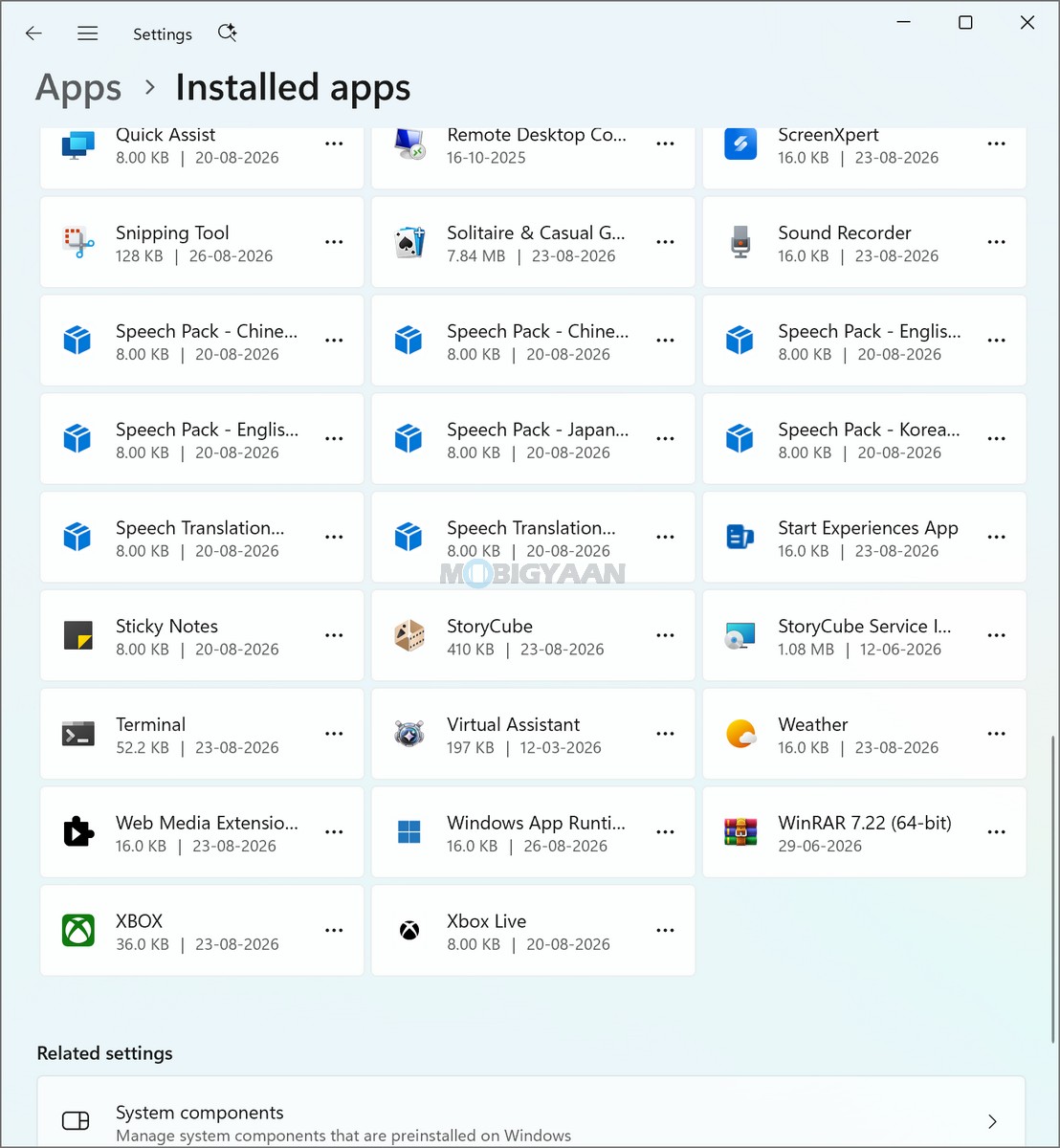
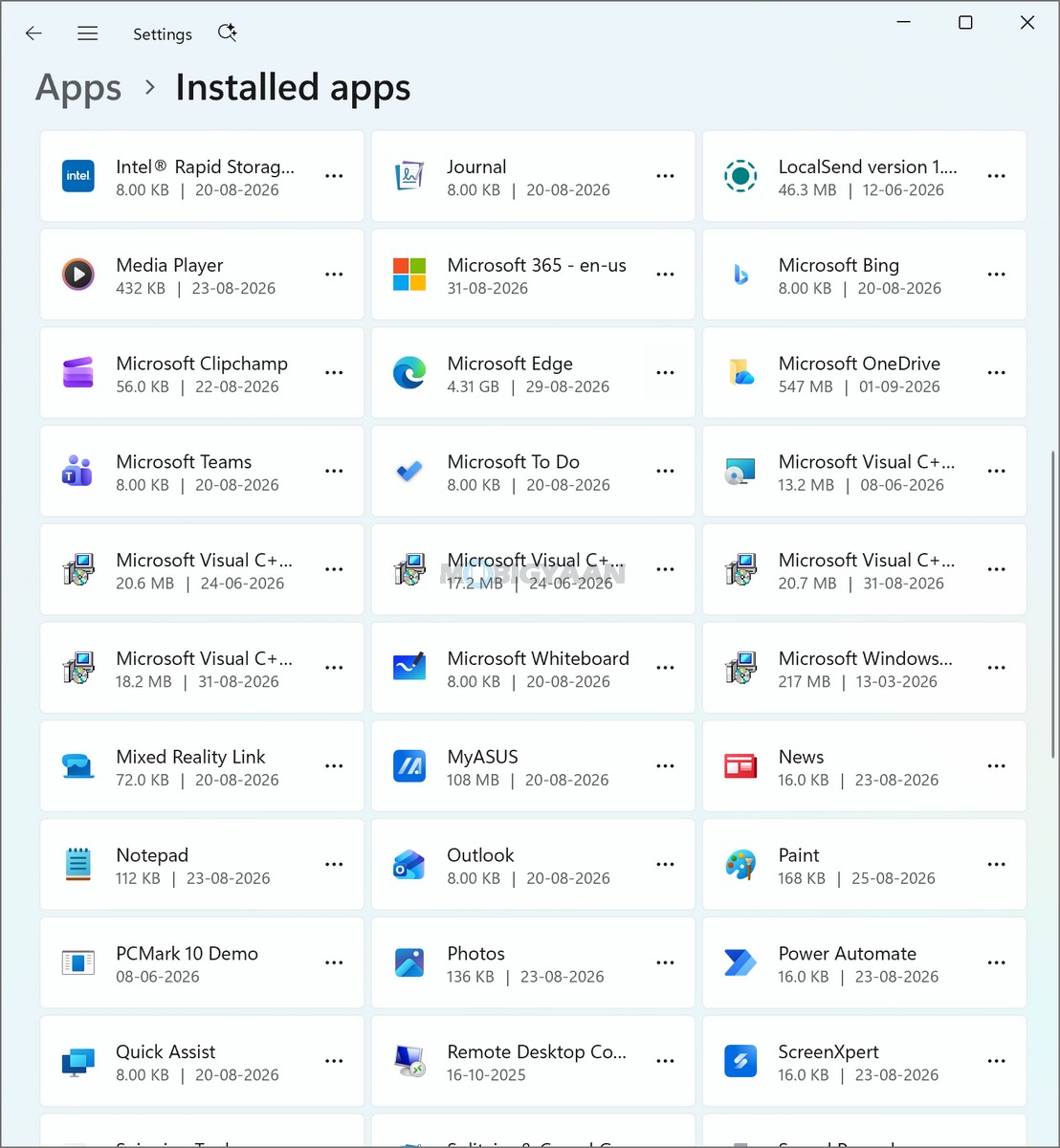
The ASUS Zenbook DUO (UX8407AA) ships with Microsoft Windows 11 Home and is positioned as a Copilot+ PC, combining Microsoft’s AI-powered Windows experience with Intel’s latest Core Ultra Series 3 platform. ASUS recommends Windows 11 Pro for business users, while Windows 11 Home is available as the Single Language edition. Out of the box, the laptop also includes Microsoft Office Home 2024 with a lifetime license and Microsoft 365 Basic with 100 GB of cloud storage for one year.
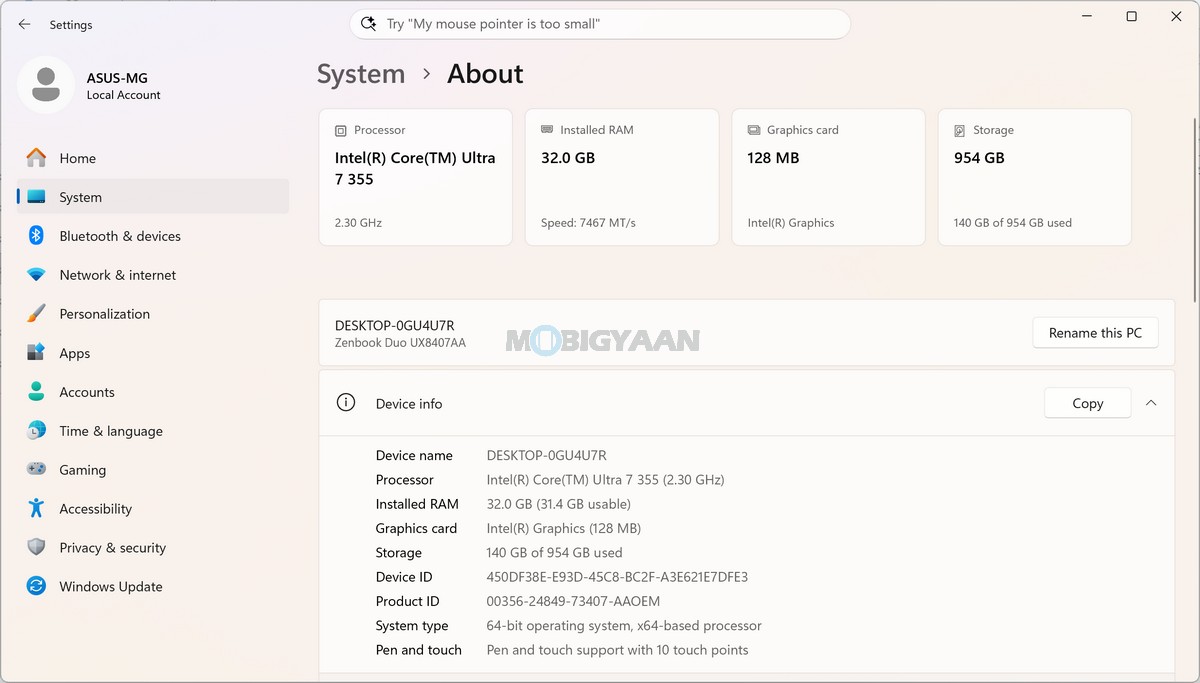
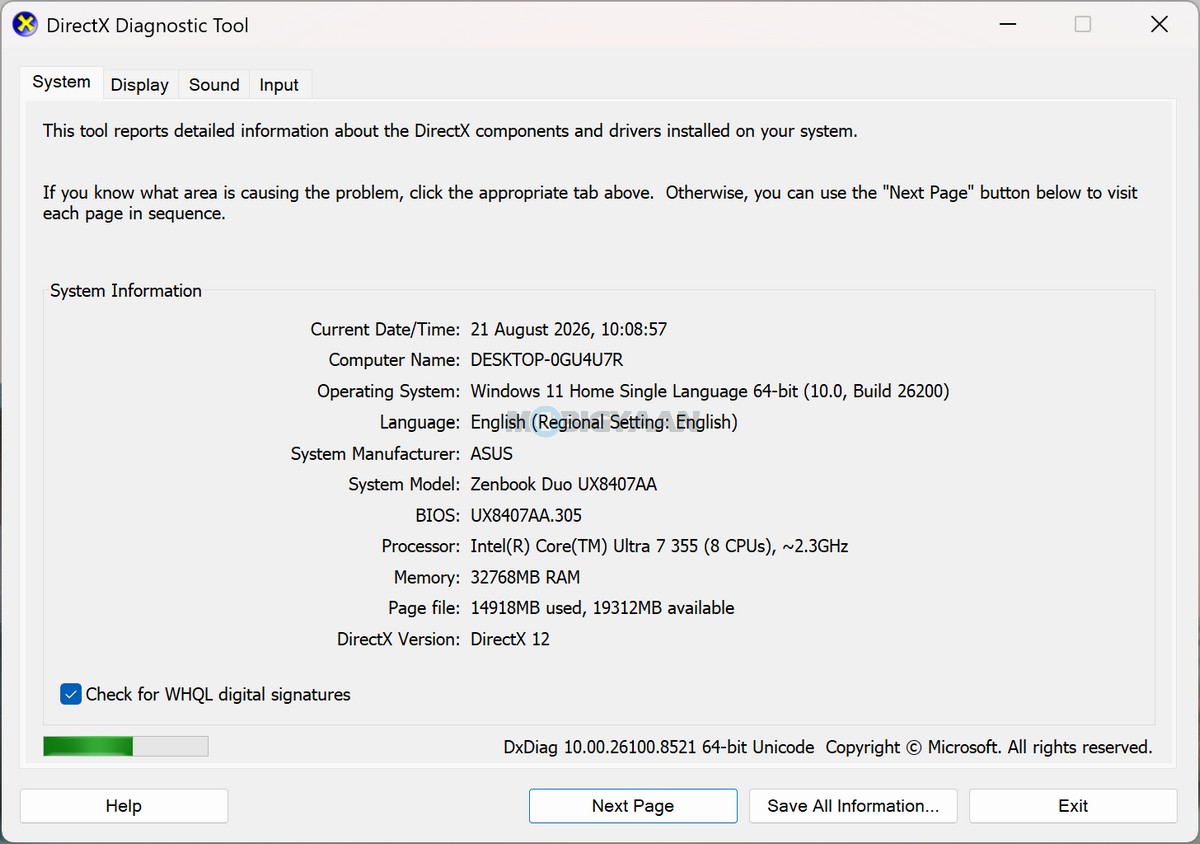
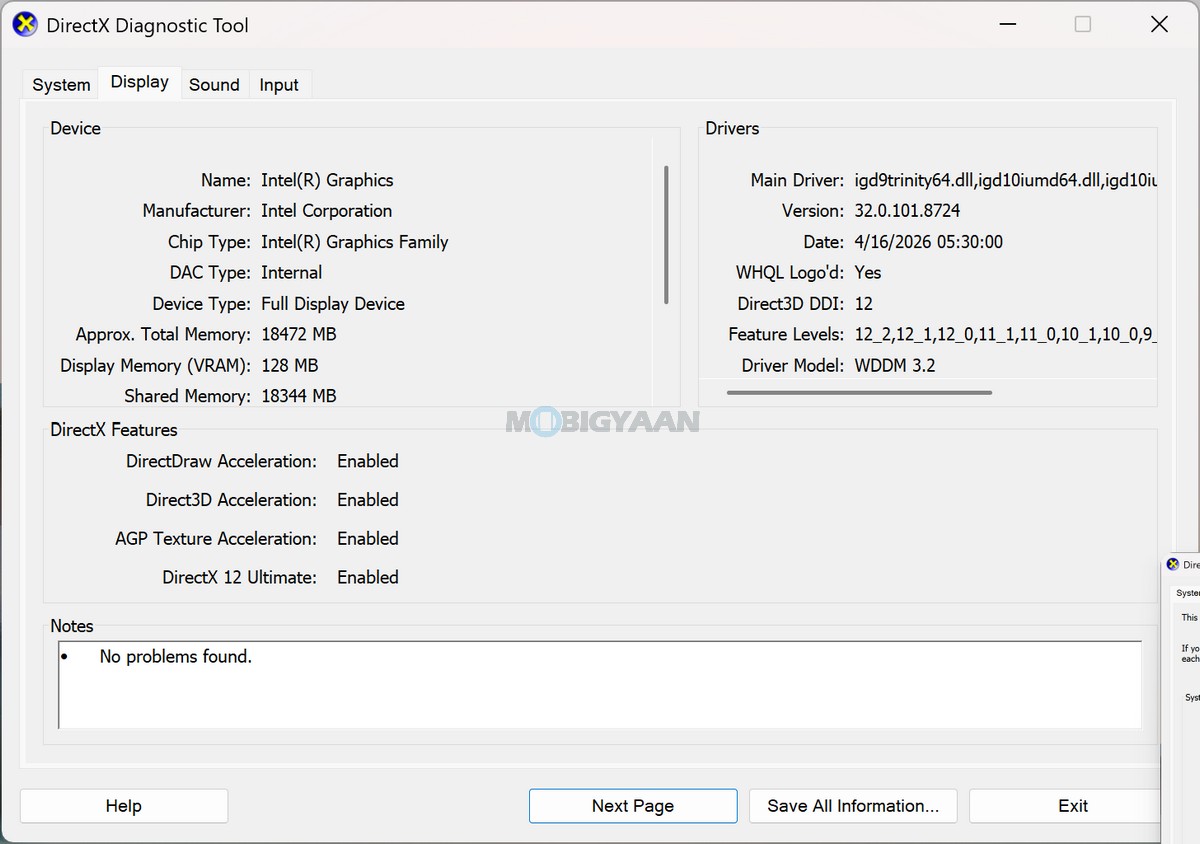
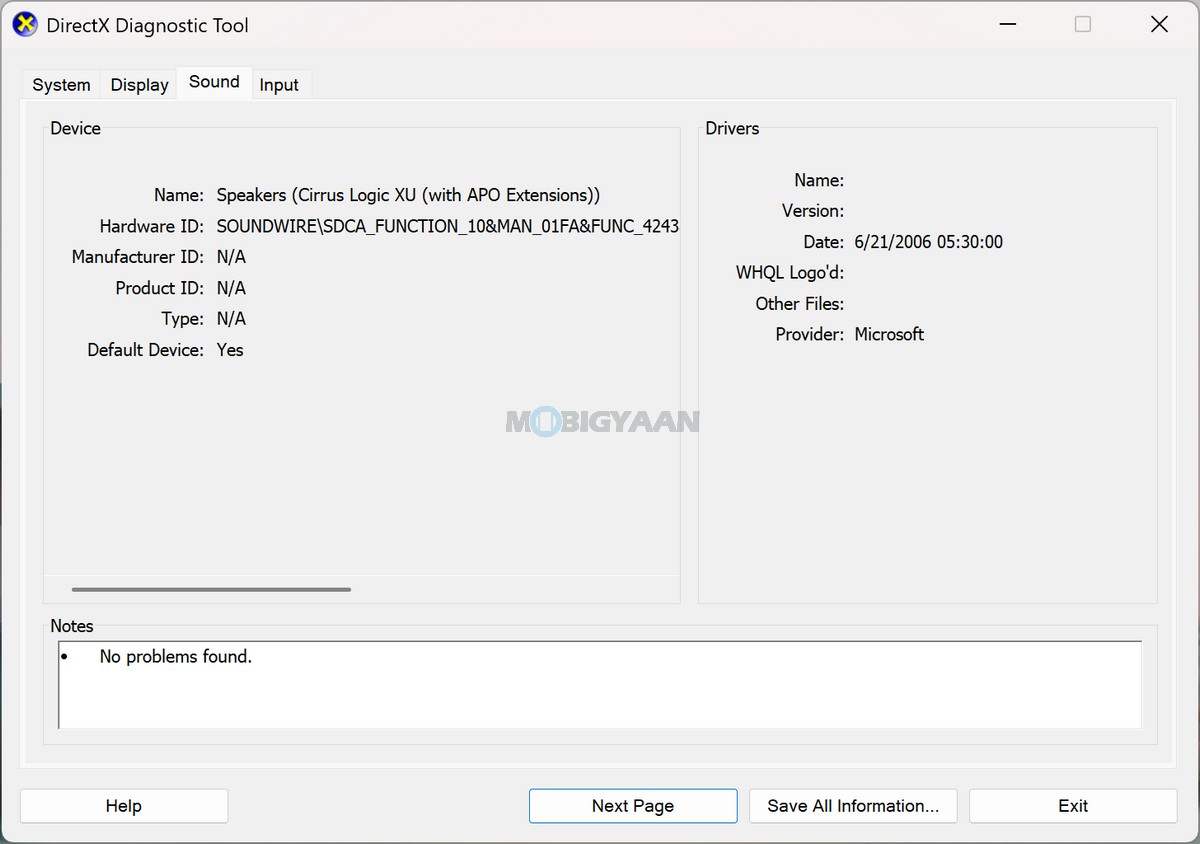
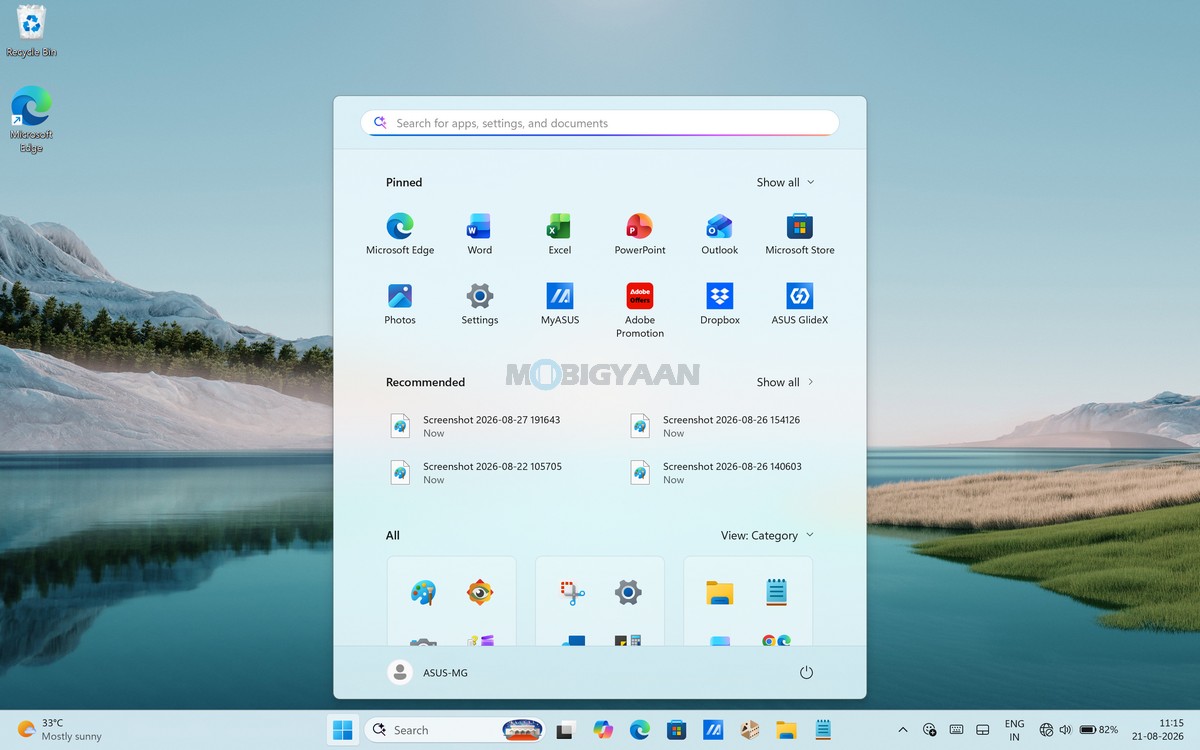
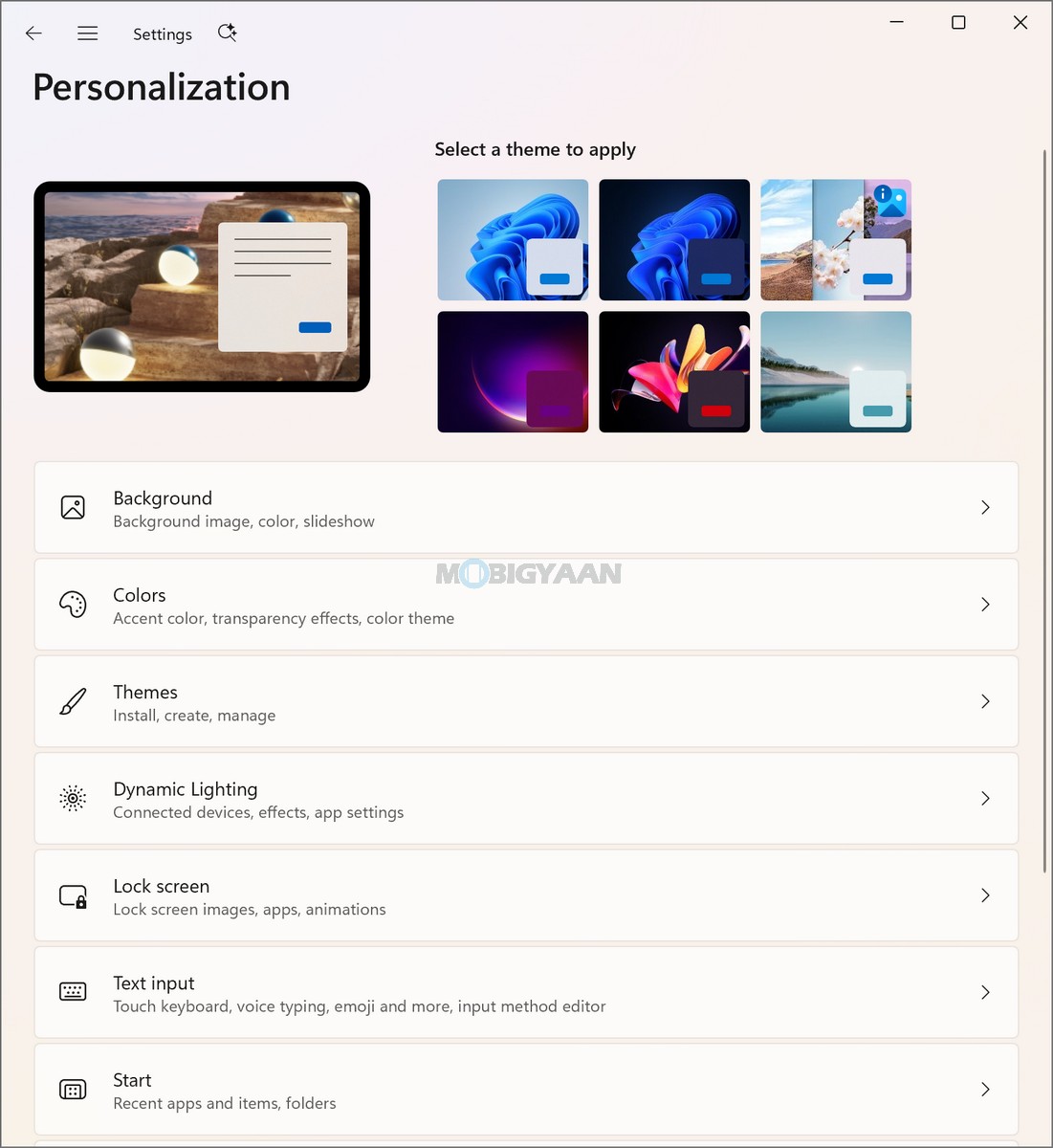
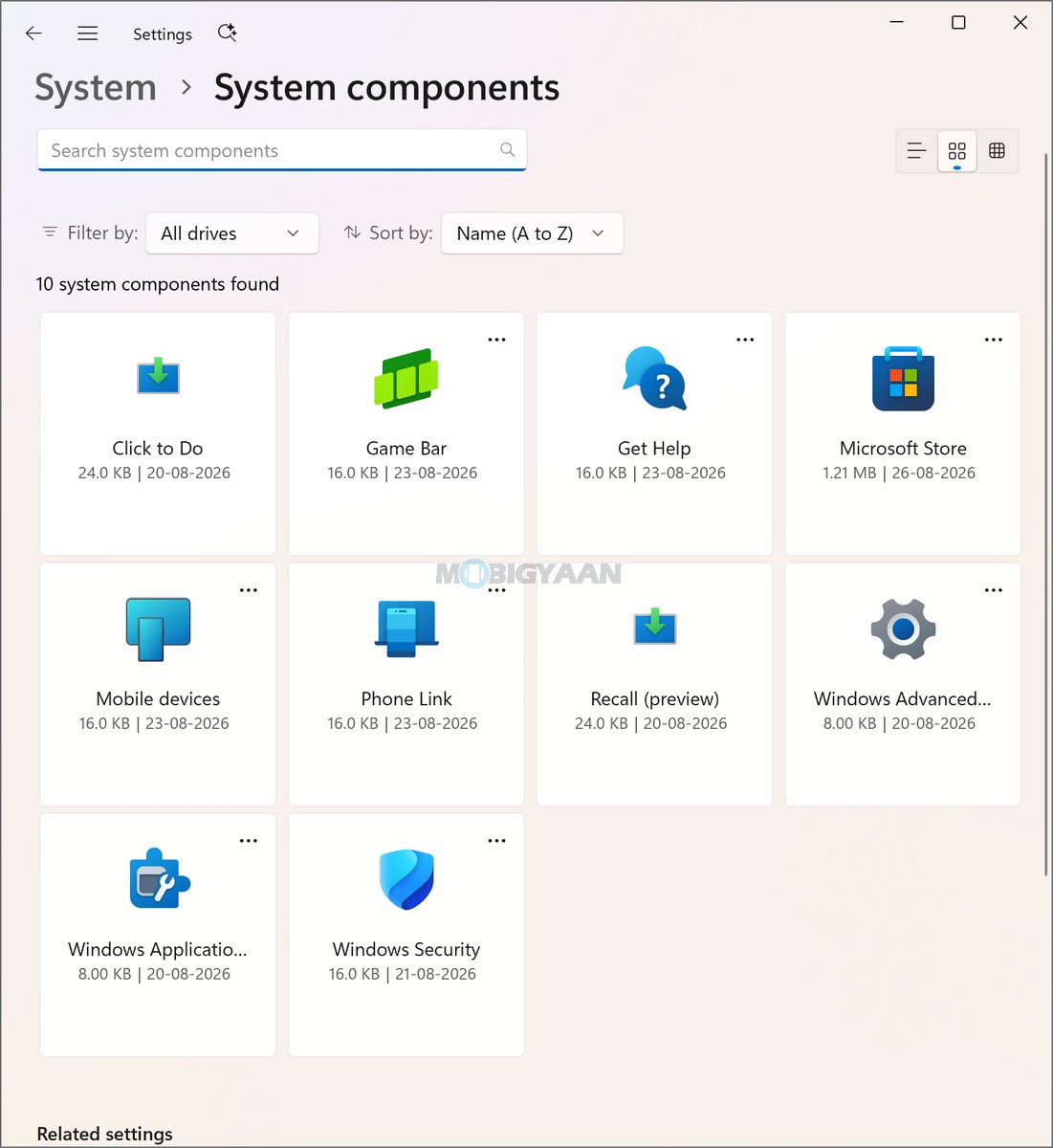
The overall Windows experience remains clean and productivity-focused, with ASUS complementing the operating system through its own system-management utilities rather than heavily modifying the Windows interface. The Zenbook DUO also benefits from the additional functionality enabled by its dual-display design, with the included ASUS software suite intended to help users manage the system and maintain productivity across their workflows.
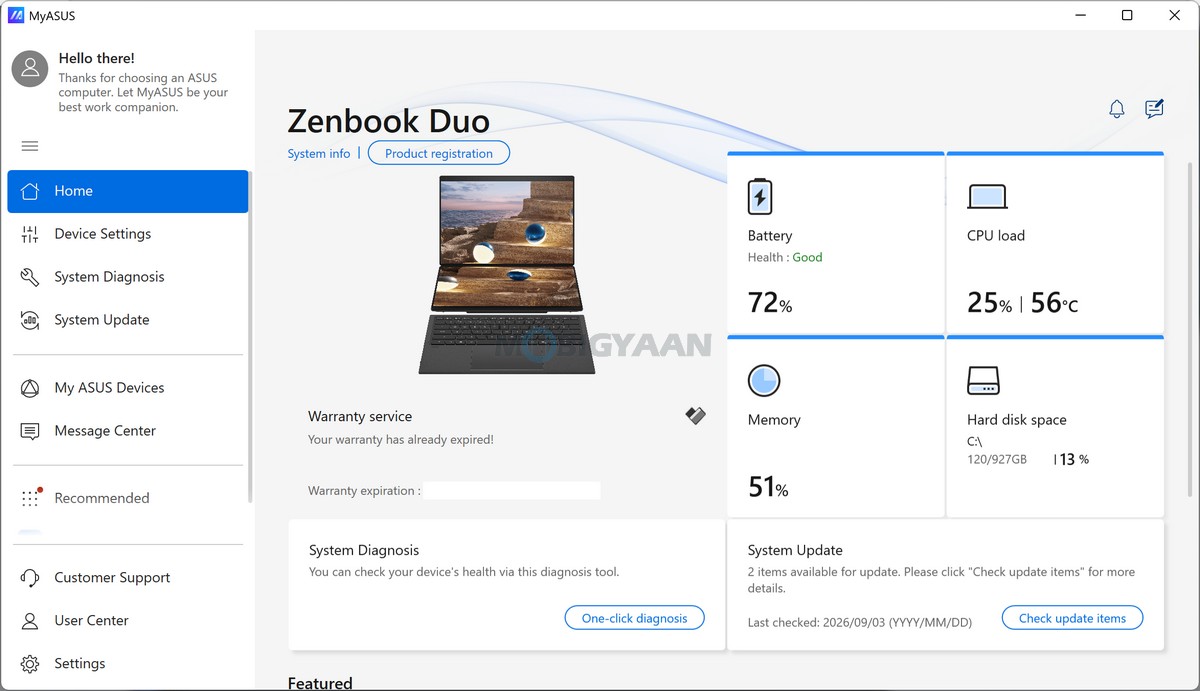
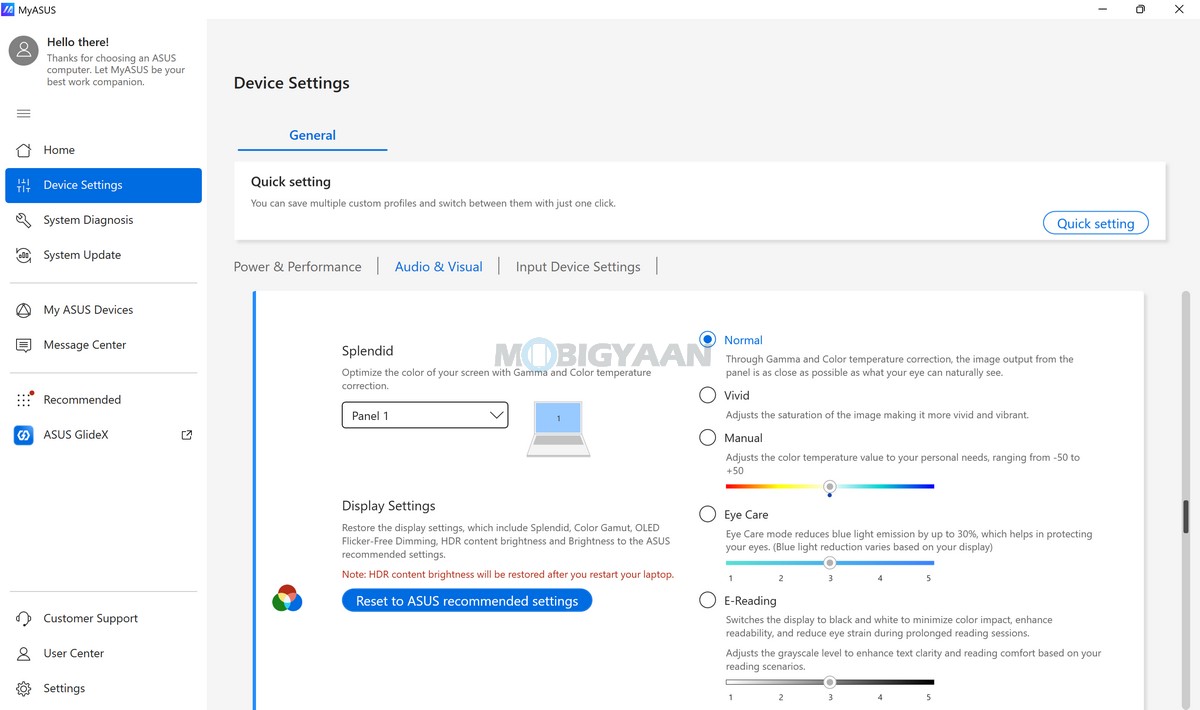
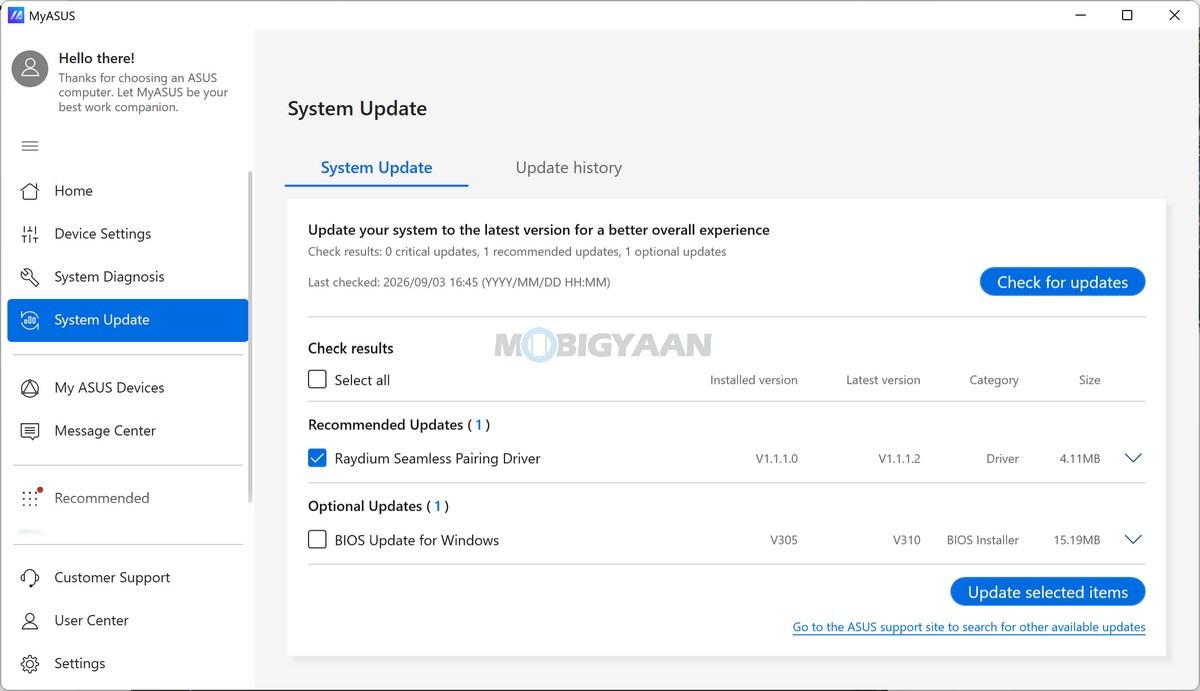
At the centre of the ASUS software ecosystem is MyASUS, which serves as the primary control hub for managing the laptop’s performance, connectivity, battery, and system health. Through MyASUS, users can access several useful features, including:
- AI Noise Canceling for reducing unwanted background noise during voice calls and meetings
- Live Update for keeping supported system components and software updated
- TaskFirst for prioritising network bandwidth for selected applications
- WiFi SmartConnect for managing and optimising wireless connectivity
- Function Key Lock for customising function-key behaviour
- Tru2Life for visual enhancements
- Fan Profile for managing cooling and performance behaviour
- Battery Health Charging for managing charging behaviour and helping maintain long-term battery health
- System Diagnosis for identifying potential hardware and system issues
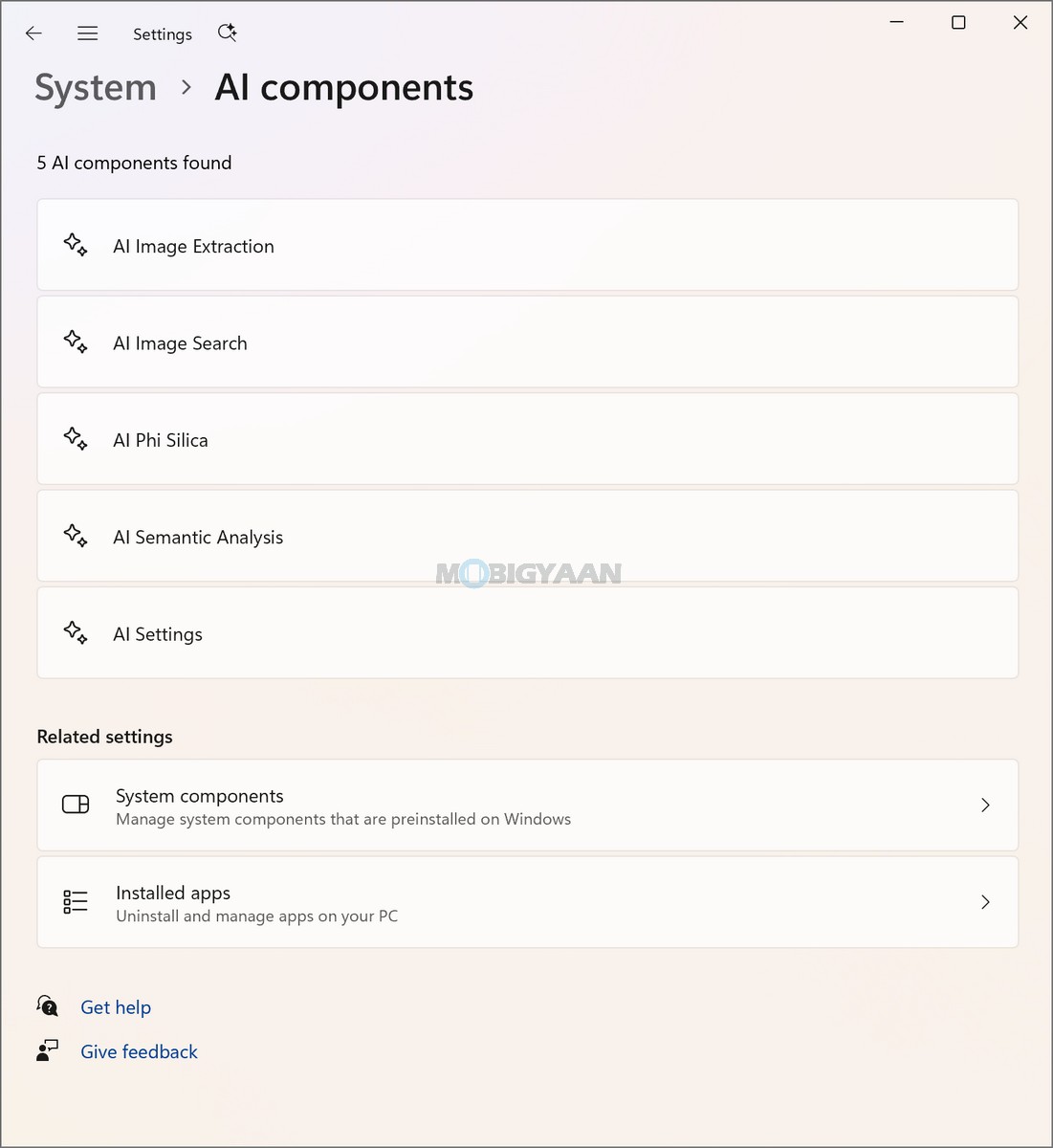
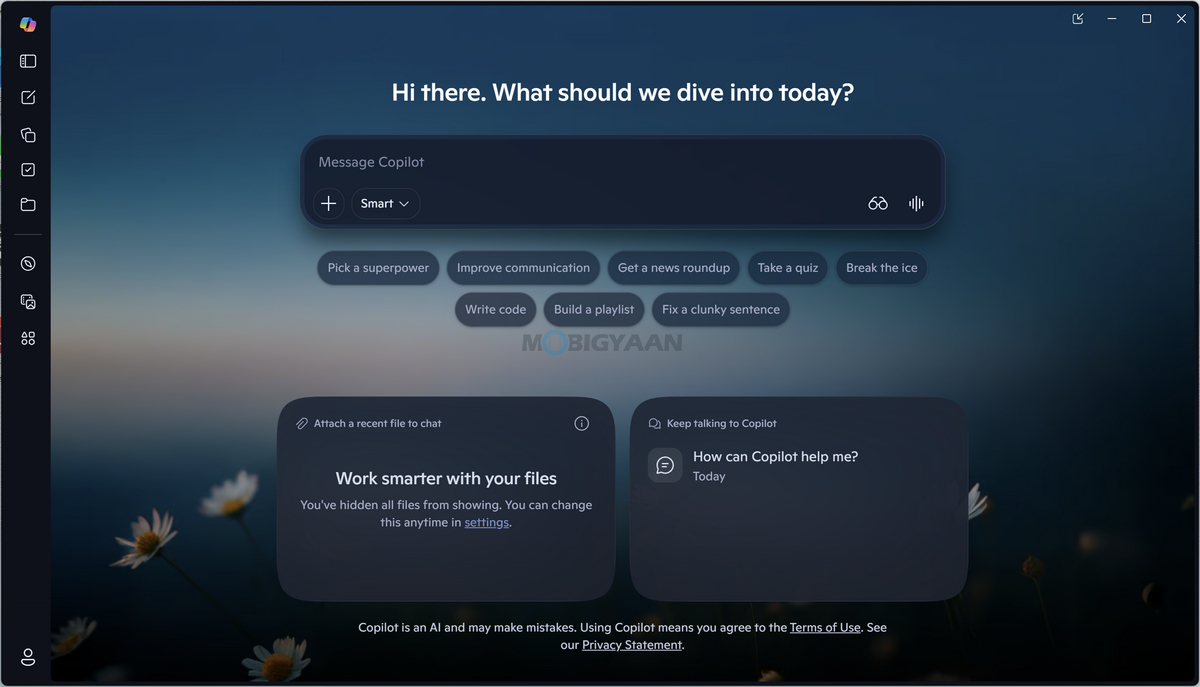
As a Copilot+ PC, the Zenbook DUO is designed around Microsoft’s expanding collection of AI-powered Windows experiences. The dedicated Copilot key on the keyboard provides quick access to Microsoft Copilot, allowing users to access AI assistance for supported tasks such as generating and refining content, finding information, summarising material, and assisting with everyday productivity.
A major part of the Zenbook DUO’s AI capability comes from its underlying Intel hardware. The Intel Core Ultra 7 Processor 355 includes an integrated Intel NPU capable of up to 49 TOPS of AI performance. This dedicated neural processing hardware is designed to accelerate compatible AI workloads locally while reducing the need to rely entirely on the CPU or integrated graphics for supported tasks.
The Zenbook DUO’s software ecosystem is therefore built around three key areas: Windows 11 and Copilot+ PC functionality, ASUS’ system-management tools through MyASUS, and the additional AI and productivity applications bundled with the device. Combined with the Intel NPU’s as much as 49 TOPS AI capability, the software experience is designed to make the Zenbook DUO more than simply a dual-screen laptop, adding AI-assisted functionality alongside conventional productivity tools.
More importantly, the software complements the DUO’s defining dual-screen form factor. The combination of two touch-enabled OLED displays, stylus support, Windows 11 multitasking, Copilot+ PC functionality, and ASUS system utilities makes the Zenbook DUO particularly suited to users who regularly work with multiple applications, documents, creative tools, and AI-assisted workflows.
ASUS Pen 3.0 (SA205H) Stylus
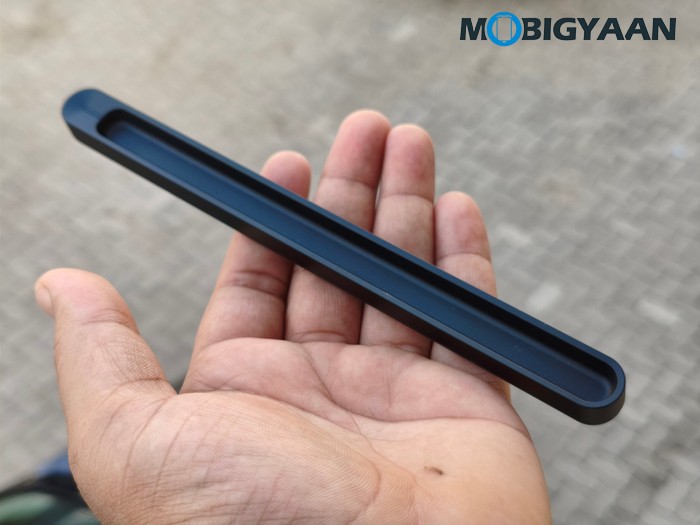
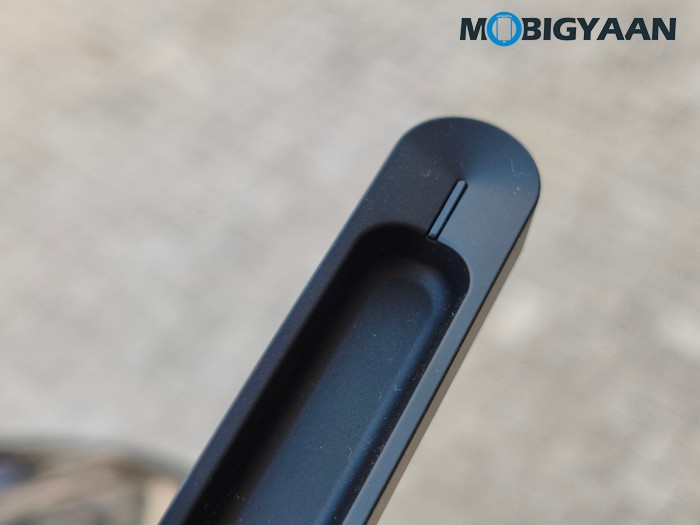
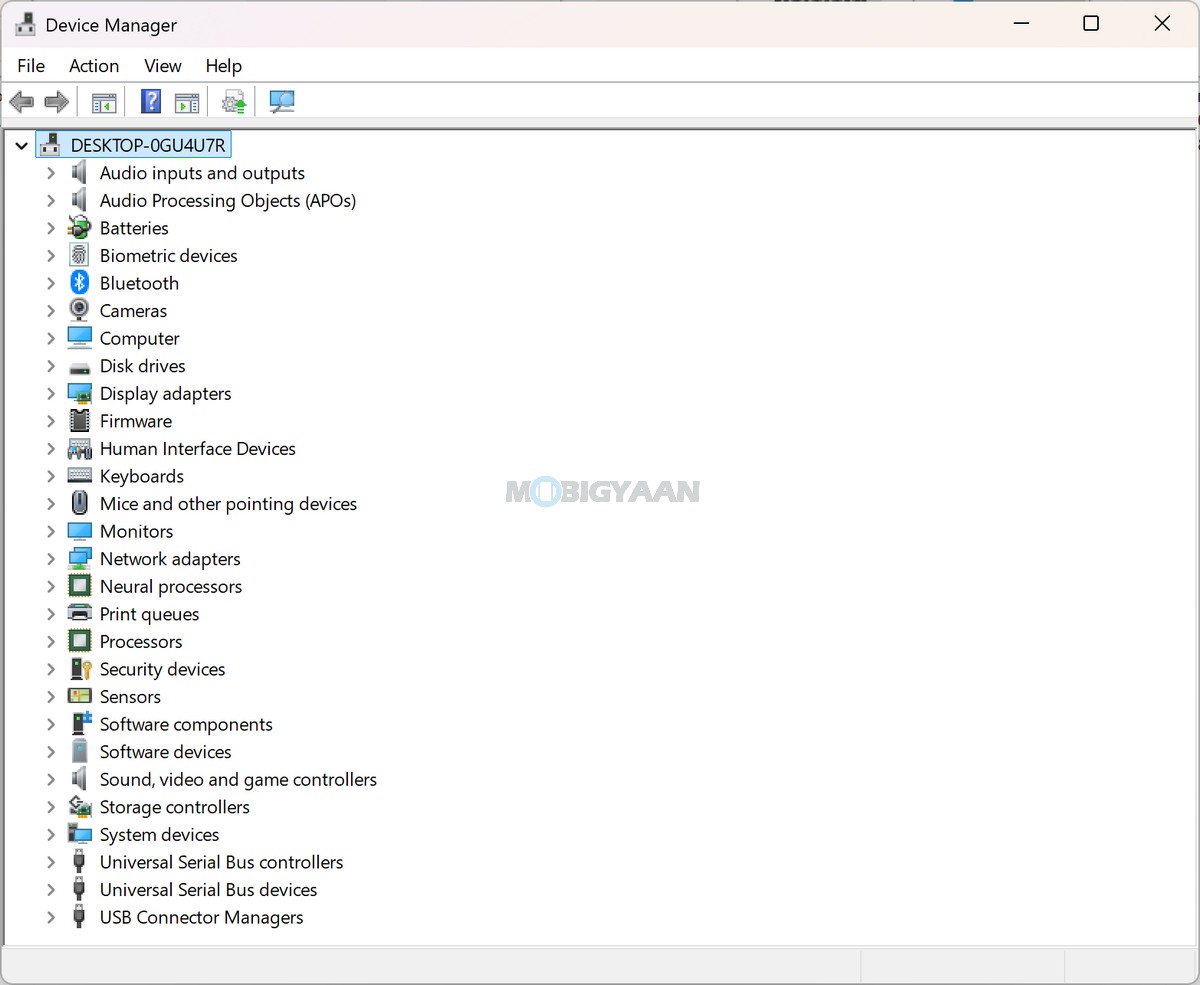
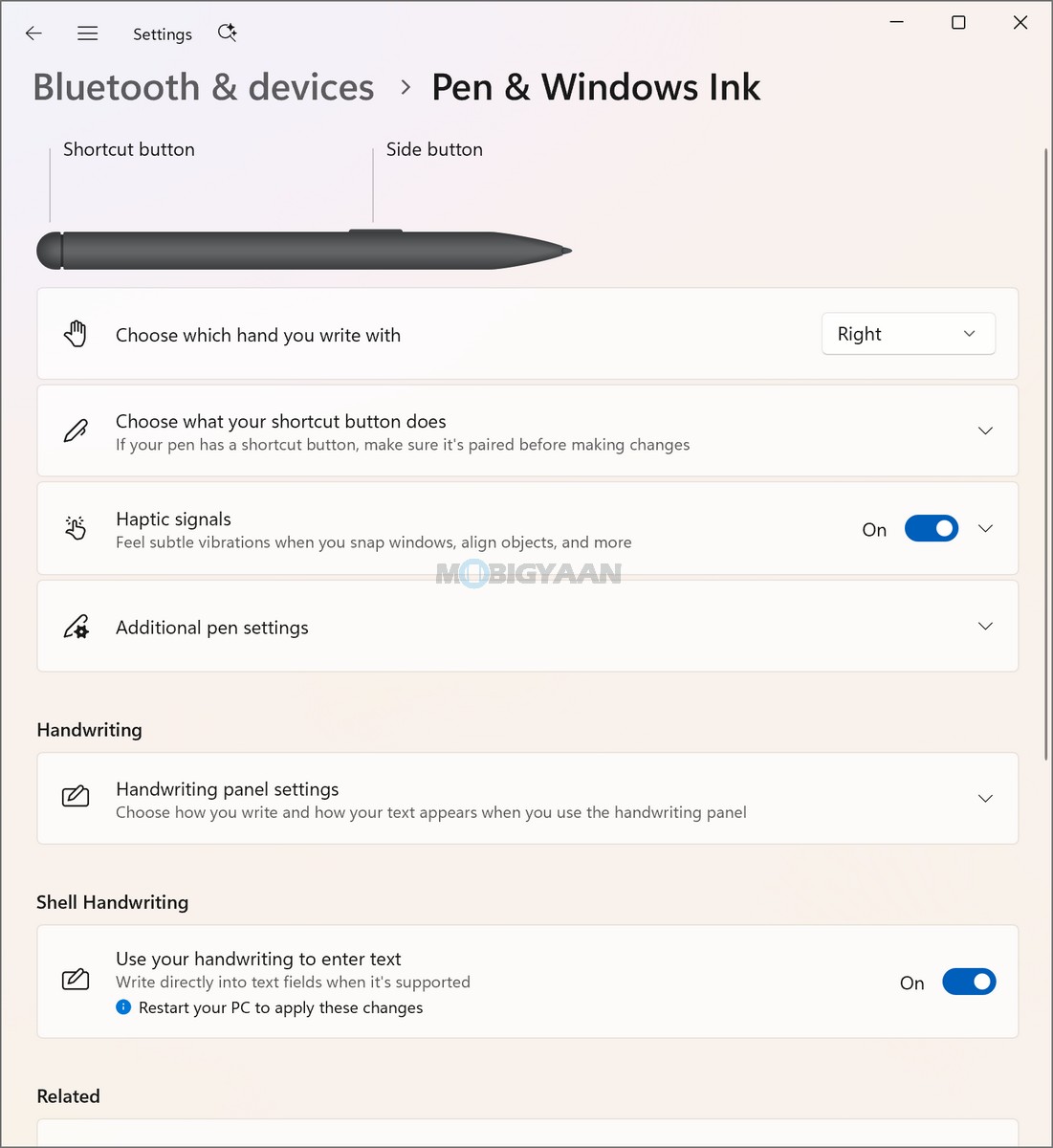
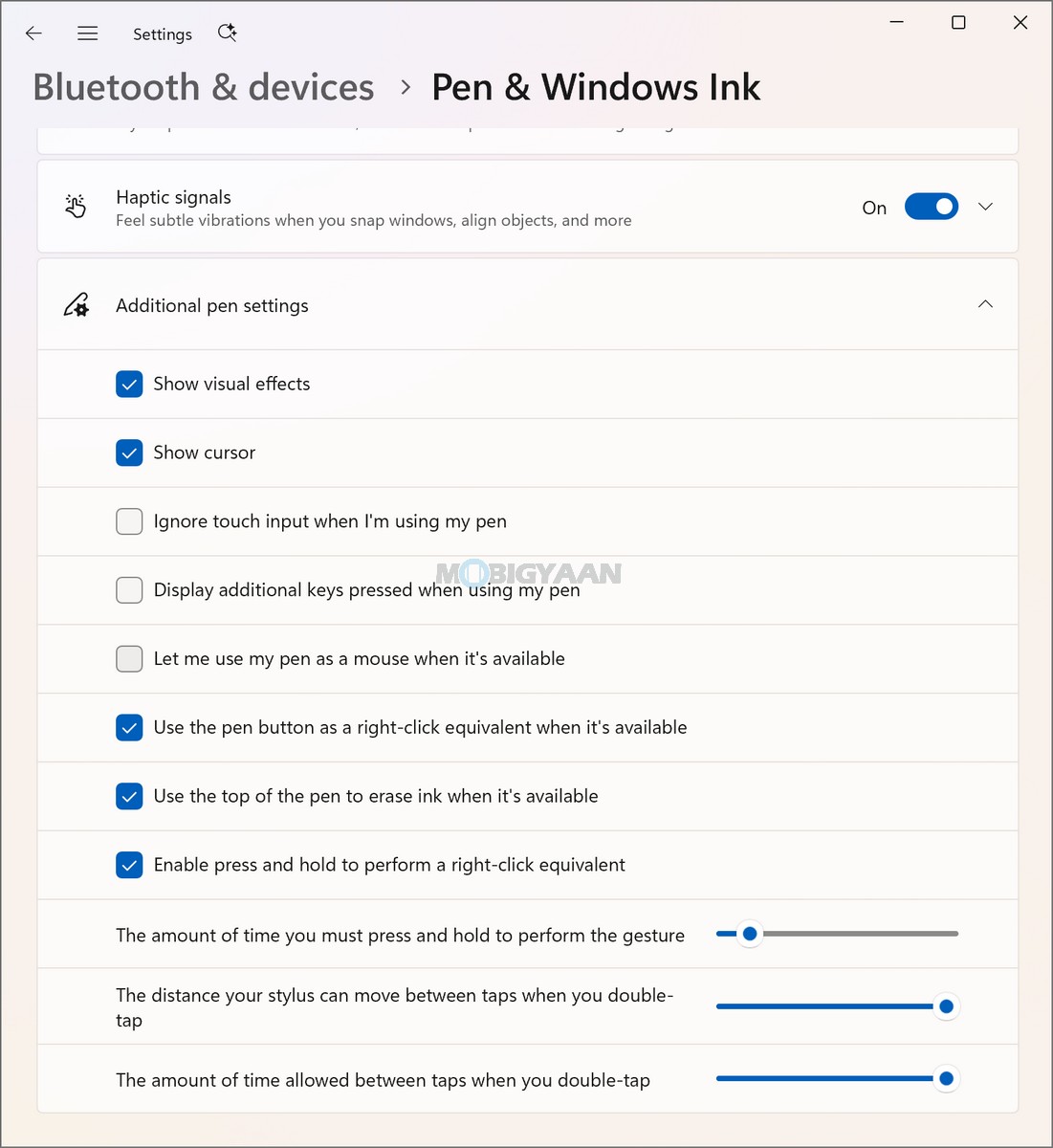
The notebook comes with the ASUS Pen 3.0 (SA205H) stylus, using Microsoft Pen Protocol (MPP) 2.6 technology. The pen is included in the box along with its wireless charger. ASUS includes a wireless charging accessory for the stylus, so the pen can be charged without relying on a separate wired connection. The ASUS Pen 3.0 measures 160 mm in length with an 8.9 mm diameter and weighs approximately 15.9 grams. It uses a plastic body, buttons, and cap, while the pen supports MPP 2.6 for interaction with compatible touch displays.
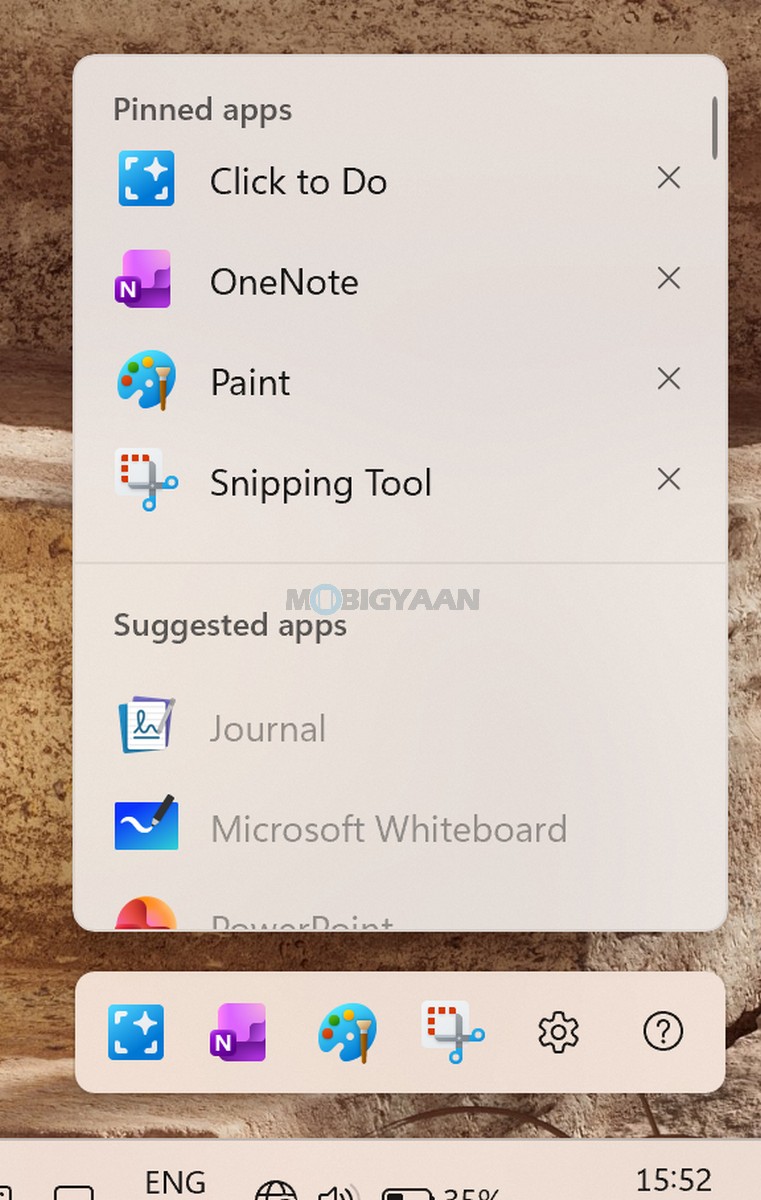
The stylus is designed to take advantage of the Zenbook DUO’s touch-enabled OLED displays, making it useful for handwritten notes, annotations, drawing, sketching, and other touch-based workflows. This is particularly useful on the DUO because the additional display area gives the pen more practical applications beyond simple navigation.
ASUS also includes several bundled productivity and AI-related services with the Zenbook DUO. Users get a 3-month Google AI Pro subscription, providing access to Google’s AI ecosystem, alongside a 1-month Adobe Creative Cloud All Apps membership for creative applications and a 3-month Goodnotes Essential subscription for note-taking and productivity workflows.
The laptop also includes MyASUS as its built-in ASUS application, providing access to the system-level controls and utilities mentioned above. Features such as Fan Profile, Battery Health Charging, System Diagnosis, Live Update, TaskFirst, WiFi SmartConnect, Function Key Lock, Tru2Life, and AI Noise Canceling give users greater control over how the notebook behaves in different usage scenarios.
Security is another important part of the software and hardware experience. The Zenbook DUO includes a Trusted Platform Module (Firmware TPM) and Microsoft Pluton security processor, providing hardware-backed security capabilities. The Full HD IR camera with Windows Hello support allows users to securely authenticate using facial recognition rather than relying solely on a password or PIN.
The IR camera also plays an important role in the laptop’s overall Windows Hello experience. With Windows Hello support integrated into the camera hardware, you can unlock the Zenbook DUO quickly while maintaining a more secure authentication method. ASUS has also included its built-in array microphone and AI Noise Canceling technology, making the notebook suitable for online meetings, video calls, and remote collaboration.
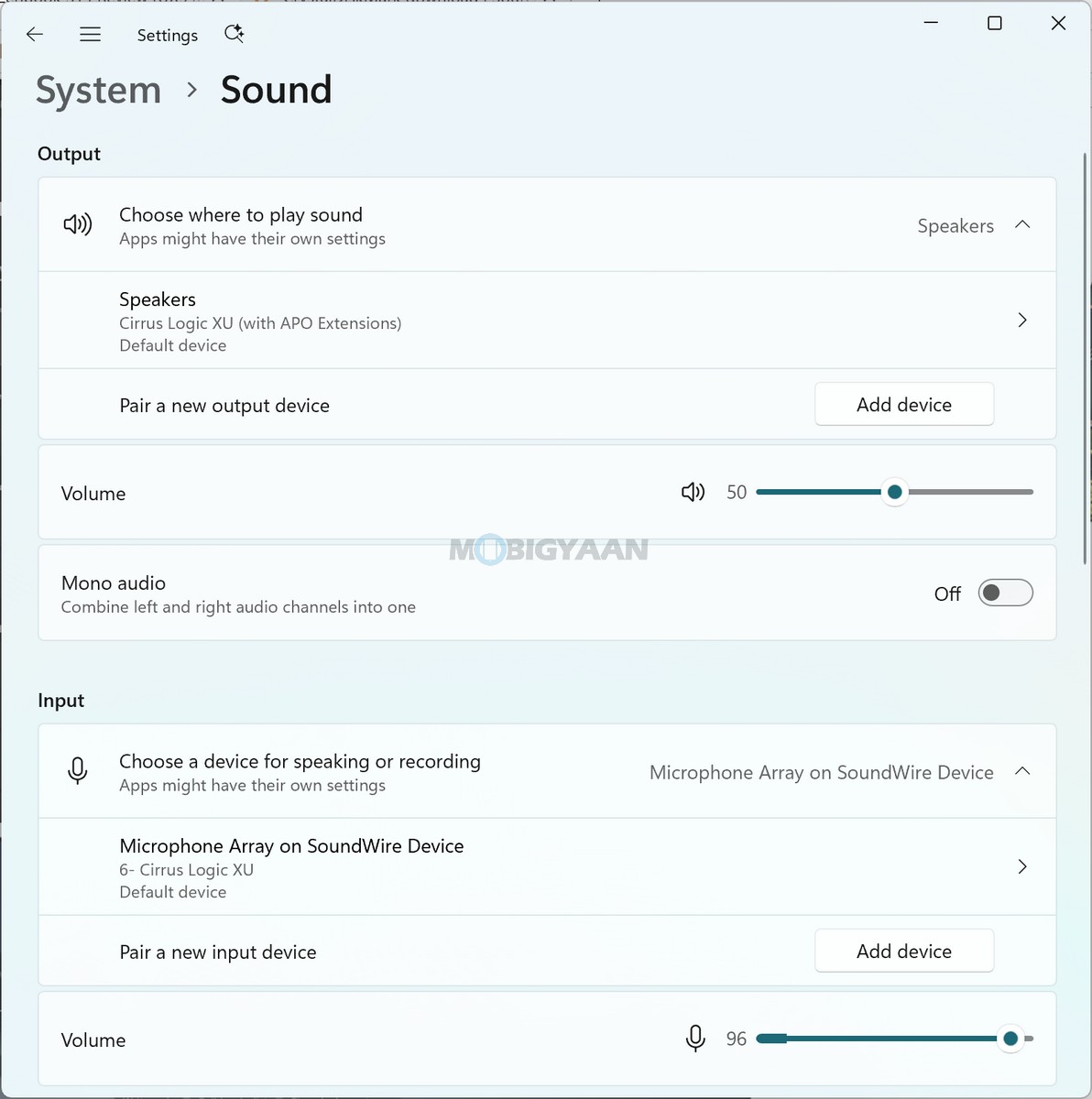
For communication, the Zenbook DUO features a built-in array microphone alongside built-in speakers and Smart Amp Technology, with Cortana support. AI Noise Canceling available through MyASUS is designed to reduce unwanted background noise during voice communication, which can be particularly useful when working in shared offices, cafés, classrooms, or other environments where background noise is unavoidable. In our usage, the microphone worked well and was clear without any background noise disturbances.
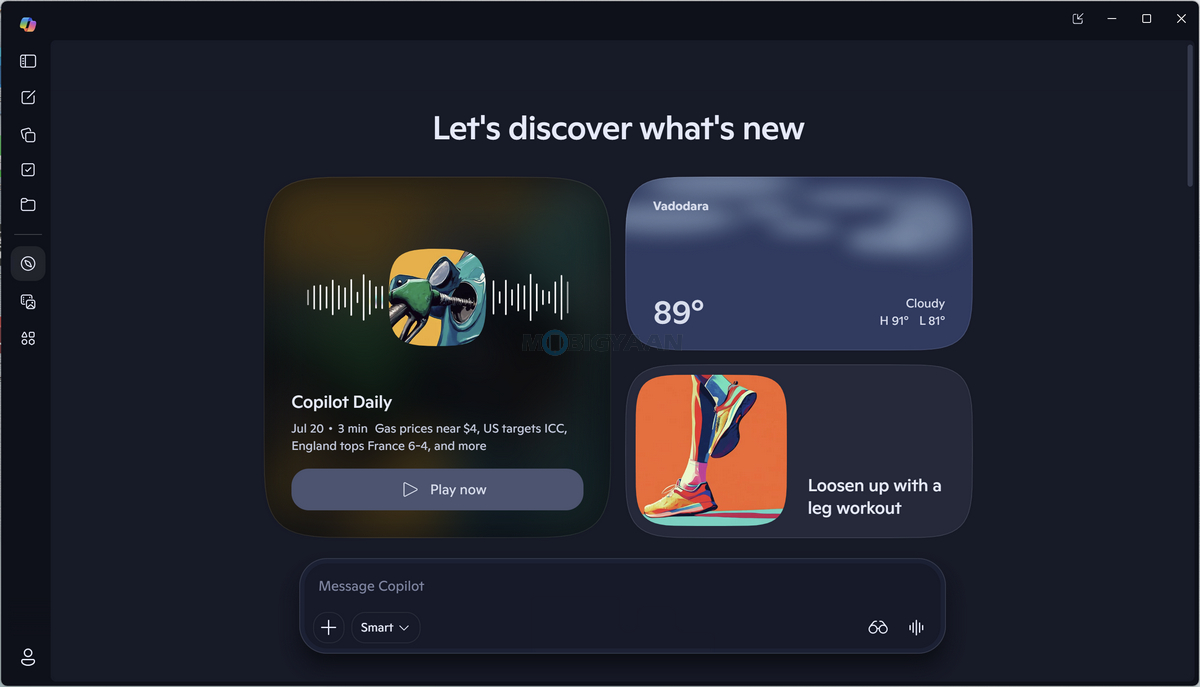
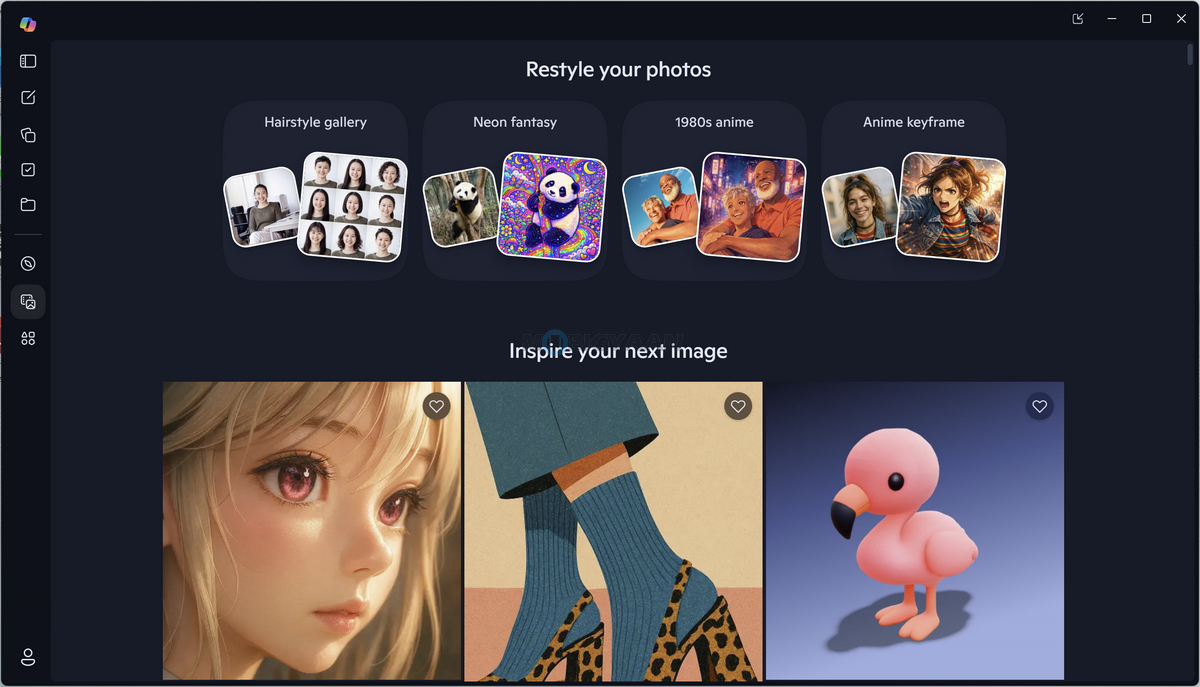
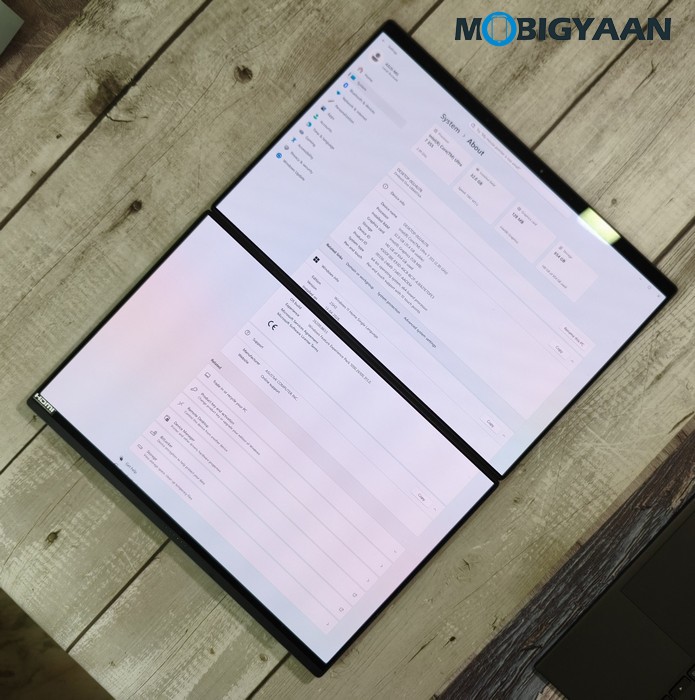
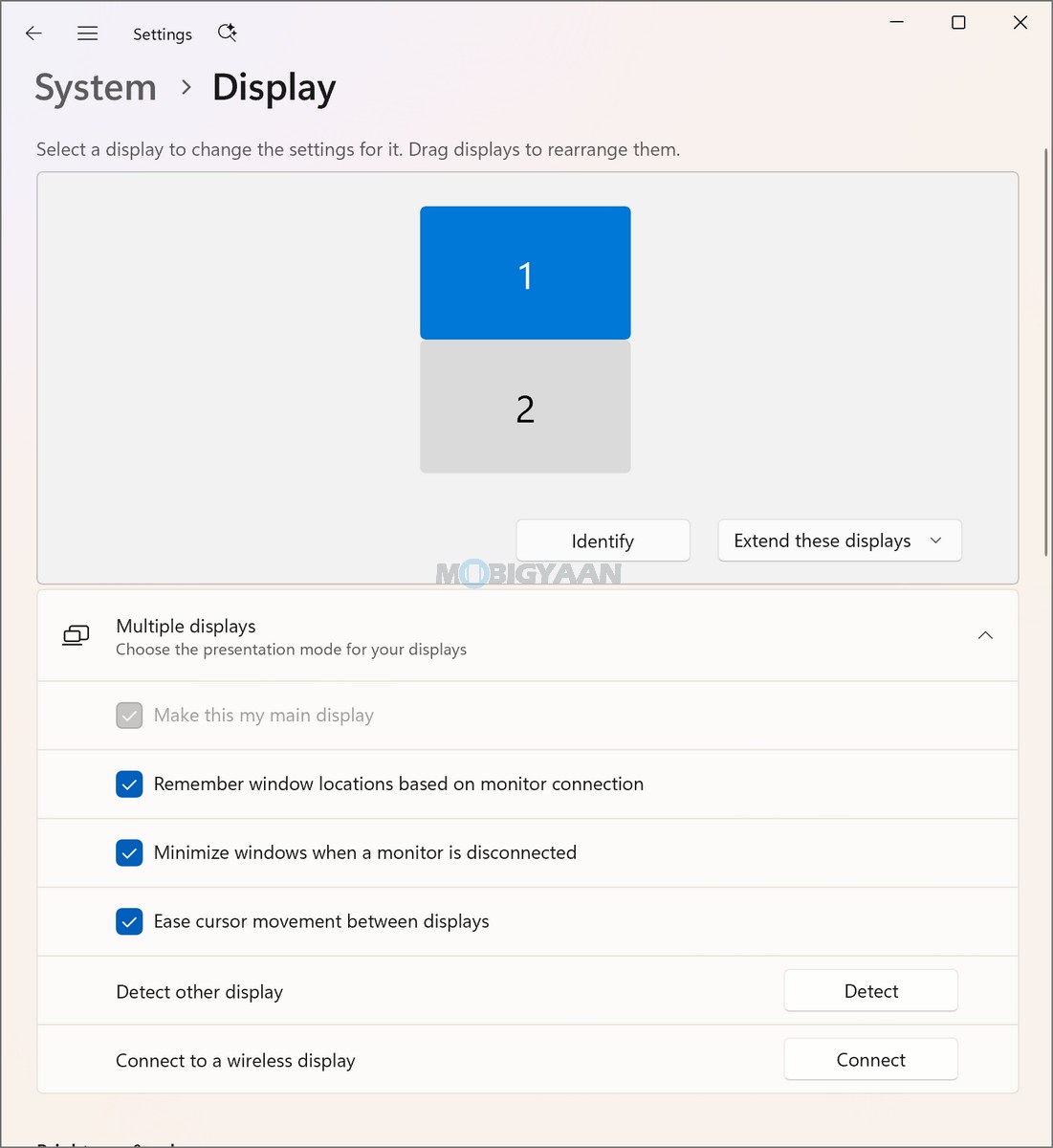
The Zenbook DUO also benefits from its dual-display configuration, which is particularly relevant to productivity. Having two integrated OLED displays provides substantially more workspace than a conventional single-screen notebook, allowing you to spread applications, documents, browser windows, reference material, and other content across the two screens. This makes the software experience particularly relevant to multitasking, where the additional screen real estate can reduce the need to constantly switch between windows.
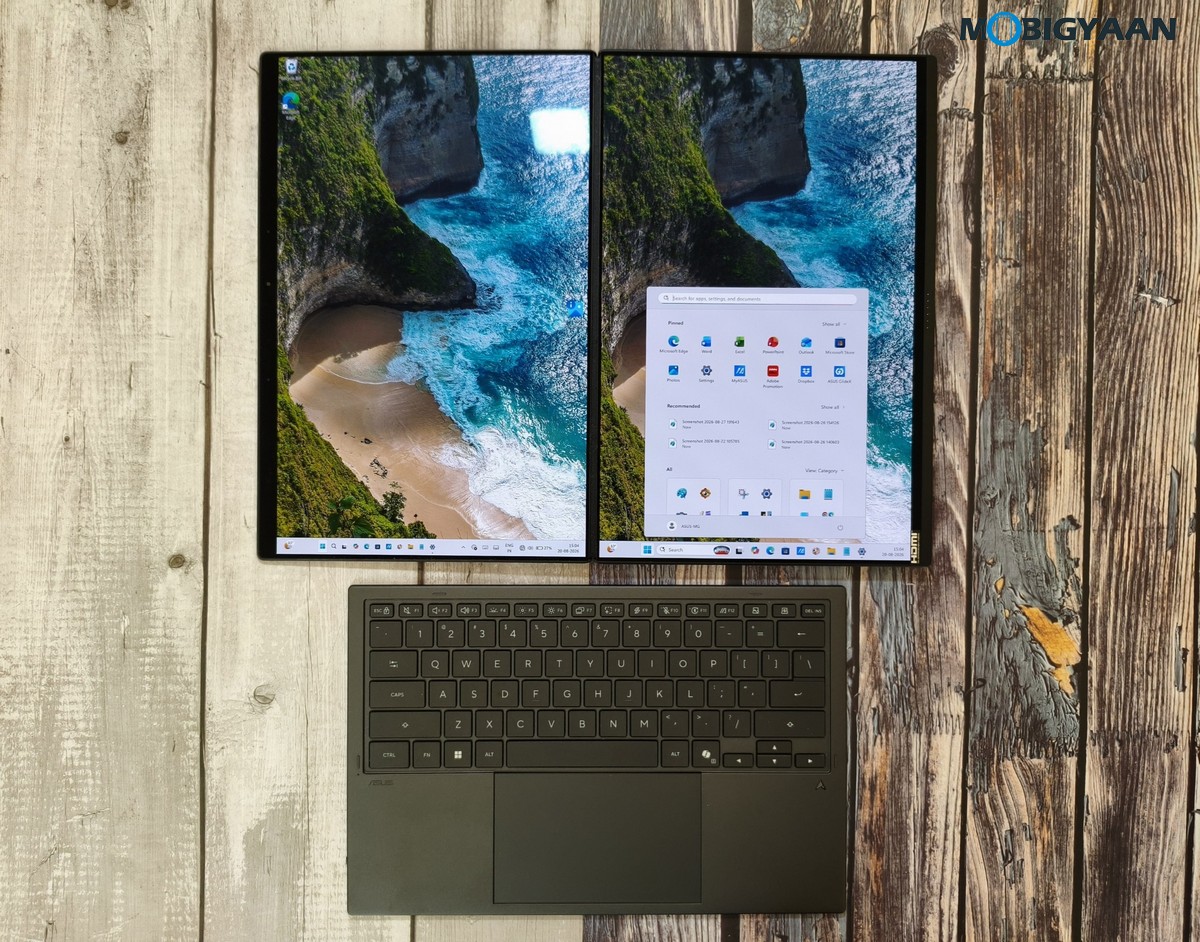
The dual-screen experience was exceptionally impressive and, in many ways, mesmerizing. It makes multitasking much more convenient, allowing you to run different apps or software side by side across both displays. You can easily work with multiple applications in parallel, making better use of the additional screen real estate.
However, not all apps are fully optimised for the dual-screen setup. For example, when we opened Chrome in full-screen mode, it did not span across both displays; instead, it remained on a single display of our choice. We experienced a similar limitation with YouTube when using it through Chrome, as the full-screen mode did not utilise both screens. This may be because the respective apps need specific dual-screen support or optimisation to take full advantage of the Zenbook DUO’s two-display configuration.
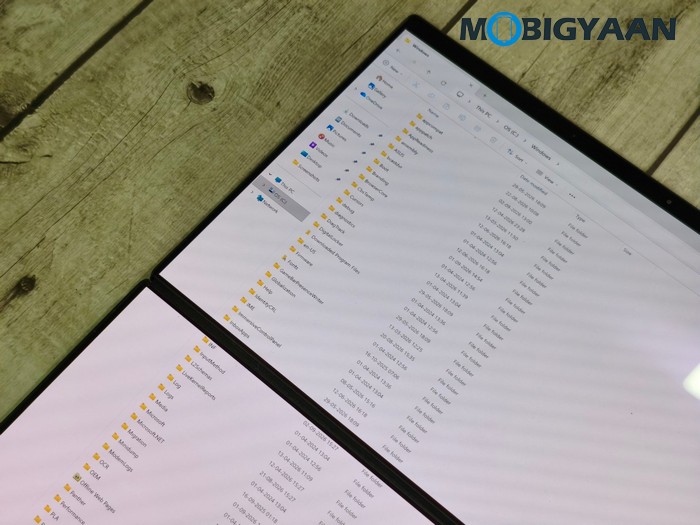
The laptop’s touchscreen and stylus support further expand the software experience. You can interact directly with compatible Windows applications using touch input and the included stylus, making the secondary display useful for handwritten notes, annotations, sketches, document interaction, and other touch-based workflows.
For users working across wireless networks and peripherals, the laptop supports Wi-Fi 7 and Bluetooth 5.4. MyASUS’ WiFi SmartConnect feature can further assist with wireless connectivity management, while TaskFirst provides a way to prioritise network bandwidth for selected applications when multiple network activities are running simultaneously.
The software package is also complemented by ASUS’ environmental and durability commitments. The Zenbook DUO carries the US MIL-STD 810H military-grade standard, while its compliance credentials include RoHS and Energy Star certifications.
Hardware, Performance, & Gaming
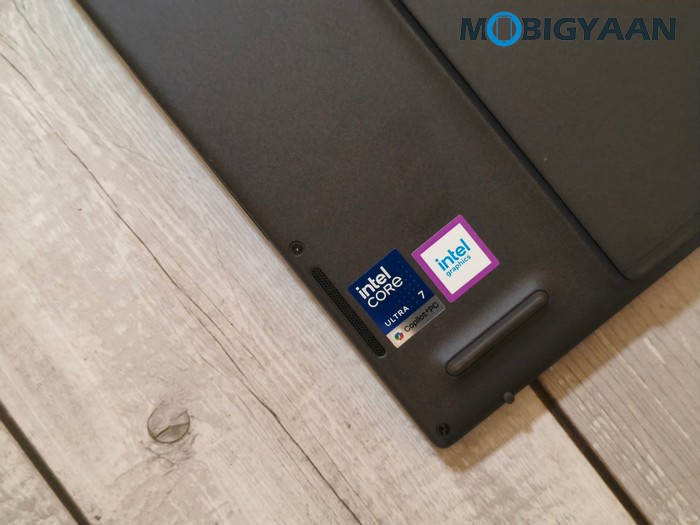
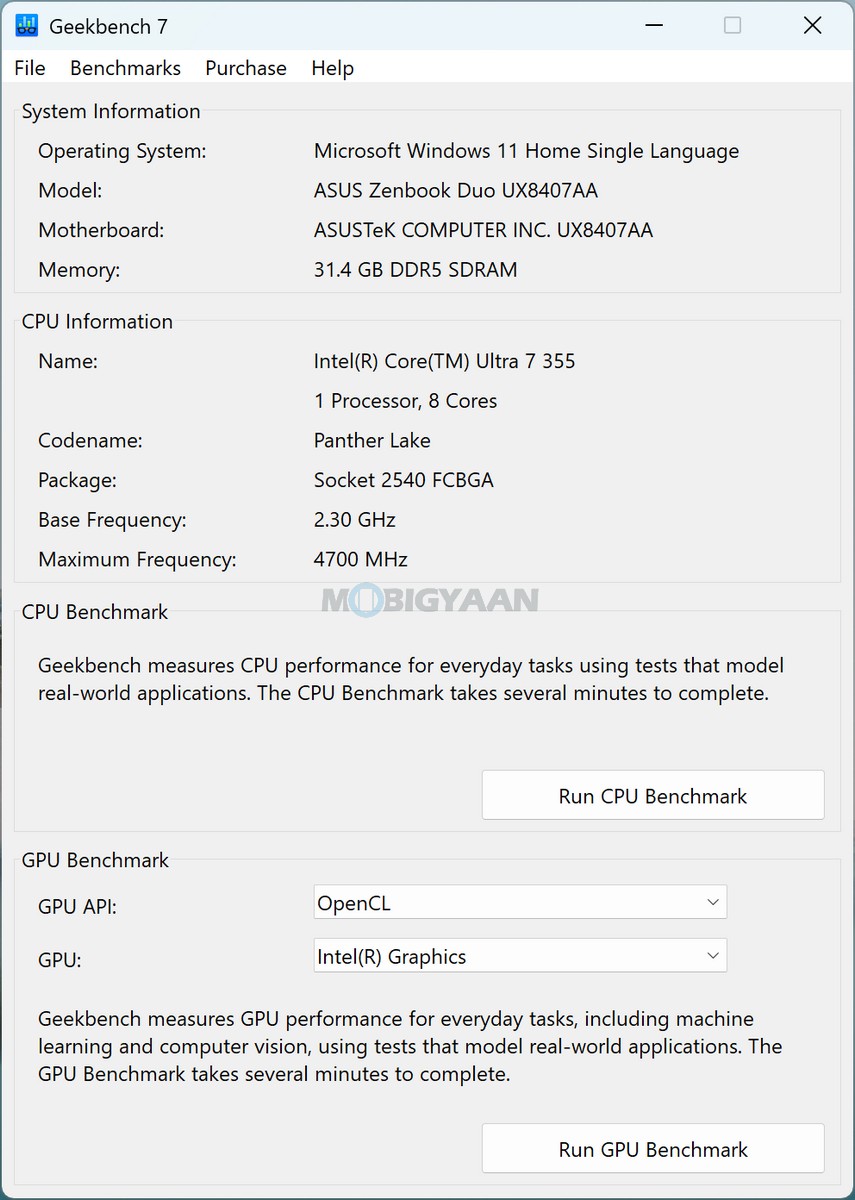
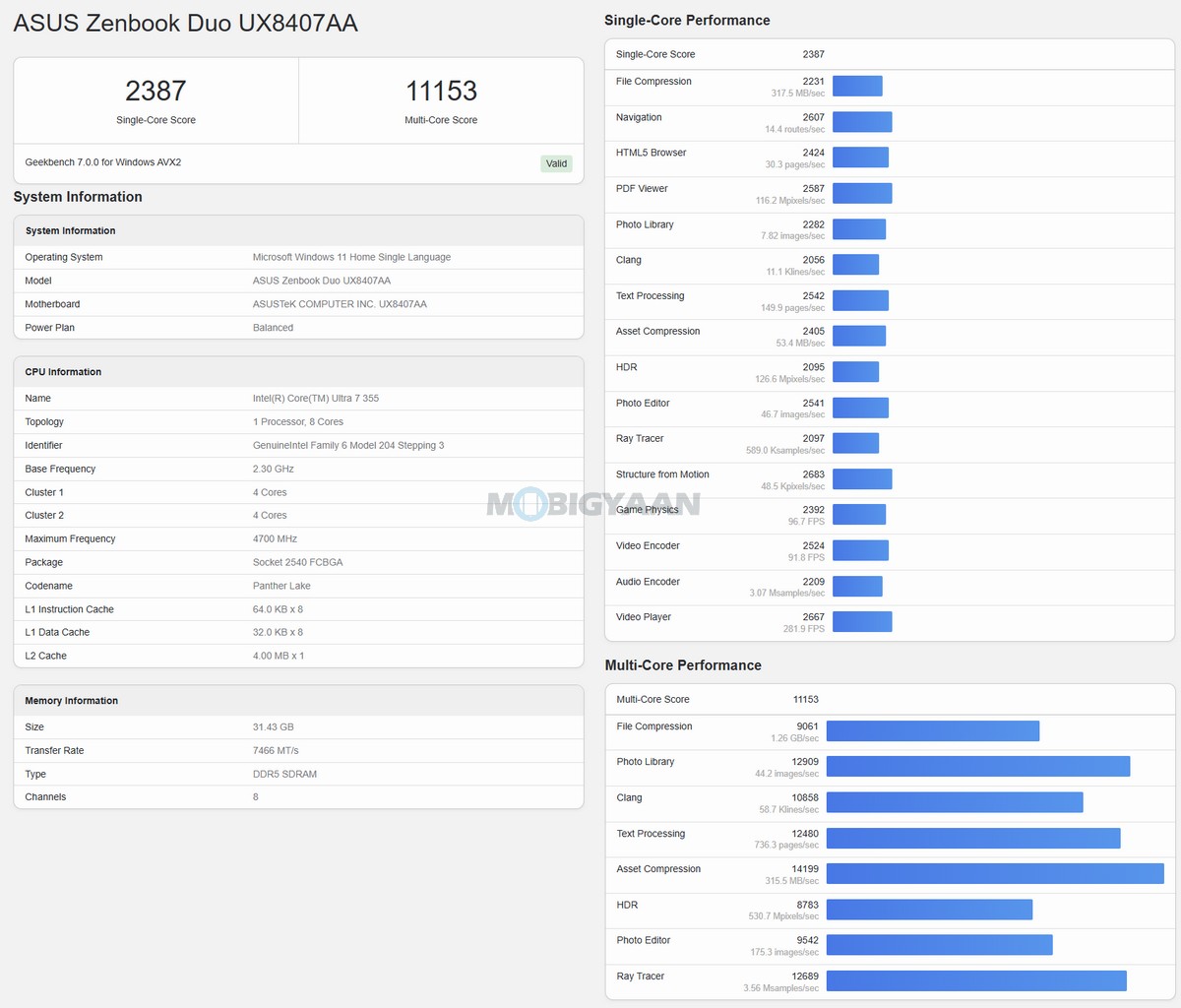
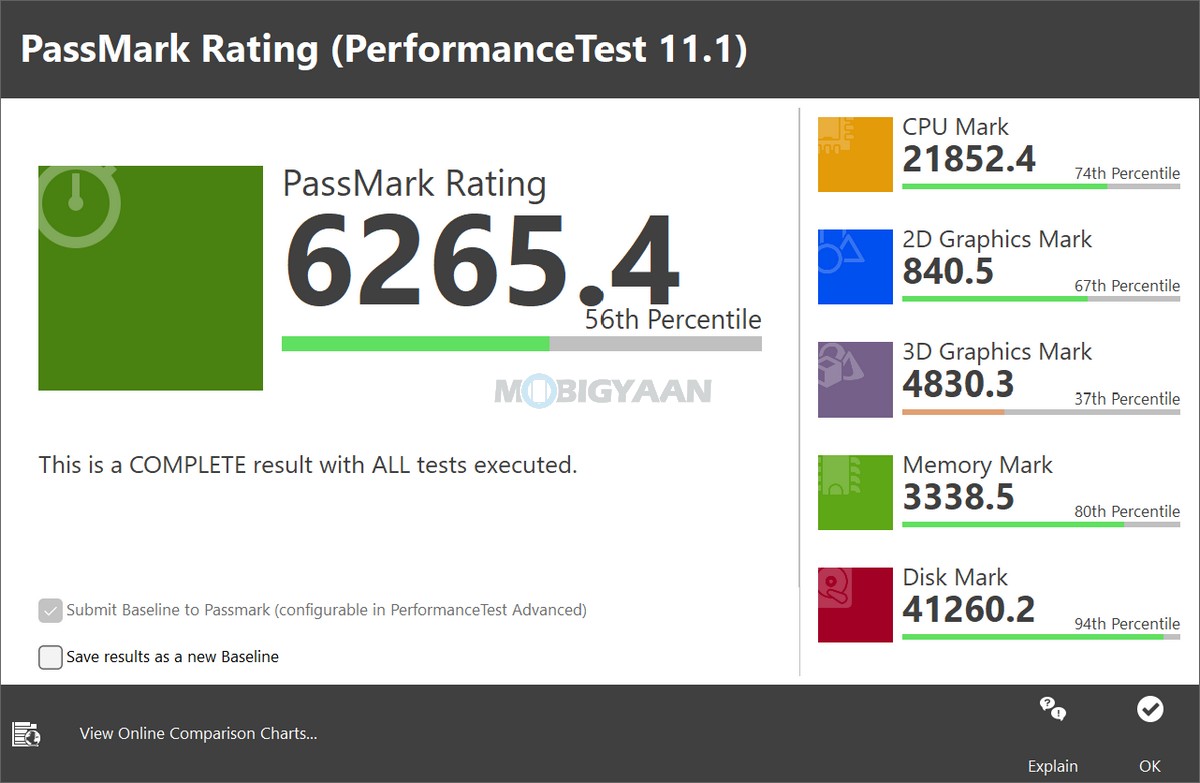
The ASUS Zenbook DUO (UX8407AA) combines its dual-screen form factor with Intel’s latest Core Ultra Series 3 platform, giving the notebook a strong balance of conventional processing performance and dedicated AI acceleration. The configuration we are reviewing is powered by the Intel Core Ultra 7 Processor 355, paired with Intel Graphics, 32 GB LPDDR5X RAM, and a 1 TB PCIe 4.0 SSD. The processor also integrates an Intel NPU capable of delivering up to 49 TOPS of AI performance.
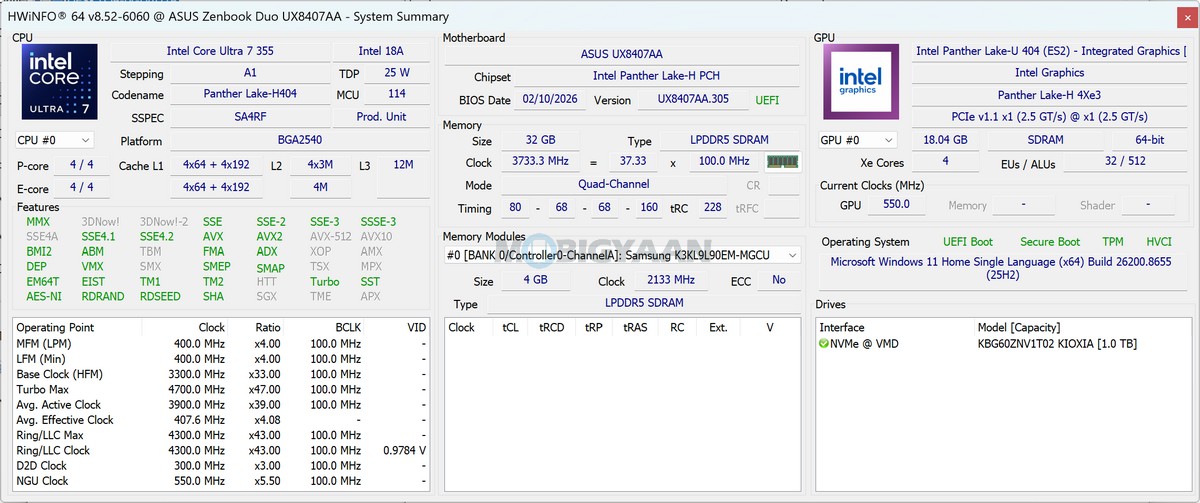
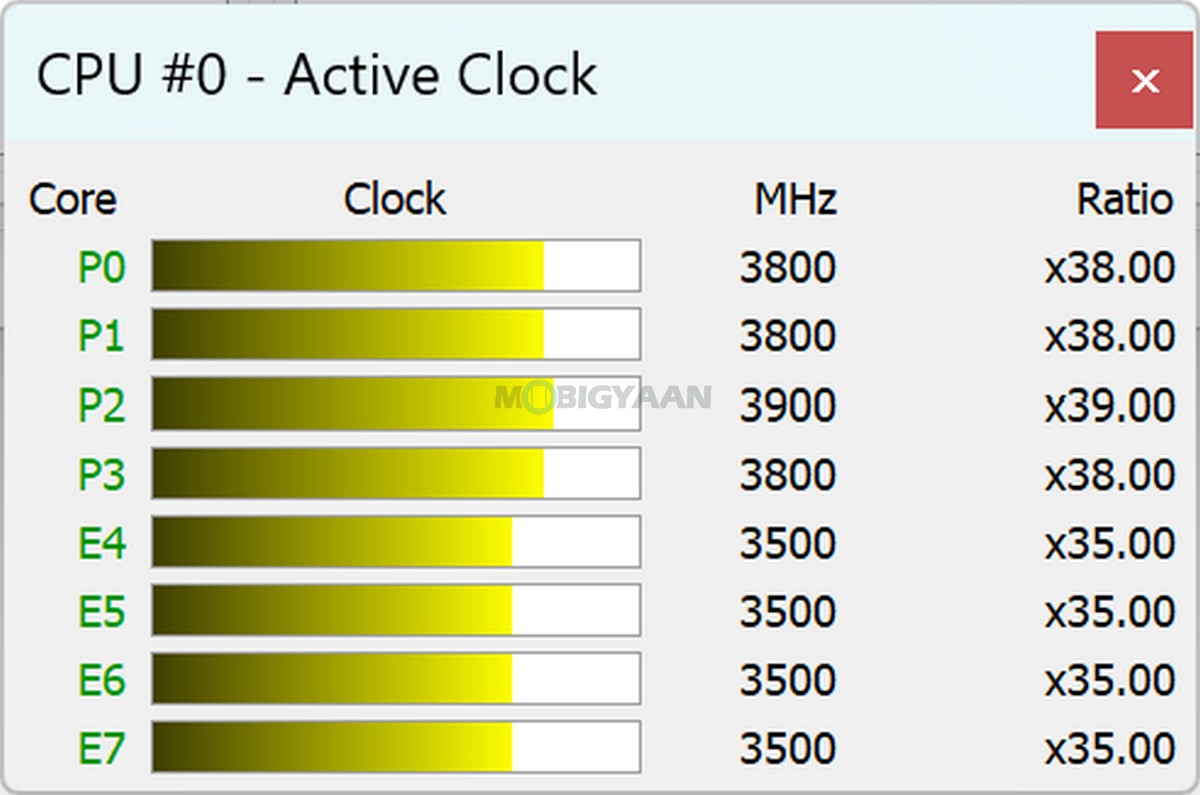
The Intel Core Ultra 7 Processor 355 features an 8-core, 8-thread CPU configuration with 12 MB of cache, a base frequency of 2.3 GHz, and boost speeds of up to 4.7 GHz. This configuration is aimed primarily at productivity, multitasking, AI-assisted workloads, and power-efficient performance rather than dedicated gaming.
The dedicated Intel NPU is one of the important components behind the Zenbook DUO’s Copilot+ PC positioning. With up to 49 TOPS of AI performance, the NPU is designed to handle compatible AI workloads locally. This allows supported AI tasks to be processed through dedicated neural-processing hardware rather than relying entirely on the CPU or integrated graphics, which can help maintain efficiency while conventional applications continue running.
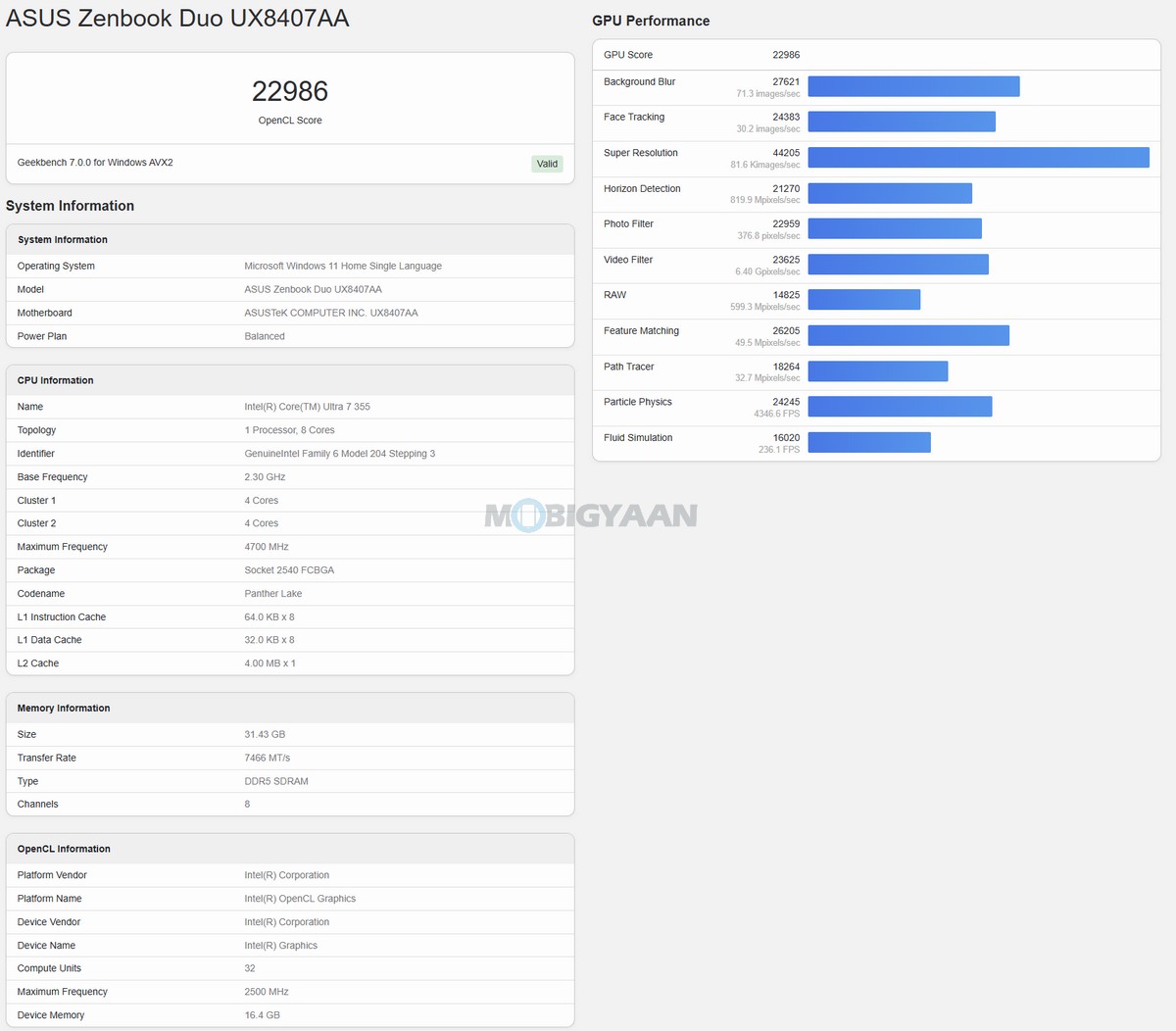
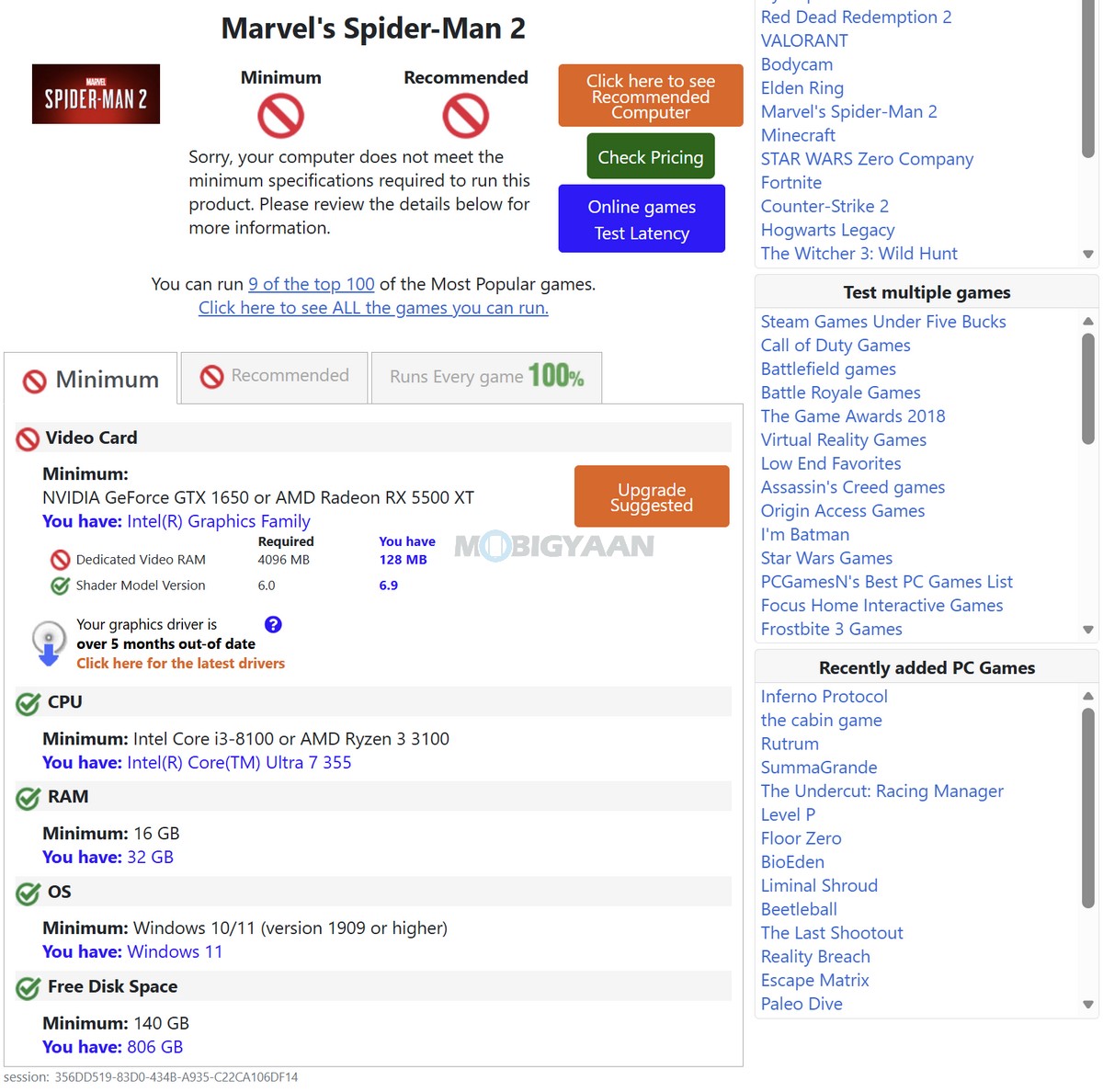
For gaming, you require a high-performance dedicated GPU on the notebook to play games on high settings with higher resolution, and the Zenbook DUO here offers an integrated Intel counterpart. Graphics are handled by Intel Graphics on the configuration we tested. There is no discrete NVIDIA or AMD GPU, so the Zenbook DUO is clearly designed around productivity, multitasking, AI workloads, multimedia, and portability rather than demanding gaming or GPU-intensive workloads.
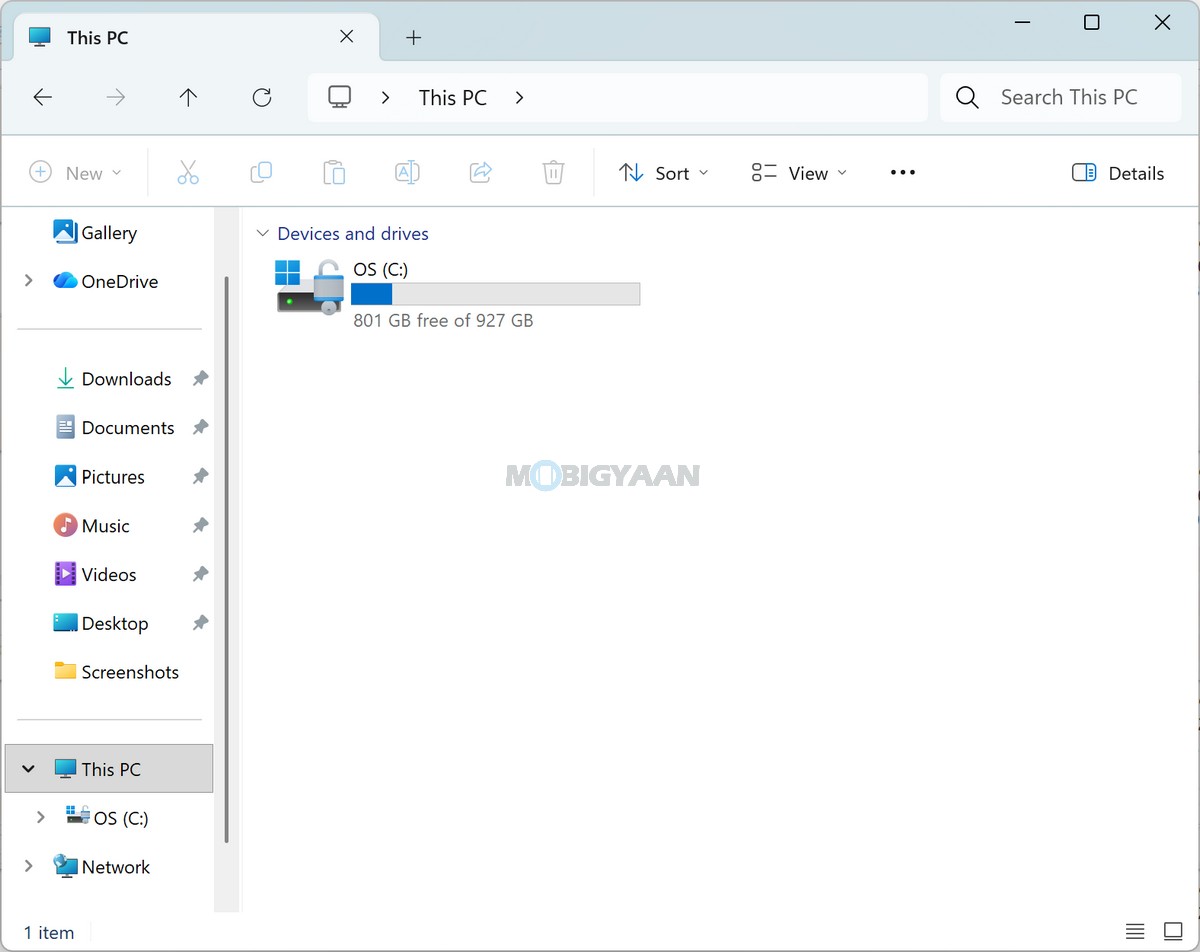
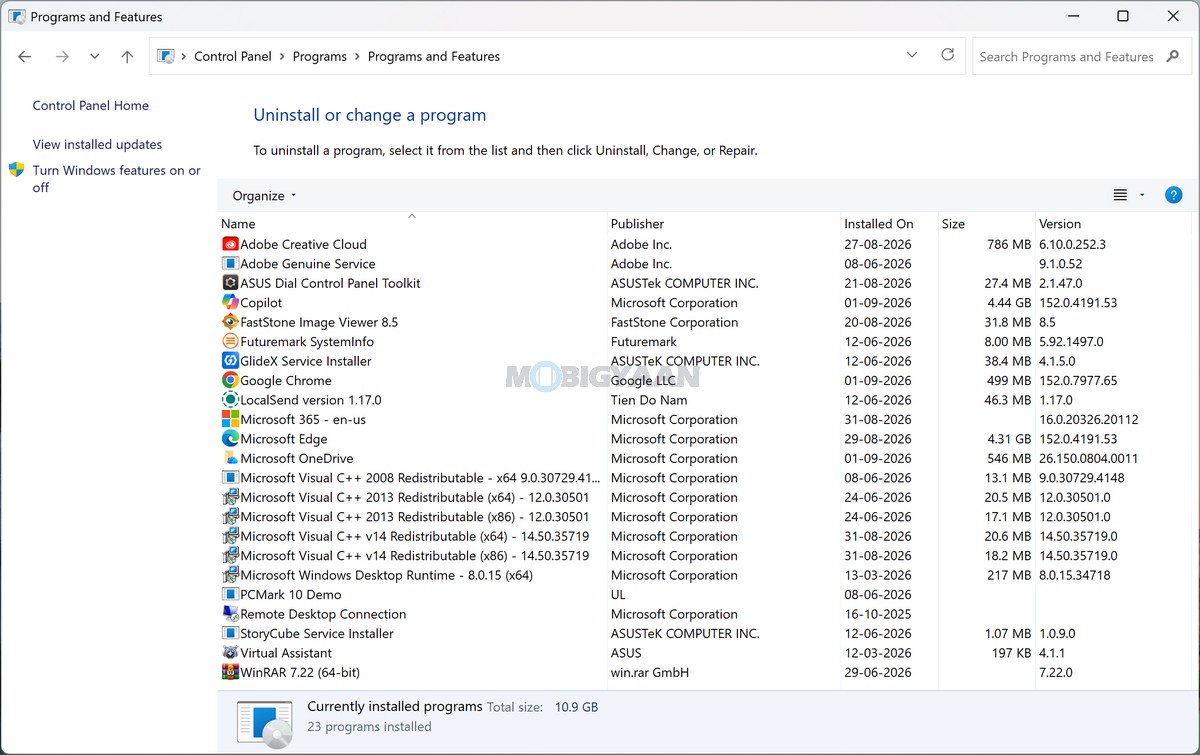
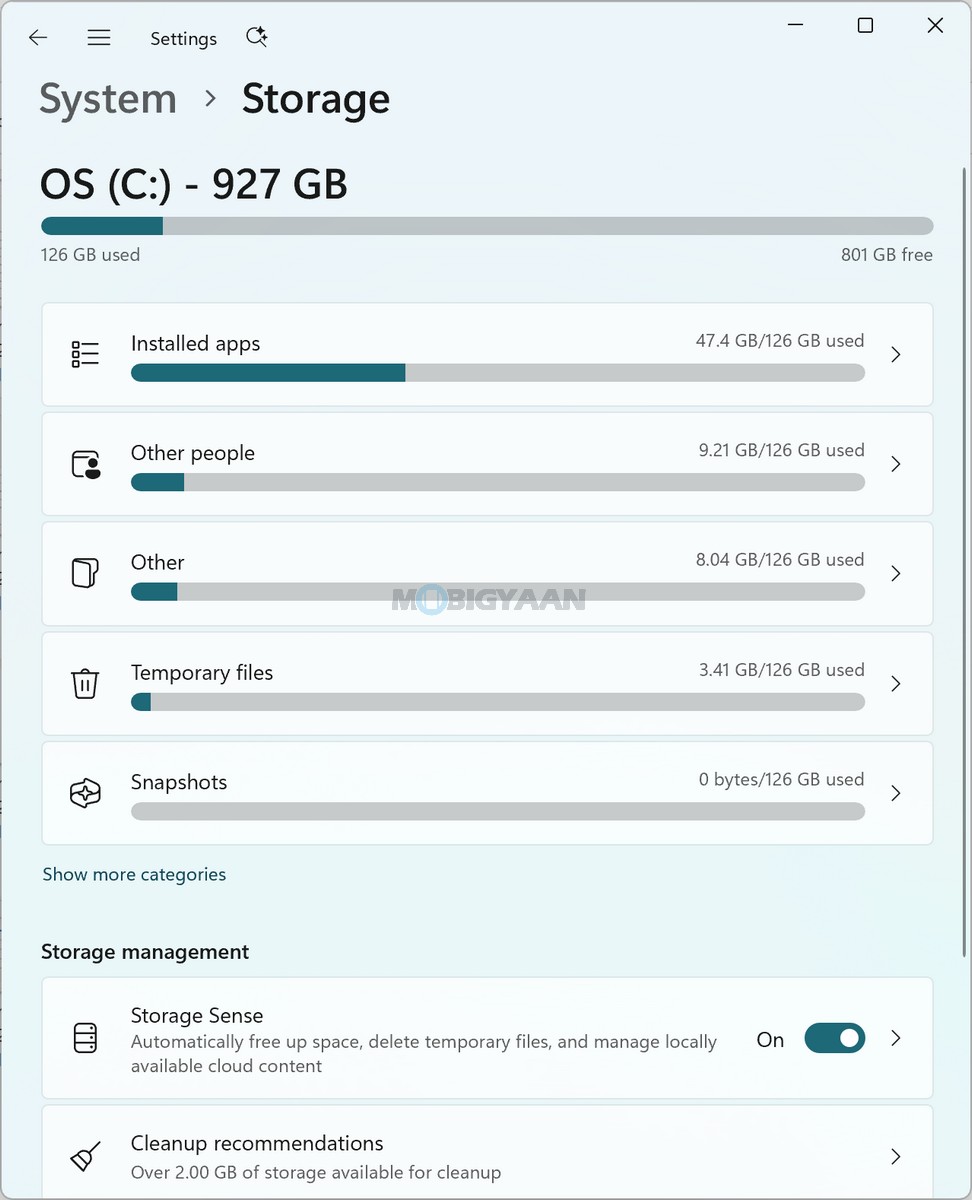
The laptop comes with 32 GB of onboard LPDDR5X RAM, providing substantial memory headroom for heavy multitasking. This is particularly useful on the Zenbook DUO because its dual-screen configuration encourages users to keep multiple applications, browser windows, documents, communication tools, and other workloads open simultaneously. With 32 GB of RAM, switching between these applications remains well suited to the notebook’s productivity-focused design. We checked the RAM usage, and it was over 13 GB in use while the storage was over 120 GB in use, which includes the installed apps.
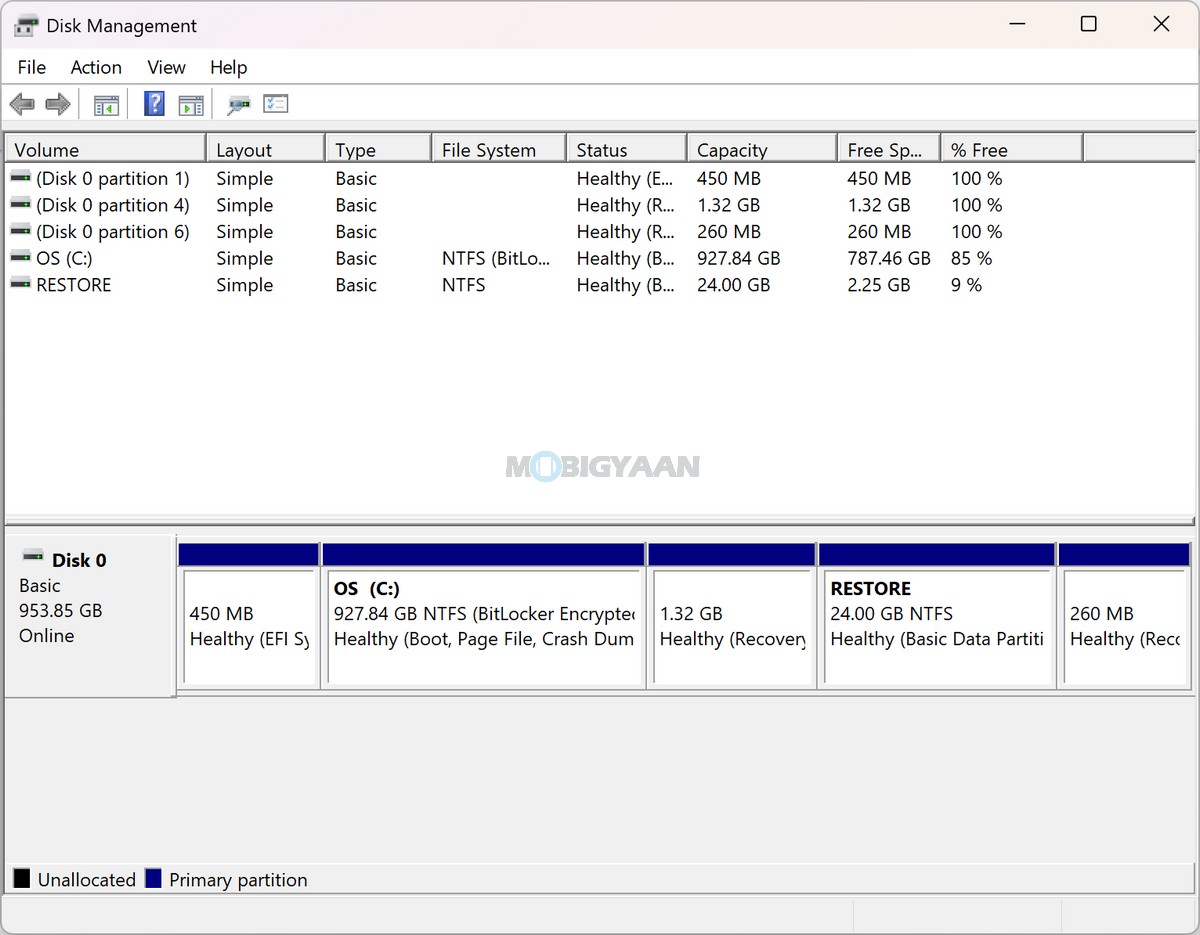
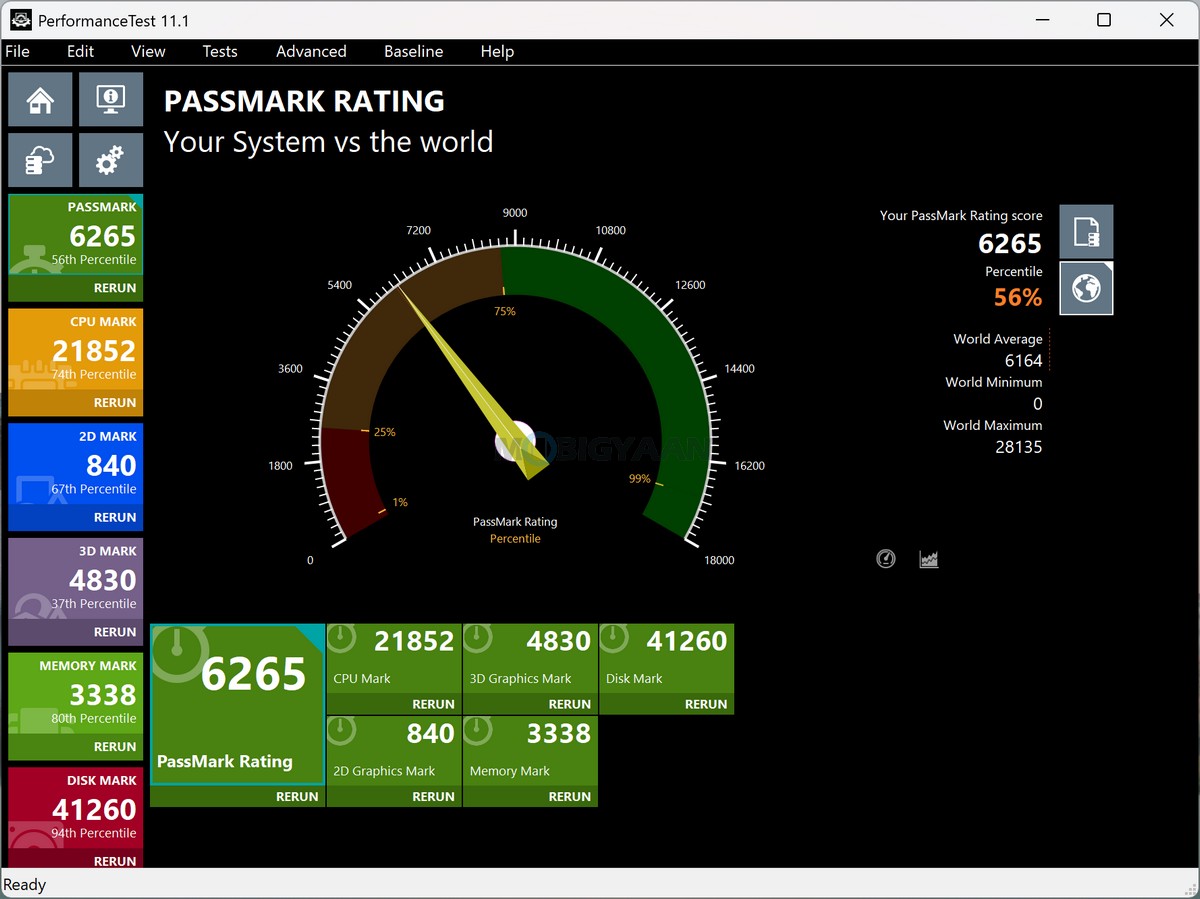
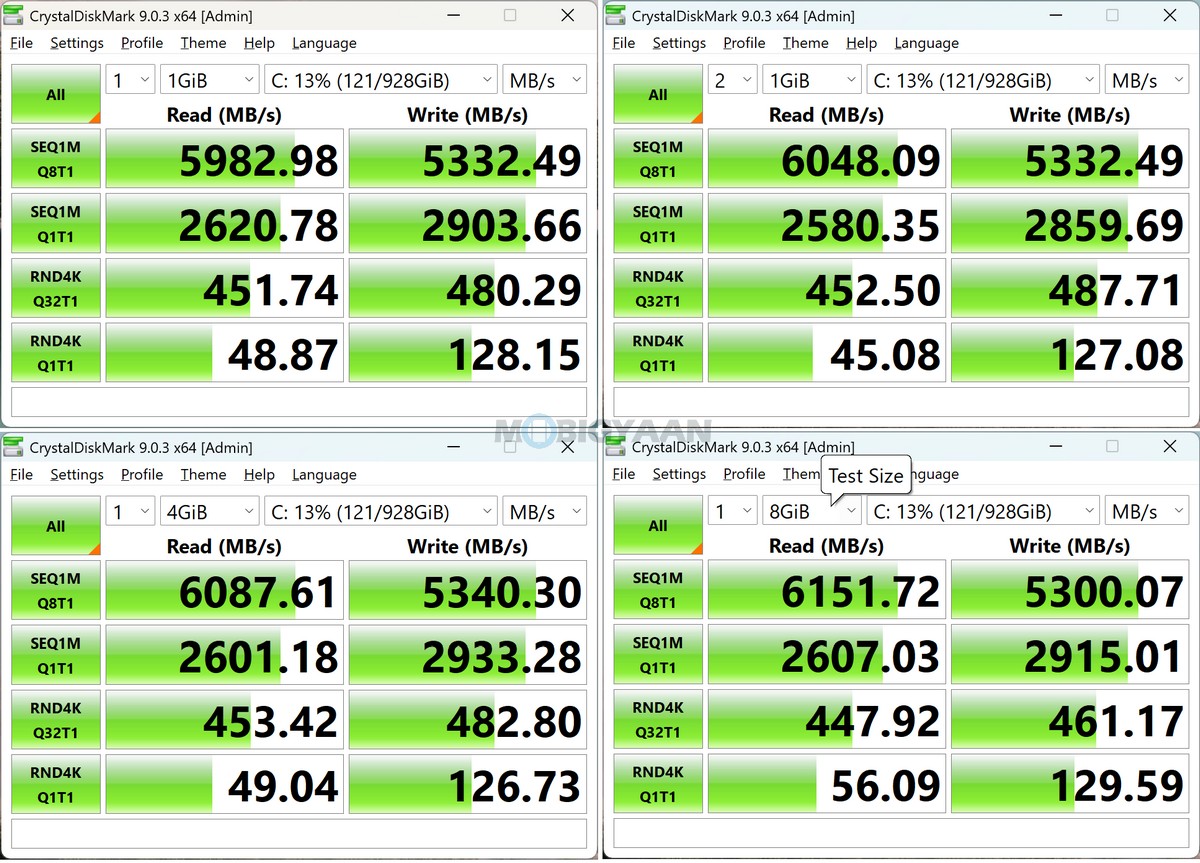
Storage is handled by a 1 TB M.2 NVMe PCIe 4.0 SSD, with the laptop providing a 1 x M.2 2280 PCIe 4.0 x4 expansion slot. The PCIe 4.0 interface provides the high-speed storage performance expected from a premium modern laptop, helping with fast system boot times, application launches, file transfers, and access to larger project files.
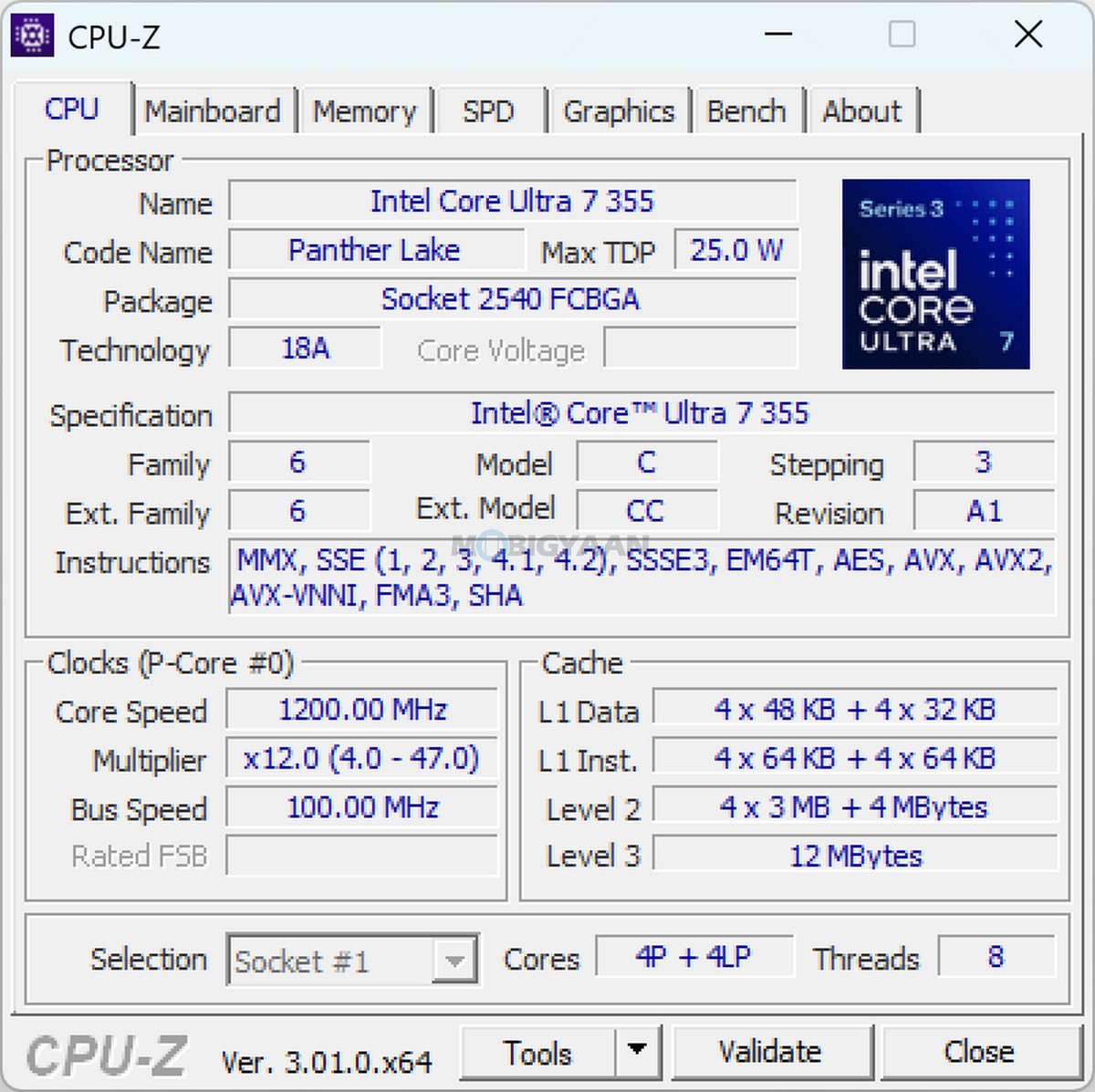
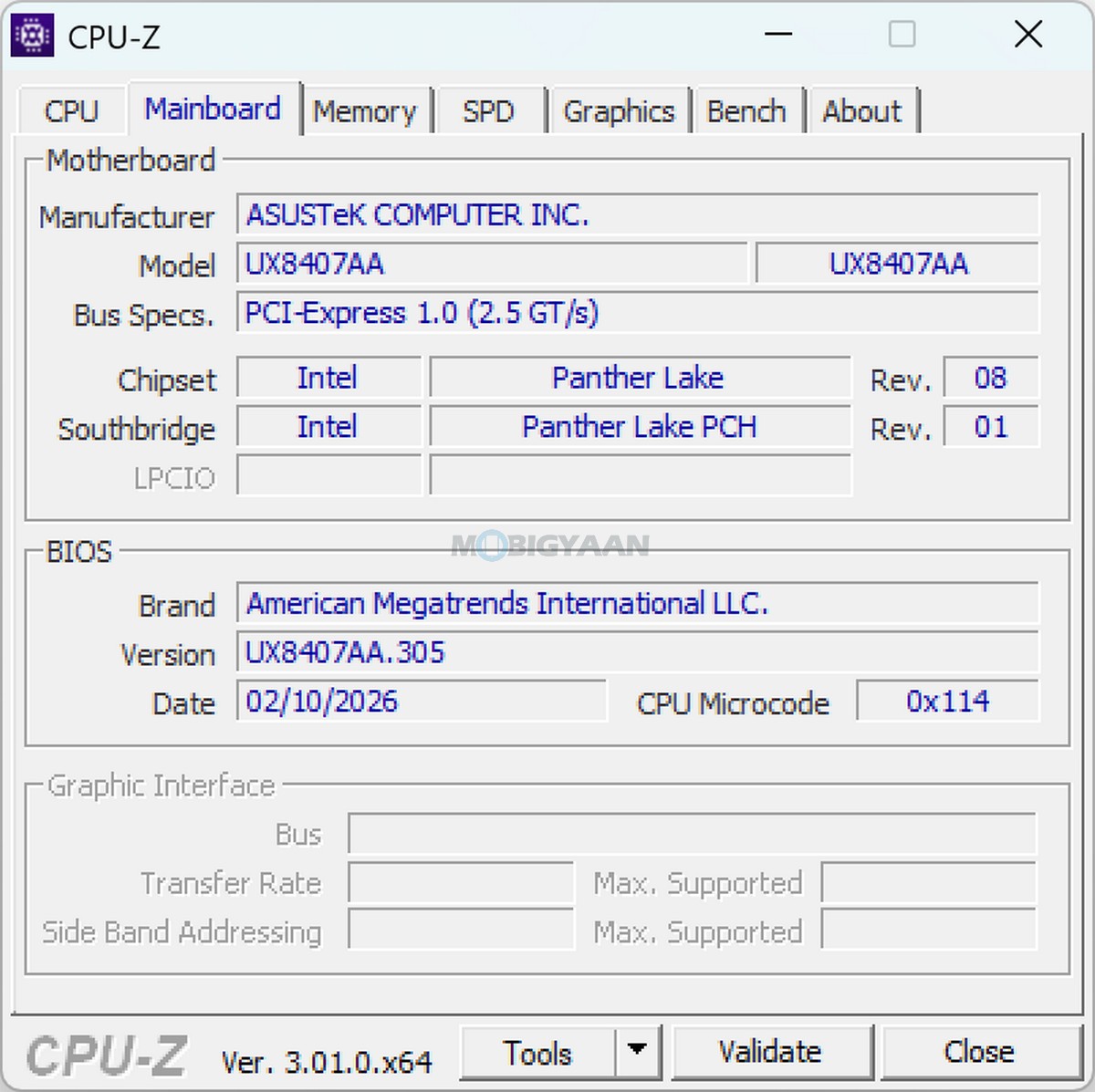
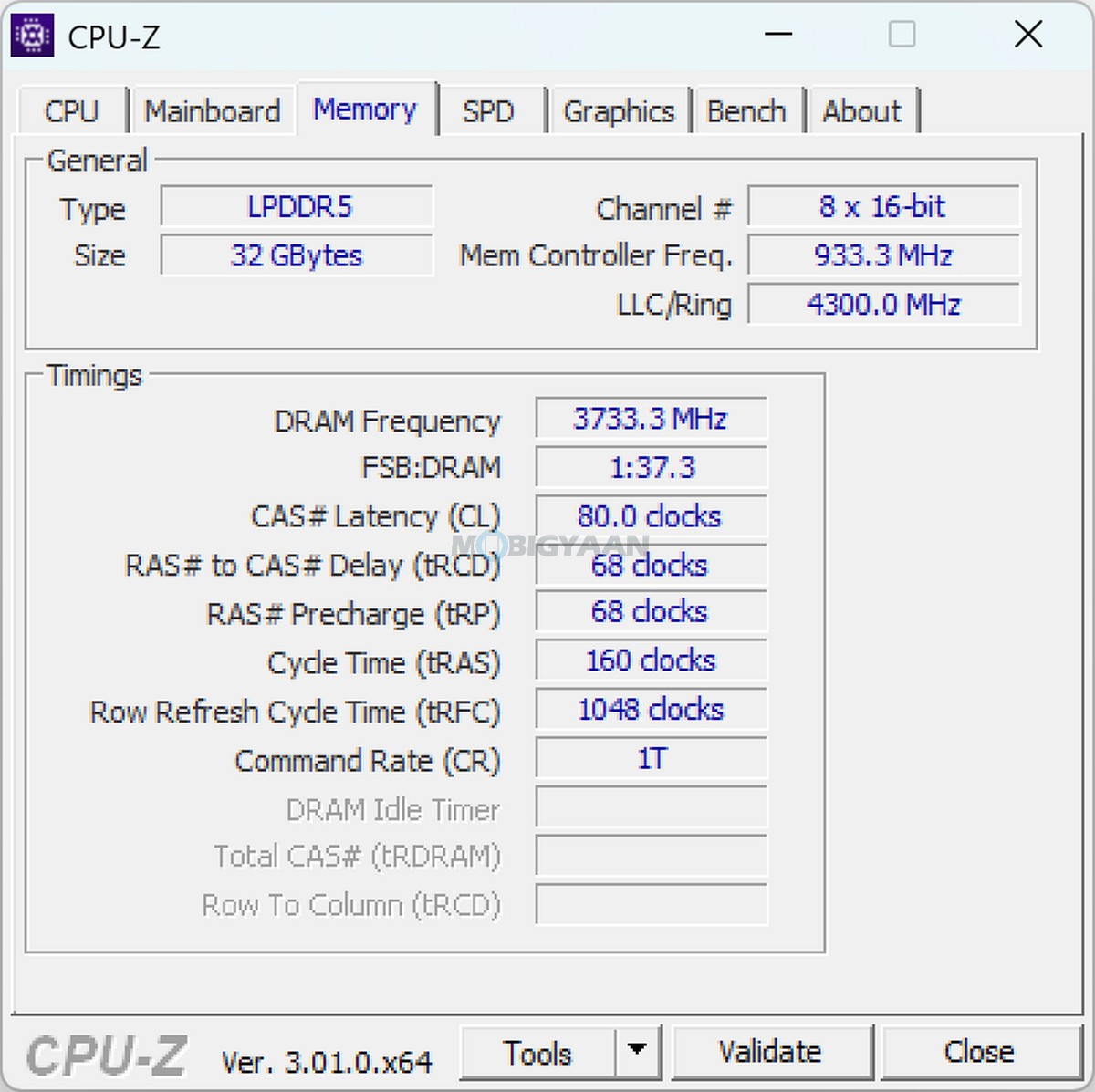
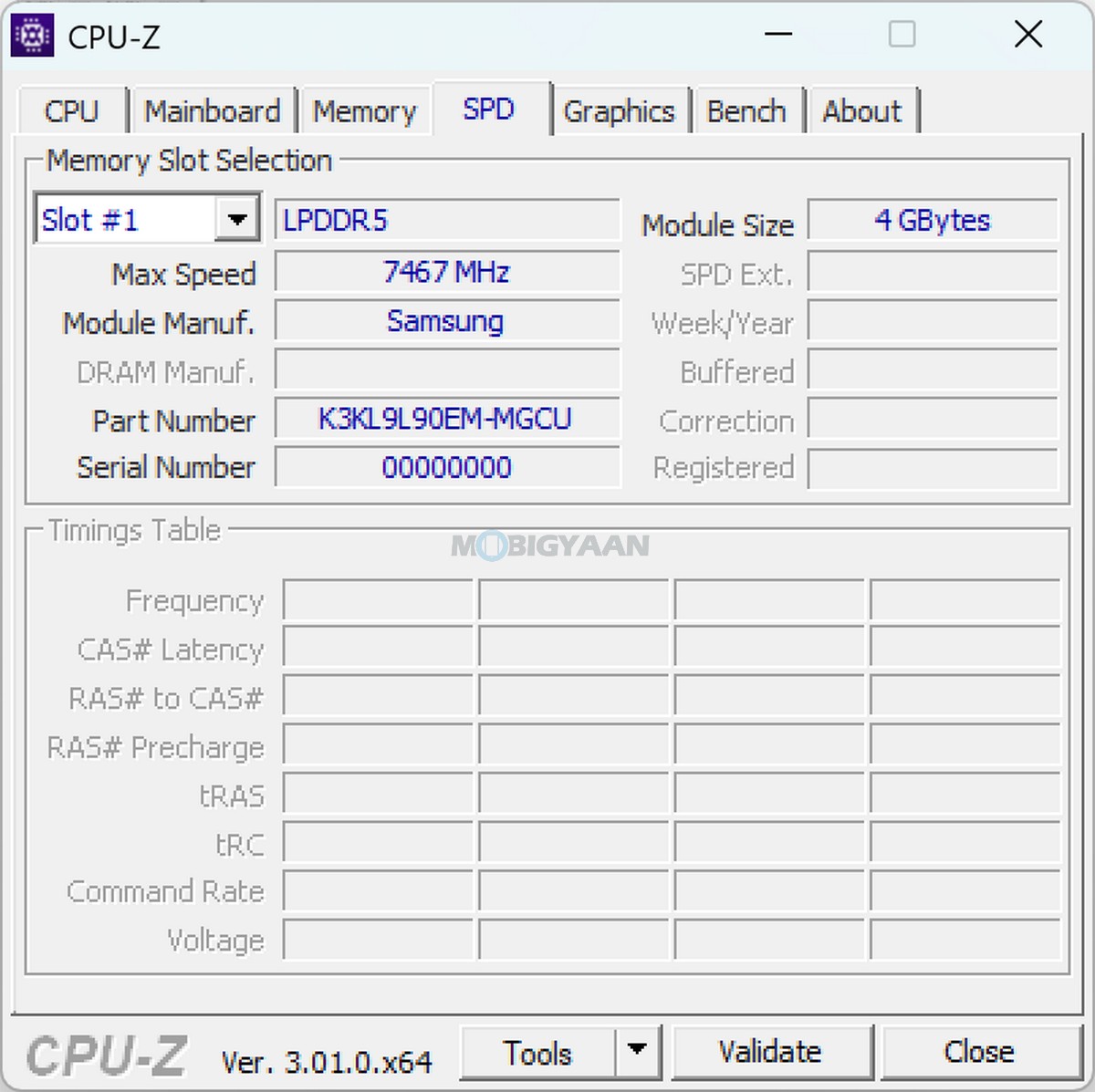
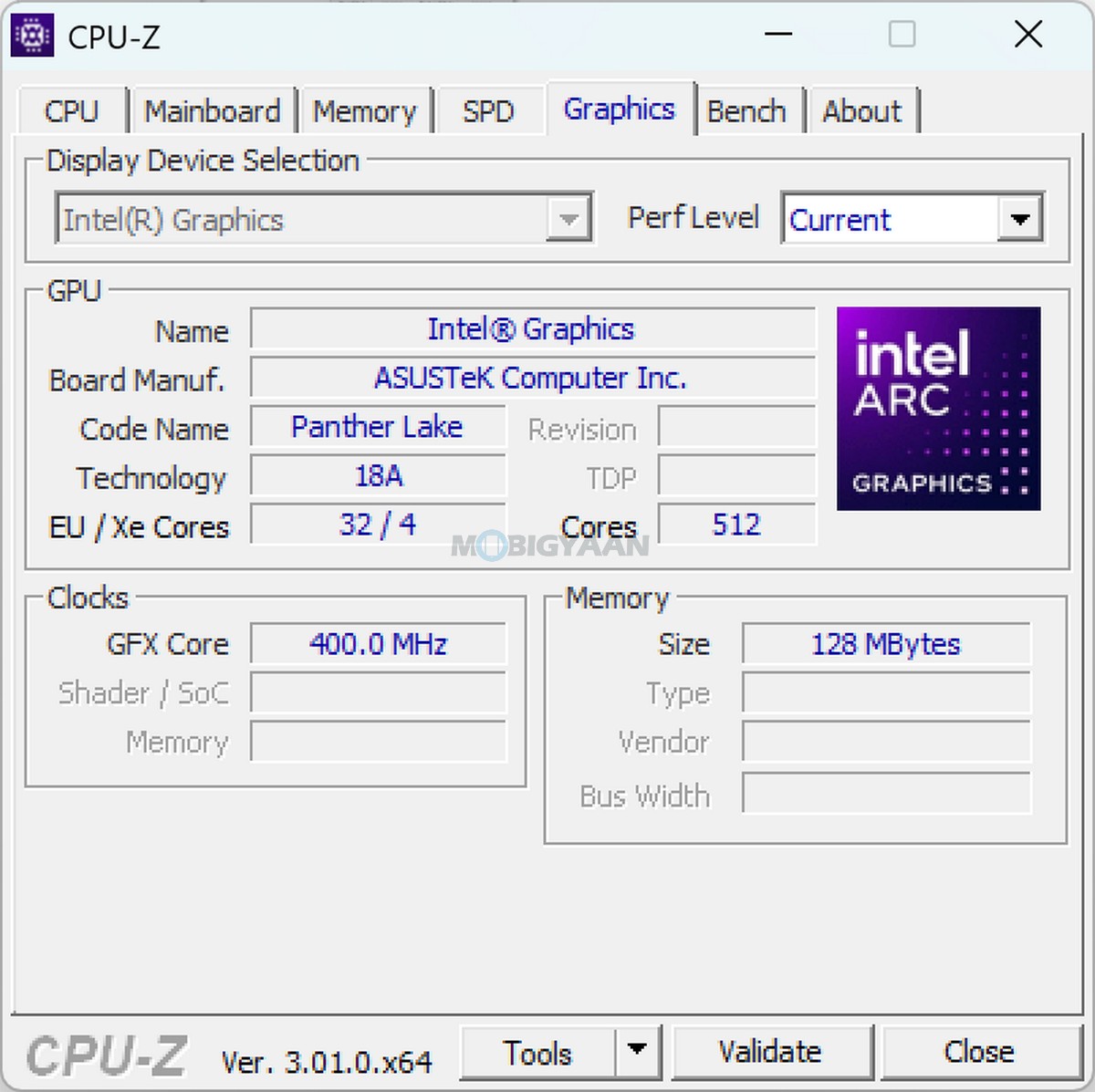
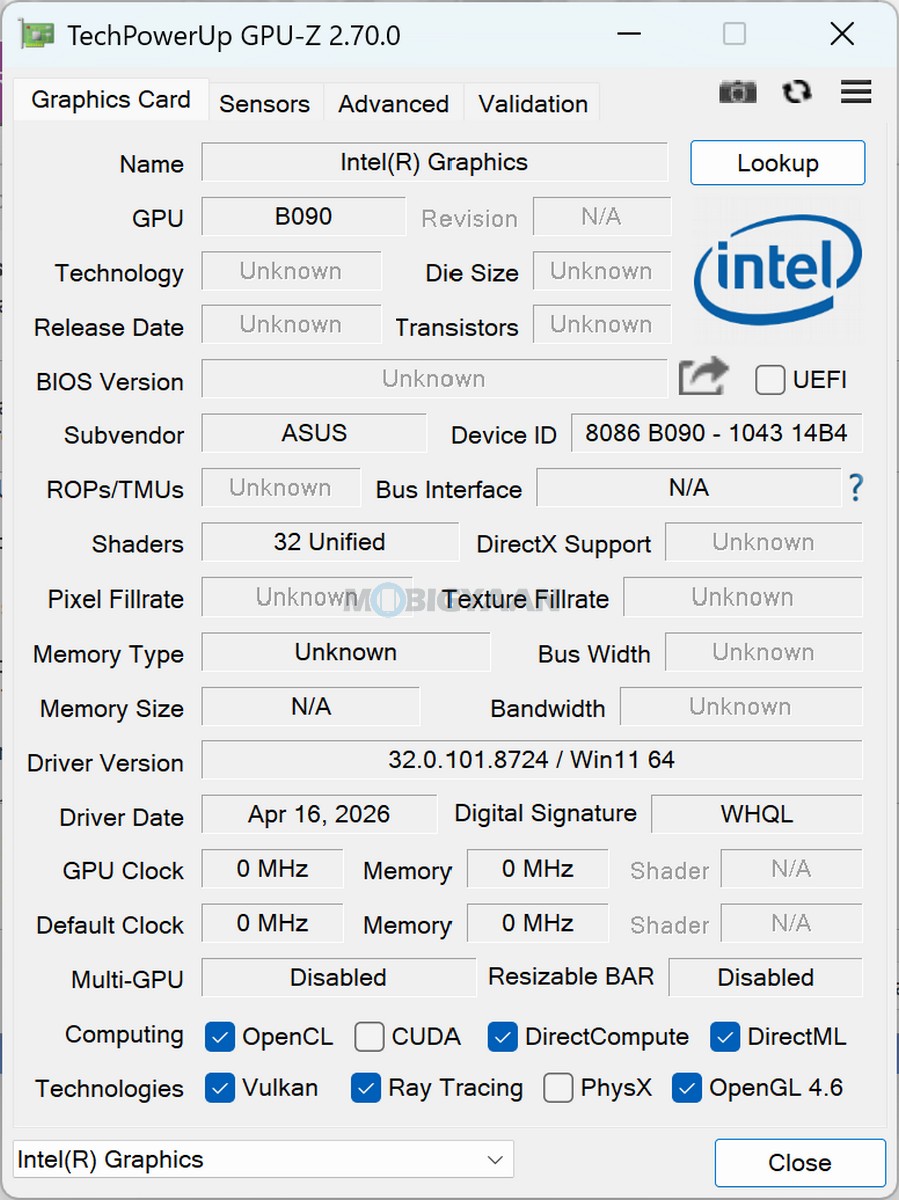
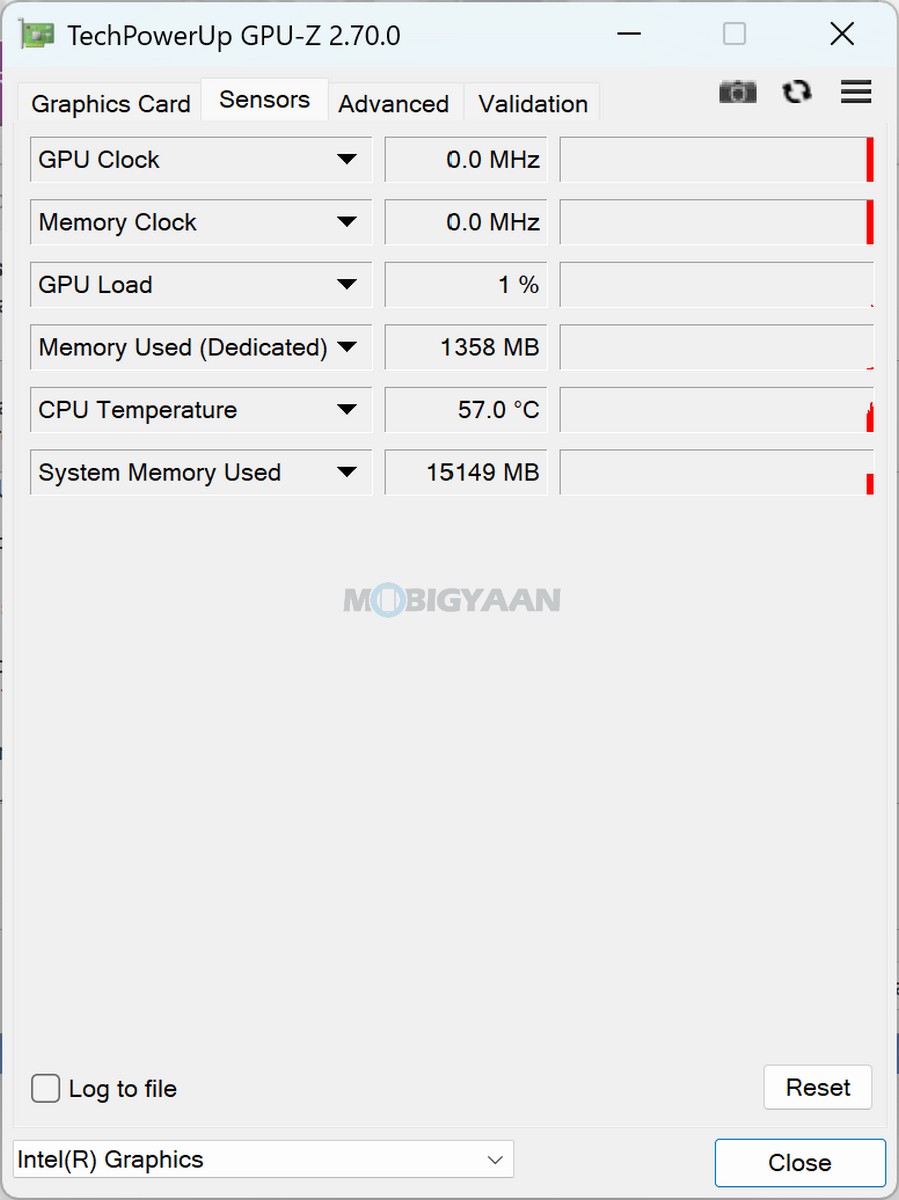
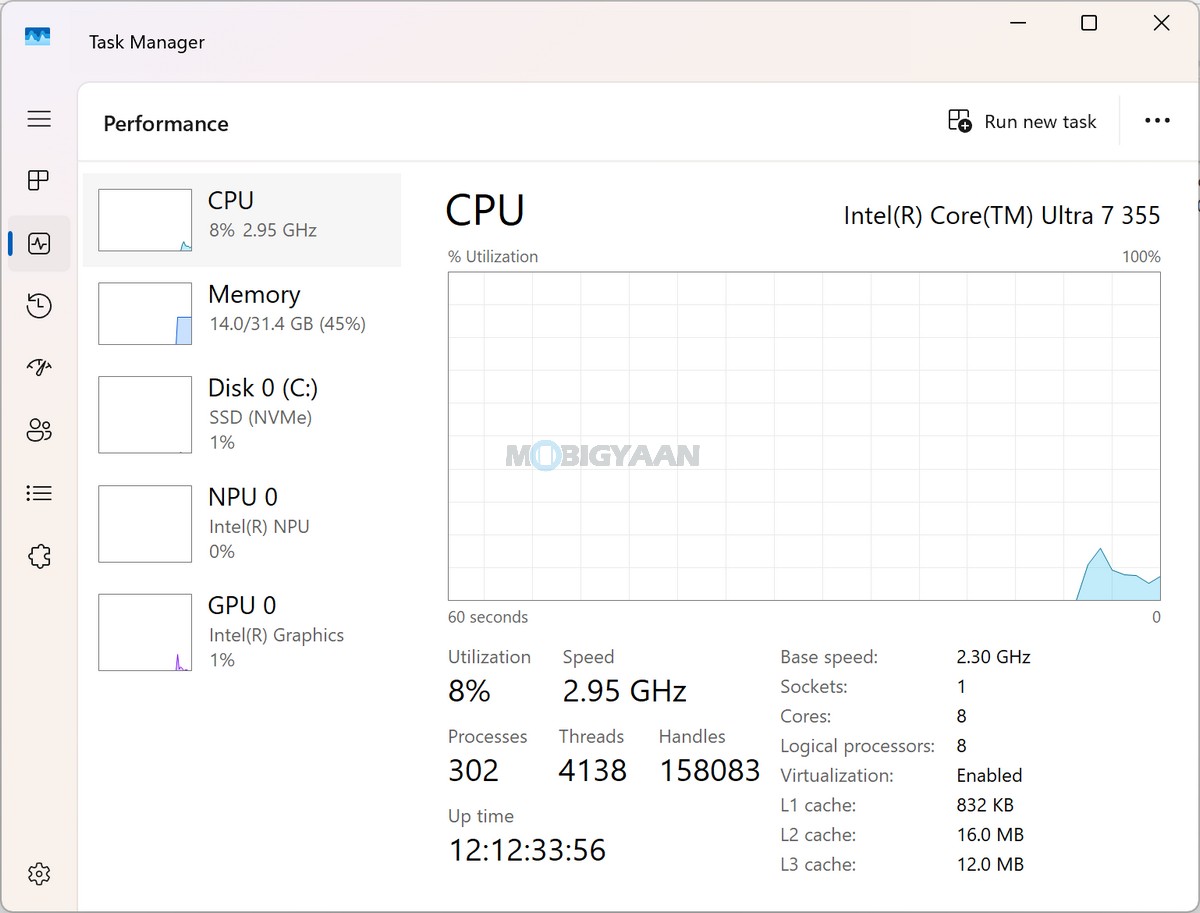
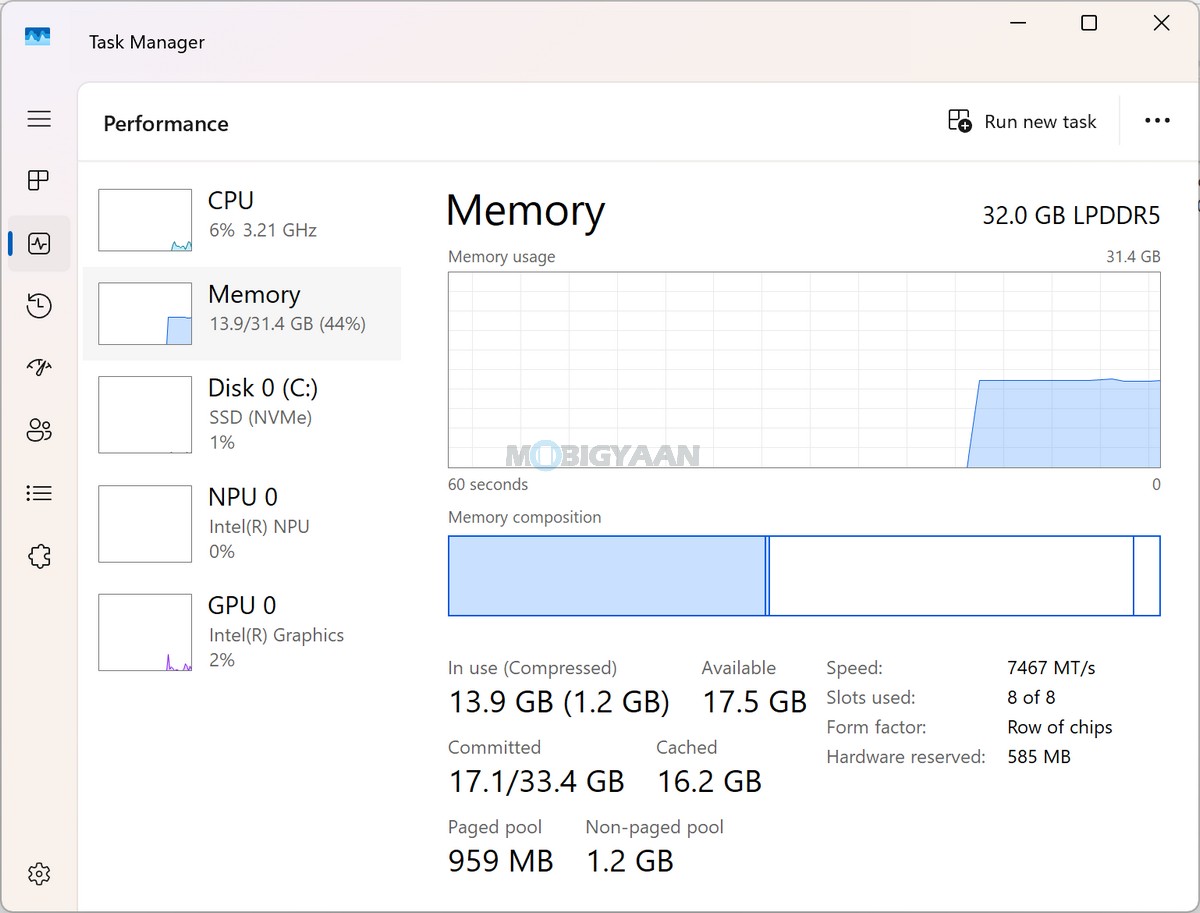
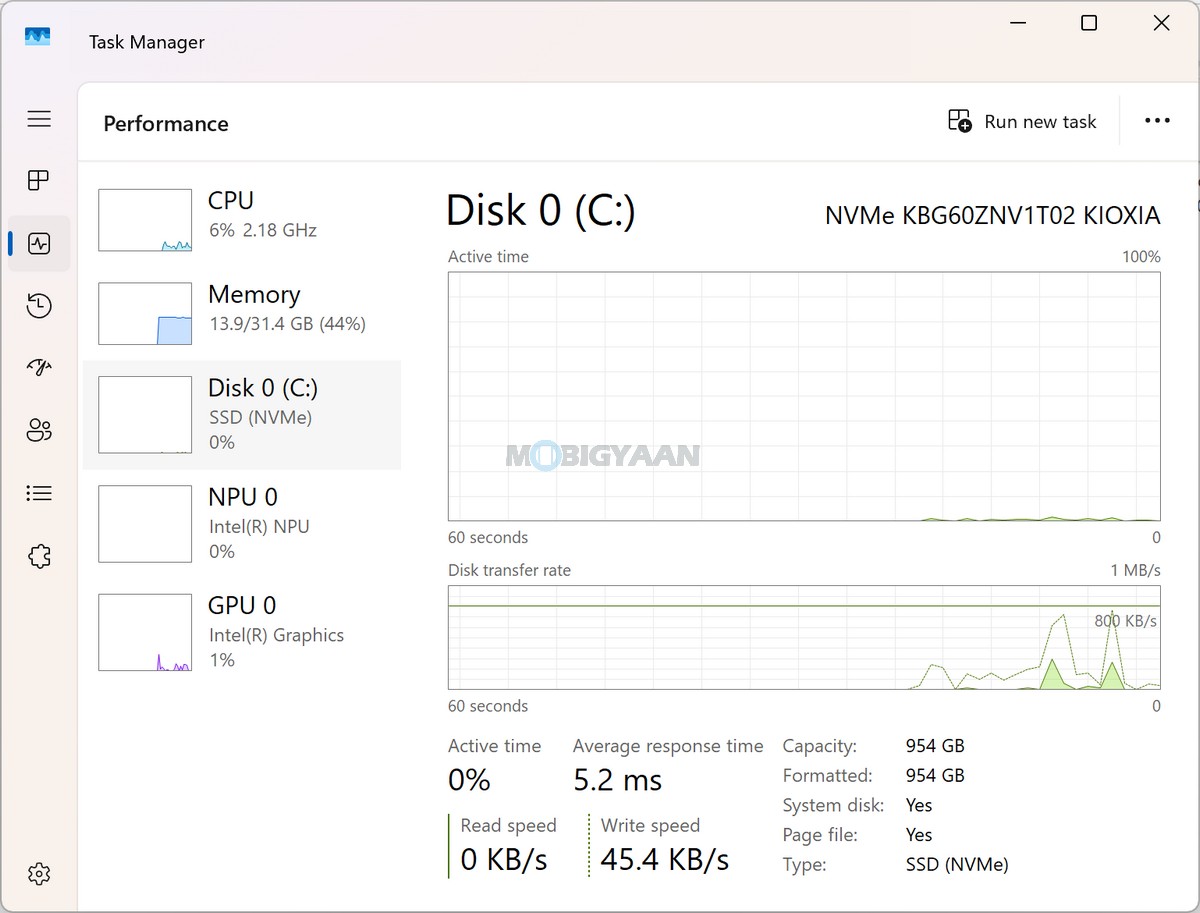
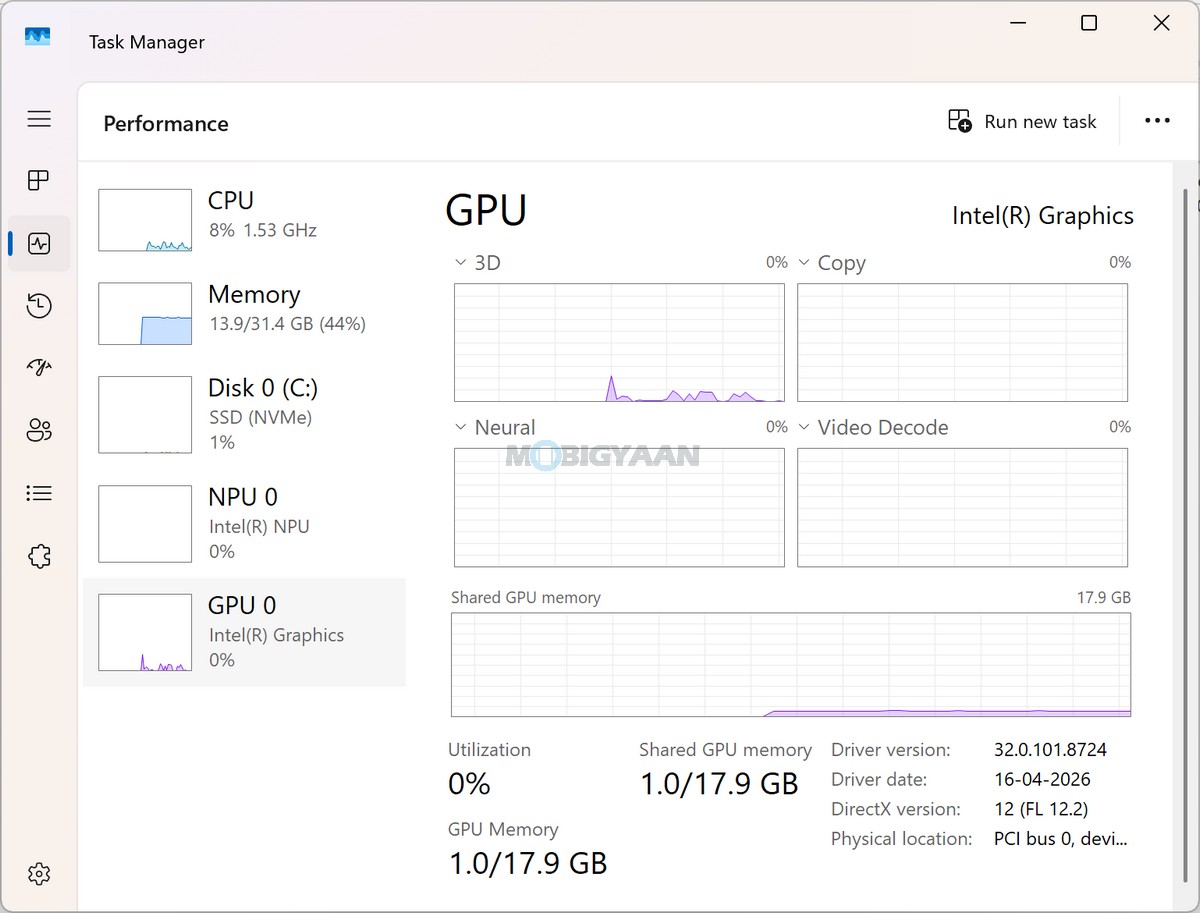
In everyday use, this hardware combination is particularly well suited to productivity workloads such as Microsoft Office applications, web browsing, video conferencing, content consumption, document editing, multitasking, and general creative work. The 32 GB RAM also gives the system enough headroom to take advantage of the dual-screen setup without the experience being limited by memory during typical multitasking.
The dual-screen configuration changes the way the available hardware can be used. Instead of simply running one application at a time on a conventional laptop display, you can keep different applications or software visible across the two screens. This makes the Zenbook DUO particularly useful for workflows such as keeping a browser or reference material on one display while working on a document, editing software, communication application, or another task on the other.
During our usage, the dual-screen experience was particularly useful for multitasking. Applications could be arranged across both displays, giving considerably more workspace than a conventional 14-inch laptop. However, the experience can depend on application-level support. Some applications do not automatically span across both displays when placed in full-screen mode, meaning they may remain restricted to one screen rather than treating the two panels as a single continuous display.
The Intel NPU also gives the Zenbook DUO the necessary hardware foundation for Copilot+ PC workloads. Supported AI features can take advantage of local neural processing, while conventional CPU and GPU resources remain available for other applications. This is particularly relevant as more Windows applications and AI tools begin taking advantage of dedicated NPU acceleration.
The Zenbook DUO also has sufficient connectivity for expanding its workstation capabilities. The laptop includes 2 x Thunderbolt 4 ports with support for display output and Power Delivery, offering data transfer speeds of up to 40 Gbps. There is also a USB 3.2 Gen 2 Type-A port capable of up to 10 Gbps, along with HDMI 2.1 FRL. This makes it possible to connect high-speed external storage, displays, docks, and other peripherals without relying entirely on adapters.
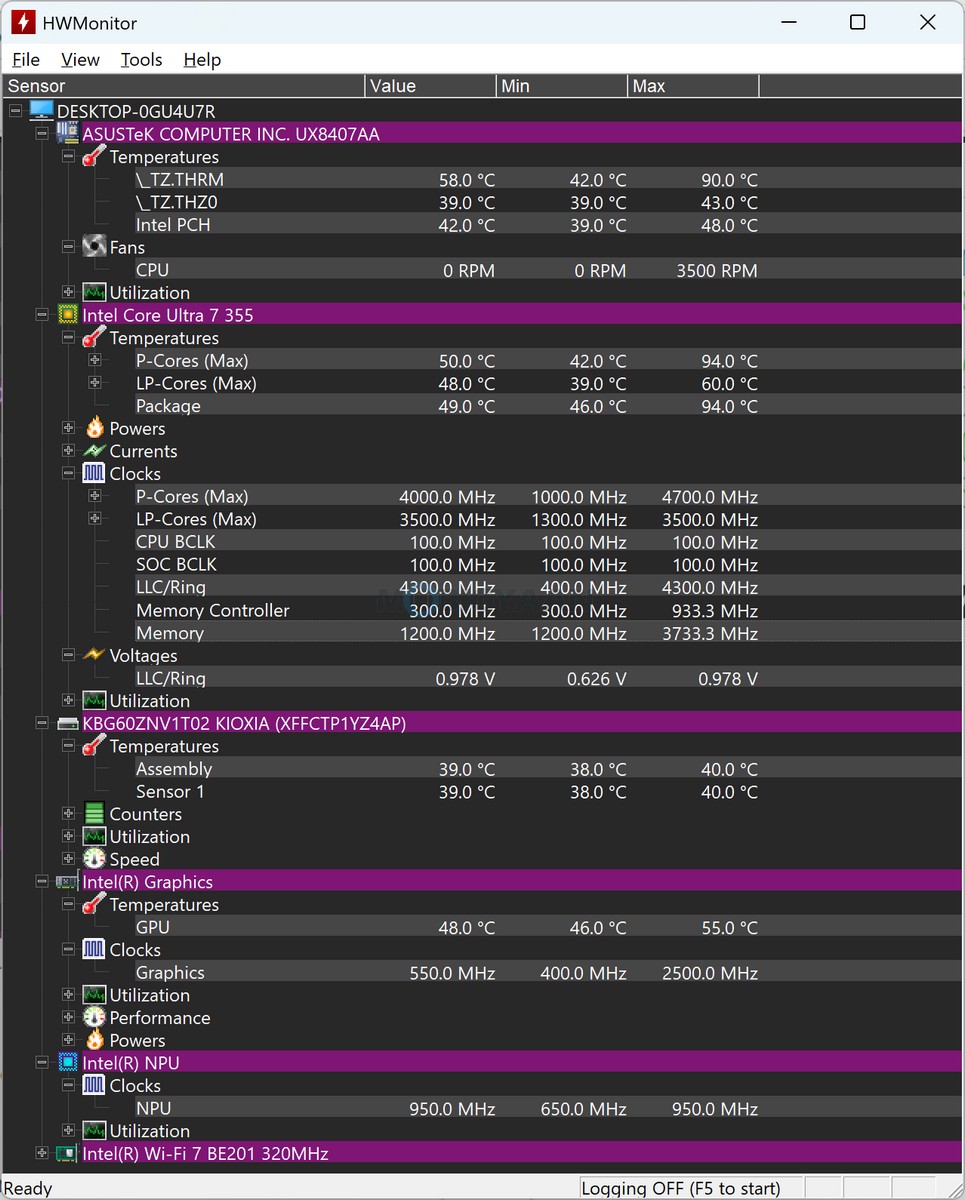
Thermal management is particularly important on a dual-screen laptop because the additional display hardware and performance-oriented processor have to operate within a relatively compact chassis. ASUS includes its Fan Profile controls through MyASUS, allowing users to manage the system’s thermal and performance behaviour according to their workload.
For general productivity, the combination of the Core Ultra 7 Processor 355, 32 GB LPDDR5X RAM, 1 TB PCIe 4.0 SSD, and Intel NPU provides a capable platform. The hardware is particularly well matched to users who value multitasking and AI-assisted productivity, while the dual-display design gives the system a practical advantage when working with multiple applications simultaneously.
Gaming – Suitable For Casual & Mainstream Gaming
Gaming is not the primary purpose of the Zenbook DUO. The reviewed configuration relies on Intel Graphics rather than a dedicated gaming GPU, and the hardware is primarily designed around productivity, portability, multitasking, and AI workloads.
That said, the integrated graphics should be capable of handling casual games and mainstream titles at appropriate settings. Less demanding esports and productivity-friendly games can be played depending on the resolution, graphics settings, thermal conditions, and individual game requirements. More demanding modern AAA titles, however, will require substantially reduced graphics settings and may still not deliver the performance expected from a dedicated gaming laptop.
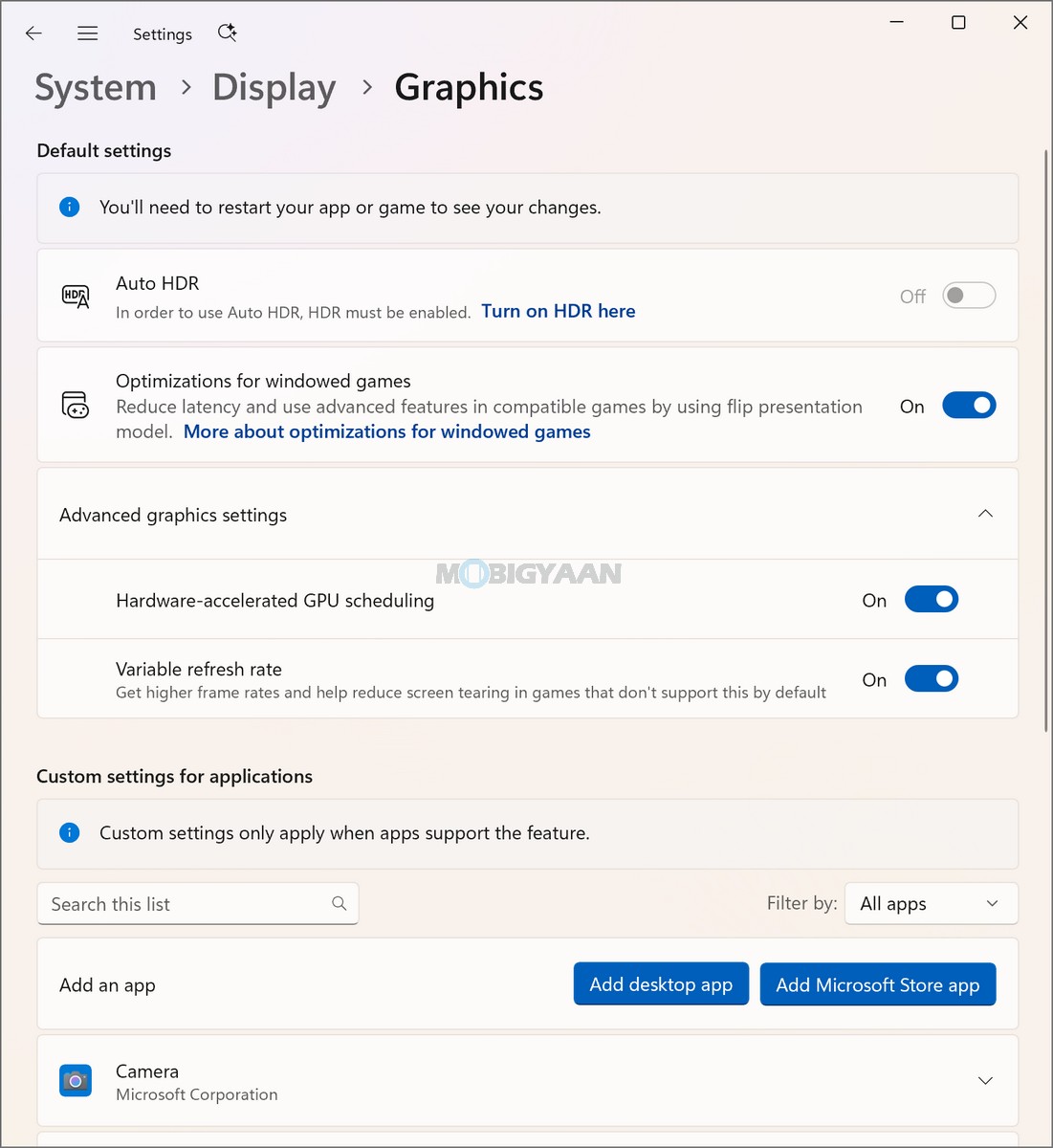
The display hardware nevertheless makes the gaming experience visually impressive. The 3K OLED panel, 0.2 ms response time, 100% DCI-P3 color coverage, and DisplayHDR True Black 1000 certification provide the kind of image quality that benefits games with rich visuals, deep blacks, and high-contrast scenes.
The dual-screen form factor can also be useful outside conventional gaming. Users can keep a game or other full-screen application on one display while using the second screen for supporting content, communication, reference material, or other applications where the software allows such an arrangement.
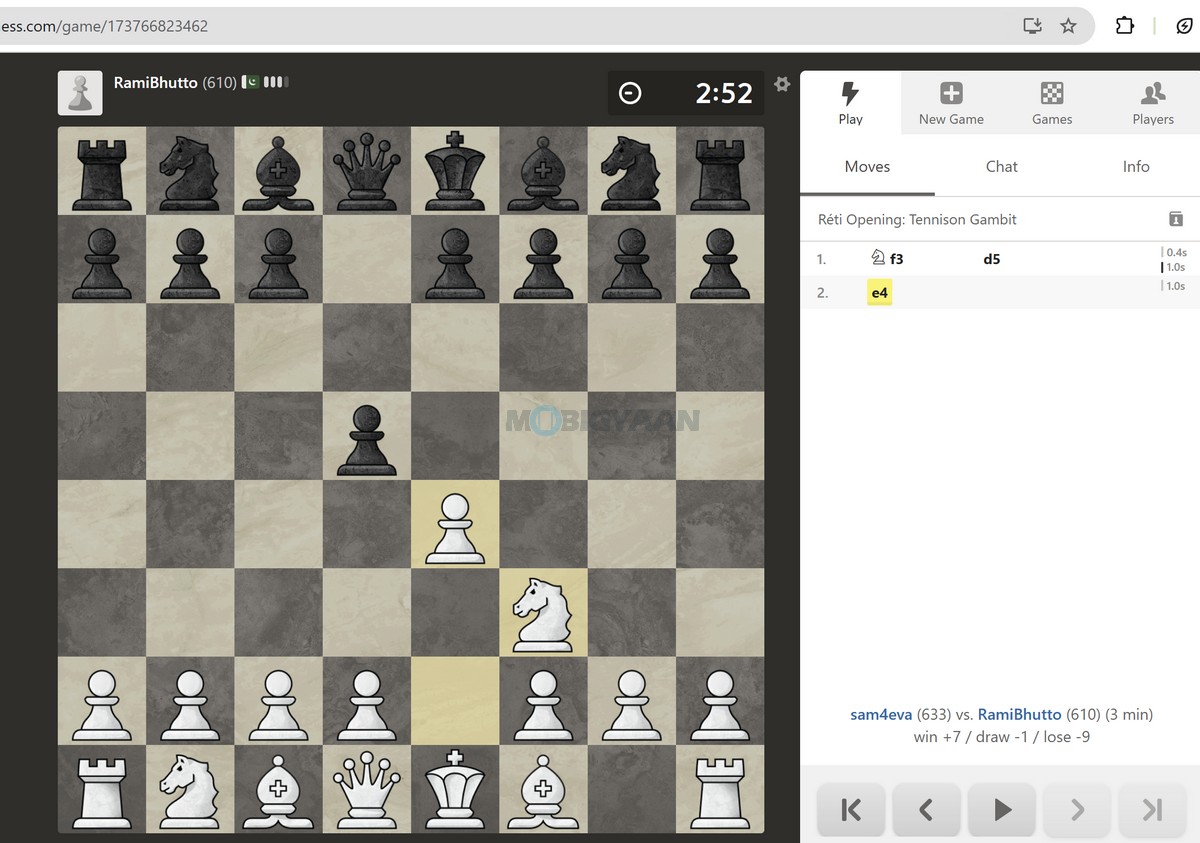
At the end, the Zenbook DUO delivers a hardware package that is strongly focused on productivity and multitasking. The Intel Core Ultra 7 Processor 355, 32 GB LPDDR5X RAM, 1 TB PCIe 4.0 SSD, and Intel NPU with up to 49 TOPS provide a solid foundation for everyday computing and AI-assisted workloads, while the dual-screen design adds a significant advantage for users who regularly work with multiple applications. Gaming remains a secondary capability due to the integrated Intel Graphics, but the high-quality OLED display makes gaming and multimedia particularly enjoyable.
Battery Runtime & Charging
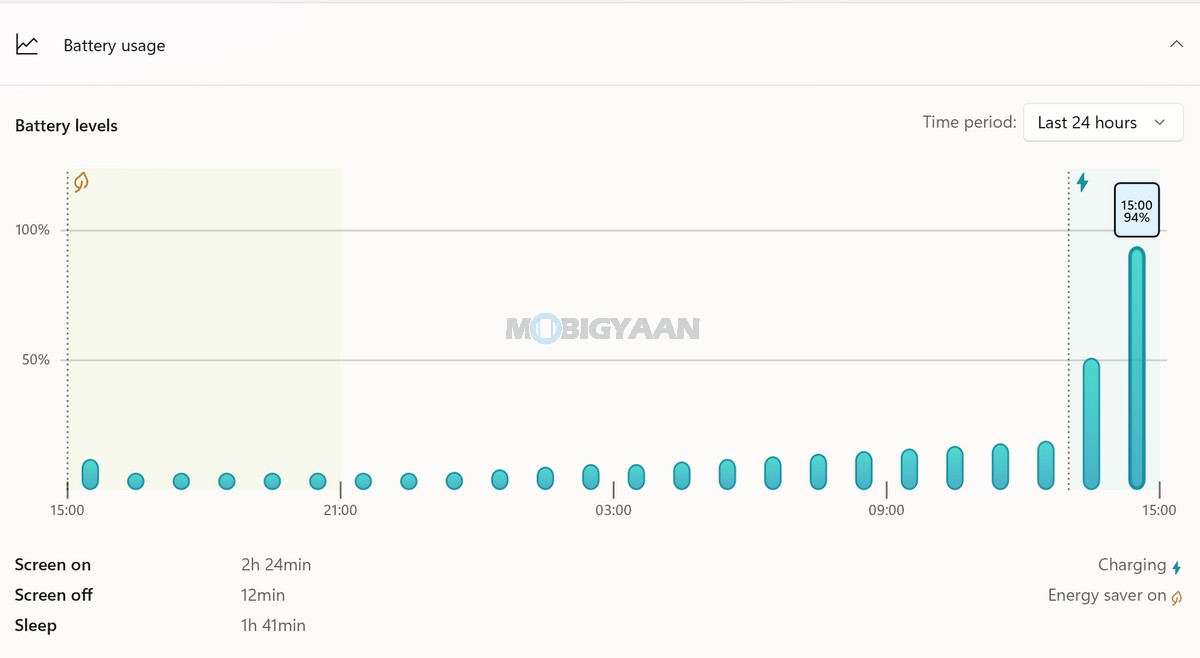
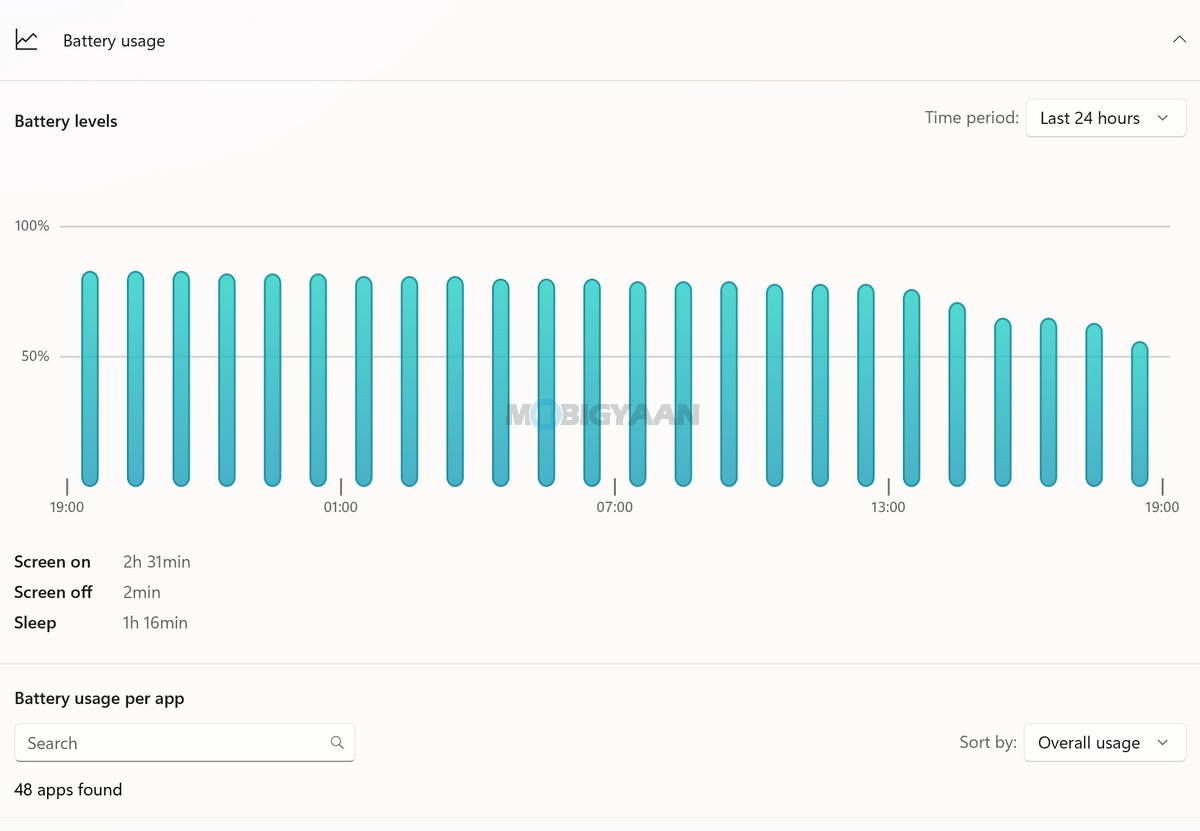
For dual screens, a notebook naturally requires more power compared to a typical single-screen laptop, and therefore a larger battery pack is needed. Battery life is an important aspect of the Zenbook DUO, particularly because the laptop has to power its dual-display configuration alongside its Core Ultra processor and other hardware. ASUS equips the Zenbook DUO with a large 99 WHrs, 4-cell lithium-ion battery, giving it substantially more battery capacity than many conventional thin-and-light notebooks.
The 99 WHrs battery is particularly significant considering the Zenbook DUO’s dual-screen design. The additional display hardware naturally makes power management an important consideration, especially during extended multitasking sessions where both screens are actively being used. The laptop is noticeably slim considering two screens, more battery cells, underlying hardware, and a keyboard on top.
The laptop is powered by the Core Ultra 7 Processor 355, which combines conventional CPU processing with a dedicated Intel NPU. Supported AI workloads can make use of the NPU rather than relying entirely on the CPU or integrated graphics, helping the system manage compatible AI tasks more efficiently.
The dual-screen configuration also gives users some flexibility in managing power consumption. When maximum workspace is not required, users can work with a single display, while both screens can be used when multitasking or when the additional workspace is more valuable. This can be useful when trying to balance productivity and battery consumption during mobile use.
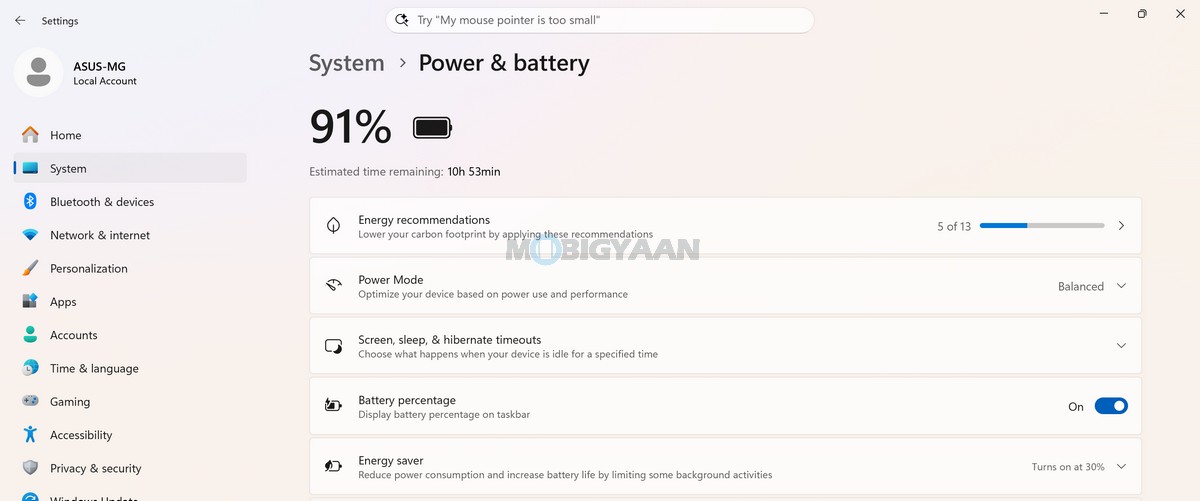
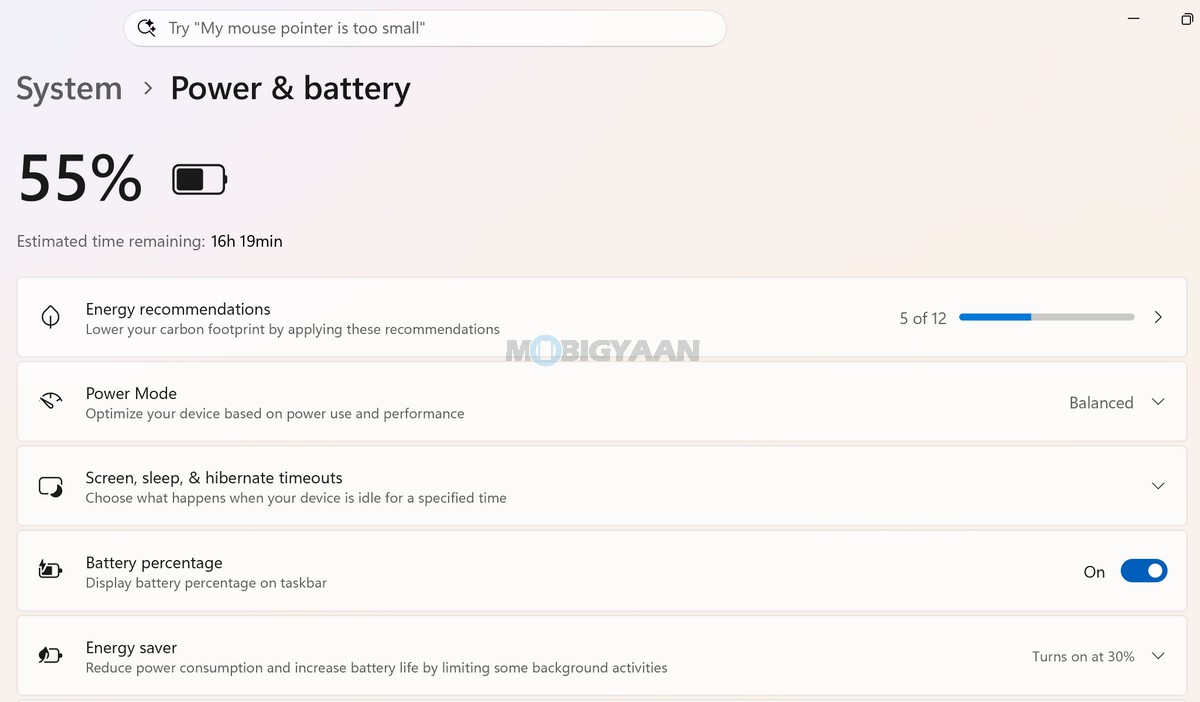
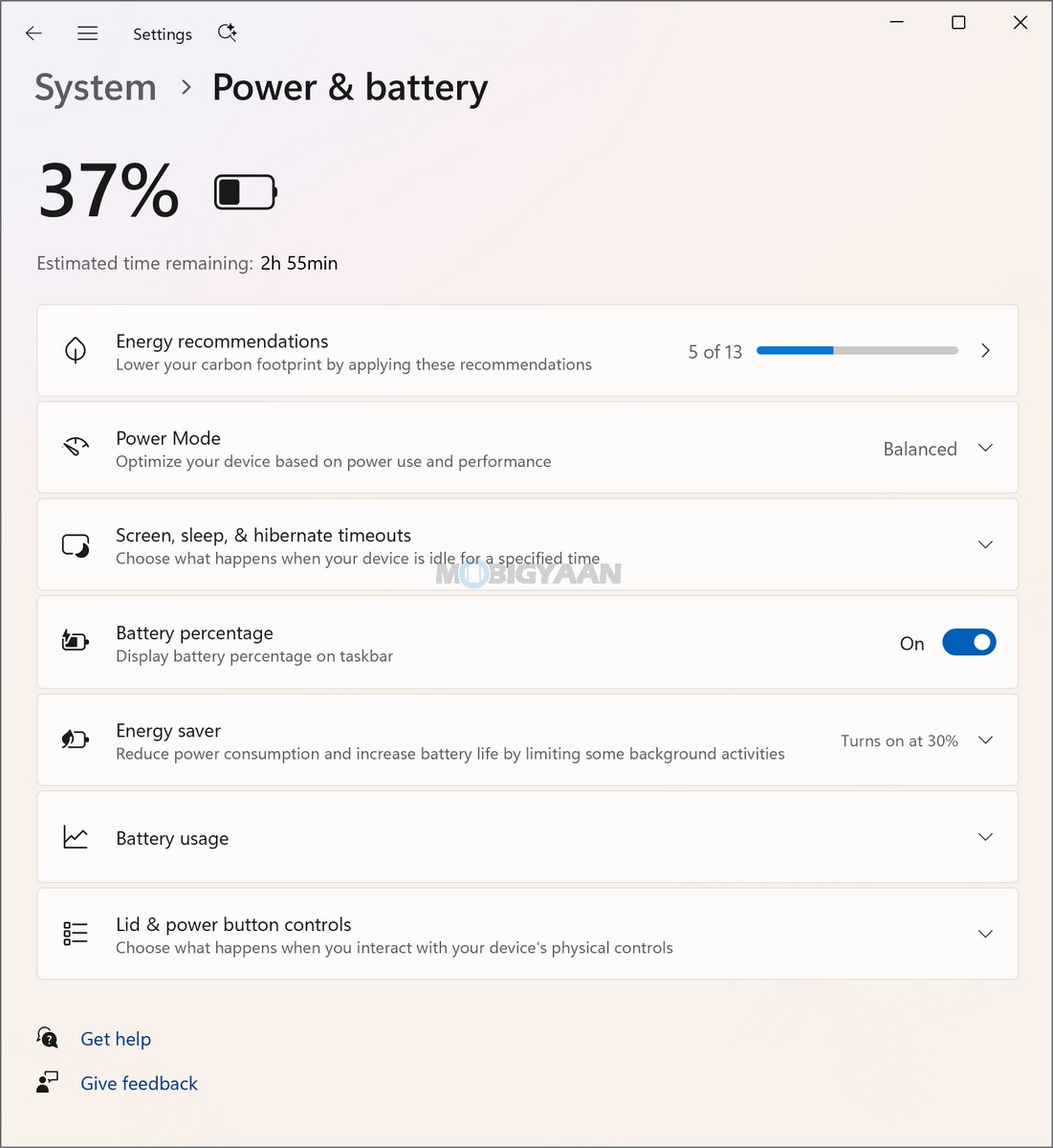
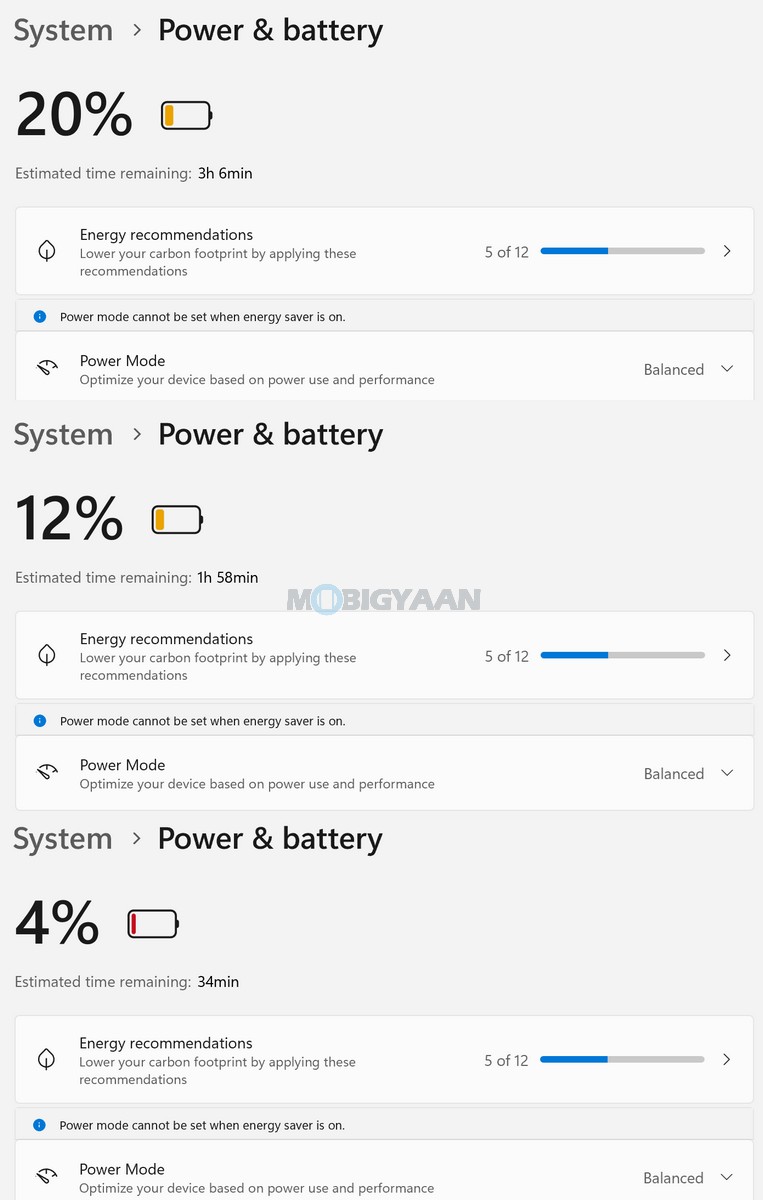
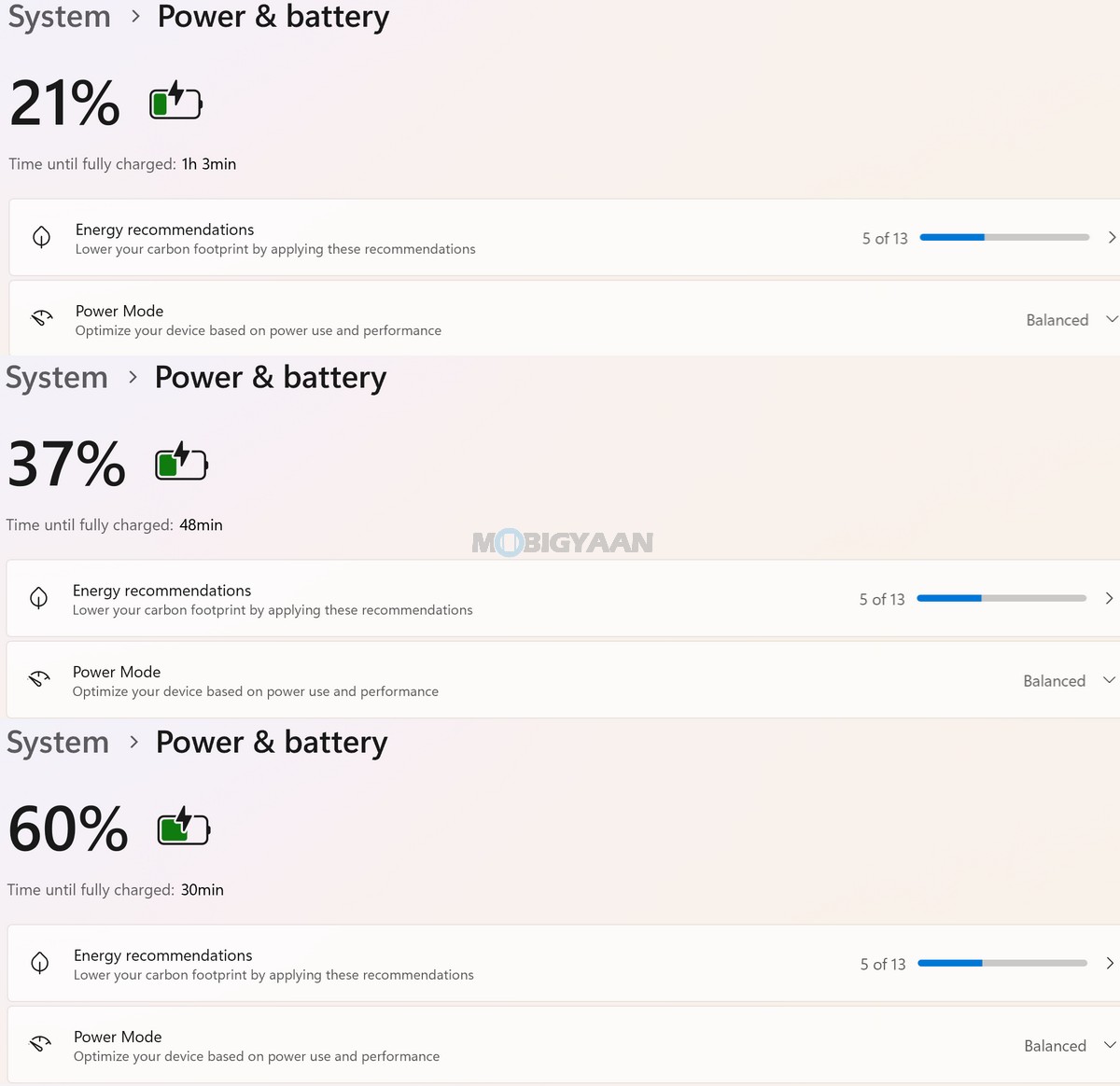
ASUS also provides Battery Health Charging through MyASUS. The feature allows users to manage the laptop’s charging behaviour and is designed to help maintain battery health over longer periods. This is particularly useful for users who frequently work from a desk with the notebook connected to power for extended periods.
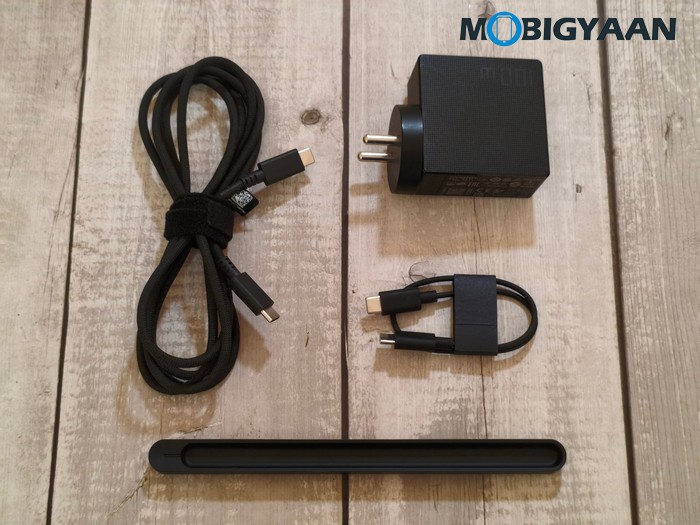
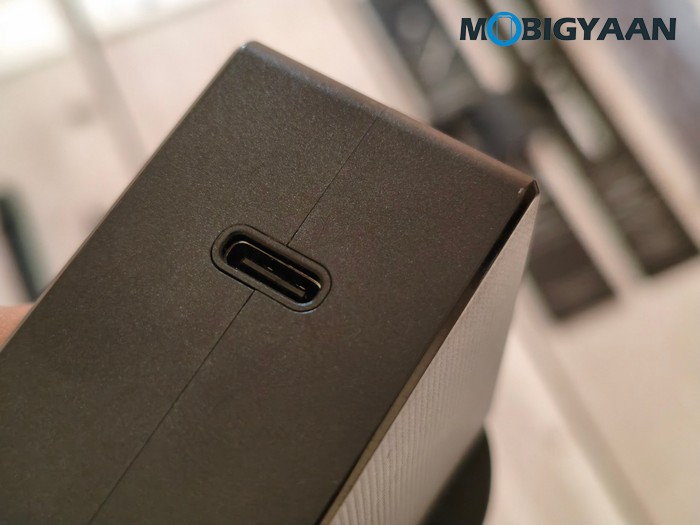
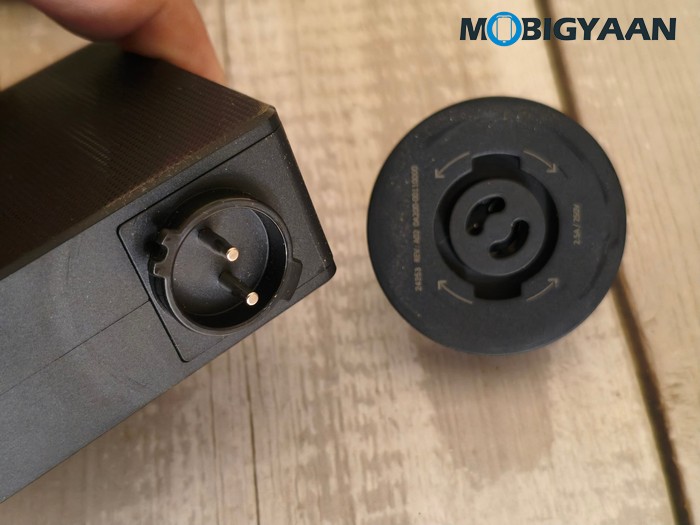
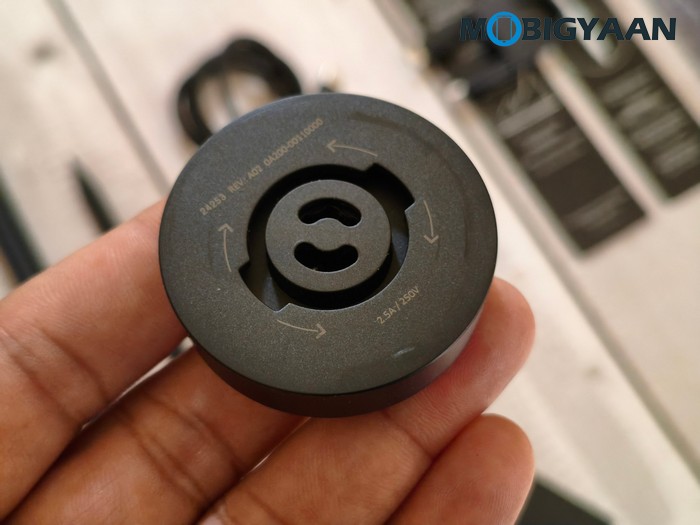
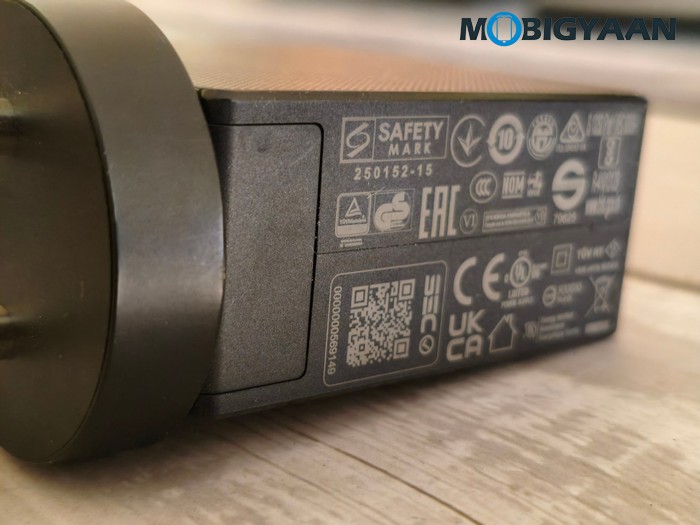
For charging, the Zenbook DUO comes with a 100W USB Type-C AC adapter bundled with a high-quality braided USB Type-C to Type-C cable that appears to last longer. The adapter provides 20V/5A output and accepts a universal 100 – 240V AC, 50/60 Hz input, making it suitable for use across different power standards when travelling. Charging is handled through the laptop’s USB Type-C ports, with the Thunderbolt 4 ports supporting Power Delivery. This also provides greater flexibility for users who already carry compatible USB Type-C chargers or power accessories.
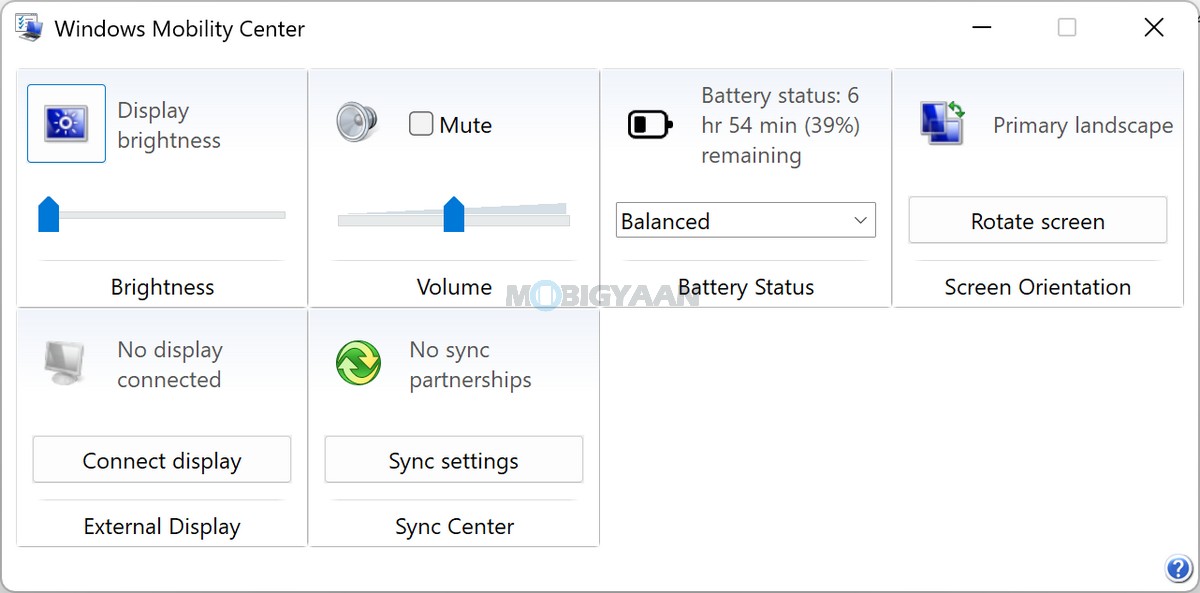
The large battery, USB Type-C charging, and 100W adapter make the Zenbook DUO practical for mobile productivity. The high battery capacity is especially useful for a laptop with two displays, although actual runtime will naturally vary depending on factors such as screen brightness, whether one or both displays are active, refresh and display settings, workload, wireless connectivity, background applications, and AI processing.
ASUS also includes Battery Health Charging alongside other MyASUS system-management tools, allowing users to make adjustments based on how they use the laptop. Users who primarily work at a desk can take advantage of battery-health management, while those travelling can prioritise maximum available charge capacity.
Verdict – ASUS Zenbook DUO Review (UX8407AA)
The ASUS Zenbook DUO (UX8407) takes the premium Zenbook formula in a completely different direction by combining the portability of a laptop with the workspace of a dual-screen setup. Instead of simply offering a larger display, ASUS has built two full 14-inch 3K OLED touchscreens into a single portable machine, creating a remarkably versatile device for users who frequently multitask. At 1.65 kg, it is understandably heavier than a conventional ultrabook such as the Zenbook S14, but considering the hardware and functionality packed into the chassis, the Zenbook DUO remains surprisingly portable for what it offers.
One of its biggest strengths is the dual-screen experience. The two 14-inch 3K OLED panels deliver excellent sharpness, vibrant colors, fast response times, a 144 Hz refresh rate, HDR support, and touchscreen functionality, making them equally useful for productivity, entertainment, and creative work. The ability to position applications across two displays provides substantially more workspace than a conventional laptop and makes multitasking far more convenient. During our usage, the dual-screen experience was exceptionally impressive and mesmerizing, particularly when working with multiple applications simultaneously. The included stylus further expands the possibilities for drawing, annotation, note-taking, and other touch-based workflows.
ASUS has also done a good job of making the dual-screen concept practical rather than merely experimental. The integrated kickstand/rear support flap allows the device to be positioned securely in different configurations, while the detachable keyboard lets users switch between a conventional laptop-style setup and a larger dual-screen workspace. This flexibility is what makes the Zenbook DUO different from a traditional premium notebook. However, there is still a software-side limitation to the concept. Not every application is designed to make use of both displays as a single continuous workspace, and during our usage, applications such as Chrome and YouTube did not span both screens in full-screen mode. The experience therefore depends partly on how individual applications handle multiple displays.
Performance is another major strength of the configuration we reviewed. The Intel Core Ultra 7 355, paired with 32 GB LPDDR5X RAM and a 1 TB PCIe 4.0 SSD, provides ample performance for demanding multitasking, office productivity, content consumption, development work, and creative workloads. The integrated Intel Graphics is not intended to replace a dedicated gaming GPU, but it is well suited to the productivity-focused nature of the Zenbook DUO. The 49 TOPS NPU also makes the system well prepared for the growing range of on-device AI workloads associated with the Copilot+ PC platform.
The Zenbook DUO also delivers a strong overall premium computing experience beyond its two displays. The backlit keyboard, precision touchpad, Thunderbolt 4 connectivity, HDMI 2.1, Wi-Fi 7, Bluetooth 5.4, FHD IR camera with Windows Hello, stereo audio, and USB Type-C connectivity provide the features expected from a high-end modern laptop. The inclusion of the stylus and its wireless charging solution is another useful addition, particularly for users who intend to take advantage of the touchscreen capabilities.
Battery life is equally important for a dual-screen laptop, and ASUS has equipped the Zenbook DUO with a large 99 WHrs battery and a 100W USB Type-C adapter. The large battery helps make the device practical as a mobile workstation rather than something that needs to remain connected to a charger throughout the day. The USB Type-C charging also fits well with the overall premium and travel-focused design.
Of course, the Zenbook DUO’s biggest advantage can also be its limitation; its dual-screen design inevitably makes it more complex than a conventional laptop. Users who primarily perform basic browsing, document editing, meetings, and media consumption may not benefit enough from the second display to justify the additional cost and weight. Similarly, gamers and professionals requiring dedicated GPU performance will find conventional performance-focused laptops more suitable.
Overall, the ASUS Zenbook DUO (UX8407) succeeds in turning the dual-screen laptop concept into something that feels genuinely useful rather than simply futuristic. Its combination of two gorgeous 14-inch 3K OLED touchscreens, powerful Intel Core Ultra 7 355 performance, 32 GB RAM, 1 TB SSD, NPU, large 99 WHrs battery, premium connectivity, stylus support, and flexible usage modes makes it a compelling premium machine for professionals, creators, developers, and users who regularly need more workspace.
For users who frequently multitask and value screen real estate, the Zenbook DUO can provide a productivity experience that a conventional laptop simply cannot match without carrying a separate monitor. It is not the lightest or simplest Zenbook, and the usefulness of its second display will depend on individual workflows and application support. But for the right user, that trade-off is worthwhile.
The ASUS Zenbook DUO (UX8407AA) is an exceptionally innovative premium laptop that successfully combines portability, performance, and a genuinely useful dual-screen workspace – making it one of the most versatile Zenbook experiences ASUS currently offers.
ASUS Zenbook DUO (UX8407AA) – Where To Buy
The ASUS Zenbook DUO (UX8407AA) is available with the Intel Core Ultra 7 Processor 355, 32 GB LPDDR5X RAM, and 1 TB M.2 NVMe PCIe 4.0 SSD configuration. The price for the Zenbook DUO is ₹278,990 for its single variant, i.e., Core Ultra 7 355 + 32 GB RAM + 1 TB SSD, and is available on ASUS e-Shop, Amazon.in, ASUS Exclusive Stores, ASUS Hybrid Stores, and other authorized ASUS retail partners across India.
- Price: 2,78,990 (UX8407AA, Core Ultra 7 Processor 355, 32 GB LPDDR5X RAM, 1 TB M.2 NVMe PCIe 4.0 SSD)
- Availability: ASUS e-Shop, Amazon.in, ASUS Exclusive Stores, ASUS Hybrid Stores, and other authorized ASUS retail partners across India

