
Google Pay has announced ‘Flex by Google Pay’, a new UPI-powered, digital, co-branded credit card designed specifically for India’s everyday financial needs. Built on the RuPay network, Flex aims to simplify transactional credit by combining the familiarity of UPI payments with the flexibility of a credit card. The product is launching first in partnership with Axis Bank as the Google Pay Flex Axis Bank Credit Card, with plans to expand to additional issuer partners in the near future.
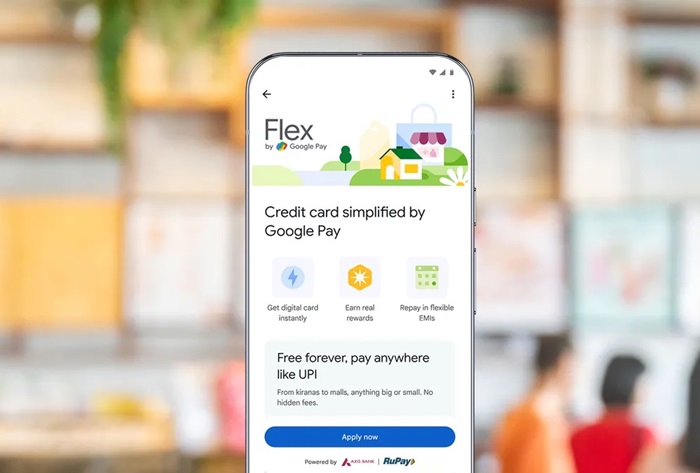
Google Pay said its focus has been on making credit more accessible, transparent, and easy to manage, particularly for users beyond metro cities. Over the years, the company has expanded credit access through partnerships with financial institutions such as IDFC First Bank, L&T Finance, PayU Finance, and SMFG India Credit, reaching users across more than 15,000 PIN codes, with strong adoption in Tier 2 and smaller cities.
While personal loans address long-term financial needs, Google Pay sees everyday transactional credit as an underpenetrated opportunity in India, where there are currently only around 50 million credit card holders. Flex is positioned as a next-generation solution aimed at first-time and digital-native credit users.
What is Flex by Google Pay?
Flex by Google Pay is a fully digital credit card that lives entirely within the Google Pay app. It is designed to feel as intuitive as UPI payments, while offering the benefits of a traditional credit card – such as rewards and flexible repayments.
Because it runs on the RuPay network, users can:
- Scan and pay at millions of offline merchants
- Use the card for online transactions across apps and websites
- Make both small everyday payments and larger purchases
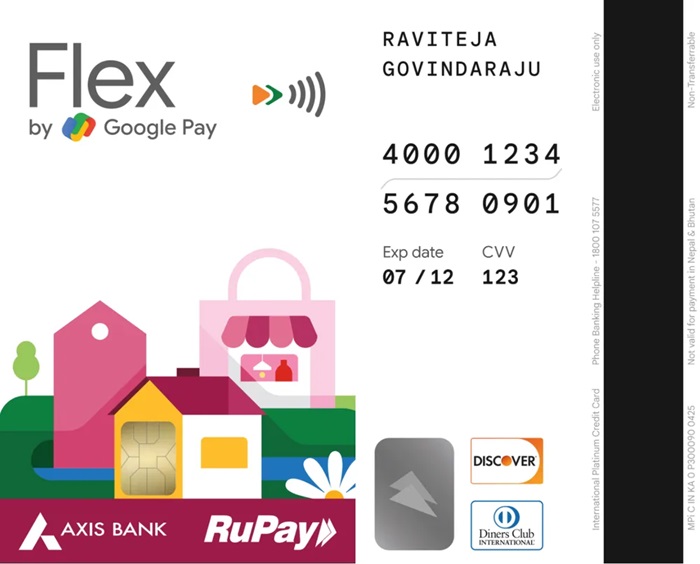
Key Features of Flex by Google Pay
- Simple Digital Application: Users can apply directly inside the Google Pay app within minutes, with no physical paperwork. The card is issued digitally and can be used immediately.
- UPI-First Acceptance: Powered by RuPay, Flex works seamlessly with UPI QR codes as well as online checkouts.
- Instant Rewards: Users earn ‘Stars’ on transactions, which can be redeemed instantly. Each 1 Star equals ₹1, eliminating the need to wait for monthly reward cycles.
- Flexible Repayment Options: Track spending, manage bills, pay in full, or convert outstanding amounts into EMIs, all within the Google Pay app.
- In-App Controls and Security: Users can set transaction limits, block or unblock the card, and reset their PIN instantly through Google Pay.
Flex by Google Pay is available exclusively within the Google Pay app and can be applied for at zero cost. The rollout has started today, with a wider availability planned over the coming months. Interested users can join the waitlist directly in the Google Pay app.

