
Add MobiGyaan as a preferred source on GoogleFestive celebrations often look their best after sunset, when homes come alive with the glow of diyas, fairy lights, decorative lamps, and colorful decorations. Capturing these moments on video, however, can be challenging. Low-light conditions can introduce image noise, affect color accuracy, and make it difficult to maintain smooth, detailed footage.
Whether you are recording Diwali celebrations, family gatherings, or festive decorations, the right camera settings and shooting techniques can make a significant difference. By understanding how to use ambient lighting, adjust exposure, create cinematic backgrounds, and stabilize your footage, you can turn everyday festive moments into visually appealing videos.
Here are six practical tips to help you shoot cinematic festive videos in low-light conditions.
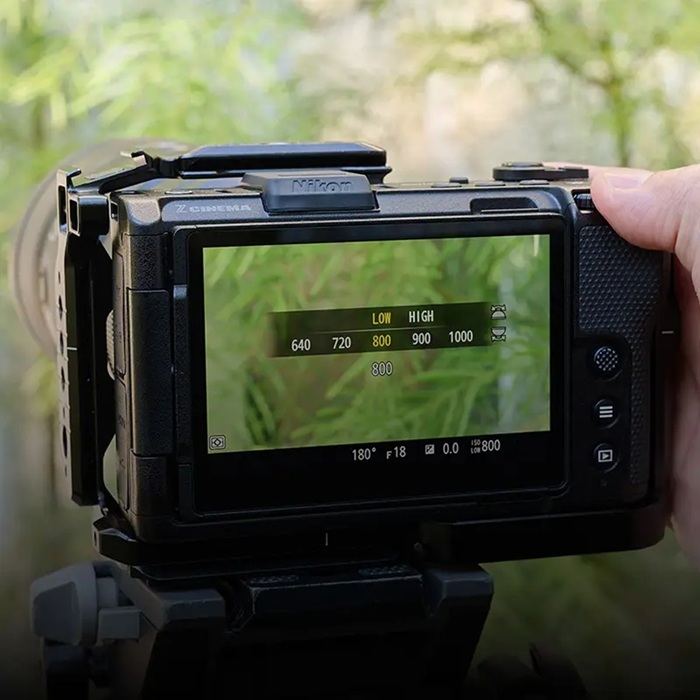
1. Make the Most Of Ambient Lighting
Festive lighting is one of the biggest advantages when shooting celebrations at night. Diyas, fairy lights, decorative lamps, and candles can create a warm atmosphere without requiring additional lighting equipment.
Instead of illuminating the entire scene with artificial lights, try using existing light sources creatively.
Here are a few techniques:
- Position your subject near a light source: Place people close to diyas or decorative lamps so that the light softly illuminates their faces.
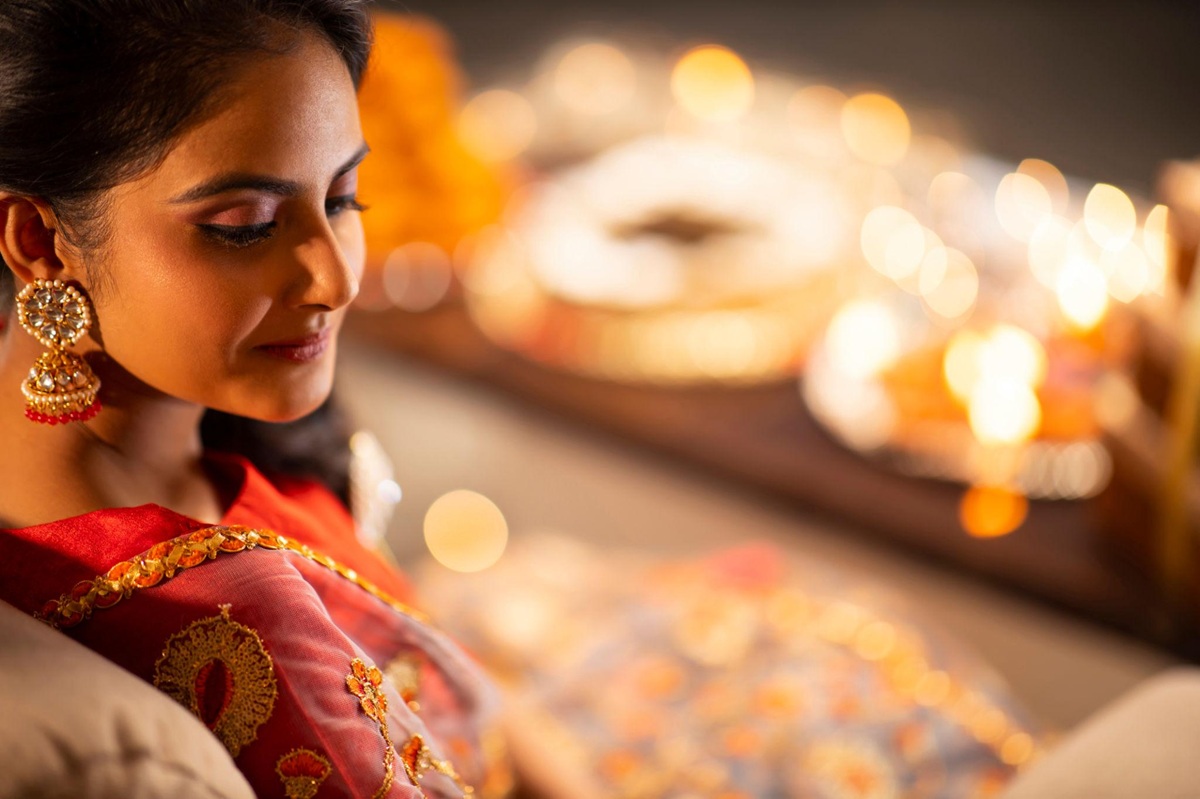
- Use lights as background elements: Position fairy lights behind your subject to create depth and beautiful blurred highlights.
- Avoid direct harsh lighting: Strong light sources can create unwanted shadows and make the scene look less natural.
- Experiment with different angles: Shoot from different positions to see how light falls on your subject and surrounding decorations.
Cameras with larger sensors, such as the full-frame Nikon ZR, Nikon Z5II, and Nikon Z6III, can capture more light and retain details in challenging conditions, helping preserve the natural ambience of festive settings.
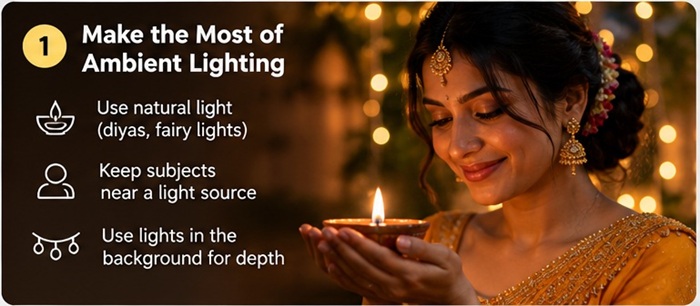
2. Adjust Exposure For Low-Light Scenes
Getting the right exposure is essential when recording in dimly lit environments. Increasing ISO can help brighten footage, but pushing it too high may introduce visible noise and reduce fine details.
A better approach is to balance three important exposure settings: aperture, shutter speed, and ISO.
- Aperture: A wider aperture, represented by a smaller f-number such as f/1.8 or f/2.8, allows more light to reach the sensor. It is particularly useful when shooting in darker environments.
- Shutter Speed: Keep shutter speed appropriate for your selected frame rate to maintain natural-looking motion.
- ISO: Increase ISO when necessary, but avoid unnecessarily high values as they can introduce image noise.
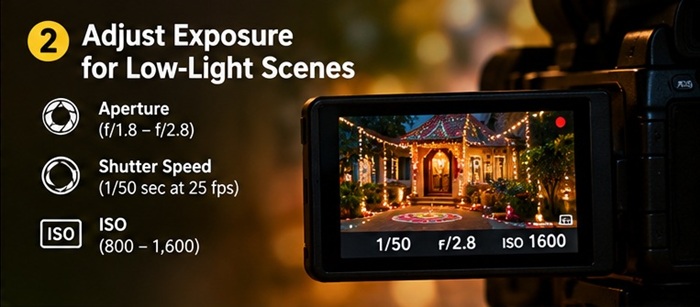
You can start with the following settings and adjust them according to the available lighting and creative requirements.
Suggested Camera Settings for Festive Videos
| Camera Setting | Recommended Starting Point |
|---|---|
| Frame Rate | 25 fps |
| Shutter Speed | 1/50 sec |
| Aperture | f/1.8 to f/2.8, where available |
| ISO | Start around 800 – 1,600 and adjust |
| White Balance | Manual, based on the dominant light source |
| Focus Mode | Continuous AF for moving subjects |
These are starting points rather than fixed settings. Actual exposure requirements depend on the camera sensor, lens, available light, and desired visual effect.
3. Choose The Right Video Settings
Frame rate, shutter speed, and recording format influence how your festive videos look and feel.
For natural-looking motion, a useful starting point is to set the shutter speed close to double the frame rate.
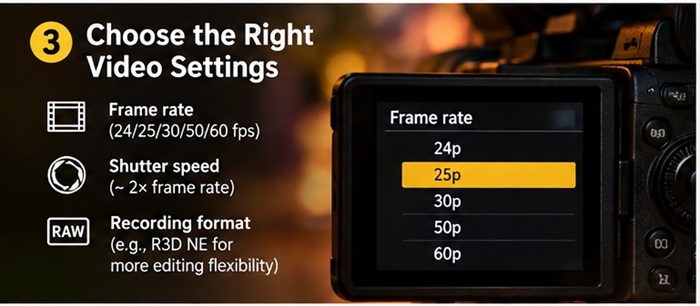
For example:
| Frame Rate | Suggested Shutter Speed |
|---|---|
| 24 fps | 1/48 sec (or 1/50 sec) |
| 25 fps | 1/50 sec |
| 30 fps | 1/60 sec |
| 50 fps | 1/100 sec |
| 60 fps | 1/120 sec |
If you want to create slow-motion footage, recording at 50 fps or 60 fps can provide more flexibility during editing, provided your final timeline uses a lower frame rate.
The recording format also matters, particularly if you plan to make significant adjustments to colors, contrast, and exposure during post-production.
For example, the Nikon ZR supports R3D NE recording, giving creators greater flexibility to fine-tune their footage during editing. Choosing a suitable recording format can help preserve image information for color grading.
4. Focus on Details, Depth & Bokeh
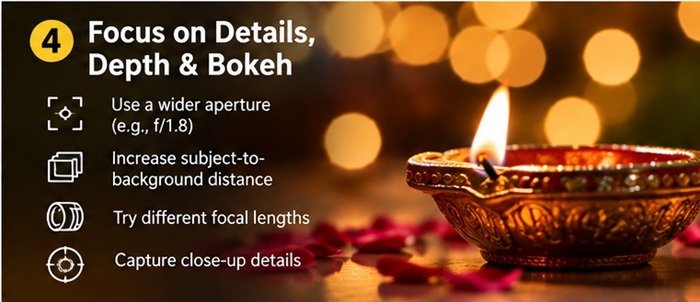
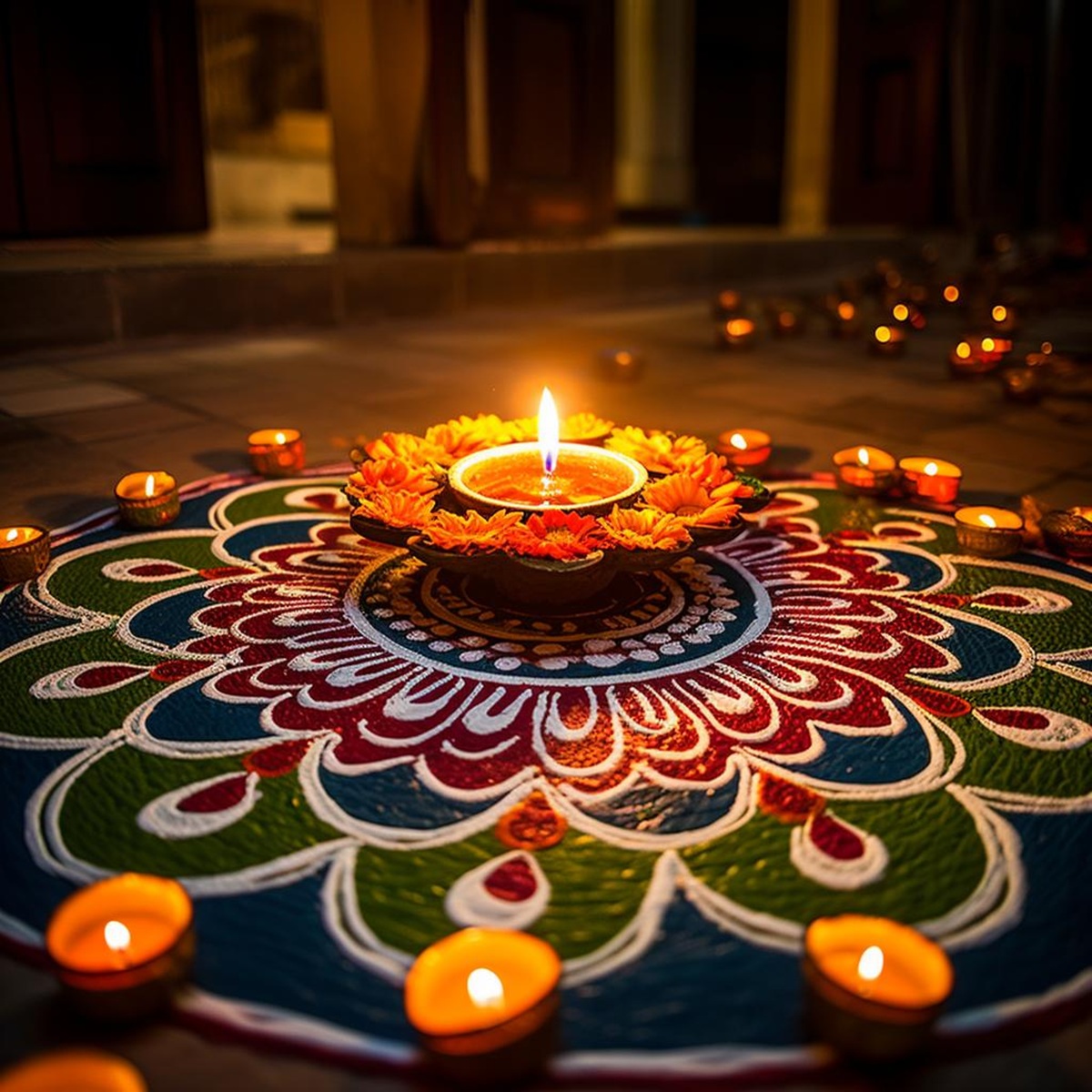
Festive celebrations offer plenty of opportunities for creative close-up shots. From intricate rangoli patterns and decorated diyas to jewellery, traditional outfits, sweets, and decorative elements, there are many details worth capturing.
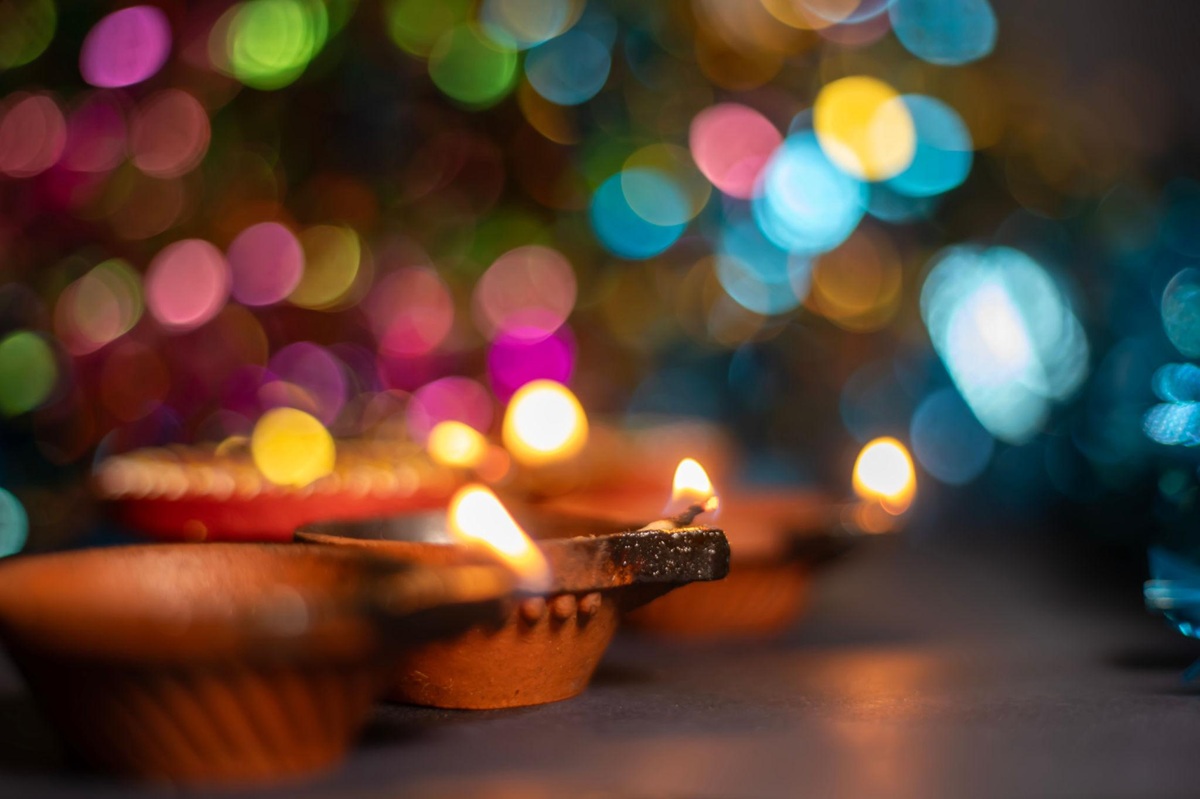
Using a wider aperture creates a shallow depth of field, helping separate your subject from the background. This produces a soft bokeh effect, where decorative lights appear as blurred highlights while the main subject remains in focus.
You can improve the effect with a few simple techniques:
- Use a wider aperture: A smaller f-number helps create a shallower depth of field.
- Increase subject-to-background distance: Keeping your subject farther away from decorative lights makes the background appear more blurred.
- Experiment with focal lengths: Different lenses and focal lengths produce different background rendering and compression effects.
- Move closer to your subject: Close-up compositions can help isolate small festive details.
For example, you can record a close-up of someone lighting a diya with blurred fairy lights in the background. Such shots add depth and a cinematic feel to your festive video.
5. Preserve the Colors & Mood Of The Celebration
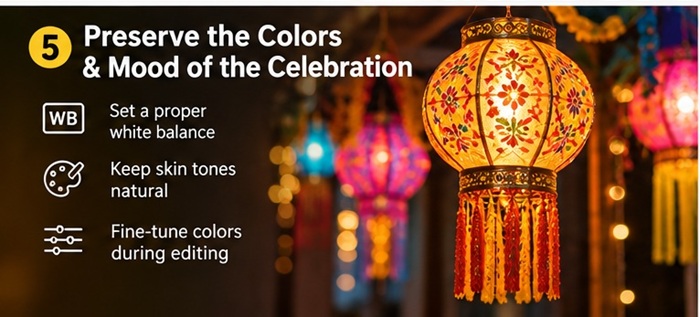
Festive environments are often filled with warm golden lighting, vibrant reds, and rich decorative colors. However, different light sources can create unwanted color casts, making skin tones and other elements appear unnatural.
This is particularly noticeable when a scene combines warm diyas, white LED lights, and colored decorative lighting.
To maintain better color accuracy:
- Set white balance manually: Avoid unnecessary automatic white balance changes during recording, as they can cause visible color shifts between shots.
- Check skin tones: Make sure faces look natural rather than excessively orange, yellow, or blue.
- Maintain consistent settings: Try to use consistent white balance across shots recorded in the same environment.
- Use suitable recording formats: Formats that preserve greater image information can provide more flexibility during post-production.
Nikon’s Portrait Impression Balance feature can help creators fine-tune the appearance of skin tones while retaining the warmth and mood of festive scenes.
Additionally, Nikon’s RED technology and R3D NE capabilities offer creators greater flexibility to refine colors and achieve their preferred visual style during editing.
6. Explore Stabilization & Different Shooting Setups
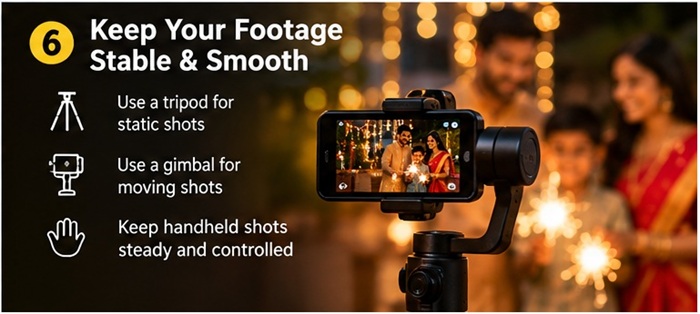
Festive videos often involve moving between rooms, following family members, and capturing spontaneous moments. Camera movement can introduce unwanted shake, particularly when recording handheld footage in low-light conditions.
Different stabilization technologies can help:
- Lens-based Vibration Reduction (VR): Helps compensate for camera movement through compatible lenses.
- In-body Image Stabilization (IBIS): Uses sensor movement to compensate for certain types of camera shake.
- Electronic Stabilization: Uses digital processing to reduce visible movement, although it may crop the frame.
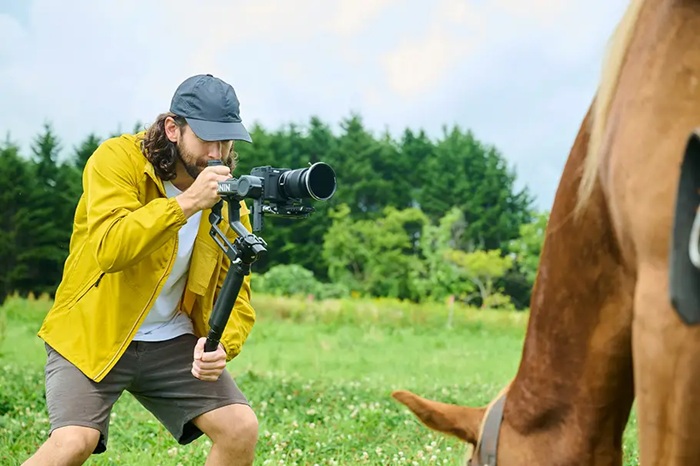
For more stable footage, consider using a tripod for static shots and a gimbal for smoother moving sequences. When recording handheld, use proper camera-holding techniques and avoid unnecessary movements.
You can also experiment with different camera and lens combinations to capture a variety of perspectives. Use wide shots to establish the festive atmosphere, close-ups to highlight decorative details, and moving shots to capture interactions and spontaneous celebrations.
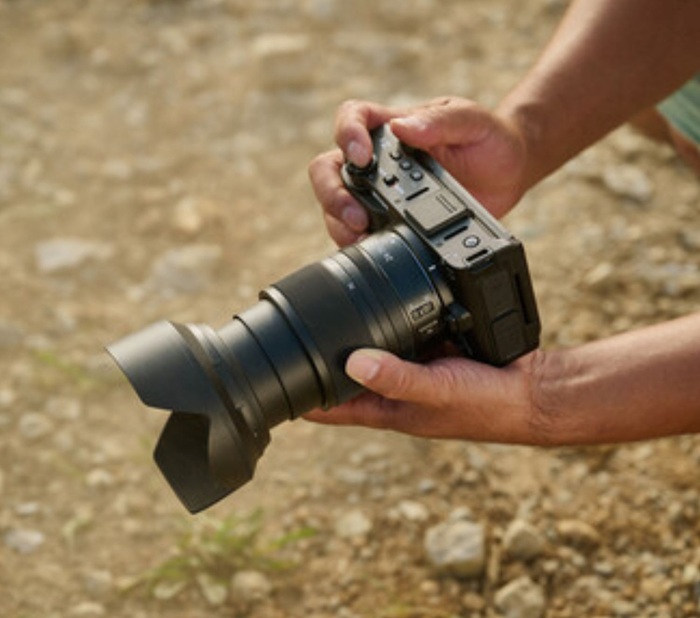
Bonus: 5 Festive Shots You Should Capture
If you are planning to create a cinematic festive video, having a shot list can help you capture different moments without missing important details.
Here are five shots worth including:
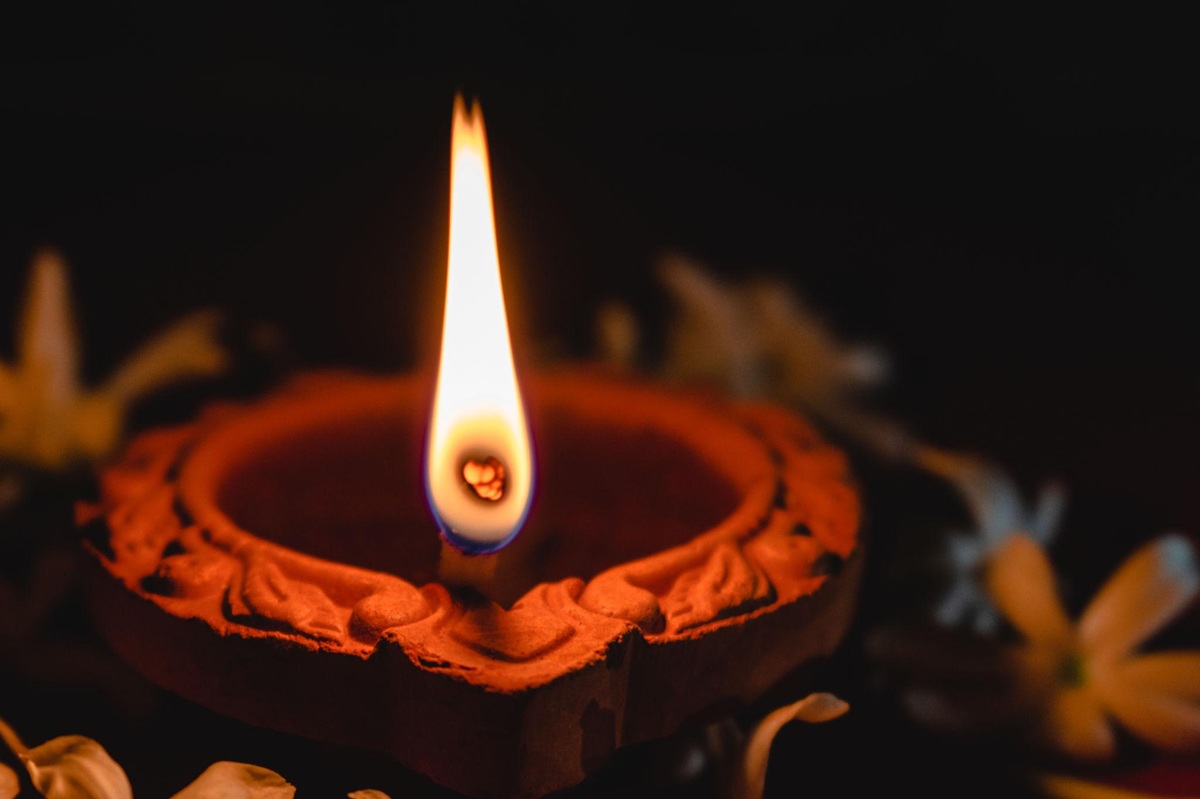
- Lighting the Diyas: Capture close-ups of someone lighting diyas, focusing on the flame and surrounding decorations.
- Rangoli Details: Record detailed shots of colorful rangoli patterns, flowers, and decorative elements.
- Fairy Lights and Bokeh: Use a wide aperture to create blurred decorative lights in the background.
- Family Moments: Capture candid interactions, greetings, laughter, and preparations rather than relying entirely on posed shots.
- Festive Wide Shots: Record the decorated home, entrance, balcony, or celebration area to establish the overall atmosphere.
Combining these shots with different camera angles and movements can make the final video more engaging and visually appealing.
Festive videos are more than just recordings of celebrations. They preserve emotions, family moments, decorations, and the little details that make these occasions special.
While camera settings and lighting techniques play an important role, creativity is equally important. By making better use of ambient lighting, choosing appropriate exposure settings, experimenting with depth of field, and maintaining stable footage, you can capture cinematic festive videos even in challenging low-light environments.
Understanding these techniques can help you create more engaging videos and preserve festive memories in a way worth revisiting for years to come.

