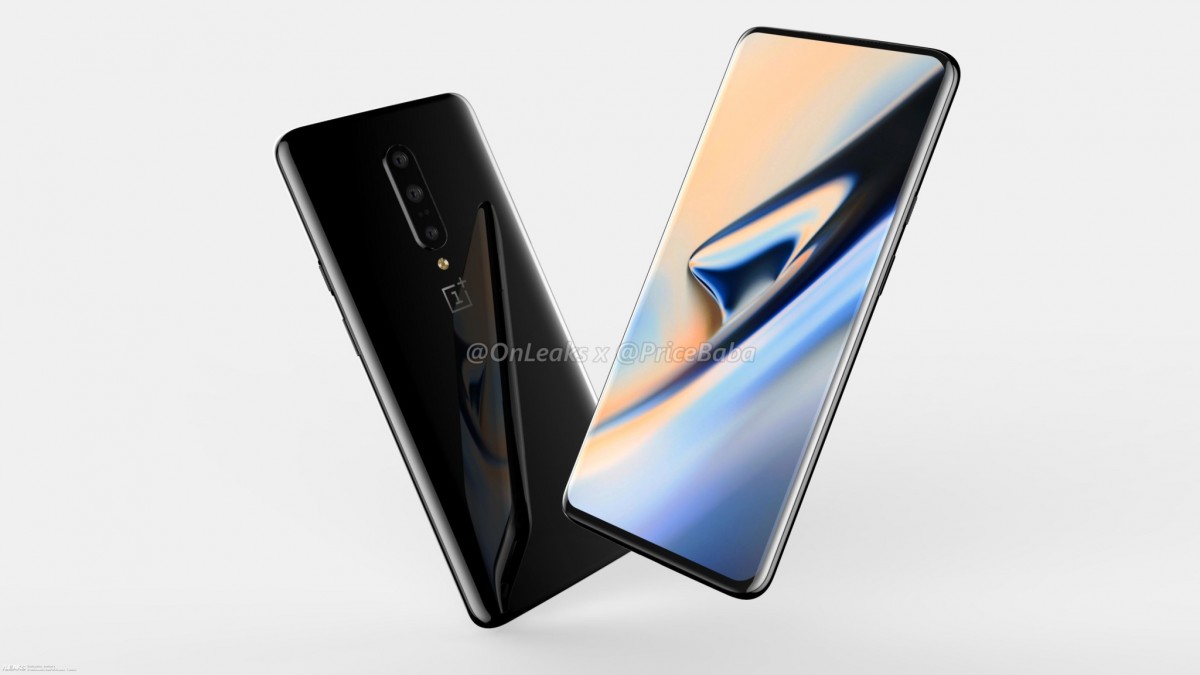
Xiaomi’s latest smartphone release, the Redmi Note 7 Pro packs a punch, it runs on the Android 9 Pie out-of-the-box. Most Androids don’t show the battery percentage in the status bar, but there’s nothing to worry. If you want to keep a percentage in the status bar, you can simply enable it under the settings. Here’s how you can do it on your Xiaomi Redmi Note 7 Pro.
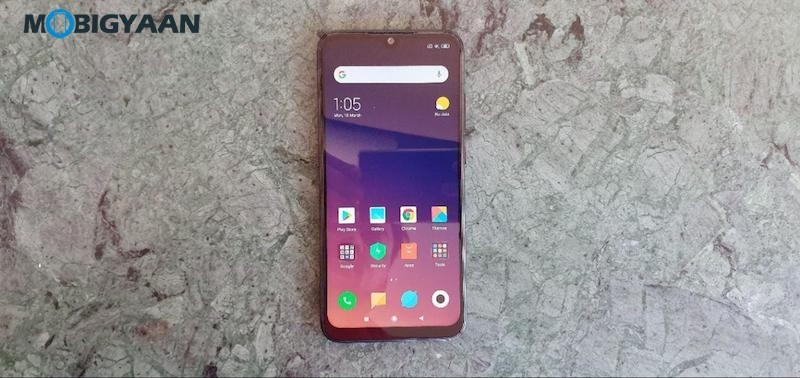
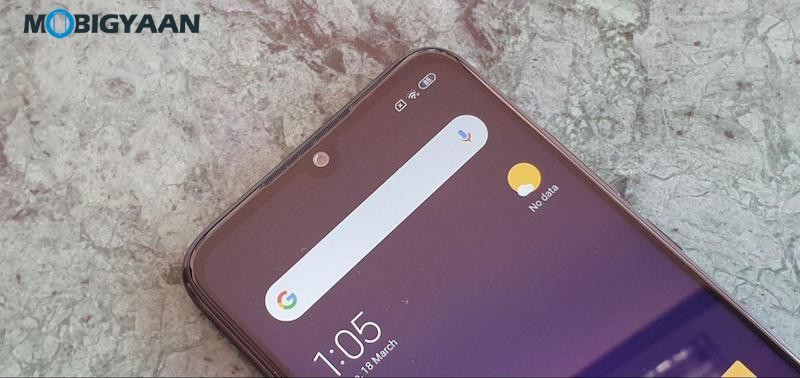
View battery percentage on Xiaomi Redmi Note 7 Pro
To view the battery percentage on your Redmi Note 7 Pro, go to the Battery settings and under that Notifications & status bar. You will see an option named Battery Indicator, just enable the slider and you are done. This option will add a percentage next to the battery icon in the status bar.
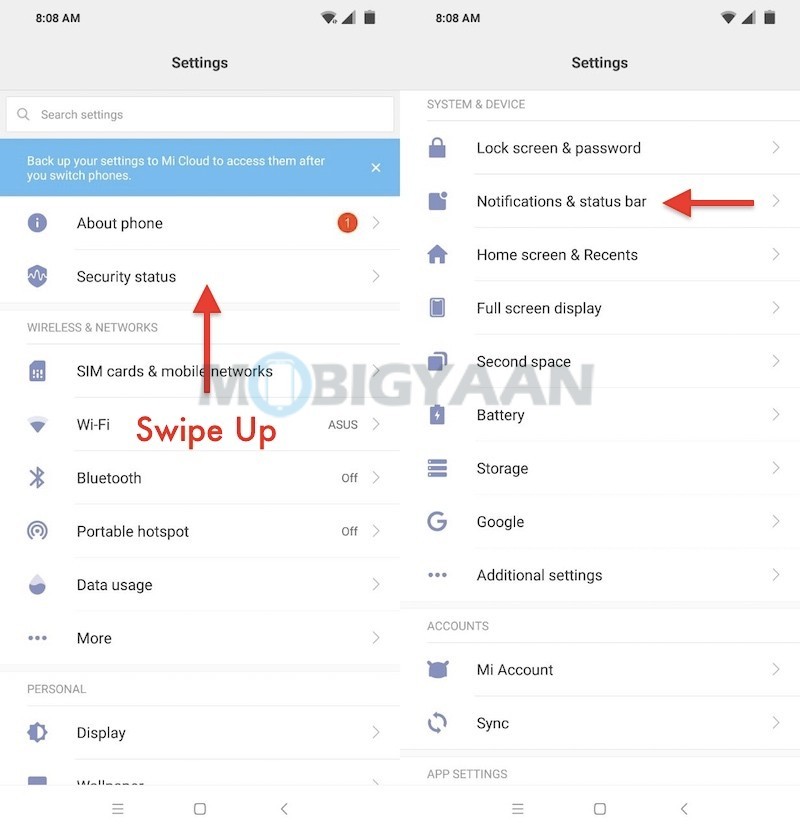
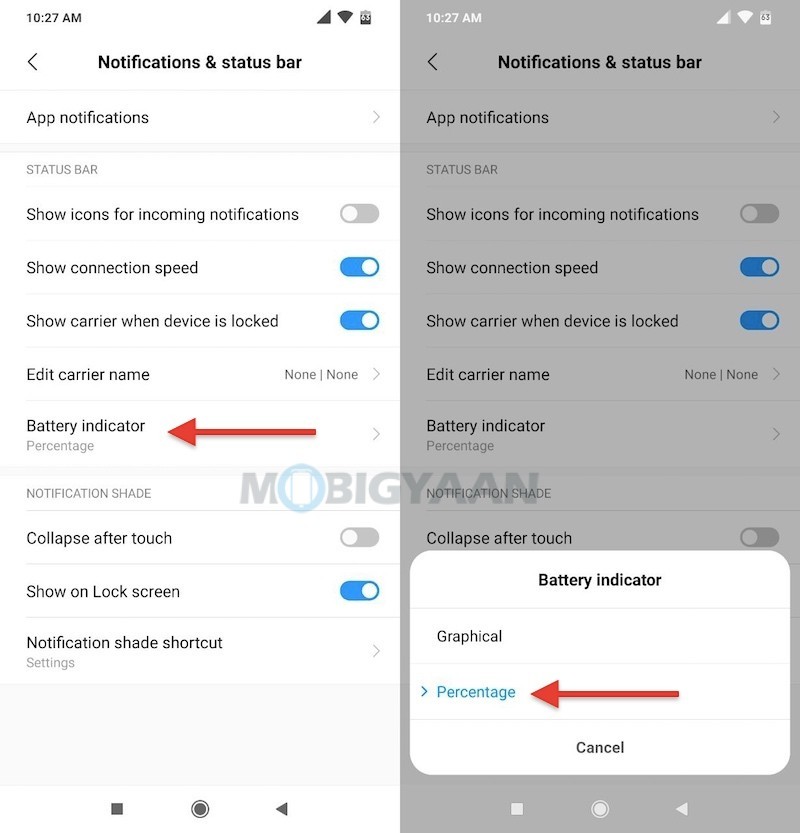
That’s not it, also view the network speed in the status bar in real-time, this is another feature that might come handy.
- Go to the Settings -> Notification & status bar and turn on the slider Show connection speed.
The MIUI 10 is filled with a host of features that make things easier for you, run dual apps, take three-finger screenshots, hide the notch, use gestures to navigate and more. Take a look at these 10 top Redmi Note 7 Pro tips and tricks, and hidden features.
Also see the unboxing and features video of the Redmi Note 7 Pro down below.