
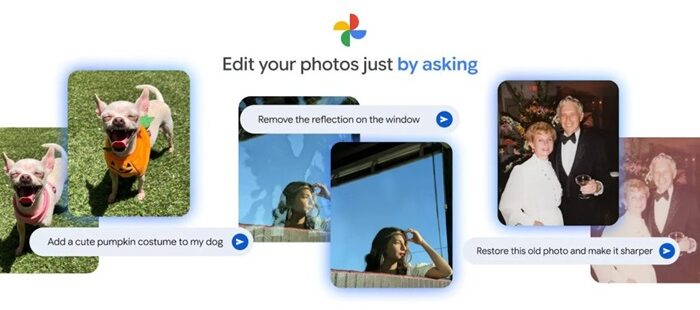
Add MobiGyaan as a preferred source on GoogleGoogle has rolled out improvements to the Google Photos Crop tool on Android, focusing on better stability, smoother animations, and more accurate previews. The update builds on the redesigned editor interface introduced in September 2025, where crop tools are directly accessible within the editing screen.
What’s new in the Crop tool
The latest update addresses several usability issues and enhances the overall editing experience.
Improved preview accuracy
- Fixes an issue where the image preview would shrink while adjusting crop handles
- Preview now remains stable and consistent during edits
Reliable cropping and rotation
- Resolves bugs causing images to flip or distort during rotation + cropping
- Ensures predictable results when combining editing actions
Smoother editing experience
- Adds fluid animations while dragging, rotating, and adjusting aspect ratios
- Improves visual feedback and responsiveness
With these changes, Google aims to make photo editing in Google Photos more intuitive and stable, visually smoother, and better suited for quick edits without glitches.
The updated Crop tool experience is rolling out now to Google Photos users on Android devices.

