

Add MobiGyaan as a preferred source on Google
OPPO is rolling out the latest ColorOS 16 enhancements with a focus on making photo libraries easier to organize, manage and revisit. The ColorOS 16 update for September 2026 adds several useful options to the Photos app, including the ability to adjust photo timestamps, hide customized albums, manage favorites in batches, extract text from images, and switch between different photo browsing views.
The latest improvements are part of OPPO’s ongoing ColorOS 16 updates, which continue to add new features across photography, productivity, personalization and privacy.
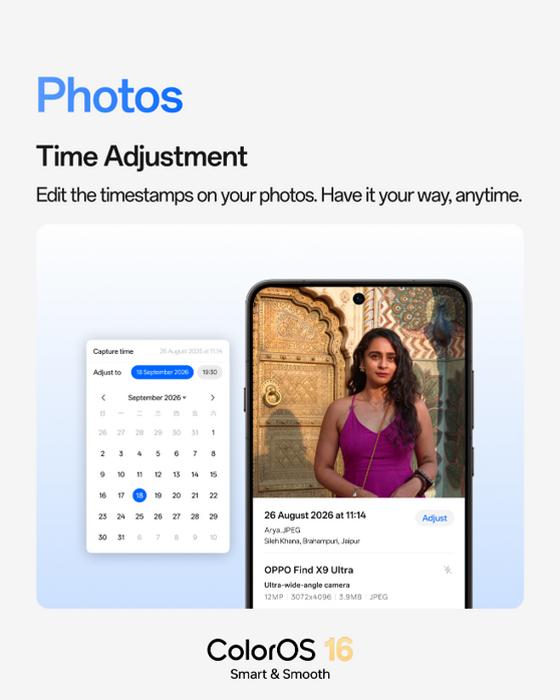
Time Adjustment: Photos Can Now Be Sorted By The Correct Date
ColorOS 16 now lets you edit the date and time of photos directly from the Photos app. This can be useful when a photo has an incorrect timestamp or when you’re organizing older photos and want them to appear in the correct chronological position.
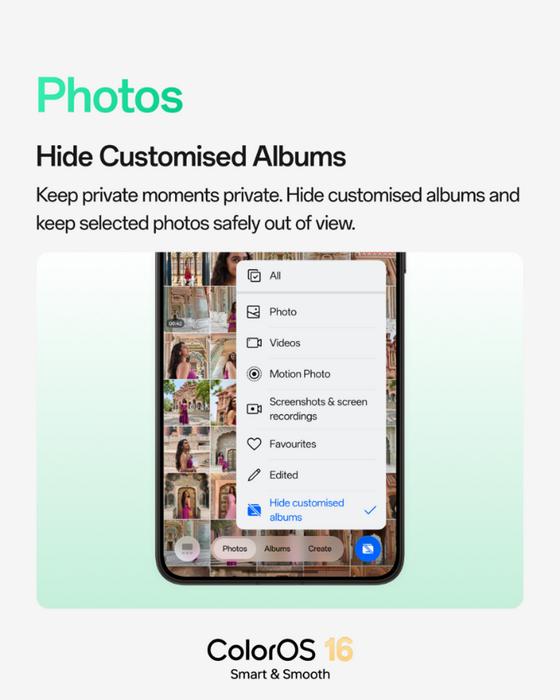
Hide Customized Albums: Hiding Albums You Don’t Want On The Main Gallery
The update also gives you more control over how your photo library is displayed by allowing customized albums to be hidden from the main Photos view.
This provides a cleaner way to organize personal memories while keeping selected albums out of the regular gallery view.
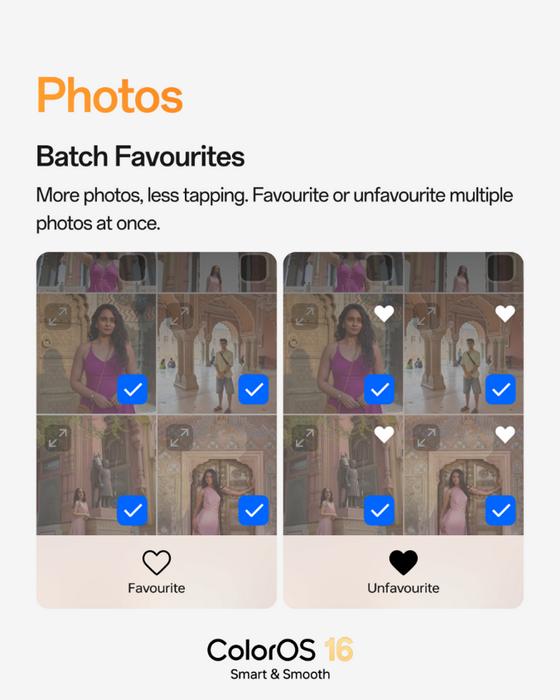
Batch Favourites: Select Multiple Photos to Add to Favorites – More Photos, Less Tapping
Managing favorite photos is also becoming easier. ColorOS 16 now allows you to add multiple photos to Favorites at once, eliminating the need to favorite images individually.
This can be particularly useful when you’re going through a large collection of photos and want to quickly select your favorite memories.
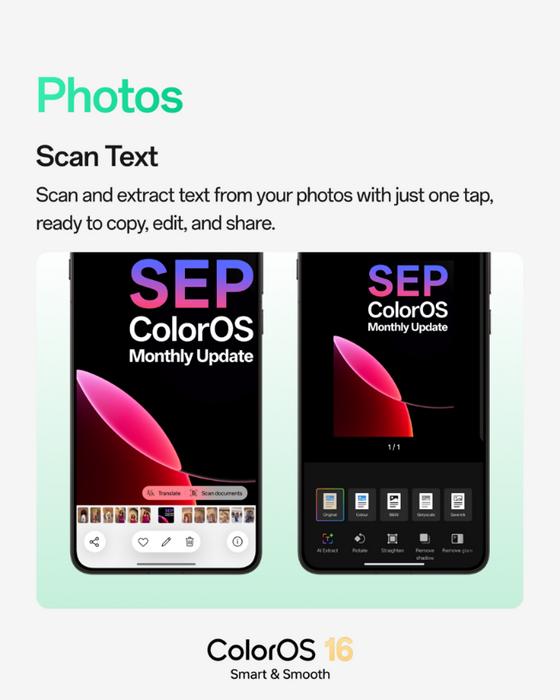
Scan Text: Turn Images Into Editable Text
Another useful addition is Scan Text, which lets you extract text directly from a photo and then copy, edit or share the captured content.
For documents, the feature also includes tools to rotate and straighten images and remove glare or shadows, making it easier to turn photographed documents into cleaner digital copies.
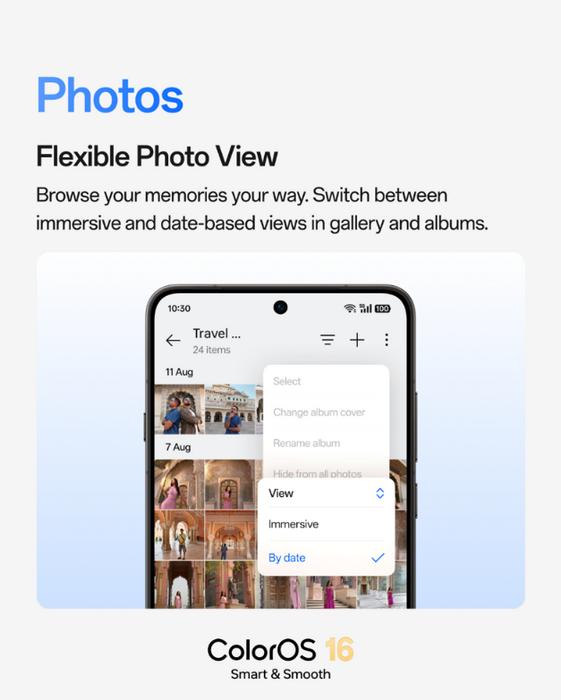
Flexible Photo View: Choose How Your Photo Library Is Displayed
OPPO is also giving users more flexibility in how they browse their photo libraries. ColorOS 16 lets you switch between Immersive and By Date views in Photos and Albums.
The Immersive view provides a more visual way to explore your memories, while the By Date view makes it easier to locate photos from a specific period.
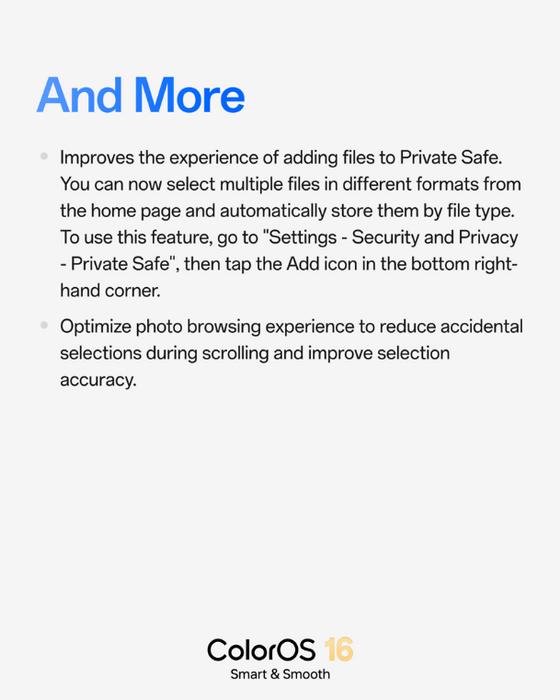
More Improvements: Better File Management In Private Safe
The latest update also brings improvements to Private Safe and photo selection, making it easier to add and organize files across different formats while reducing accidental selections when browsing.
ColorOS 16 Update: September 2026 Timeline
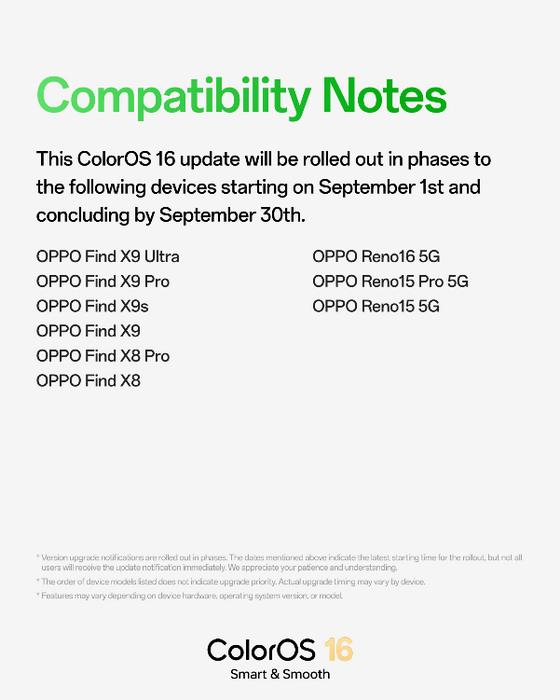
The ColorOS 16 update for September 2026 will be rolled out in phases from 1st September 2026 to 30th September 2026 for supported devices. The currently listed devices include:
OPPO Find Series
- OPPO Find X9 Ultra
- OPPO Find X9 Pro
- OPPO Find X9s
- OPPO Find X9
- OPPO Find X8 Pro
- OPPO Find X8
OPPO Reno Series
- OPPO Reno16 5G
- OPPO Reno15 Pro 5G
- OPPO Reno15 5G
These new photo-management features complement the broader ColorOS 16 experience, which includes improvements across system smoothness, AI-powered photography, productivity, personalization and privacy. OPPO has also been adding new capabilities through its monthly feature updates.
With the latest enhancements, OPPO is giving ColorOS 16 users more control over how they organize, browse and manage their photo libraries, while making common gallery tasks quicker and more convenient.