
OnePlus has refreshed its affordable tablet lineup in India with the launch of the OnePlus Pad Go 2, alongside the debut of the OnePlus 15R. The OnePlus Pad Go 2 is the brand’s first 5G tablet that aims to strike a balance between a large 12.1-inch 2.8K immersive display, fast performance from the Dimensity 7300-Ultra, long battery life with its 10,050 mAh capacity in a 6.83mm slim form factor, reliable 5G connectivity, and OnePlus’ growing AI ecosystem – all while retaining the brand’s clean design language and software experience. Here’s what we have to say about the tablet in our OnePlus Pad Go 2 review.
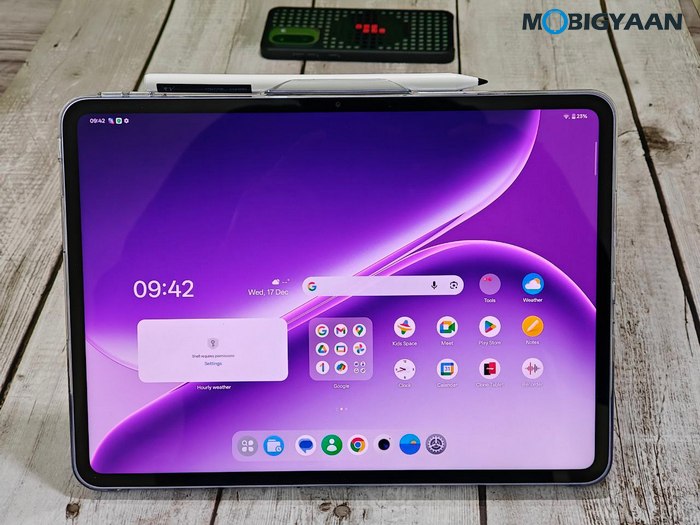
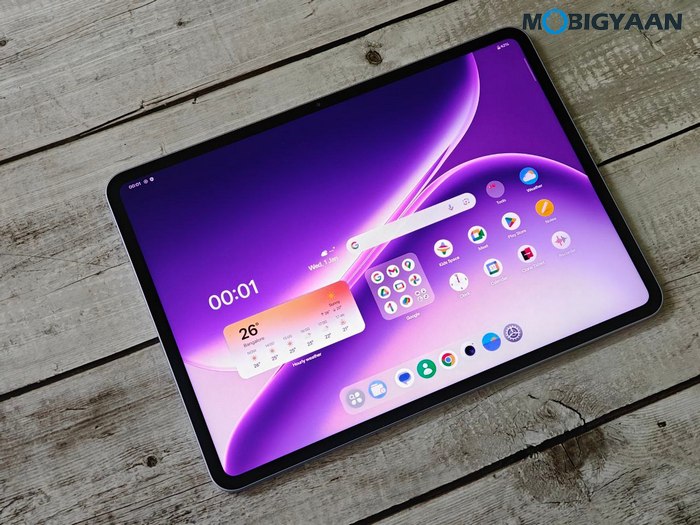
OnePlus Pad Go 2 Specifications & Features
- Design & Display: 12.1-inch (30.73 cm) LCD display, 12-bit color depth (68.7B colors), 2.8K+ resolution (2,800 x 1,980 pixels, 284 ppi), 120 Hz refresh rate, 7:5 aspect ratio, up to 900 nits HBM brightness, OnePlus Eye Comfort technology, 6.83 mm slim, 597 grams weight (Wi-Fi), 597 grams weight (5G)
- Software & Updates: OxygenOS 16, Android 16-based
- CPU: 4nm MediaTek Dimensity 7300-Ultra octa-core SoC
- GPU: ARM Mali-G615 MP2 (2-core) Graphics
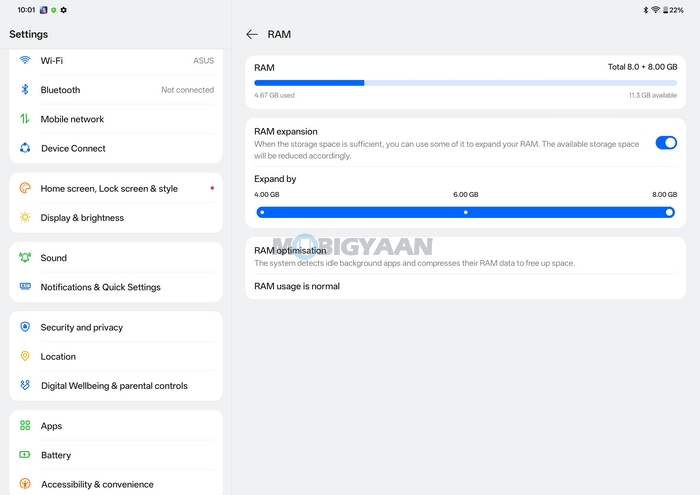
- Memory: 8 GB LPDDR5X RAM, +8 GB virtual RAM support
- Storage: 128 GB OR 256 GB UFS 3.1 Storage, no microSD card slot
- Main Camera: Single 8 MP, up to 1080p at 30 fps video recording
- Selfie Camera: 8 MP, up to 1080p at 30 fps video recording
- Connectivity & Others: USB Type-C, Quad Speakers with Hi-Res Audio certification, Omnibearing Sound Field technology, Wi-Fi 6 (802.11ax), Bluetooth 5.4, clipboard sharing, shared gallery, Quick Share (Android), O+ Connect (iOS), Screen Mirroring, Open Canvas multitasking, Kids Mode, Google Kids Space
- Cellular: 5G network (optional)
- Battery & Charging: 10,050 mAh battery, 33W SUPERVOOC fast charging (45W in the box), 6.5W reverse charging
- Colors: Shadow Black, Lavender Drift
- Price: ₹26,999 (8 GB RAM + 128 GB Stoarge, Wi-Fi), ₹29,999 (8 GB RAM + 256 GB Storage, Wi-Fi), ₹32,999 (8 GB RAM + 256 GB Storage, Wi-Fi + 5G) – Shadow Black exclusive
- Availability: 18th December 2025 at 12 PM across oneplus.in, OnePlus store app, OnePlus experience stores, Reliance, Croma, Vijay Sales, Bajaj Electronics, and other mainline partner stores; 8 GB + 128 GB WIFI on Amazon.in & Flipkart.com, 8 GB + 256 GB WiFi on Flipkart.com, 8 GB + 256 GB 5G on Amazon.in
- Offers: ₹2,000 instant discount applicable on Axis Bank Credit Cards (incl. EMI) & HDFC Bank EASYEMI on Credit Card, get a free OnePlus Pad Go 2 Stylo worth ₹3,999 at no extra cost (fora limited period only and till stocks last)
- Effective Price: ₹23,999 (8 GB RAM + 128 GB Stoarge, Wi-Fi), ₹26,999 (8 GB RAM + 256 GB Storage, Wi-Fi), ₹29,999 (8 GB RAM + 256 GB Storage, Wi-Fi + 5G) – Shadow Black exclusive
Design, Display, & Build Quality
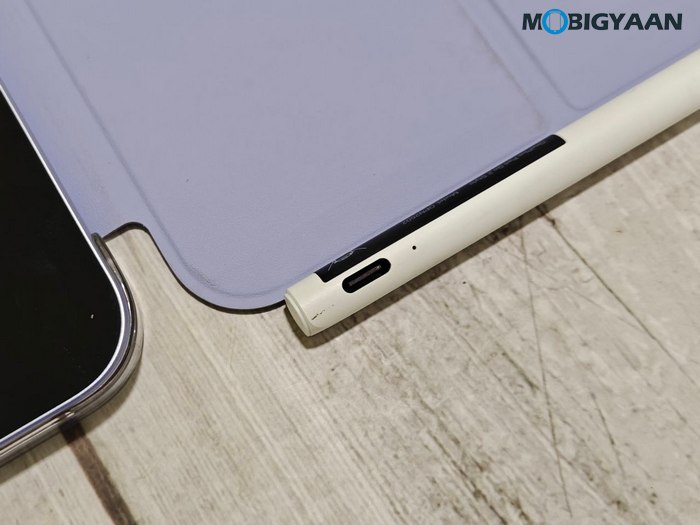
On the design front, the OnePlus Pad Go 2 comes in a very sleek and slim metallic unibody with smooth curves and a refined finish that feels solid and well-built. We got the Lavender Drift, which has a soft, elegant tone that stands out subtly, the one you can see in the images below, while it is also available in Shadow Black in 5G option. Despite housing a large 12.1-inch display and a massive 10,050 mAh battery, OnePlus has managed to keep the Pad Go 2 remarkably slim at just 6.83mm and lightweight at under 600 grams. This makes it comfortable to hold for reading, studying, or extended multimedia sessions.
At the front, the OnePlus Pad Go 2 sports a 12.1-inch (30.73cm) LCD display with a 2.8K resolution (2800 x 1980 pixels) and a pixel density of 284 ppi, delivering sharp text and detailed visuals. The display supports a 120 Hz refresh rate, which makes scrolling, animations, and multitasking feel fluid and responsive.
OnePlus has also paid attention to color accuracy and brightness. The panel supports 98% DCI-P3 color gamut, 12-bit color depth (68.7B colors), and reaches up to 900 nits peak brightness in high-brightness mode, making it suitable for both indoor use and brighter environments. Dolby Vision support further enhances the viewing experience when streaming compatible content on platforms like Netflix and YouTube.
For prolonged usage, the display comes with TÜV Rheinland Smart Care 4.0 certification, focusing on eye comfort and reduced strain during long reading or binge-watching sessions. Bezels are reasonably slim for a tablet in this segment, offering an immersive feel without compromising grip.
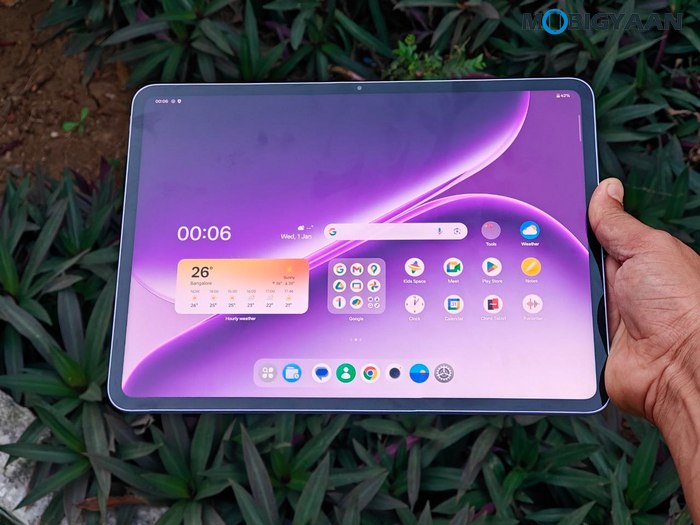
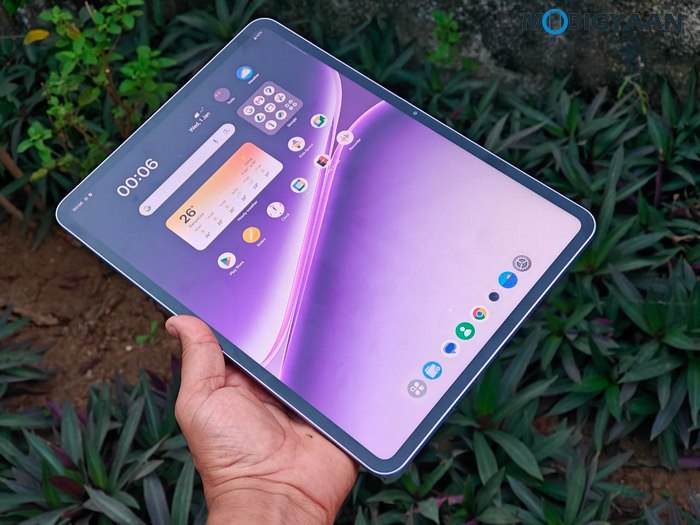
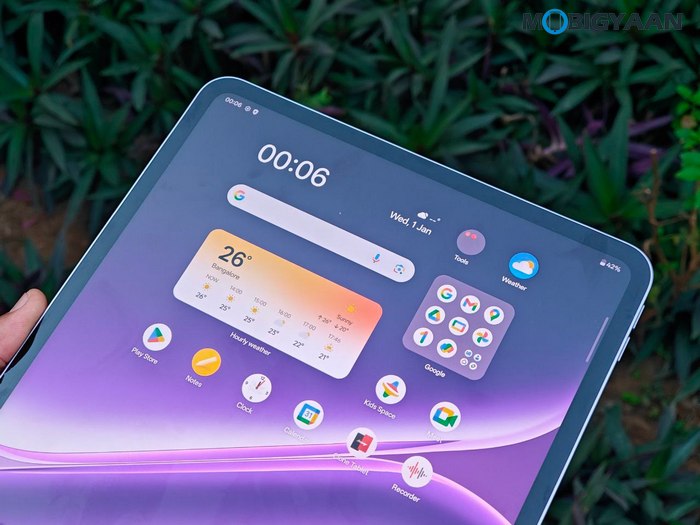
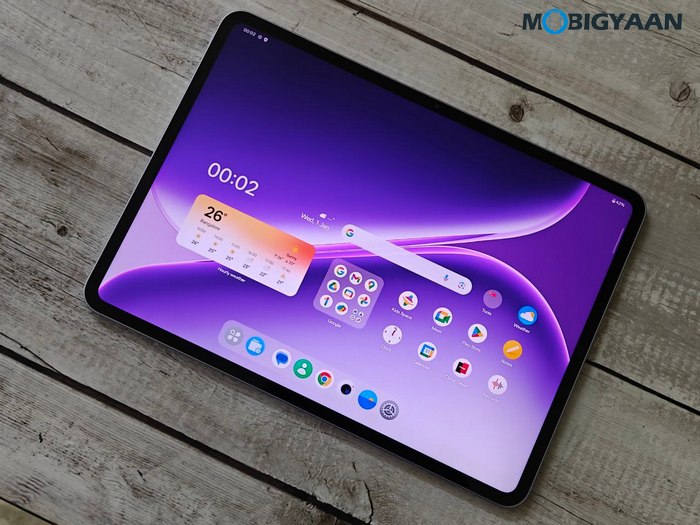
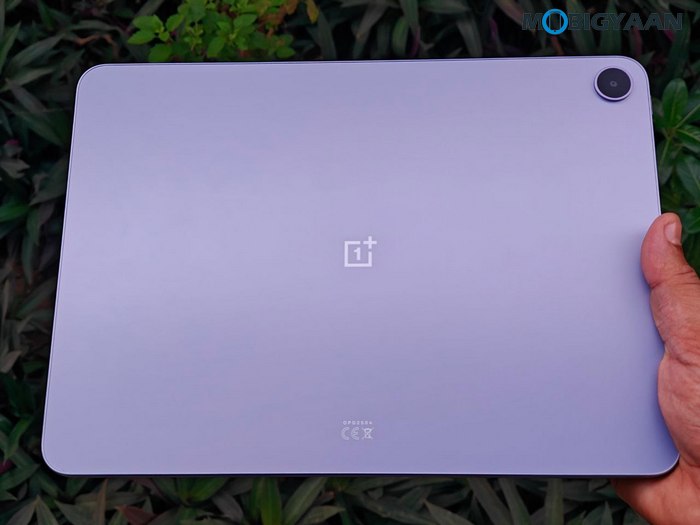
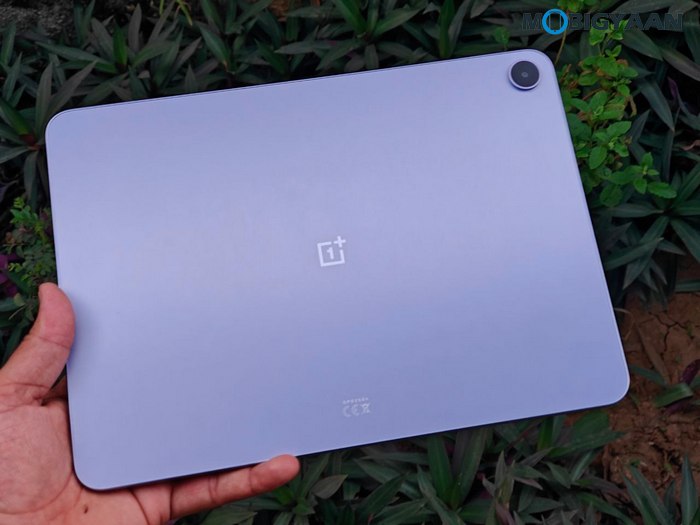
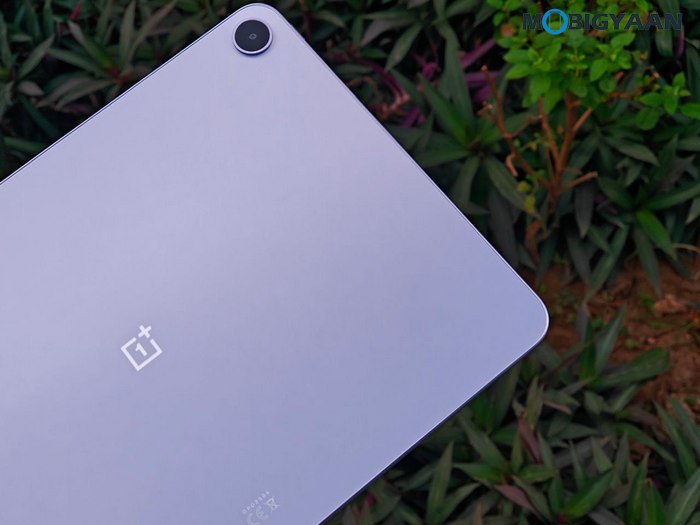
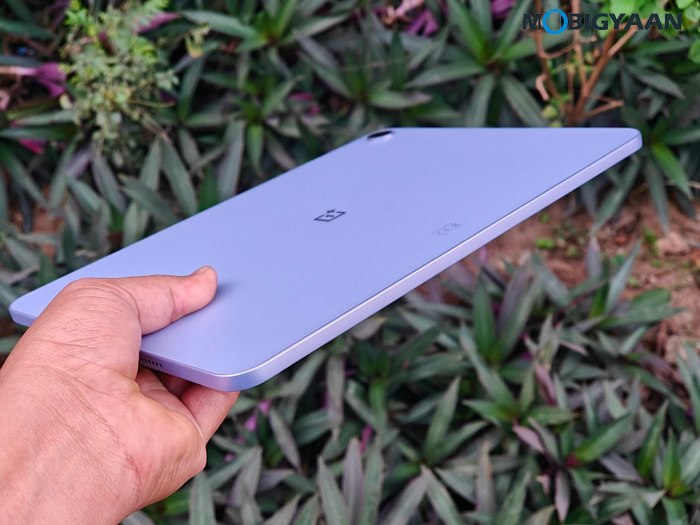
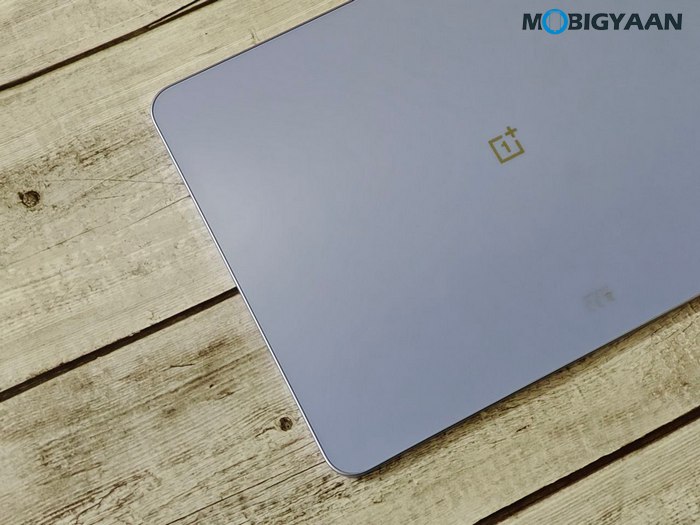
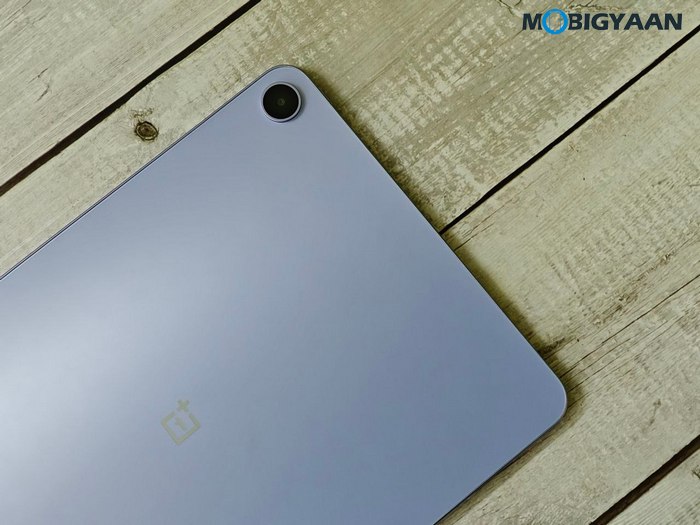
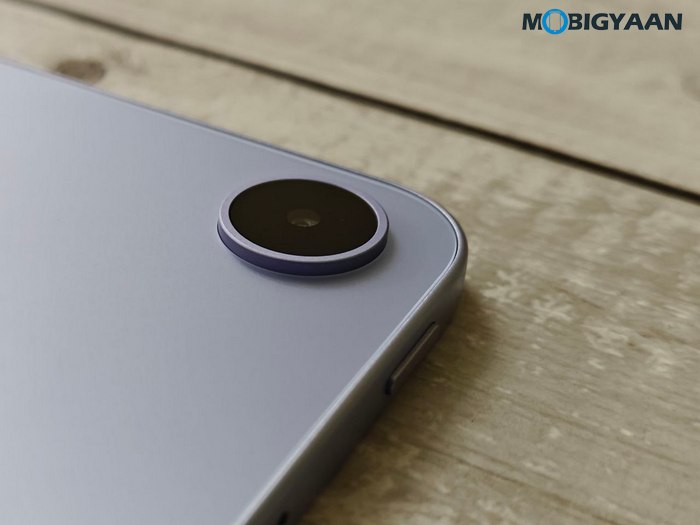


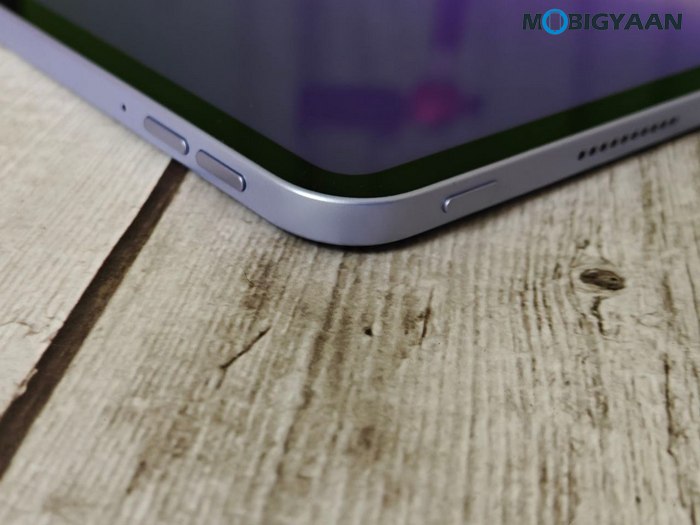
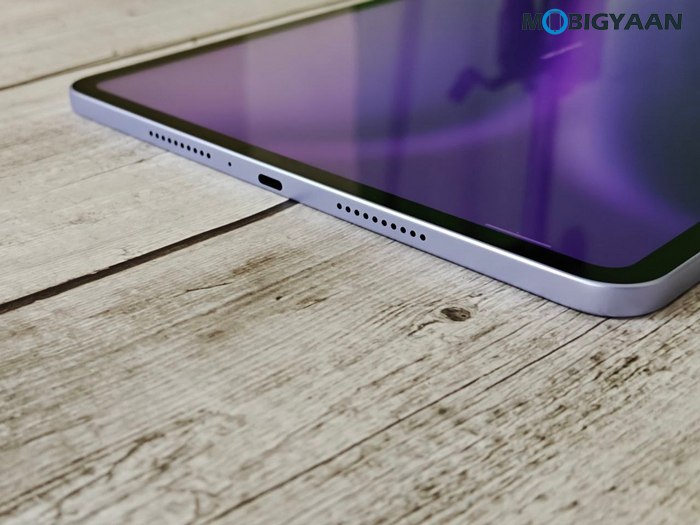
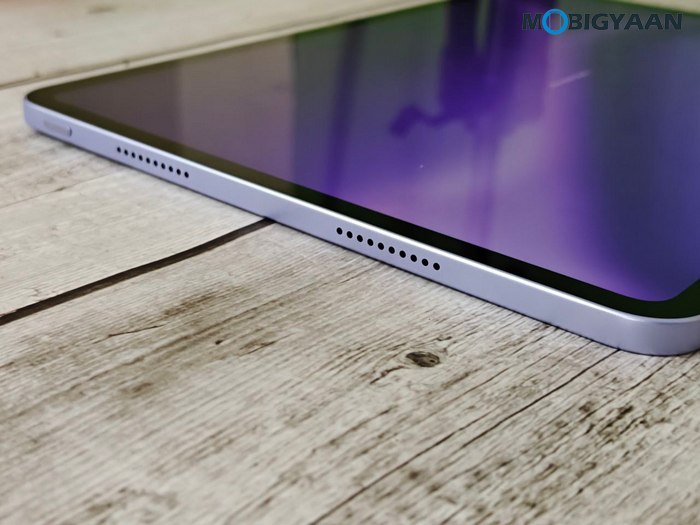
Button placement and port layout are well thought out for landscape use, which is how most users are likely to consume content on a tablet of this size. The power button sits along the left-top edge, while two separate volume keys are positioned nearby on the top-left edge for easy reach. Quad speaker grilles are placed symmetrically, with two on each side, ensuring loud and clear audio output.
Audio is another strong point of the Pad Go 2. The tablet features quad speakers powered by OnePlus Omnibearing Sound Field technology, which intelligently adapts audio channels based on how the tablet is held. This results in a wider soundstage and more immersive output, whether you’re watching movies, attending online classes, or listening to music.
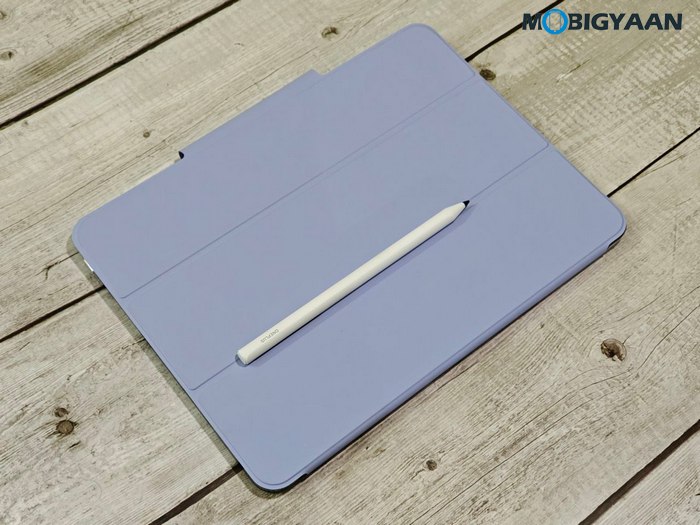
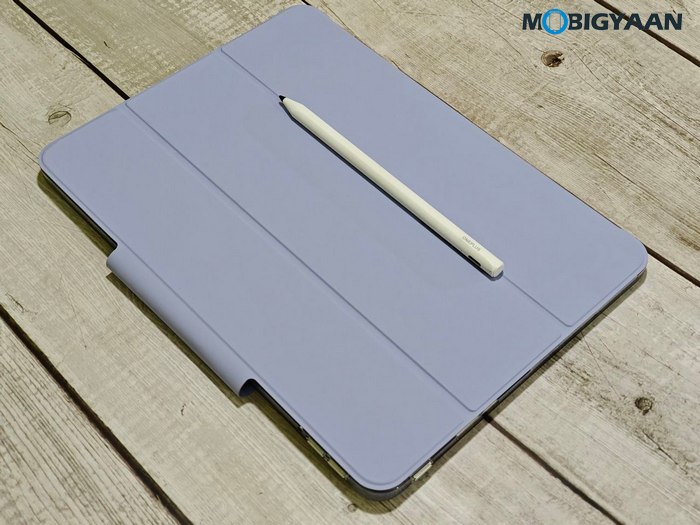
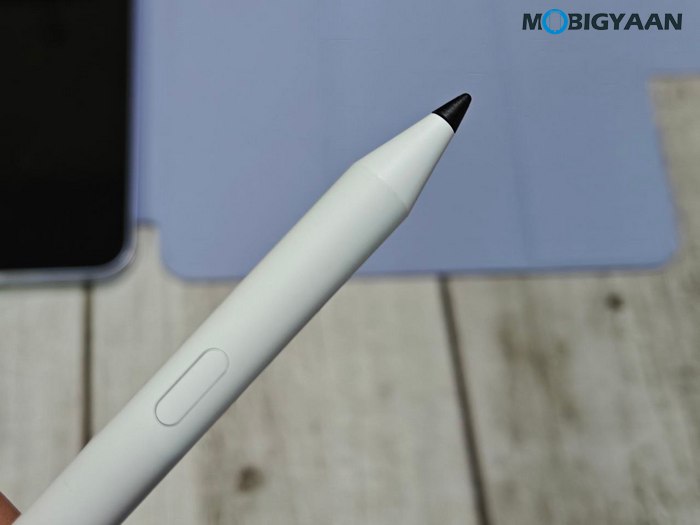
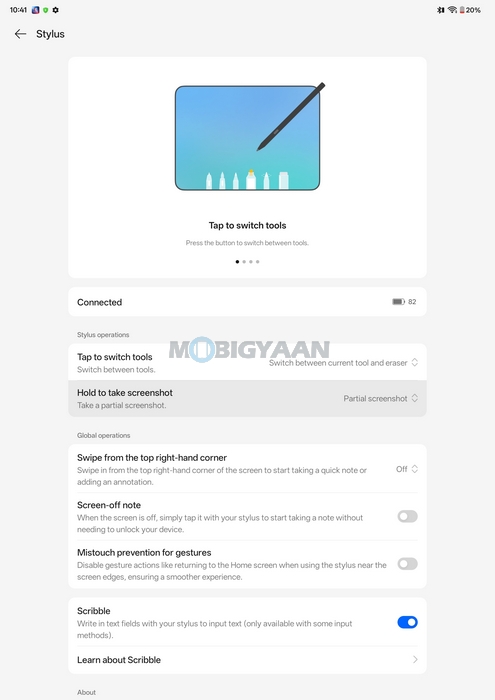
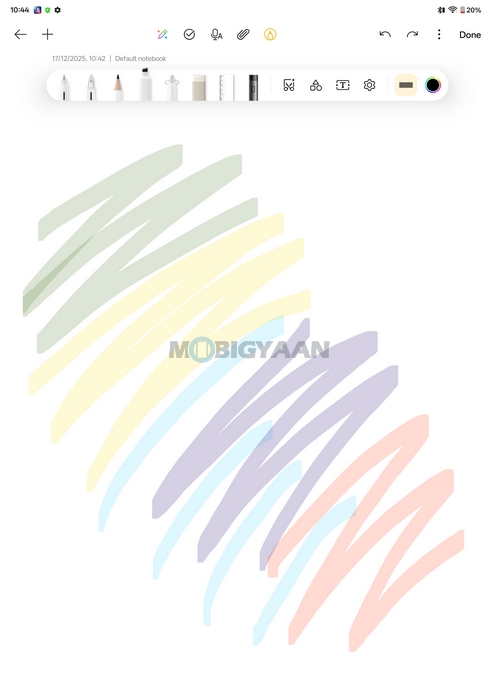
The OnePlus Pad Go 2 also introduces stylus support to the Pad Go lineup for the first time. The optional OnePlus Pad Go 2 Stylo offers 4,096 levels of pressure sensitivity, making it suitable for note-taking, annotations, and light creative work. Combined with the large display and OnePlus’ software optimisations, this adds meaningful versatility to the tablet experience.


Software, User Interface, & Features
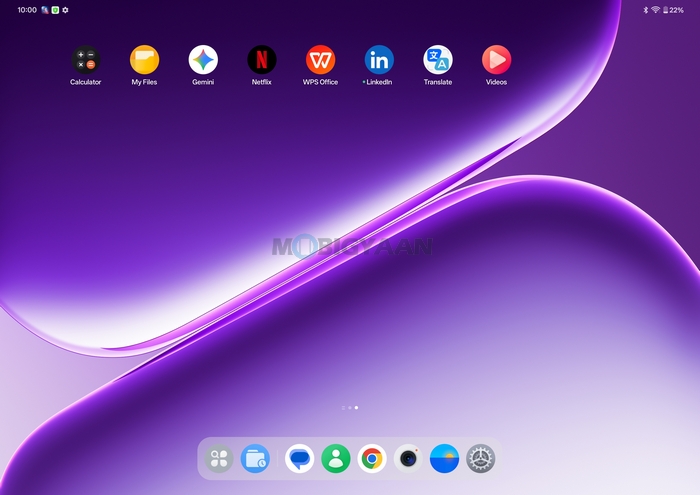
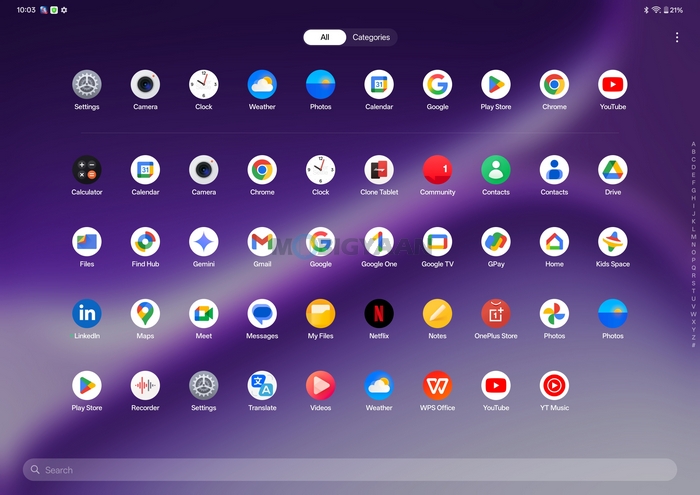
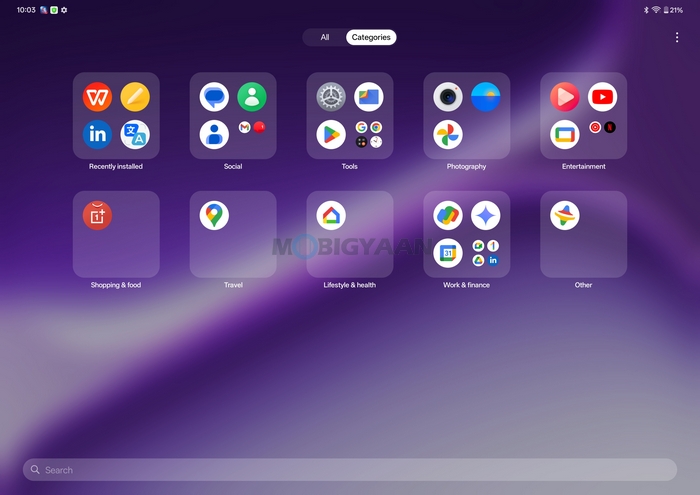
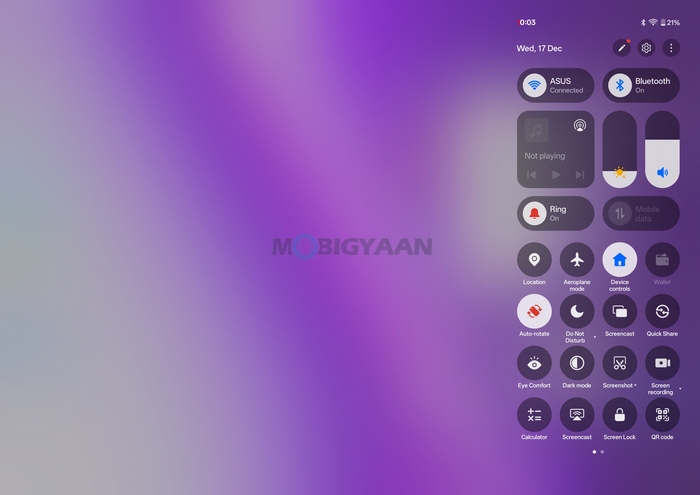
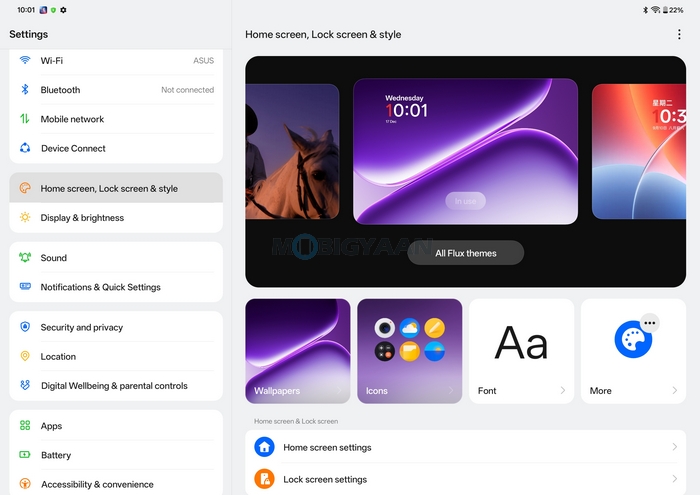
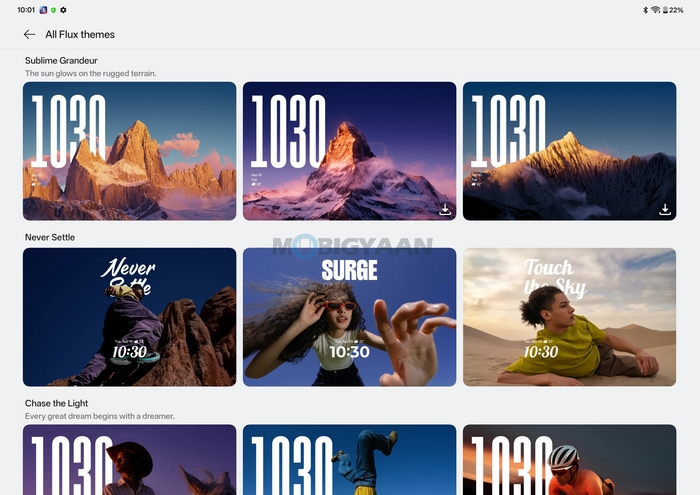
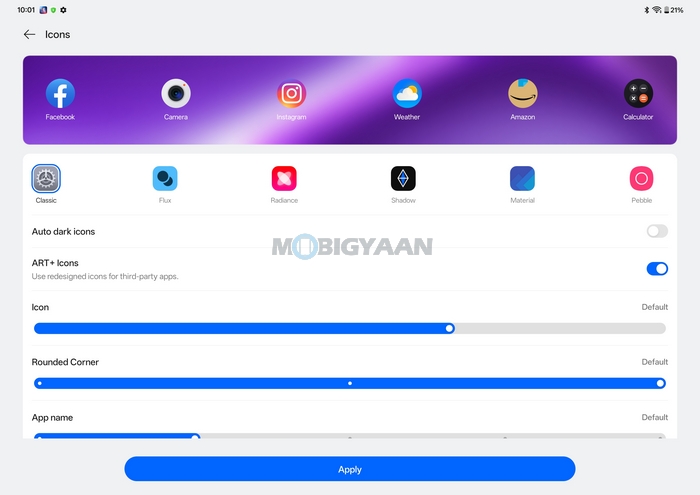
The OnePlus Pad Go 2 runs on OxygenOS 16 out of the box, based on Android 16, making it one of the first budget-oriented Android tablets to ship with the latest version of OnePlus’ software. OxygenOS has long been known for its clean interface and fluid performance, and with version 16, OnePlus further refines the tablet experience with deeper AI integration, smoother multitasking, and better large-screen optimizations.
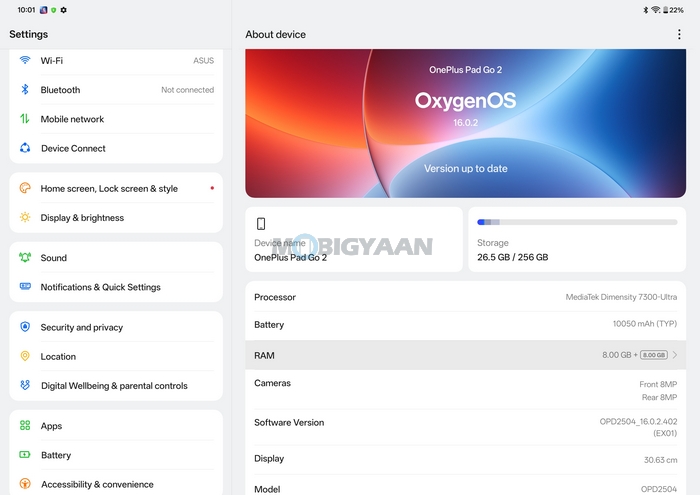
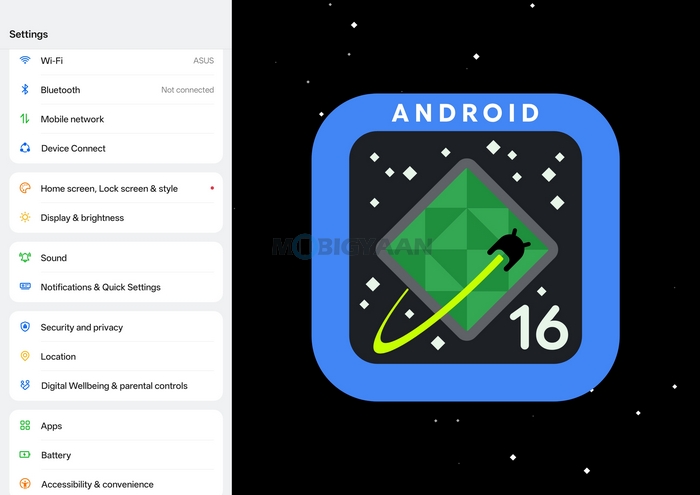
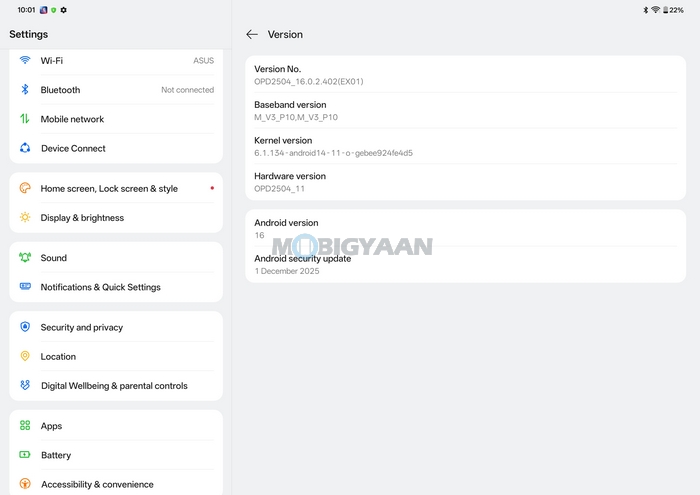
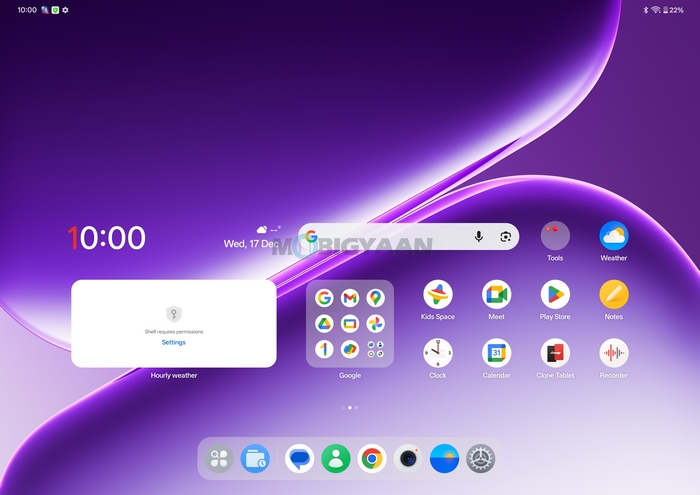
Right from the start, the interface feels polished and responsive. Animations are smooth, transitions are quick, and the overall UI maintains OnePlus’ minimal, clutter-free approach. There’s no unnecessary bloatware (rather just a few daily apps that can be removed), and core apps are well-optimized for the tablet’s larger canvas, making everyday navigation intuitive whether you’re using touch or a stylus. The tablet also includes additions such as Kids Mode and Google Kids Space, giving parents better control over screen time, content access, and app usage.
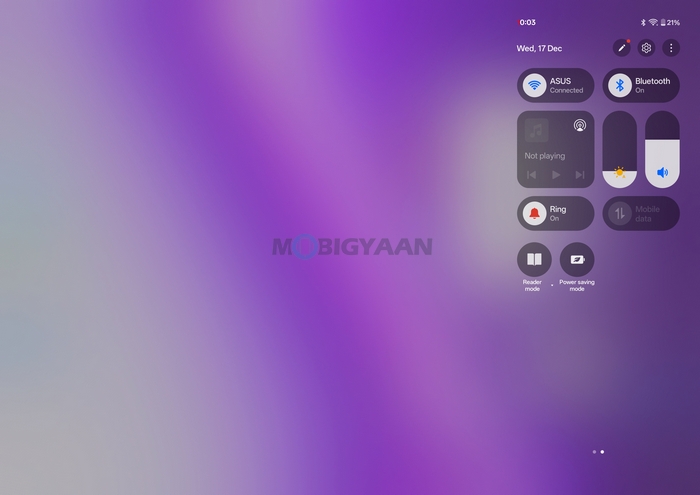
OxygenOS 16 continues to build on OnePlus’ Open Canvas multitasking system, which works particularly well on the Pad Go 2’s 12.1-inch display. Open Canvas allows users to run two apps side by side, resize windows freely, and switch between floating and split-screen layouts without interrupting workflow. During use, multitasking feels natural and efficient – browsing Chrome while taking notes, watching a video alongside messaging apps, or referencing documents while editing content works smoothly. The system intelligently adapts window sizes and layouts based on how apps are used, reducing friction when jumping between tasks.
Smarter Productivity Powered by OnePlus AI
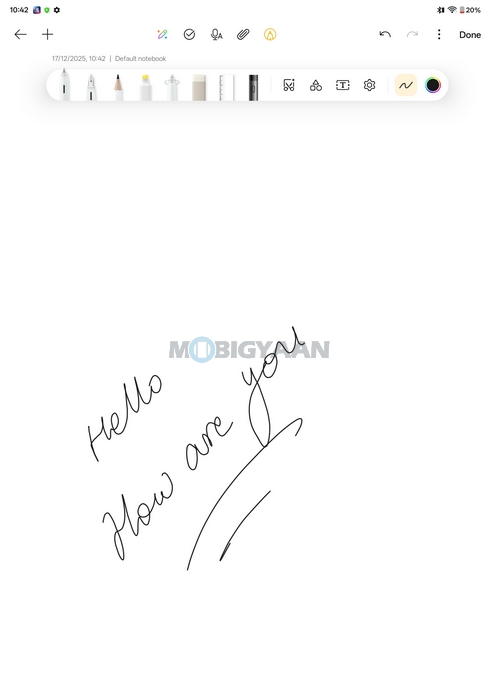
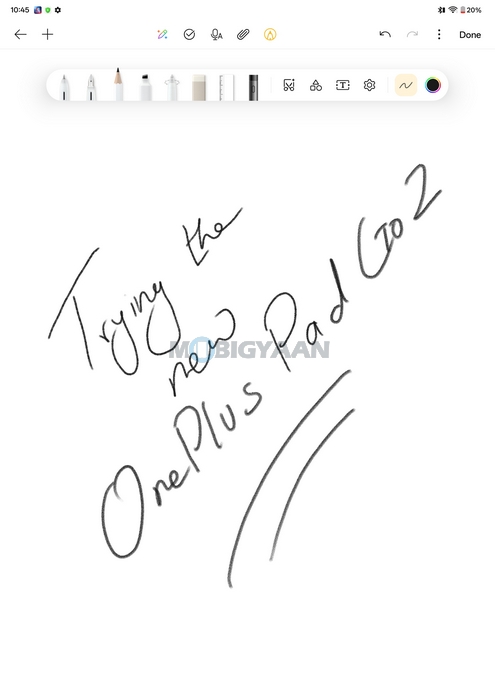
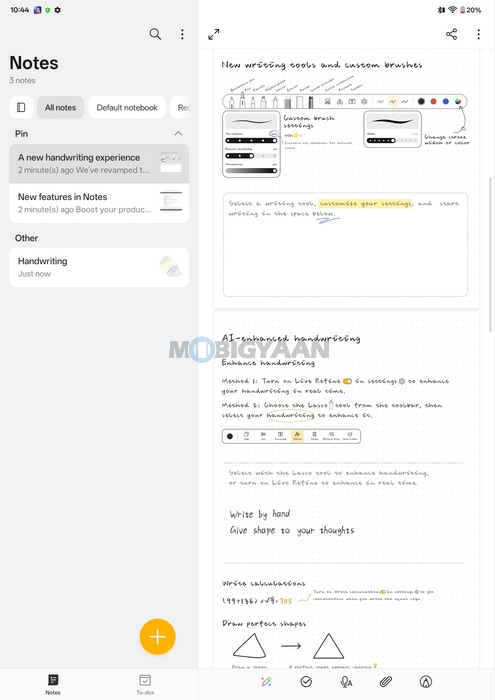
A major highlight of OxygenOS 16 on the Pad Go 2 is OnePlus AI, which brings several intelligent tools aimed at productivity, creativity, and learning. The tablet supports Smart Handwriting, especially when paired with the OnePlus Pad Go 2 Stylo. Handwritten notes can be converted into clean, editable text, while handwriting enhancement improves readability without altering the user’s writing style.
The built-in Notes app gets a meaningful upgrade with AI-powered features such as handwriting recognition, handwriting calculator support for complex equations, and easy extraction of text from images. These additions make the Pad Go 2 particularly useful for students, educators, and professionals who rely heavily on note-taking.
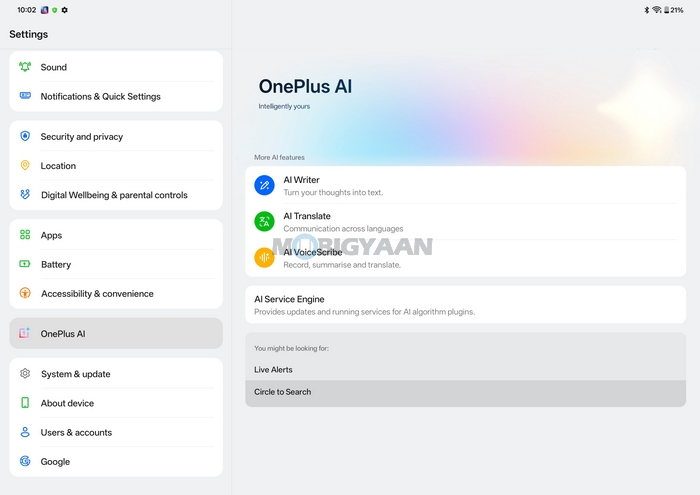
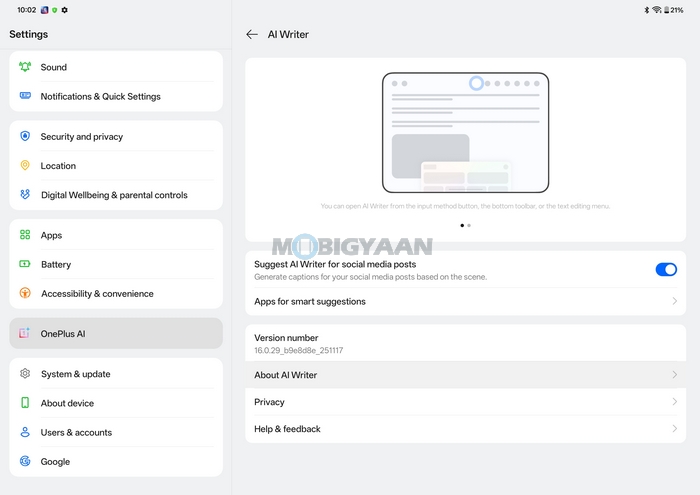
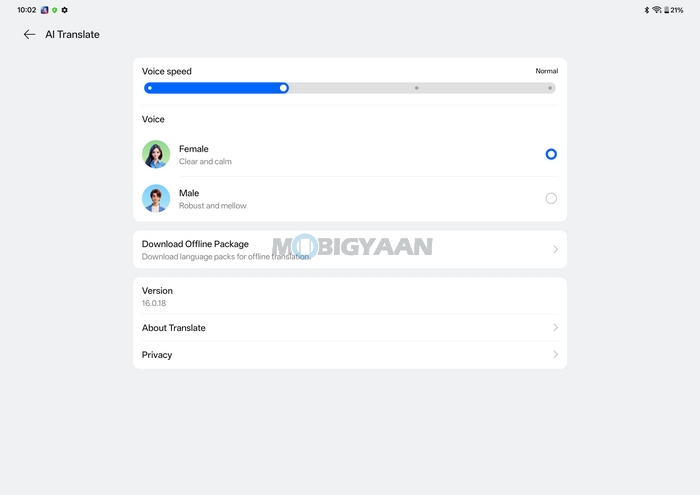
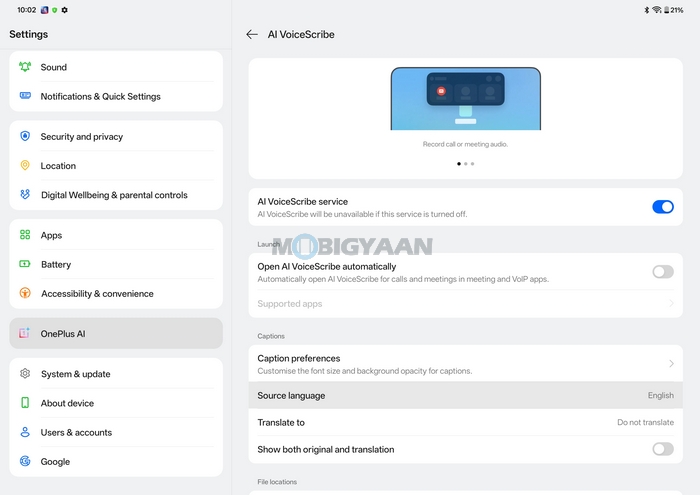
OxygenOS 16 also introduces a suite of AI-powered creative tools on the Pad Go 2. AI Writer assists with drafting, rewriting, and polishing text for emails, summaries, and documents, while AI Translate and AI Summary make it easier to work with multilingual content and long documents, offering quick summaries and on-screen translations without switching apps.
In the Gallery app, AI editing features like AI Eraser, AI Unblur, and AI Detail Boost help clean up photos, remove unwanted objects, and enhance clarity with just a few taps. These tools are particularly effective on the tablet’s large display, where fine adjustments are easier to control.
Google Gemini Integration & Cross-Device Connectivity
The OnePlus Pad Go 2 integrates Google Gemini directly into the system, enabling features like Circle to Search, contextual exploration, and instant information retrieval. Users can simply highlight text, images, or videos on the screen to search or get explanations without leaving the current app, enhancing productivity and learning workflows.
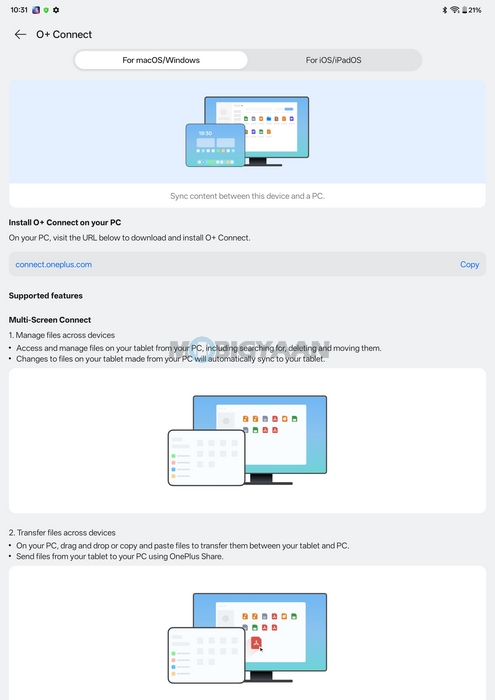
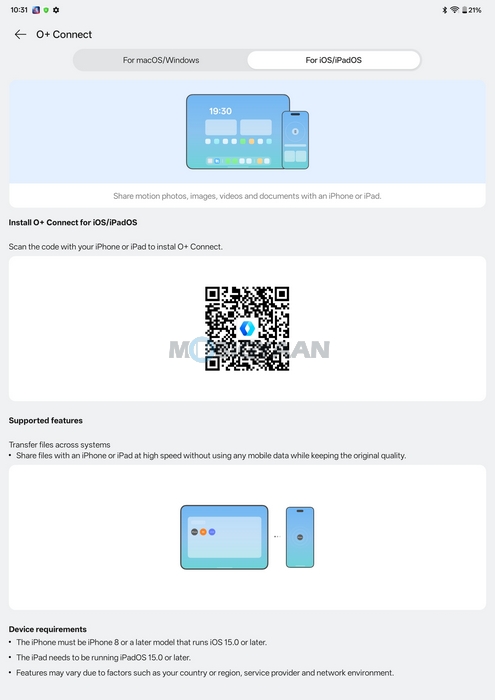
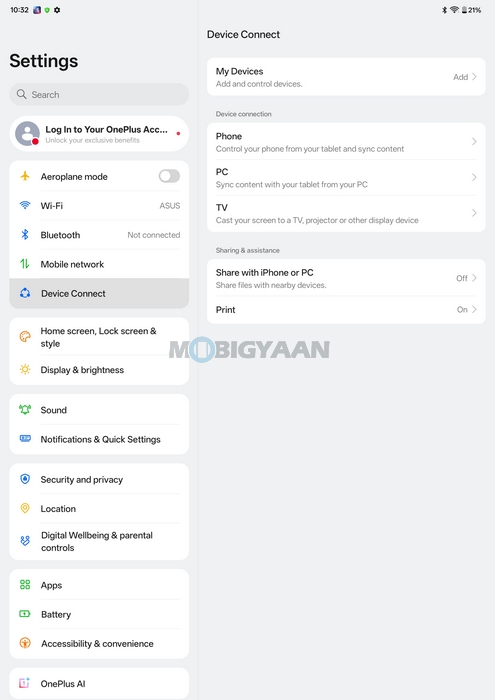
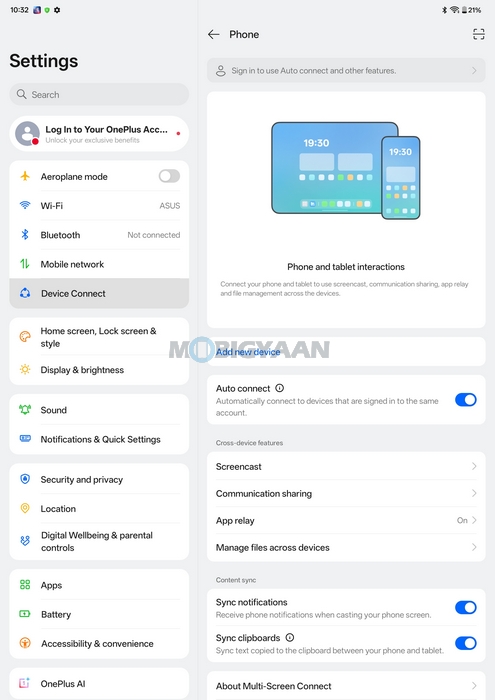
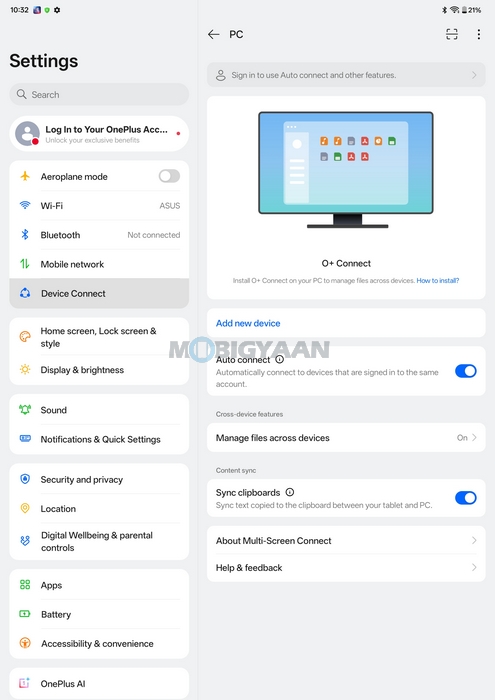
OnePlus continues to expand its ecosystem support with O+ Connect, allowing seamless file sharing and clipboard syncing across OnePlus phones, iPhones, Android devices, and even Windows or Mac computers. Features like Screen Mirroring, Quick Share, shared gallery, and clipboard sharing make switching between devices effortless and fluid.
Hardware, Performance, & Gaming
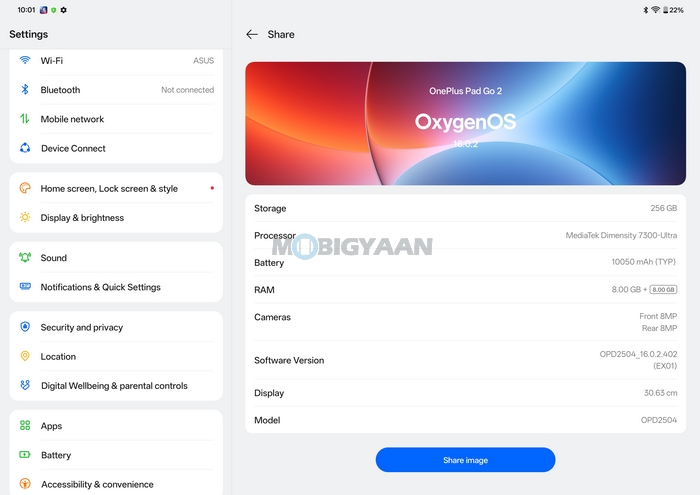
The OnePlus Pad Go 2 is powered by a 4nm MediaTek Dimensity 7300-Ultra 5G octa-core SoC, positioning it a clear step above entry-level tablet processors. This is the first Android tablet from OnePlus to come with 5G connectivity. OnePlus pairs the chipset with LPDDR5X RAM and UFS 3.1 storage, ensuring faster memory access, improved multitasking, and quicker app load times compared to older budget-oriented tablets.
Our unit came in Wi-Fi-only Lavender Drift model (5G option available in Shadow Black only) and with 8 GB RAM + 256 GB storage, providing ample space for apps, media, and documents. The combination of modern memory and storage standards plays a noticeable role in keeping the overall experience smooth and responsive, especially when juggling multiple apps or using split-screen features.

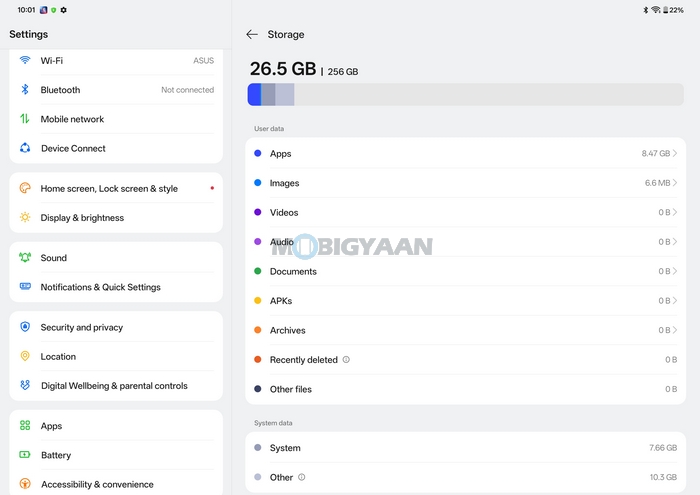
In everyday usage, the OnePlus Pad Go 2 performs reliably across common tasks such as web browsing, streaming high-resolution content, attending online classes, editing documents, and switching between apps. OxygenOS 16’s optimisations further enhance responsiveness, making navigation feel fluid even with multiple apps running in the background.
The Dimensity 7300-Ultra strikes a good balance between performance and efficiency, it handles sustained workloads well while keeping heat generation under control. During extended usage sessions, including video streaming and multitasking with Open Canvas, the tablet remained cool to the touch without noticeable thermal throttling
Thanks to the powerful chipset and faster RAM, multitasking feels noticeably smoother compared to those in this price range. Running split-screen apps, floating windows, and background tasks simultaneously doesn’t introduce stutters or lag. Features like Open Canvas benefit directly from the improved hardware, allowing users to switch contexts quickly without performance dips. This makes the Pad Go 2 particularly suitable for students and professionals who rely on note-taking, document editing, and browser-based workflows throughout the day.
While the OnePlus Pad Go 2 isn’t positioned as a gaming-focused tablet, it handles casual and mid-level gaming quite well. Popular titles such as BGMI, Call of Duty: Mobile, Asphalt 9, and similar games run smoothly at medium to high graphics settings, with stable frame rates during long gameplay sessions.
The large 12.1-inch display enhances the gaming experience by offering better visibility and immersion, while the quad-speaker setup adds to the overall engagement. Thermal management remains controlled during gaming, and the tablet doesn’t suffer from aggressive throttling even after longer sessions, which is a positive sign for sustained performance.
Cameras
The OnePlus Pad Go 2 keeps things simple in the camera department, which is expected for a tablet focused on productivity, entertainment, and learning rather than photography. It features an 8 MP rear camera and an 8 MP selfie camera, both designed primarily for video calls, online classes, document scanning, and occasional captures rather than serious photography.
In daylight conditions, the rear 8 MP camera delivers acceptable results. Images are usable with decent sharpness and color reproduction when lighting is good; suitable for scanning documents, capturing whiteboards, or clicking quick reference shots. The front 8 MP camera is more important for most users, and it performs reliably for video calls, online meetings, and virtual classes. Video quality is clear under proper lighting, good for conferencing apps like Google Meet, Zoom, or Microsoft Teams.
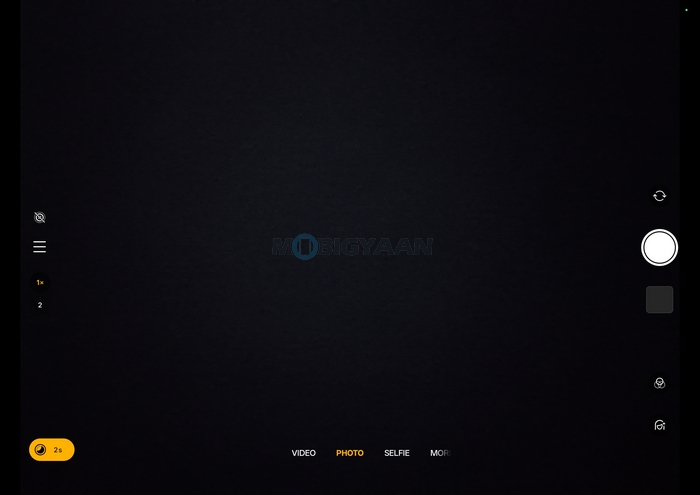
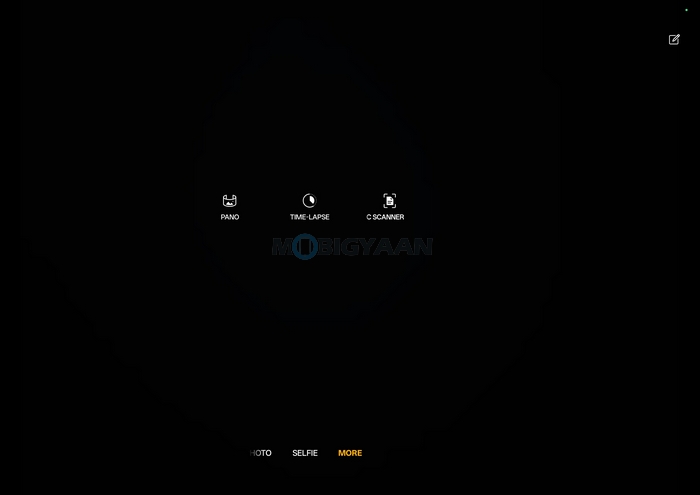
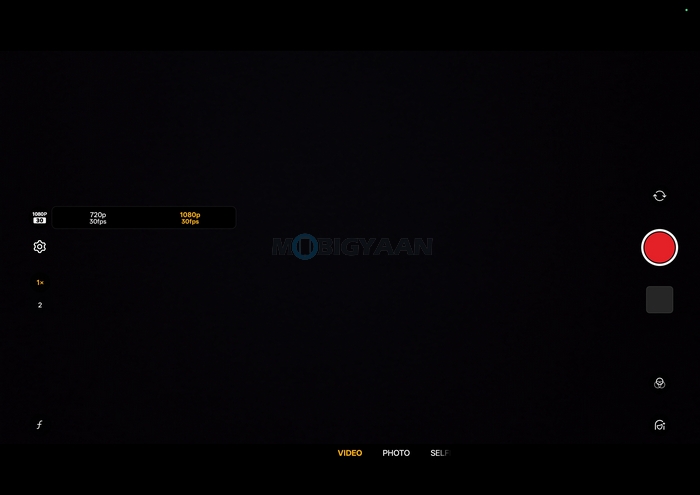
Camera features remain fairly basic, focusing on ease of use rather than advanced controls. You get standard shooting modes such as Photo mode, Video mode, Panorama, Doc Scanner, Time Lapse, and basic enhancements. You can shoot 1080p videos at 30 fps on both sides, the front and the back.
Battery Runtime & Charging
Battery life is one of the strongest highlights of the OnePlus Pad Go 2. The tablet packs a massive 10,050 mAh battery, which is among the largest in its segment and is clearly designed to support all-day productivity, entertainment, and learning use cases.
It supports up to 60 days of standby, as much as 53 hours of music playtime, equivalent to more than 2 days, or up to 15 hours of continuous video playtime, which means throughout the day till you sleep. In real-world usage, the Pad Go 2 easily delivers more than a full day of mixed usage. Whether you’re streaming videos, attending online classes, browsing the web, multitasking with split-screen apps, or using note-taking and AI features, the tablet holds up impressively.
The large battery combined with the power-efficient 4nm MediaTek Dimensity 7300-Ultra chipset and OxygenOS 16’s optimizations ensures consistent endurance even during prolonged sessions. For lighter usage patterns – such as reading, music playback, or casual browsing – the tablet can comfortably stretch into multiple days on a single charge. OnePlus also claims strong standby performance, making the Pad Go 2 well-suited for users who don’t charge their tablet daily.
Charging is handled via 33W SUPERVOOC fast charging (45W brick in box), which does offer a decent speed, but considering the large battery capacity, we would expect 45W or higher support for the battery charging. It can take anywhere around 2 hours to completely charge the tablet, i.e., from 0% to 100% in approximately 129 minutes. The tablet also supports reverse charging at 6.5W, good for charging your wireless buds/headphones, or any battery charging emergencies.
Verdict – OnePlus Pad Go 2 Review
The OnePlus Pad Go 2 is an excellent all-rounder tablet for those who want a big-screen Android device without spending flagship-level money – no wonder if you are a student, professional, or casual user. The 12.1-inch 2.8K display with 120 Hz refresh rate and Dolby Vision support stands out as one of the best panels in its class, making the Pad Go 2 an excellent choice for streaming, reading, and multitasking. Paired with quad speakers, it offers an immersive multimedia experience that punches above its expected price segment.
Performance is another strong point. The MediaTek Dimensity 7300-Ultra, combined with LPDDR5X RAM and UFS 3.1 storage, ensures smooth day-to-day usage, stable multitasking, and dependable casual gaming. Battery life is excellent, thanks to the large 10,050 mAh battery, which easily lasts through a full day of heavy usage and stretches across multiple days with lighter workloads. The OxygenOS 16’s clean interface, refined animations, Open Canvas multitasking, Cross-device features, and a growing suite of AI-powered features make the Pad Go 2 feel smarter and more capable than most budget Android tablets.
With its premium design, immersive display, long-lasting battery, modern hardware, 5G connectivity, and polished software experience, it stands out as one of the most well-rounded mid-range Android tablets currently available. If you’re looking for a tablet that prioritizes entertainment, productivity, and everyday versatility, the OnePlus Pad Go 2 is the best and easiest recommendation.
OnePlus Pad Go 2 – Where To Buy
The OnePlus Pad Go 2 is available in a calming Lavender Drift and a Shadow Black finish across two Wi-Fi variants – 8 GB RAM + 128 GB Storage priced at ₹26,999 and 8 GB RAM + 256 GB Storage priced at ₹29,999. The top-end 8 GB RAM + 256 GB Storage variant with 5G connectivity is offered exclusively in Shadow Black and is priced at ₹32,999.
The tablet will go on sale on 18th December 2025 at 12:00 PM IST across oneplus.in, OnePlus store app, OnePlus experience stores, Reliance, Croma, Vijay Sales, Bajaj Electronics and other mainline partner stores. The entry variant 8 GB + 128 GB WIFI is available across Amazon.in & Flipkart.com, while, the 8 GB + 256 GB WiFi is on Flipkart.com and 8 GB + 256 GB 5G is available on Amazon.in.
The launch offers include ₹2,000 instant discount applicable on Axis Bank Credit Cards (incl. EMI) & HDFC Bank EASYEMI on Credit Card. Additionally, customers will get a free OnePlus Pad Go 2 Stylo worth ₹3,999 at no extra cost. This offer is valid for a limited period only and till stocks last.
- Price: ₹26,999 (8 GB RAM + 128 GB Stoarge, Wi-Fi), ₹29,999 (8 GB RAM + 256 GB Storage, Wi-Fi), ₹32,999 (8 GB RAM + 256 GB Storage, Wi-Fi + 5G) – Shadow Black exclusive
- Availability: 18th December 2025 at 12 PM across oneplus.in, OnePlus store app, OnePlus experience stores, Reliance, Croma, Vijay Sales, Bajaj Electronics and other mainline partner stores; 8 GB + 128 GB WIFI on Amazon.in & Flipkart.com, 8 GB + 256 GB WiFi on Flipkart.com, 8 GB + 256 GB 5G on Amazon.in
- Offers: ₹2,000 instant discount applicable on Axis Bank Credit Cards (incl. EMI) & HDFC Bank EASYEMI on Credit Card, get a free OnePlus Pad Go 2 Stylo worth ₹3,999 at no extra cost (for limited period only and till stocks last)
- Effective Price: ₹23,999 (8 GB RAM + 128 GB Stoarge, Wi-Fi), ₹26,999 (8 GB RAM + 256 GB Storage, Wi-Fi), ₹29,999 (8 GB RAM + 256 GB Storage, Wi-Fi + 5G) – Shadow Black exclusive
Get OnePlus Pad Go 2 on OnePlus.in
OnePlus 15R Unboxing and First Look – Flagship DNA and Massive Battery

